
You update an article in your primary language, and every translated version instantly falls out of date. Multiply that across dozens of articles and several languages, and your international customers end up reading stale content without anyone on your team realizing it.
Most knowledge base platforms offer some level of translation support, but multilingual customer service teams need more:
- Translation workflows that match your process: Whether your team translates in-house, uses machine translation, or works with third-party platforms, your platform should support all three rather than locking you into a single method.
- AI that speaks your customer's language: Your chatbot and search need to understand and respond in the visitor's language automatically, not just serve up English results to non-English readers.
- Visibility into translation health: You need to know which articles are outdated in which languages, how self-service performs across regions, and where gaps are costing you tickets.
This guide compares six knowledge base platforms with strong multilingual support built for customer service teams, covering their translation workflows, multilingual AI features, and how well they handle the ongoing maintenance of keeping content accurate across languages.
Stonly
Stonly is an AI knowledge management platform built for customer service. It combines standard help articles with interactive step-by-step guides, decision trees, and generative AI that answers questions and assists agents. Your agents and your customers work from the same content, so a global team can maintain one consistent knowledge base across every language.
1. Supports Dozens of Languages, with More on Request
Stonly offers dozens of supported languages out of the box and adds new languages on request, so you can expand into new markets without switching tools. Translation runs across every Stonly product, including your content, knowledge base, and AI. That lets you support customers in different countries reading in different languages from one knowledge base.
2. Fits Any Translation Workflow
However your team translates today, Stonly supports it. Translate content in-house and upload it, use Stonly's built-in AI-powered translation, or import finished translations from a third-party platform.
3. AI That Responds in the Visitor's Language
Stonly's AI works in the visitor's language too. The AI Answers chatbot and AI Agent Assist automatically reply in the language of the person asking, so a shopper browsing in Japanese and an agent working in German each get help without manual routing.
Translating your articles isn't enough on its own, as AI that only answers in English still leaves international customers stuck. Stonly's AI answers in their native language, so the customer experience stays consistent.
4. Interactive Guides That Translate Alongside Articles
Our interactive step-by-step guides and decision trees translate alongside your articles, so the full guided experience reaches customers in every language you support. A guide shows one step at a time and only the steps that apply, which makes it just as easy to follow in French or Japanese as in English.
Since Stonly's content is also modular, an edit to a source guide carries through everywhere that piece appears. You update a translation once at the source instead of chasing the same fix across every language.
5. Knowledge Delivered at the Point of Need
Stonly delivers knowledge where people are already working. Embedded widgets, in-app guides, and help center experiences show the right answer in the visitor's language, rather than sending people off to search a separate portal.
Our deep integrations with Zendesk, Salesforce, Freshdesk, and ServiceNow add multilingual knowledge inside the tools your agents already use. Decision trees and AI assist stay available right in the ticket view. Intuitive search helps every support team member find the right step quickly, which shortens response time across tickets and live chat.
Key Multilingual Knowledge Base Features
| Knowledge Base Use Cases | Internal (for support agents/employees) and external (for customer self-service) |
| Number of Languages Supported | Supports dozens of languages and can add any new language on request |
| Built-In Auto-Translation | Yes (machine translation available natively across all content types) |
| Translation Workflow Flexibility | Supports in-house translation with upload, built-in auto-translate, and import from third-party platforms |
| Language Auto-Detection | Yes (automatically detects and serves content in the visitor's preferred language) |
| Multilingual AI Chatbot and Search | Yes (AI Answers responds in the visitor's language automatically, and AI-powered search understands and returns results across languages) |
| Multilingual AI Agent Assist | Yes (AI Agent Assist works in the agent's and customer's language) |
| Interactive Guides in Multiple Languages | Yes (step-by-step guides, decision trees, and walkthroughs translate alongside articles) |
| Multilingual Analytics | Track content performance, AI chatbot interactions, and self-service metrics across languages |
| Security and Compliance | GDPR, HIPAA, and SOC 2 compliant, and supports SSO |
What Real Customers Are Saying About Stonly
"Stonly enabled nearly all of our customers to migrate to new software on their own without having to contact support, saving our team a ton of work!"
Sébastien Faure, Head of Customer Service at Devialet
"It was super important to me to be independent from our development cycles and team to make changes to reach our customers through our application. With Stonly, I can change the messaging, the banners or guidance in 3 minutes or less."
Laura Sanchez, Head of Customer Success at Siemens
"We evaluated several options and chose Stonly because it’s amazingly efficient for our team and customers. In only a few days, we have seen our client requests drop by 30%."
Matthieu Marquenet, Co-Founder & CEO at Kombo
Pricing
Custom pricing available upon request.
Stonly's multilingual knowledge base, AI chatbot, and agent assist tools work together to deliver fast, accurate answers in any language your customers and support team need. Learn more about Stonly.
Document360
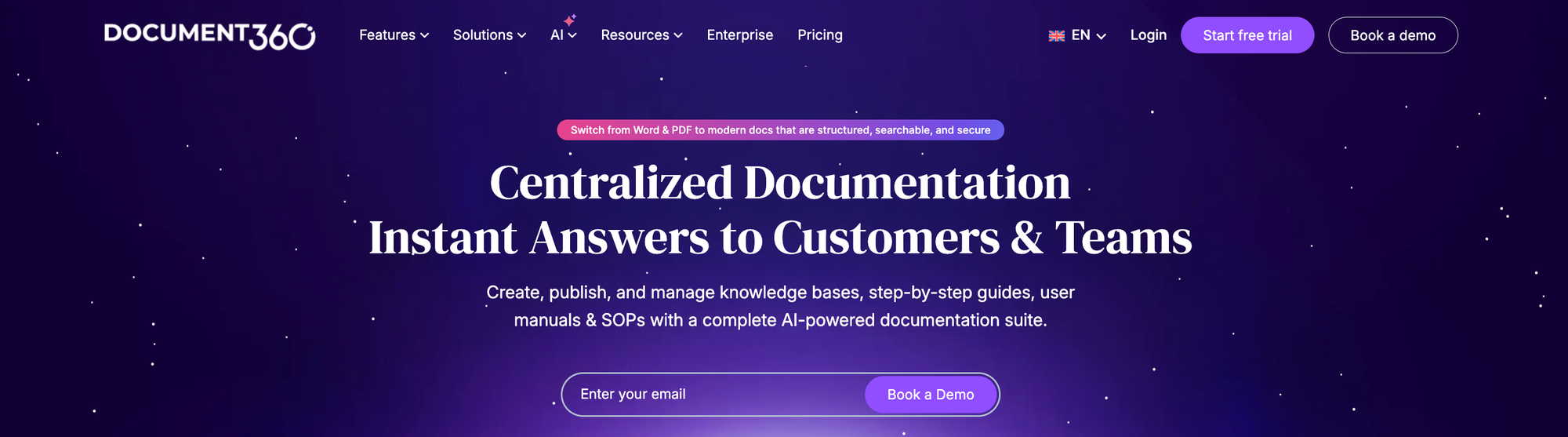
Document360 is a knowledge base and documentation platform built for self-service help centers, product documentation, standard operating procedures, and user manuals. Teams use it to publish knowledge for both customers and employees, often with separate workspaces for different products or audiences. Content teams write and manage articles in a back-end editor, and customers or employees read the published version on a branded help site.
Key Multilingual Knowledge Base Features
| Knowledge Base Use Cases | Internal (for employees) and external (for customer self-service), using separate workspaces per product or audience |
| Number of Languages Supported | 50+ languages, with additional languages available as a paid add-on |
| Built-In Auto-Translation | Yes (machine translation is built in, though Document360 recommends human review of the output) |
| Translation Workflow Flexibility | Manual translation with upload, built-in machine translation, and third-party translation tool integration |
| Language Auto-Detection | Yes (loads the reader's preferred language based on browser or login location) |
| Multilingual AI Chatbot and Search | Yes (the AI assistant and chatbot respond in multiple languages and retain conversation context, and search can be filtered by language) |
| Multilingual AI Agent Assist | No (the AI is reader- and writer-facing only, with no agent-assist tool in the ticket workflow) |
| Interactive Guides in Multiple Languages | Yes (step-by-step guides and interactive decision trees translate into any enabled language, and updates to a source guide flag its translations for review) |
| Multilingual Analytics | Yes (every analytics report, including article, search, reader, and AI-search data, can be viewed per language by selecting a workspace and language) |
| Security and Compliance | SOC 2, GDPR, and ISO 27001 compliant, with SSO support |
Advantages
- Document360 detects a reader's preferred language from their browser or location and loads that version automatically, so visitors start in their own language without hunting for a switcher.
- Teams can translate manually, run Document360's built-in machine translation, or connect a third-party translation tool, which lets them trade off speed and quality however they need.
Shortcomings
- Document360 sells additional languages as a paid add-on, so each new language you support adds to the cost.
- The customer-facing AI answers in multiple languages, but Document360 has no agent-assist tool in the ticket workflow. Support agents working live cases may struggle to access multilingual help.
Pricing
Document360 has custom pricing.
Zendesk Knowledge
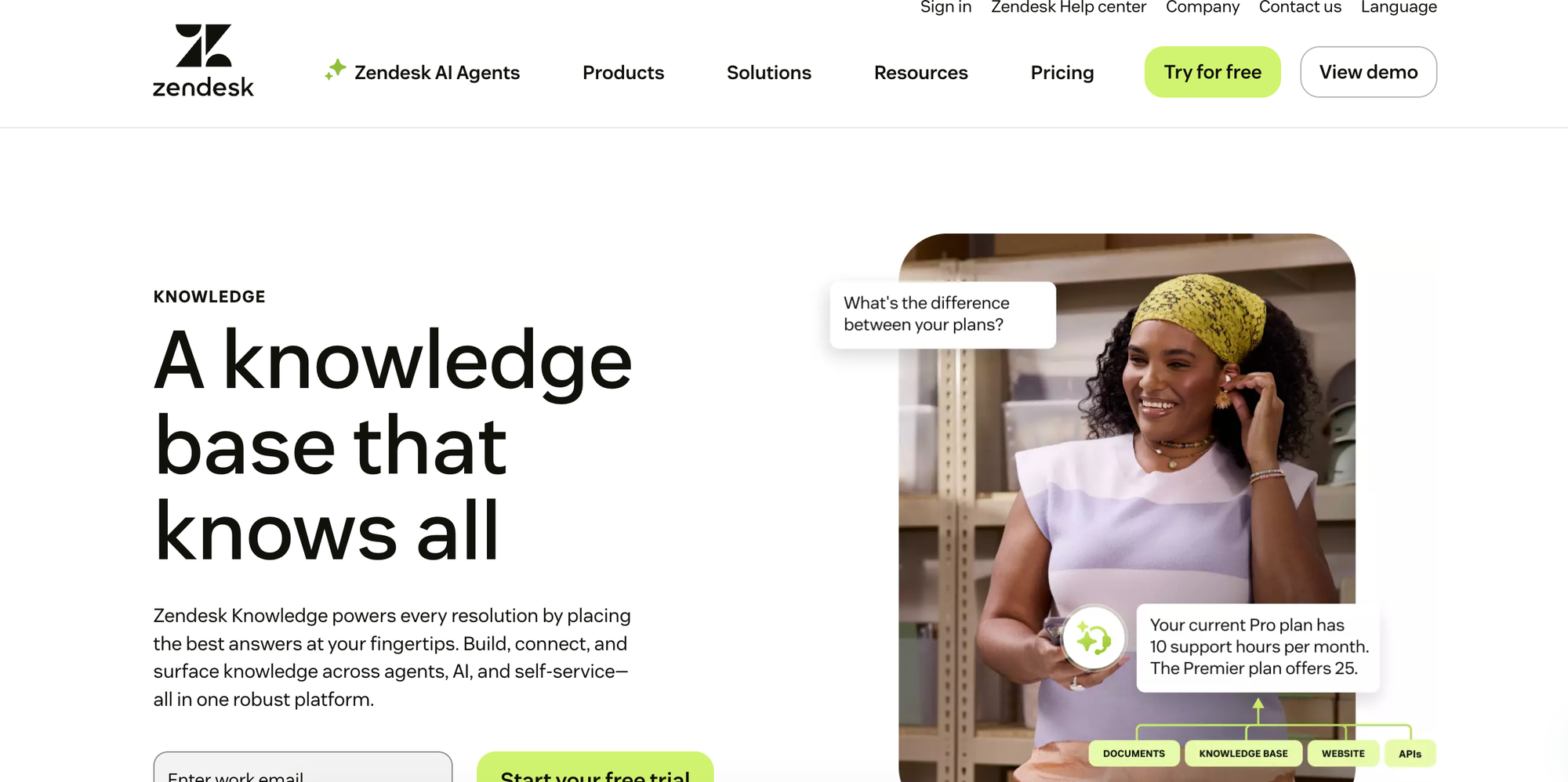
Zendesk Knowledge is the knowledge base built into Zendesk's customer service platform. It pulls help center articles, community content, and outside sources into one place that agents, automated AI, and self-service customers all draw from. Teams can run both customer-facing help centers and internal employee knowledge from it, alongside the rest of the Zendesk suite for ticketing, messaging, and voice.
Key Multilingual Knowledge Base Features
| Knowledge Base Use Cases | Internal (for employees) and external (for customer self-service) |
| Number of Languages Supported | About 40 built-in languages for the help center, with more available through crowdsourced translations |
| Built-In Auto-Translation | Yes (AI article translation is built in, available as part of a paid AI add-on) |
| Translation Workflow Flexibility | Translate externally and import, use a third-party translation app, or run the built-in AI article translation |
| Language Auto-Detection | Yes (serves the help center in the visitor's language based on their profile or browser settings) |
| Multilingual AI Chatbot and Search | Yes (generative help-center search and the customer-facing AI answer questions in many languages) |
| Multilingual AI Agent Assist | Yes (the agent-side AI assistant offers answer suggestions, summaries, and live conversation translation in many languages, as a paid add-on) |
| Interactive Guides in Multiple Languages | No (the knowledge base is article-based, with no native interactive guides or decision trees) |
| Multilingual Analytics | Yes (knowledge base and search reports can be filtered by language or locale) |
| Security and Compliance | SOC 2, ISO 27001, GDPR, and HIPAA compliant, with SSO support |
Advantages
- Zendesk carries language across the whole support workflow, reaching past the help center into ticket handling. You can route tickets and trigger business rules by the requester's language, so a French customer's ticket lands with the right team on its own.
- Live conversation translation lets an agent help a customer in a language they don't speak, translating the exchange as it happens. You don't need native speakers staffed for every language you support.
Shortcomings
- Keeping translations current is manual and structural. Zendesk stores each translated article as its own item and expects you to translate its parent sections and categories too. This can turn a large multilingual customer support knowledge base into a long-term maintenance project.
- The knowledge base holds static articles only, with no native guided or branching troubleshooting. The content that is hardest to localize gets flattened into long translated articles instead of step-by-step flows.
Pricing
Zendesk Knowledge is included in Zendesk's Suite Team tier, which starts at $55/month per agent (billed annually). AI writing tools require an upgrade to the Suite Professional tier ($115/month per agent, billed annually). The customer-facing AI agent (chatbot) is billed separately on an outcome-based model at roughly $1.50 per automated resolution (or $2.00 pay-as-you-go), and the Copilot agent-assist add-on is $50/month per agent. Tools like contact center and workforce engagement are billed as separate add-ons.
Freshdesk
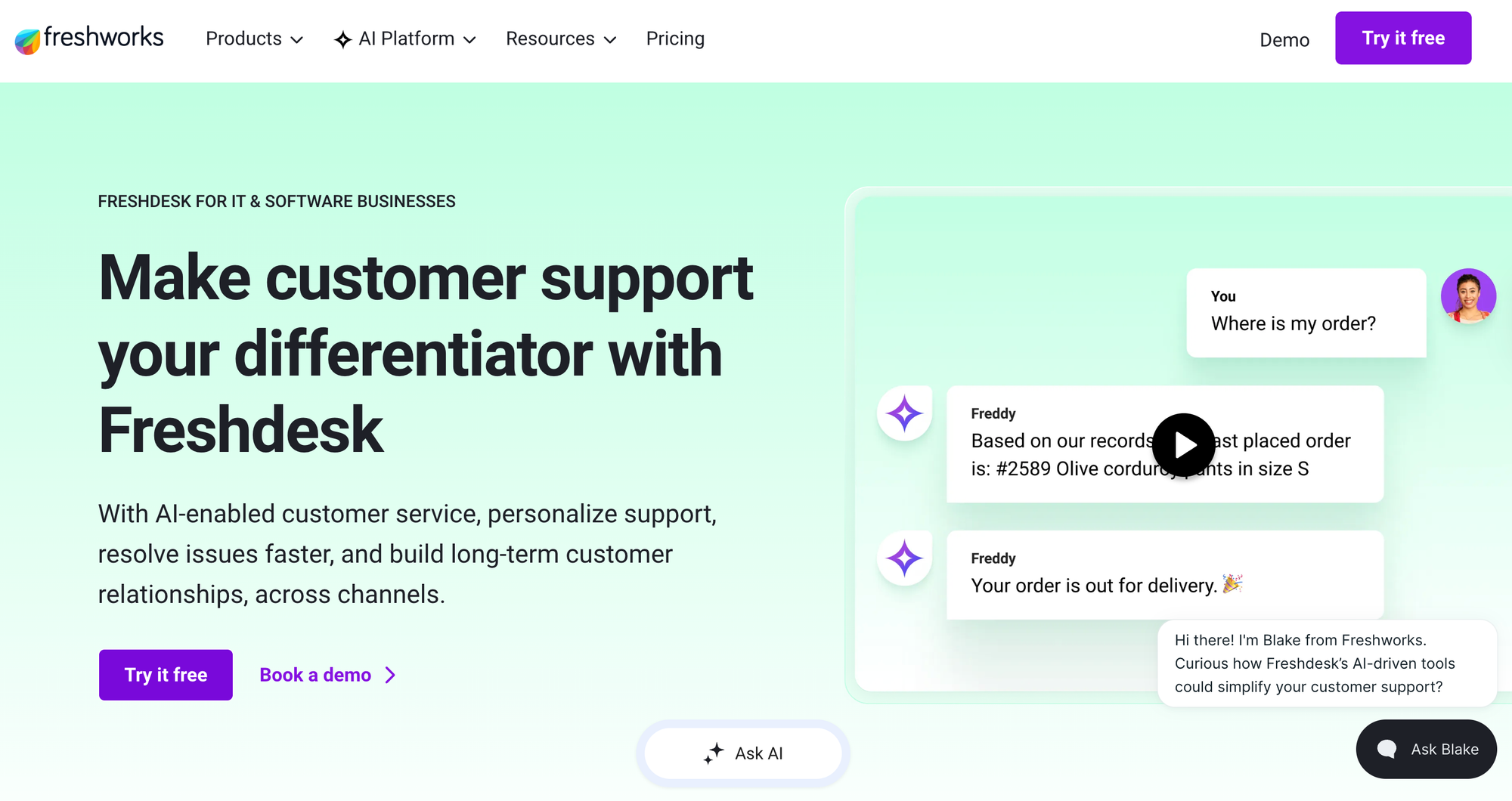
Freshdesk is Freshworks' cloud customer service platform, combining ticketing, omnichannel messaging, and a self-service knowledge base in one workspace. Its knowledge base publishes help articles to a customer portal and an embeddable help widget, with AI layered across self-service, agent assist, and analytics. Teams run it mainly for customer-facing support, with agent-only articles available for internal use.
Key Multilingual Knowledge Base Features
| Knowledge Base Use Cases | External (customer self-service), with internal agent-only articles available through folder visibility settings |
| Number of Languages Supported | 40+ languages on a single portal |
| Built-In Auto-Translation | No (knowledge base articles are translated manually, and the AI add-on translates agent conversations rather than the articles) |
| Translation Workflow Flexibility | Translate manually in-app from the master article, or connect a third-party translation tool |
| Language Auto-Detection | Yes (the portal and help widget load the customer's language from their login or browser settings) |
| Multilingual AI Chatbot and Search | Yes (the customer-facing AI answers in a set of major languages and pulls from the matching-language articles) |
| Multilingual AI Agent Assist | Yes (the agent assistant offers reply suggestions, summaries, and live translation across 60+ languages, as a paid add-on) |
| Interactive Guides in Multiple Languages | No (the knowledge base holds articles only, with no native interactive guides or decision trees) |
| Multilingual Analytics | Yes (per-language coverage views show untranslated and outdated articles, and tickets carry a detected-language property for reporting and routing) |
| Security and Compliance | SOC 2 Type II, ISO 27001, GDPR, and HIPAA compliant, with SSO support |
Advantages
- Freshdesk shows per-language coverage at a glance, with views for which articles are still untranslated and which have gone out of date in each language. A large multilingual knowledge base doesn't drift out of sync without anyone noticing.
- You can hide a language from the customer portal until its articles are ready. A team can build out a new language behind the scenes and switch it on only once the translation is complete.
Shortcomings
- Freshdesk has no built-in AI translation for the knowledge base articles themselves. Even though agent replies get AI translation, filling in each language version is a manual content job or a third-party tool.
- The help widget doesn't support right-to-left languages such as Arabic and Hebrew, so customers in those markets get a weaker self-service experience in the embedded widget.
Pricing
Freshdesk plans with multilingual help desk support start at $55/month per agent (billed annually).
Helpjuice
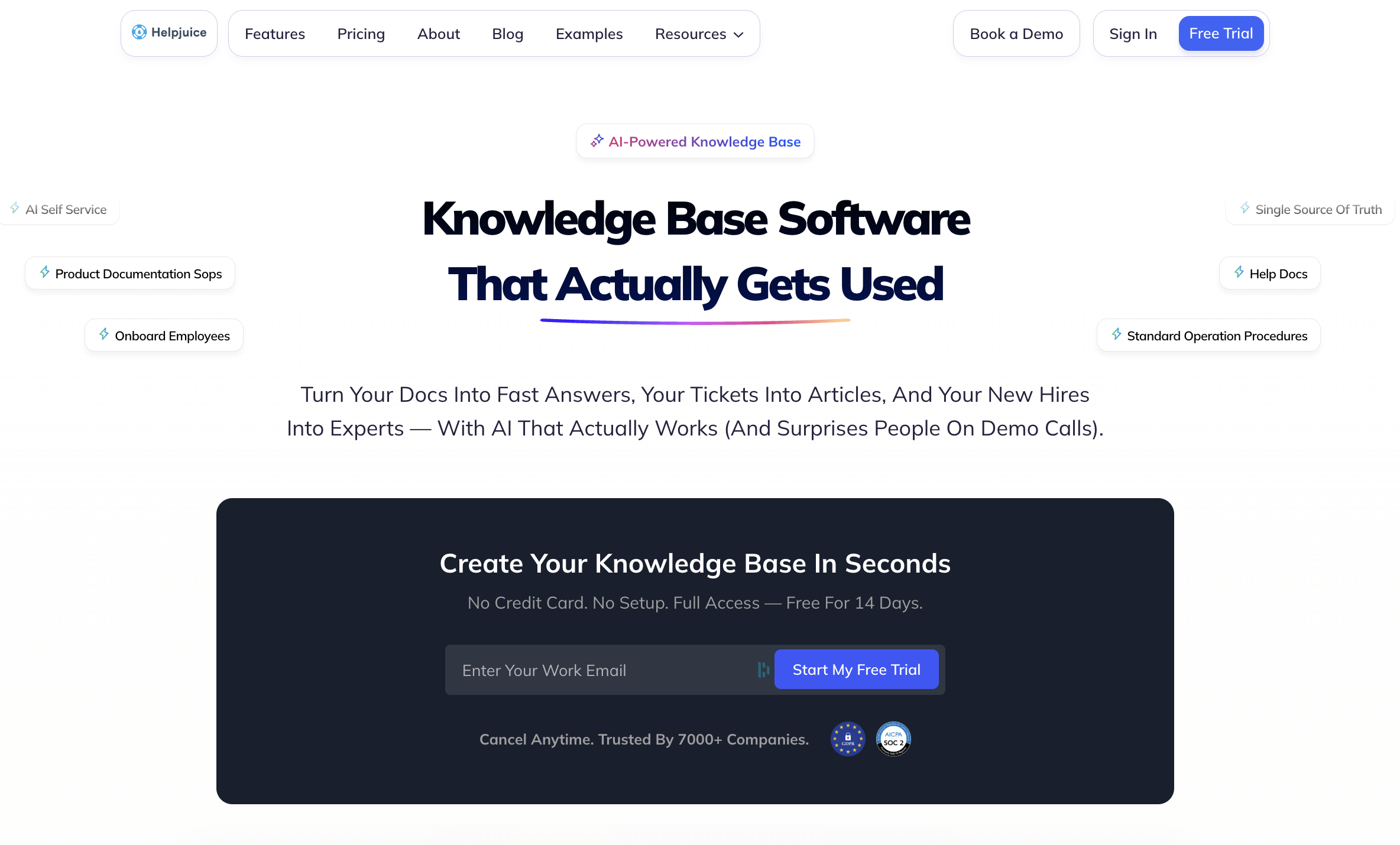
Helpjuice is a dedicated knowledge base platform for both customer self-service and internal company knowledge. Unlike full help desk suites, it focuses solely on the knowledge base, pairing a customizable help center with AI search, an AI chatbot, authoring and collaboration tools, and analytics. Teams publish public or access-controlled articles and connect the knowledge base to other tools through integrations and a Chrome extension.
Key Multilingual Knowledge Base Features
| Knowledge Base Use Cases | Internal (for employees) and external (for customer self-service) |
| Number of Languages Supported | 50+ languages |
| Built-In Auto-Translation | Yes (AI machine translation, with auto-translate available for each language) |
| Translation Workflow Flexibility | Auto-translate with an AI engine, translate manually, assign translators, or link existing articles across languages |
| Language Auto-Detection | Yes (automatically detects and serves the visitor's preferred language) |
| Multilingual AI Chatbot and Search | Yes (the AI chatbot answers from your content in the visitor's language) |
| Multilingual AI Agent Assist | No (a standalone knowledge base with no ticketing system or agent-assist tool) |
| Interactive Guides in Multiple Languages | No (the knowledge base is article-based, with no interactive or decision-tree guides) |
| Multilingual Analytics | No (analytics track article, search, and usage metrics by timeframe and audience, not by language) |
| Security and Compliance | SOC 2 and GDPR compliant, with SSO support |
Advantages
- Helpjuice can auto-translate a single article or copy and machine-translate your entire default-language knowledge base into a new language in one action. You can stand up a full language version quickly without an outside translation tool.
- A protected terms list lets you lock brand names, product names, and other terms so auto-translate leaves them untouched, keeping your terminology consistent in every language.
Shortcomings
- Re-running auto-translate on an article replaces the whole translation from the default language and overwrites any manual edits. A team that hand-polishes translations can lose that work if someone retranslates.
- Article text translates automatically, but the surrounding help-center design and interface labels don't carry over to a new language on their own. Adding a language can require a customization request before the page is fully localized.
Pricing
Helpjuice pricing starts at $249/month for 30 users and translation features. The full AI suite requires an upgrade to the mid-tier plan, which starts at $449/month and includes 100 users. Helpjuice grants you 30 free translations, then charges for auto-translation based on the number of characters translated (imported translations or manually added content do not get charged this fee).
Salesforce Knowledge
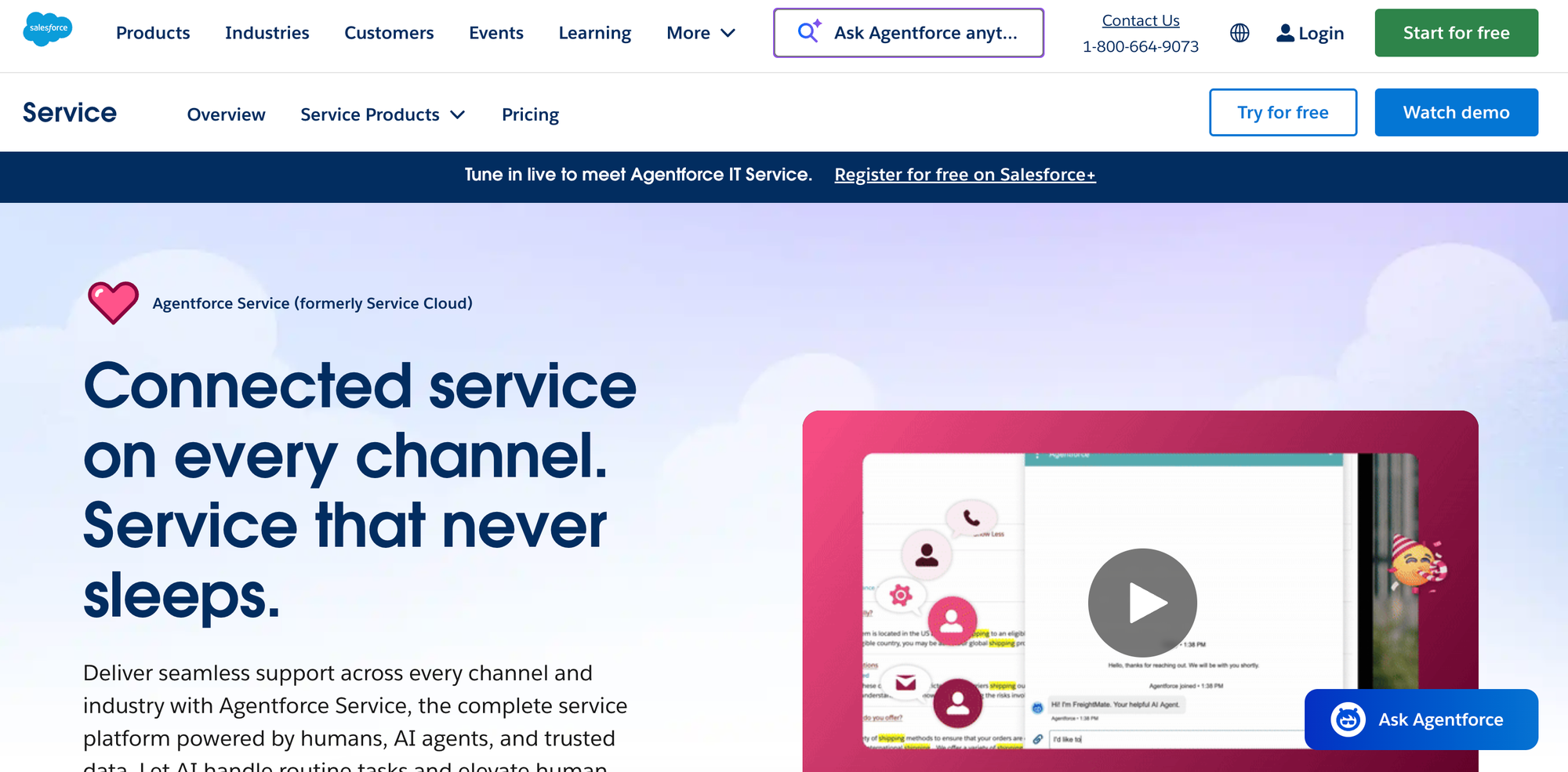
Salesforce Knowledge is the knowledge base built into Salesforce's customer service product, part of the broader Salesforce platform. It stores help articles that agents find while working a case and that customers read through a Salesforce-built help center. Because it belongs to the wider platform, it shares Salesforce's data model, permissions, reporting, and automation, and its AI capabilities come through Salesforce's paid AI add-ons.
Key Multilingual Knowledge Base Features
| Knowledge Base Use Cases | Internal (agent-facing while working a case) and external (customer self-service, which requires a separate Salesforce site product) |
| Number of Languages Supported | Over a dozen languages |
| Built-In Auto-Translation | No (articles are translated by in-house translators through a queue or exported for an outside vendor and re-imported, with no native machine translation) |
| Translation Workflow Flexibility | Submit articles to a translation queue for in-house translators, or export them for an external vendor and re-import the translated files |
| Language Auto-Detection | No (visitors select their language or it's set by the site, rather than detected automatically) |
| Multilingual AI Chatbot and Search | Yes (the customer-facing AI bot and AI-powered search support multiple languages, through the paid AI add-on) |
| Multilingual AI Agent Assist | Yes (AI replies, summaries, and real-time translation for reps, through the paid AI add-on) |
| Interactive Guides in Multiple Languages | No (the knowledge base is article-based, with no native interactive guides or decision trees) |
| Multilingual Analytics | Yes (reports and dashboards can break down by language) |
| Security and Compliance | SOC 1, SOC 2, and SOC 3, plus GDPR and HIPAA, with SSO support |
Advantages
- Salesforce runs article translation through its own queues and assignments, so translators receive articles as routed work items and managers track translation status with the same tools they use to manage cases.
- Because article language is a standard field across the platform, you can report on knowledge by language, show the right language version to customers, and factor language into case routing using the same automation that runs the rest of your Salesforce org.
Shortcomings
- The native translation process is heavy. You submit articles to a queue, export them as files for translators, then re-import the finished versions. That runs slower than editing a translation in place, which may push teams toward a paid third-party app or another alternative.
- Customer-facing multilingual self-service depends on a separate Salesforce site-building product. You can't publish a public multilingual help center from the knowledge base on its own.
Pricing
Salesforce Knowledge is available in the Unlimited tier of Salesforce Service Cloud, which starts at $350/user per month (billed annually). The full AI suite requires an upgrade to the Agentforce 1 Service tier, which starts at $550/user per month (billed annually).
How Stonly Helps You Build a Multilingual Knowledge Base for Global Support
Multilingual support means keeping your content, your AI, and your most complex guidance accurate in every language, without burying your team in maintenance.
For large organizations running customer-facing knowledge bases across many languages, Stonly delivers a consistent user experience for customers and clear insights into how each language version performs.
- Stonly supports dozens of languages and adds any new one on request, with translation running across your articles, knowledge base, and AI, so entering a new market doesn't mean bolting on a separate tool.
- Whether your team translates in-house, uses machine translation, or works with an outside vendor, Stonly fits the process you already run rather than forcing a single method on you.
- The AI chatbot and agent assist reply in the language of the person asking. A shopper browsing in one language and an agent working in another each get help without manual routing, and a fully translated help center never strands customers behind an English-only bot.
- Branching step-by-step guides and decision trees translate alongside your articles, so complex troubleshooting stays easy to follow in every language instead of collapsing into a wall of translated text. Because the content is modular, you fix a stale translation once at the source and the correction carries everywhere that content appears.
- Embedded widgets, in-app guides, and deep integrations with Zendesk, Salesforce, Freshdesk, and ServiceNow put multilingual answers at the point of need, in the visitor's language, inside the tools your agents and customers already use.
Stonly brings translation, multilingual AI, and interactive content together in one platform, so your knowledge stays accurate and usable in every language you support. Learn more about Stonly or request a demo to see how Stonly handles multilingual knowledge for your team.