
![10 Best AI Knowledge Management Software [2026 Comparison]](/blog/content/images/2026/05/Blog-Image----ai-knowledge-management-software@2.png)
Your knowledge base is decaying faster than your team can maintain it. Products change, policies get updated, and new edge cases surface from support tickets every week, but the articles your customers and agents rely on stay frozen in whatever state they were last published. Meanwhile, the AI chatbot you deployed to deflect tickets and improve response times is confidently serving answers based on content that's months out of date.
Most knowledge base platforms can store and serve your content, but support teams actually need more from an AI-powered knowledge management platform:
- Proactive content health monitoring: The platform should automatically scan your knowledge for outdated articles, duplicates, inaccuracies, and content that contradicts what's happening in your tickets. You shouldn't have to wait for a customer complaint or a quarterly audit to find out something's wrong.
- Automatic gap detection from real support interactions: When customers ask your AI chatbot a question it can't answer or when agents keep searching for something that doesn't exist, the platform should flag that as a gap and help you fill it. The best tools connect directly to your tickets, failed searches, and AI conversations to surface what's missing.
- AI-assisted content creation and updates: Most platforms can tell you an article is outdated. Your knowledge management (KM) tool should also draft the update, convert source material (like release notes or policy docs) into customer-facing content, and let you make bulk changes across your entire knowledge base so your team reviews and publishes instead of writing everything from scratch.
This guide compares eight knowledge management platforms with AI capabilities built for customer service teams. You're likely to run into these platforms as you research the top options, so you can compare their key AI knowledge management features, pros, cons, and pricing here.
Stonly
Stonly is AI knowledge base software built for customer service teams that need both internal knowledge for support reps and external customer-facing self-service.
Its AI Knowledge Agents continuously monitor your knowledge for issues, surface gaps from real support interactions, and draft updates following your company guidelines. That means your knowledge keeps pace with product, policy, and customer changes instead of decaying between manual audits.
Here's how Stonly helps support teams build a self-improving, AI-powered knowledge system.
1. AI Knowledge Agents monitor your knowledge health 24/7
Stonly's AI Knowledge Agents run in the background, continuously checking your knowledge base for duplicates, factual errors, stale articles, and content that contradicts what's happening in your tickets and AI chatbot conversations.
They're designed to replace the standard quarterly cleanup cycle with an AI-driven system that catches issues as they emerge. This way, a stale article gets flagged the day it becomes wrong instead of months later when a customer escalates.
2. AI catches gaps from tickets, failed searches, and AI chatbot conversations
Our AI agents pull signals from across your support stack to identify where content is missing. They monitor ticket outcomes, failed AI chatbot conversations, search queries that return nothing useful, product and spec changes, SME decisions, regulatory updates, and direct feedback from support reps.
When a gap shows up, the AI flags it and outlines what's needed to close it. This way, you identify missing content from the questions customers and reps are asking, rather than guessing them during a planning meeting.
3. AI drafts new content and converts existing material into guides
Prompt the Knowledge Agents with what you need, and it will produce a first draft that follows your company's writing guidelines and style. You can ask for a new troubleshooting guide, convert engineering release notes into a customer-facing FAQ, or turn a PDF policy document into a step-by-step guide for support reps.
Reviewers and subject matter experts (SMEs) still approve everything before it goes live. The AI absorbs the work of starting from a blank page, so your team spends time on judgment calls and quality checks instead of first drafts. The same content foundation powers downstream AI agent assist software and customer-facing chatbots.
4. AI-powered bulk updates and natural language queries across your entire knowledge layer
Our AI Knowledge Agents can update every article that mentions an old pricing tier, add a disclaimer to every article in the billing category, or surface every piece of content that hasn't been touched in six months. You can also use natural language processing to ask questions and pull up the relevant information you need to find what exists, what's missing, and what's underperforming.
The same platform handles AI-powered content creation, health monitoring, gap detection, and bulk maintenance in one place. Our structured interactive guides make the underlying knowledge work better for both your AI tools and your team.
Key AI Knowledge Management Features
| Best For | Support teams who want AI to proactively maintain knowledge health across both customer-facing and agent-facing content, not just store and serve it. |
| Knowledge Use Cases | Internal for customer support agents/employees and external for self-serve content and guides for customers/users. |
| AI Health Content Monitoring | Yes. Knowledge Agents scan for duplicates, mistakes, outdated content, and discrepancies in real time. |
| Knowledge Gap Detection | Yes. Agents monitor tickets, failed searches, AI conversations, and policy changes to find where knowledge should exist but doesn't. |
| AI-Assisted Content Creation | Yes. Describe what you need, and Knowledge Agents will draft it, or convert existing content, like release notes or PDFs, into guides following your company guidelines. |
| AI-Assisted Bulk Content Updates | Yes. Update every article mentioning old pricing tiers, add disclaimers to entire categories, etc. |
| Multi-Source Knowledge Consolidation | Yes. Agents connect to tickets, product changes, SME decisions, failed searches, compliance updates, and agent feedback. |
| AI-Powered Search and Answers | Yes. Hybrid keyword and natural language search, GenAI chatbot with cited answers and clarifying questions, and AI Agent Assist copilot for agents. |
| Security and Compliance | GDPR, HIPAA, and SOC 2 compliant. Supports SSO. |
What Real Customers Are Saying About Stonly
"We wouldn’t be able to live without Stonly. There are no other tools that have the same step-by-step guide capability combined with the ease of setup, AI features, and integrations available."
Alex Arkhipov, Care Operations, Tonal
"Thanks to Stonly, we’re leading the charge in our industry by giving customers quick and accurate resolutions and freeing up our technicians to tackle more complex tasks."
Justin Wilder, Service Manager, Anderson America
Pricing
Custom pricing available upon request.
Stonly's Knowledge Agents monitor your knowledge health 24/7, find what's outdated or missing, and prepare the updates so your team can review and publish. Learn more about Stonly's AI knowledge management here.
Bloomfire
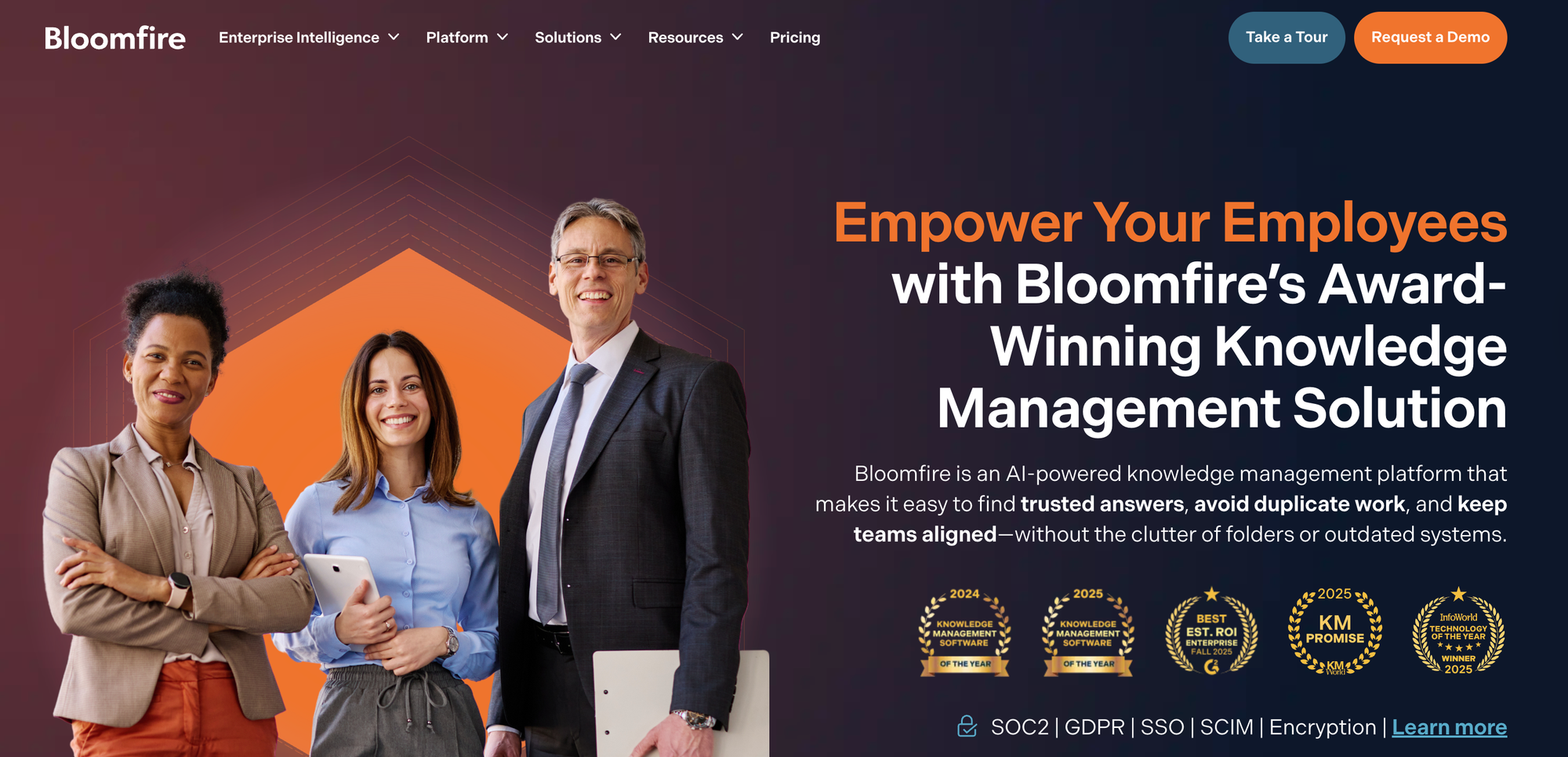
Bloomfire is an AI-powered knowledge management platform built for internal knowledge sharing across departments. It consolidates company content into a single searchable system and uses conversational AI to answer employee questions in plain language, with responses grounded in approved source content.
Key AI Knowledge Management Features
| Best For | Internal knowledge sharing, searchability, and cross-departmental collaboration across teams like sales, marketing, HR, and customer success. |
| Knowledge Use Cases | Internal for employees across sales, marketing, HR, and support teams. Limited support for external customer-facing knowledge. |
| AI Health Content Monitoring | Yes. Self-healing knowledge base detects outdated, redundant, or conflicting content automatically. Hallucination detection flags inconsistencies in AI responses. |
| Knowledge Gap Detection | Yes. Analytics suite measures search behavior and knowledge gaps. Q&A engine surfaces questions employees are asking, indicating what's missing. |
| AI-Assisted Content Creation | Yes. AI Author Assist generates summaries, key takeaways, and insights from existing source material like documents and videos. Dynamic content blocks can be reused across posts. |
| AI-Assisted Bulk Content Updates | Limited. Curation Engine and bulk management tools cover status changes like archiving, scheduling, unpublishing, and approvals. No AI-assisted bulk rewriting of content. |
| Multi-Source Knowledge Consolidation | Yes. Integrates with Google Drive, OneDrive, Dropbox, Box, Slack, Microsoft Teams, Zendesk, and Salesforce. Automatically indexes and transcribes published content, including documents, videos, and audio. |
| AI-Powered Search and Answers | Yes. Synapse conversational AI delivers cited answers from approved knowledge. AI enterprise search retrieves content across structured and unstructured sources. |
| Security and Compliance | SOC 2 Type II compliant. End-to-end encryption, audit trails, secure authentication, and access management. |
Advantages
- Bloomfire's AI search indexes all content types at a granular level, including spoken words in videos and audio files, so teams can find information regardless of the format it was originally created in.
- The Q&A engine captures collective knowledge from team members, so expertise that would otherwise sit in someone's inbox or a Slack thread gets documented and made searchable.
Shortcomings
- Content is limited to static articles, documents, and media files. There are no interactive content formats like decision trees or step-by-step guides for troubleshooting complex processes, which often pushes teams to evaluate other options.
- Bulk content management is limited to status changes like archiving, scheduling, and approvals. There's no AI-assisted bulk rewriting, so updating the actual content of many articles at once still requires editing each one individually.
Pricing
Bloomfire has three tiers (Team, Department, Enterprise), each with custom pricing.
Knowmax
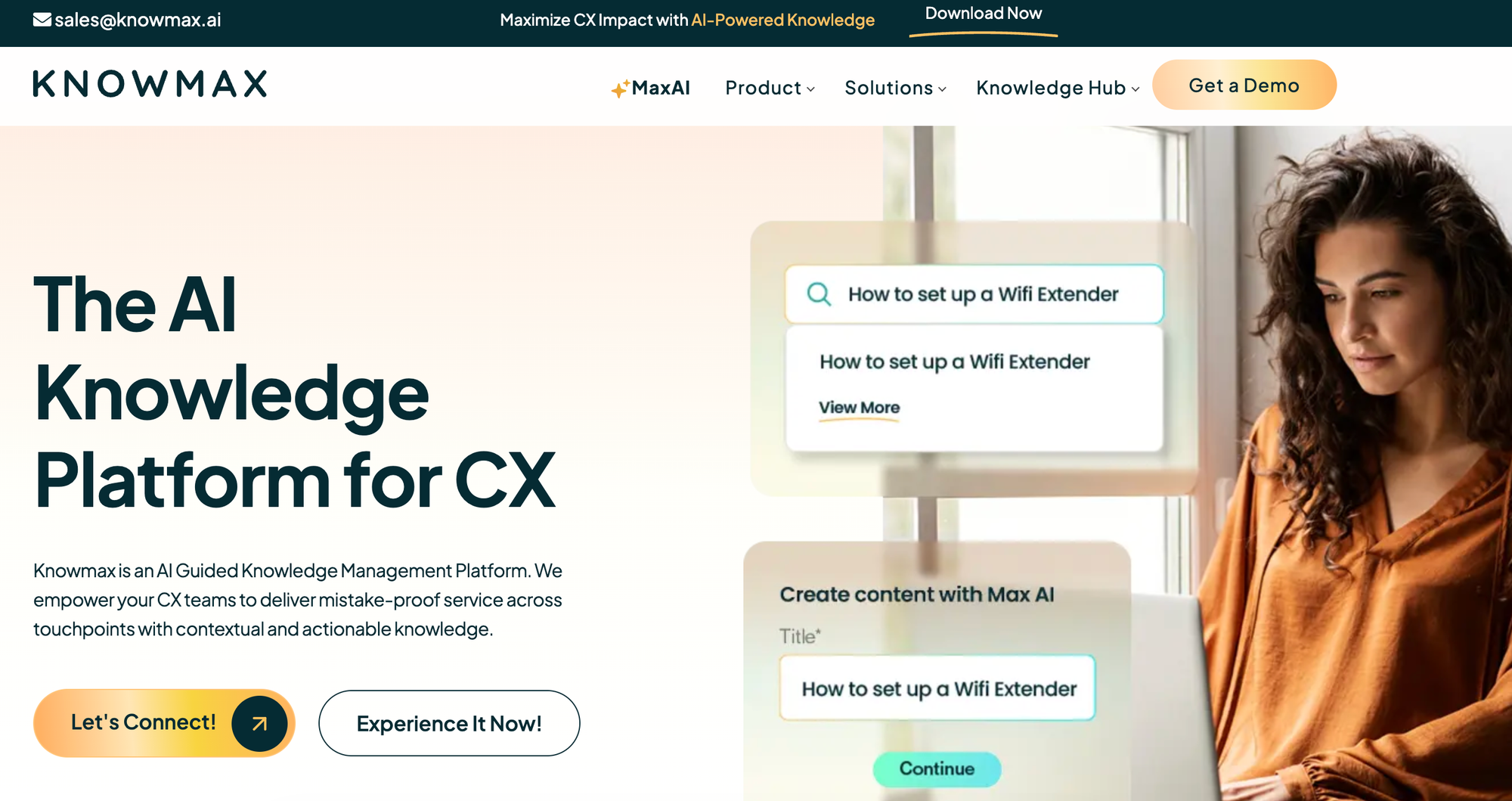
Knowmax is an AI-powered knowledge management platform designed for customer experience teams in contact centers, self-service, and field service. It consolidates knowledge in one place and turns standard operating procedures (SOPs) into interactive decision trees and visual how-to guides for agents and customers.
Key AI Knowledge Management Features
| Best For | Contact center, self-service, and field service teams that want to convert SOPs into interactive guides and deliver visual walkthroughs to agents and customers. |
| Knowledge Use Cases | Internal for contact center agents, field service technicians, and agent training. External for customer self-service and remote assistance. |
| AI Health Content Monitoring | No. Content quality is managed through standard authoring and review workflows. |
| Knowledge Gap Detection | Limited. Content usage and feedback analytics highlight low-performing content, but no native AI-driven gap detection from tickets or AI conversations. |
| AI-Assisted Content Creation | Yes. Agentic AI auto-converts SOPs into decision trees, transforms articles into FAQs and quizzes, and generates, refines, summarizes, and translates content in 25+ languages. |
| AI-Assisted Bulk Content Updates | Limited. Bulk content generation and translation via the Agentic AI module. No native AI-driven bulk update workflow for monitoring and refreshing existing content. |
| Multi-Source Knowledge Consolidation | Yes. Integrations with Zendesk, Salesforce, Freshchat, Freshdesk, Genesys, SAP, Talkdesk, Exotel, and a Chrome extension. |
| AI-Powered Search and Answers | Yes. Search engine returns relevant knowledge across touchpoints. Agentic AI delivers real-time recommendations for workflows, scripts, articles, and guides based on live conversation intent, and auto-traverses decision trees from CRM transcripts. |
| Security and Compliance | GDPR, SOC 2, ISO 27001, and HIPAA compliant. |
Advantages
- Knowmax offers a managed migration service with an AI-powered content migration engine that handles moving knowledge from legacy systems. This is useful for contact center teams switching platforms who don't want to spend months manually rebuilding their content library before going live.
- The platform's agentic AI auto-fills and navigates decision trees based on live CRM transcripts, so agents can move through complex flows without clicking through every step or manually entering customer details.
Shortcomings
- Knowmax shares its structured knowledge with other generative AI applications but doesn't offer a native AI chatbot for customers, so delivering conversational self-service means stitching in a separate tool.
- The platform's content model centers on structured decision trees converted from SOPs. This works well for standardized troubleshooting flows but is rigid for knowledge that doesn't fit into branching logic.
Pricing
Knowmax has custom pricing.
Shelf
Shelf is an agentic AI platform built on a foundation of knowledge and data management. It connects enterprise content across systems, structures it for AI consumption, and uses that foundation to power AI agents that handle customer service interactions across chat, voice, and email. It's designed for large enterprises that want scalability for AI agents while keeping the underlying knowledge accurate and governed.
Key AI Knowledge Management Features
| Best For | Enterprise support teams that need AI-powered knowledge automation with a focus on agent assist, answer accuracy, and content governance. |
| Knowledge Use Cases | Internal for support agents and content governance teams. Feeds external customer-facing AI agents but doesn't deliver a customer help center directly. |
| AI Health Content Monitoring | Yes. AI-powered content governance continuously scans for duplicates, outdated information, and compliance risks. Answer quality dashboard identifies documents that cause AI hallucinations. |
| Knowledge Gap Detection | Yes. Answer quality monitoring flags where AI fails to deliver accurate responses, surfacing gaps in the underlying content. |
| AI-Assisted Content Creation | Yes. AI-powered content authoring, formatting, and auto-translation in 100+ languages. Reusable content blocks and templates for standardized creation. |
| AI-Assisted Bulk Content Updates | Yes. AI-driven content improvement at scale, including bulk content quality remediation. |
| Multi-Source Knowledge Consolidation | Yes. Pre-built content connectors and a custom connector framework connect to existing repositories without requiring migration. Supports 50+ file types, normalized into a common format. |
| AI-Powered Search and Answers | Yes. AI agents for chat, voice, email, and SMS. Real-time answer suggestions during agent conversations. Feeds validated content into third-party agent assist tools and copilots. |
| Security and Compliance | SOC 2 Type II certified. GDPR and CCPA compliant. Encryption in transit and at rest. Data residency support for US, EU, and Canada. SSO and SCIM support. |
Advantages
- Shelf's always-on content governance monitors the knowledge base for duplicates, outdated content, and compliance risks, alerting teams to issues before they reach customers or feed into AI responses.
- A dedicated answer quality dashboard traces AI hallucinations back to the source documents responsible, so teams can fix the underlying content rather than tweaking AI configurations without a clear fix.
Shortcomings
- There's no native end-user reading surface like a customer help center, employee portal, or in-product widget. Shelf feeds validated content into other tools that deliver the answers, so teams typically pair it with a separate front-end to handle the full knowledge experience.
Pricing
Shelf offers custom pricing.
Guru
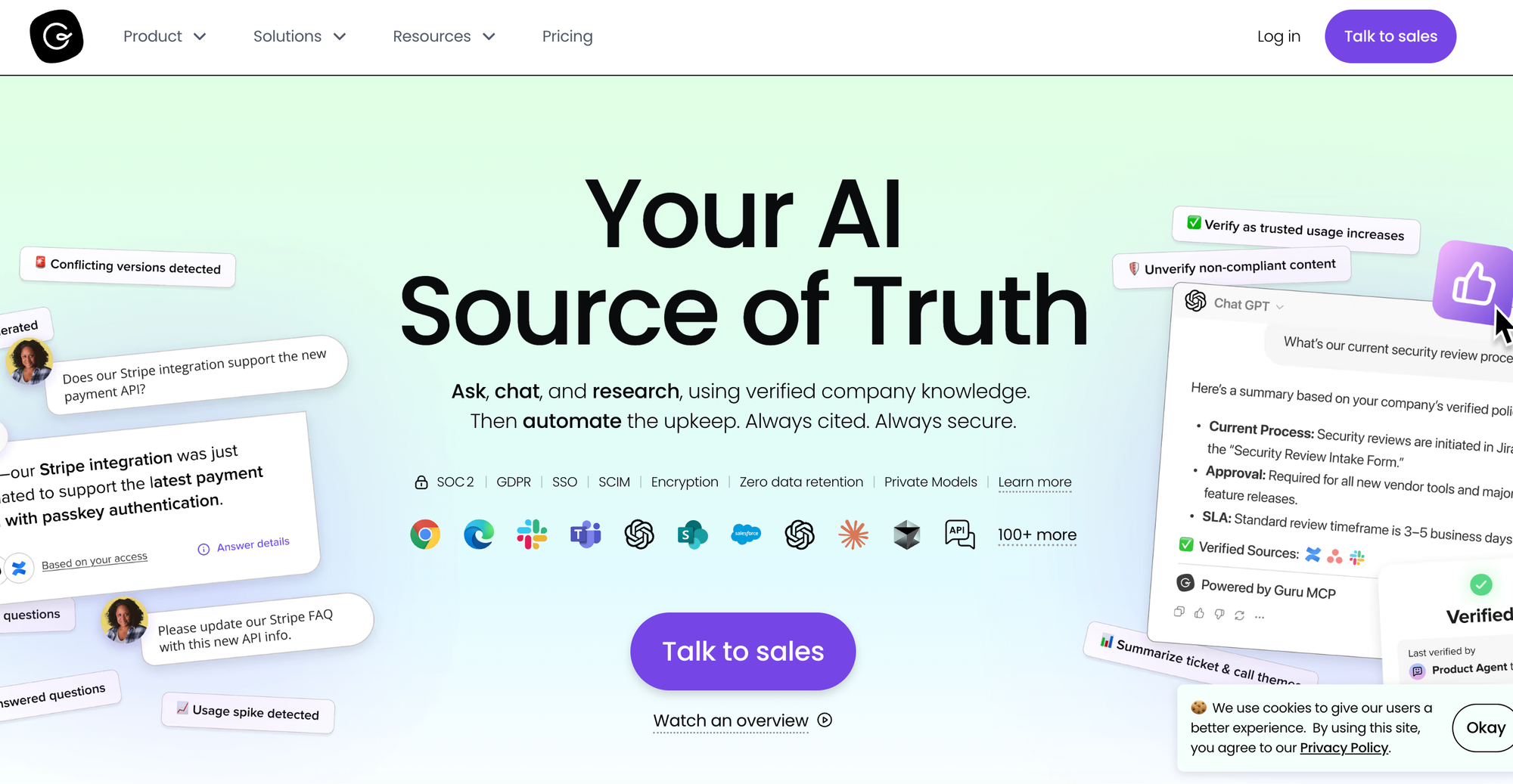
Guru is an AI-powered knowledge platform that connects scattered company information into a single verified repository for both employees and AI tools. Its Knowledge Agents continuously verify content, deliver answers in workflow, and surface knowledge through browser extensions, chat tools, and built-in integrations with help desks like Zendesk, Salesforce, and Freshdesk.
Key AI Knowledge Management Features
| Best For | Organizations that need to centralize scattered knowledge and surface verified information inside existing tools like Slack, Microsoft Teams, and CRMs. |
| Knowledge Use Cases | Internal for employees and support teams accessing knowledge inside Slack, Teams, and help desks. No external customer-facing knowledge base. |
| AI Health Content Monitoring | Yes. Knowledge Agents continuously verify and unverify content using behavioral signals, content rules, and analytical patterns. Unverified content can be automatically excluded from answers and search. |
| Knowledge Gap Detection | Limited. Detects trending topics from Slack conversations and surfaces unanswered questions. Analytics flag stale or low-engagement content, but no native gap detection from tickets or failed customer-facing AI conversations. |
| AI-Assisted Content Creation | Yes. AI-powered card generation, trending topic detection, and content suggestions from Slack conversations. |
| AI-Assisted Bulk Content Updates | Yes. Knowledge Agents run continuously across content to verify accuracy, archive outdated material, and route critical content to experts for review. Each action is logged with reasoning. |
| Multi-Source Knowledge Consolidation | Yes. Integrations with 100+ tools, including Slack, Microsoft Teams, Zendesk, Salesforce, Freshdesk, Google Drive, and SharePoint. Knowledge Agents can evaluate content in connected systems while respecting permissions. |
| AI-Powered Search and Answers | Yes. AI-powered enterprise search across collections and connected sources. Knowledge Agents provide conversational answers in workflow. Permission-aware results with citations. |
| Security and Compliance | SOC 2 compliant. GDPR, SSO, encryption, zero data retention, and data masking (DLP). |
Advantages
- The platform turns Slack conversations into knowledge by detecting trending topics and surfacing suggested answers directly in threads, capturing expertise that would otherwise stay in chat threads.
- Deep integrations with help desks, browser extensions, and chat tools mean knowledge surfaces where work happens, and the same verified foundation powers external AI tools and agents via MCP.
Shortcomings
- The card format is designed for quick consumption, which limits its usefulness for long-form documentation, detailed SOPs, or interactive troubleshooting where the right answer depends on the user's situation. This is a frequent frustration for support teams evaluating the platform.
- Help desk integrations focus on surfacing content in the agent's view rather than driving the workflow, so they don't pass ticket data into guided flows, capture structured data during troubleshooting, or trigger actions back into the ticketing system.
Pricing
Guru offers custom package pricing that includes the software platform, expertise, and infrastructure.
KMS Lighthouse
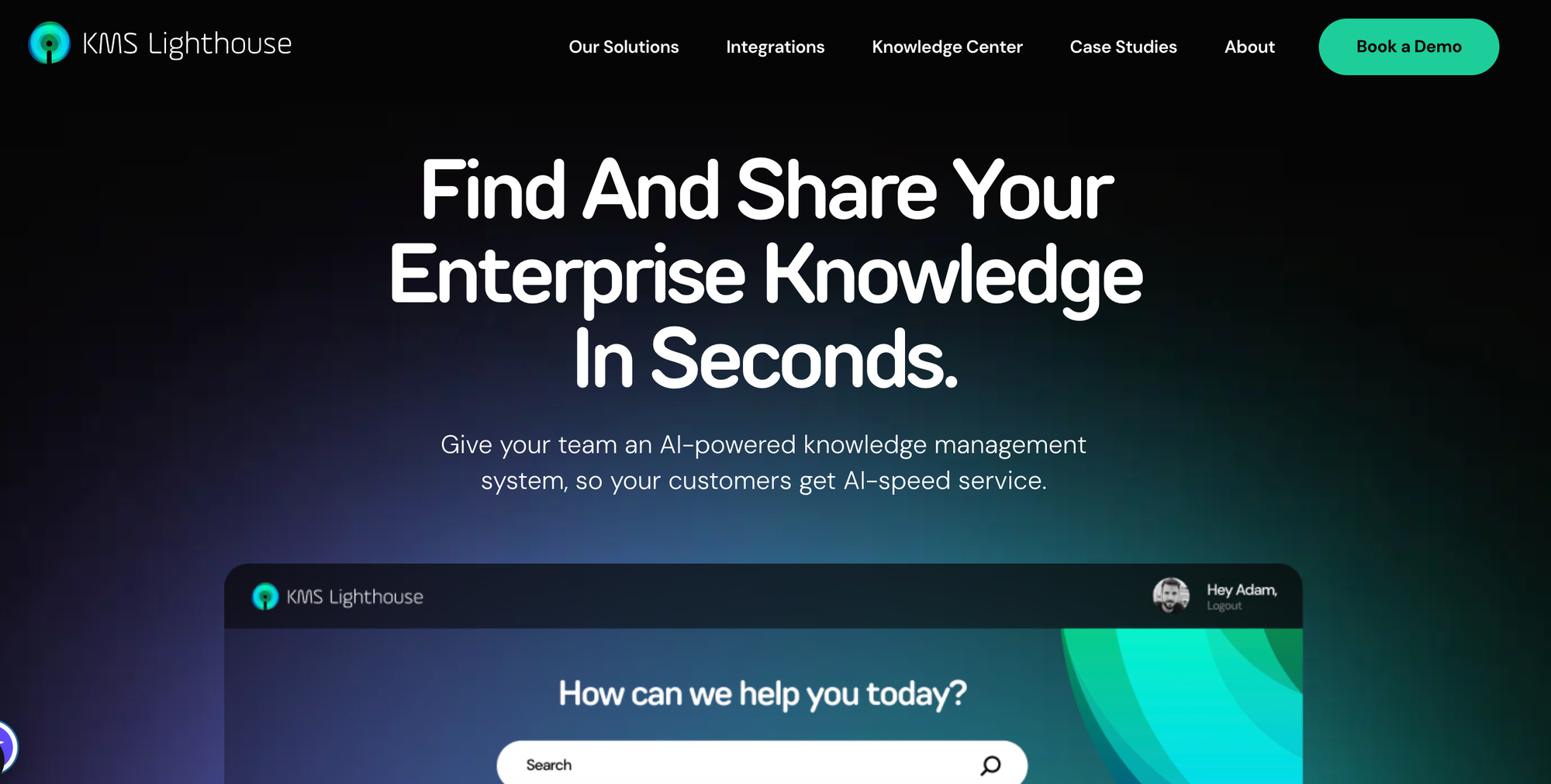
KMS Lighthouse is an enterprise knowledge management platform built for large contact centers, customer self-service, employee onboarding, and field service. It provides agents and customers with fast access to verified information through search, decision trees, and comparison tools, with a focus on accuracy and consistency across high-volume service environments.
Key AI Knowledge Management Features
| Best For | Large contact centers and enterprises that need structured decision trees and guided knowledge for agents handling complex call scripts. |
| Knowledge Use Cases | Internal for contact center agents, field service technicians, and employee onboarding. External for customer self-service. |
| AI Health Content Monitoring | No. Content updates and accuracy reviews follow standard authoring workflows. |
| Knowledge Gap Detection | Limited. Analytics show usage patterns and search behavior, but no dedicated AI-driven gap detection from tickets, failed searches, or AI conversations. |
| AI-Assisted Content Creation | Limited. AI-assisted authoring, including auto-responses and article suggestions, delivered via the Azure OpenAI integration rather than as a native, included capability. |
| AI-Assisted Bulk Content Updates | No. No native AI-assisted bulk content update capability. |
| Multi-Source Knowledge Consolidation | Yes. Integrations with Salesforce, Zendesk, Freshworks, Genesys, Microsoft Dynamics 365, Microsoft Teams, AWS, and Azure OpenAI. |
| AI-Powered Search and Answers | Yes. AI-powered search and information retrieval for both agents and customers, with package and product comparison tools to guide agents through complex choices. |
| Security and Compliance | Enterprise-grade security, but no publicly listed certifications. |
Advantages
- KMS Lighthouse is built around contact center outcome metrics like average handle time, first call resolution, and agent training time, which makes it easier for operations leaders to build a business case in the language their executives already use.
- Built-in comparison tools help agents walk customers through package or product options side by side, useful for industries like telecom, insurance, and financial services, where customers need help choosing between offerings.
Shortcomings
- The platform is heavily focused on contact center and field service workflows, which makes it less versatile for teams outside of service operations or for products with rapid update cycles.
- AI features like content authoring assistance come through the Azure OpenAI integration rather than as native, out-of-the-box capabilities, so getting AI value can depend on configuring and maintaining that integration.
Pricing
KMS Lighthouse has custom pricing.
eGain
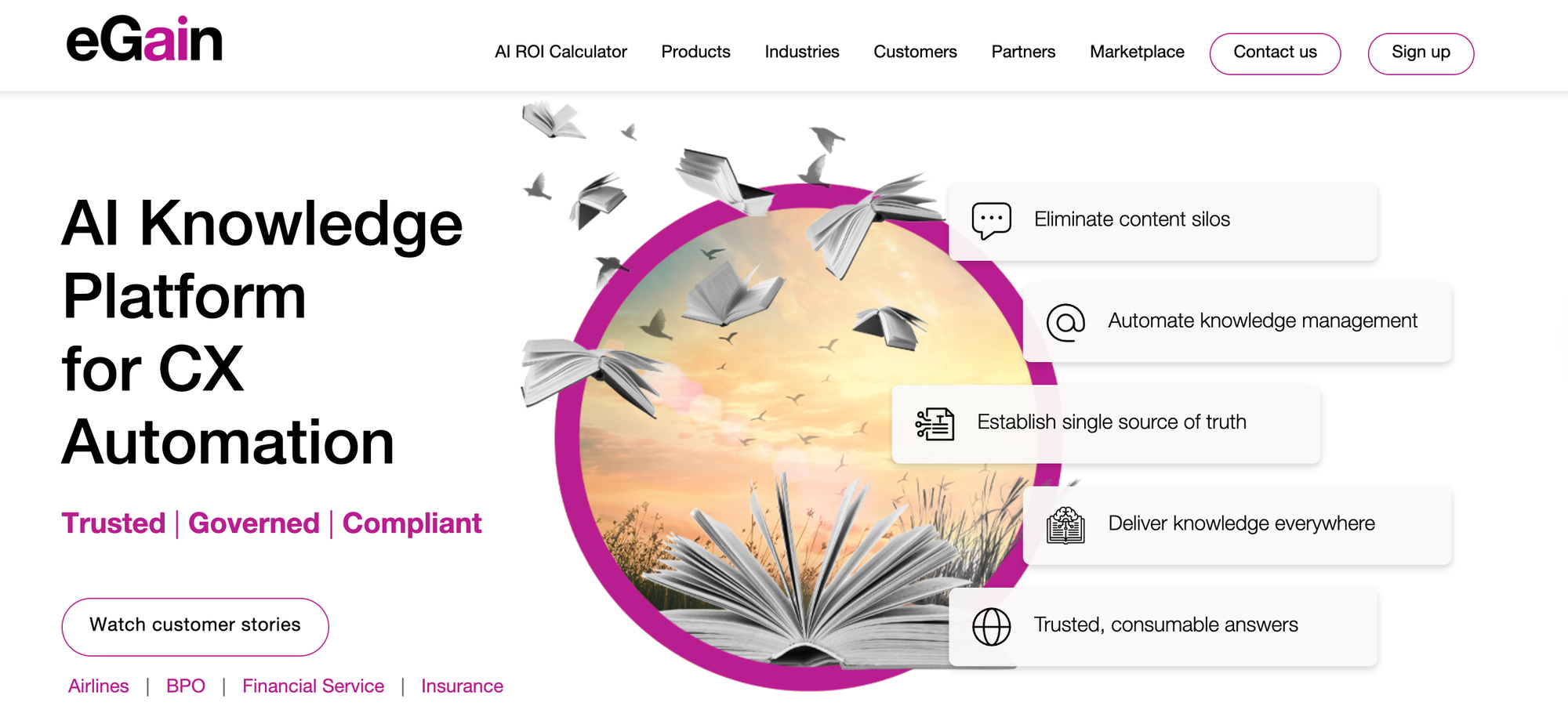
eGain is an enterprise AI knowledge platform built for customer service automation across contact centers, self-service, and assisted service. It combines a centralized knowledge hub with AI agents, evaluation tools, and connectors that pull content from existing systems and deliver answers across voice, chat, email, and digital channels. The platform is built primarily for large, regulated enterprises that need governed, compliant answers across high-volume operations.
Key AI Knowledge Management Features
| Best For | Large enterprises and contact centers in regulated industries that need governed, compliant answers across voice, chat, email, and self-service. |
| Knowledge Use Cases | Internal for contact center agents, AI agents, and governance teams. External for customer self-service across voice, chat, email, and digital channels. |
| AI Health Content Monitoring | Yes. eGain Evaluator scores AI answers continuously, catches regressions when knowledge or configurations change, and tracks answer quality over time. Knowledge governance workflows flag content for review. |
| Knowledge Gap Detection | Yes. Tracks AI answer confidence scores, agent AI usage, and content performance. Evaluator flags accuracy issues that point back to underlying content. |
| AI-Assisted Content Creation | Yes. Generative AI authoring tools draft and refine articles, with content lifecycle workflows for review, approval, translation, and retirement. |
| AI-Assisted Bulk Content Updates | Limited. Knowledge governance and lifecycle workflows support bulk content management. AI-driven content improvement is part of the broader platform rather than a dedicated bulk-update feature. |
| Multi-Source Knowledge Consolidation | Yes. AI Knowledge Connectors unify content from CRM, SharePoint, and other repositories without migration. Separate Content, Data, Experience, and Process Connectors handle different integration patterns. |
| AI-Powered Search and Answers | Yes. AI Agents handle conversations across voice, chat, email, and self-service. Agentic Studio orchestrates multiple AI agents for complex requests. Real-time guidance, instant answers, and summaries surface inside the agent workspace. |
| Security and Compliance | SOC 2 Type II, GDPR, HIPAA, PCI DSS, FedRAMP. Designed for regulated industries like banking, insurance, healthcare, and government. |
Advantages
- eGain Evaluator scores every AI interaction in real time, detects regressions when content or configurations change, and produces documented evidence of accuracy for compliance teams. This is meaningful for regulated industries deploying AI in production.
- AI Knowledge Connectors unify content from existing CRM, SharePoint, and data repositories without requiring migration, so teams can use the knowledge they already have rather than rebuilding from scratch.
Shortcomings
- eGain is built for large, regulated enterprises in industries like banking, insurance, healthcare, and government. Mid-market support teams and customer service organizations without strict regulatory requirements may find the governance model and feature depth heavier than they need.
- The platform's breadth (Knowledge Hub, AI Agent, Evaluator, Composer, Connectors, Conversation Hub, Agentic Studio) is powerful but adds complexity, which can push teams toward simpler platforms. Getting full value typically means a multi-product deployment with extensive configuration and governance work upfront.
Pricing
Pricing for the eGain AI Knowledge Hub starts at $25 per user per month. The eGain AI Agent is priced at $0.50 per resolution or $25 per user per month. Evaluator and Connector pricing is available upon request.
Salesforce Knowledge
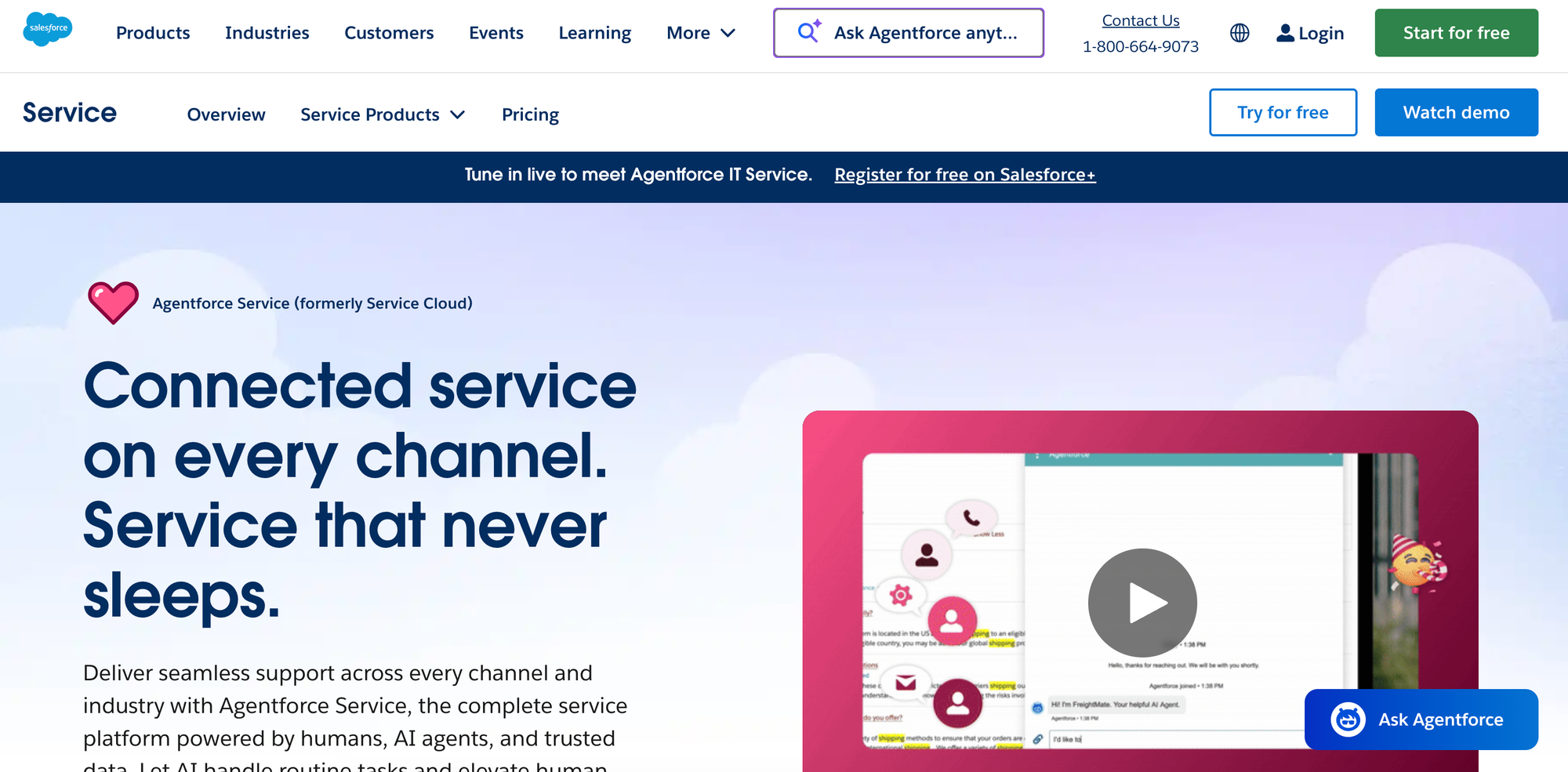
Salesforce Knowledge is the knowledge management module built into Salesforce Service Cloud. Support agents access articles directly inside the case workflow alongside customer data and account history. Einstein and Agentforce add-ons layer on AI capabilities like intelligent search, content suggestions, and reply generation.
Key AI Knowledge Management Features
| Best For | Support teams already on Salesforce Service Cloud that want a knowledge base tightly connected to cases, customer records, and the broader Salesforce ecosystem. |
| Knowledge Use Cases | Primarily internal use by support agents. Customer-facing self-service requires Experience Cloud. |
| AI Health Content Monitoring | No. Article lifecycle is managed through standard authoring and approval workflows. |
| Knowledge Gap Detection | Limited. Tracks article views, helpfulness ratings, and search behavior. No native AI-driven gap detection from real customer or support agent interactions. |
| AI-Assisted Content Creation | Limited. Available through Einstein and Agentforce add-ons rather than as core features. |
| AI-Assisted Bulk Content Updates | No. Bulk operations are limited to standard authoring workflows. |
| Multi-Source Knowledge Consolidation | Limited. Deep integration across the Salesforce ecosystem (Service Cloud, Sales Cloud, Experience Cloud, Einstein). Limited integration with external help desks or third-party systems. |
| AI-Powered Search and Answers | Limited. Basic keyword search is included. AI-powered search, generative responses, and AI agents are sold as separate Einstein and Agentforce add-ons. |
| Security and Compliance | SOC 1 Type II, SOC 2 Type II, SOC 3, GDPR, HIPAA. Supports SSO. |
Advantages
- Salesforce Knowledge is built into Service Cloud, so articles surface in the support agent's case view alongside customer records, account history, and case data without leaving the CRM.
- Articles are treated as Salesforce records, just like cases and accounts, so teams can apply the dashboards, reports, automation, and permission rules they already use elsewhere in Salesforce to manage their knowledge base.
Shortcomings
- Salesforce's most useful AI capabilities (AI search, support agent assist, content creation, and AI agents) are sold as separate Einstein and Agentforce add-ons to the Service Cloud subscription, driving up the total cost and limiting flexibility for teams that want a unified subscription.
- The platform only deeply integrates with Salesforce products, so teams that use other help desks, CRMs, or external databases face significant limitations when surfacing knowledge outside the Salesforce ecosystem.
Pricing
Salesforce Knowledge is available in the Unlimited tier of Salesforce Service Cloud, which starts at $350/user per month (billed annually).
Slite
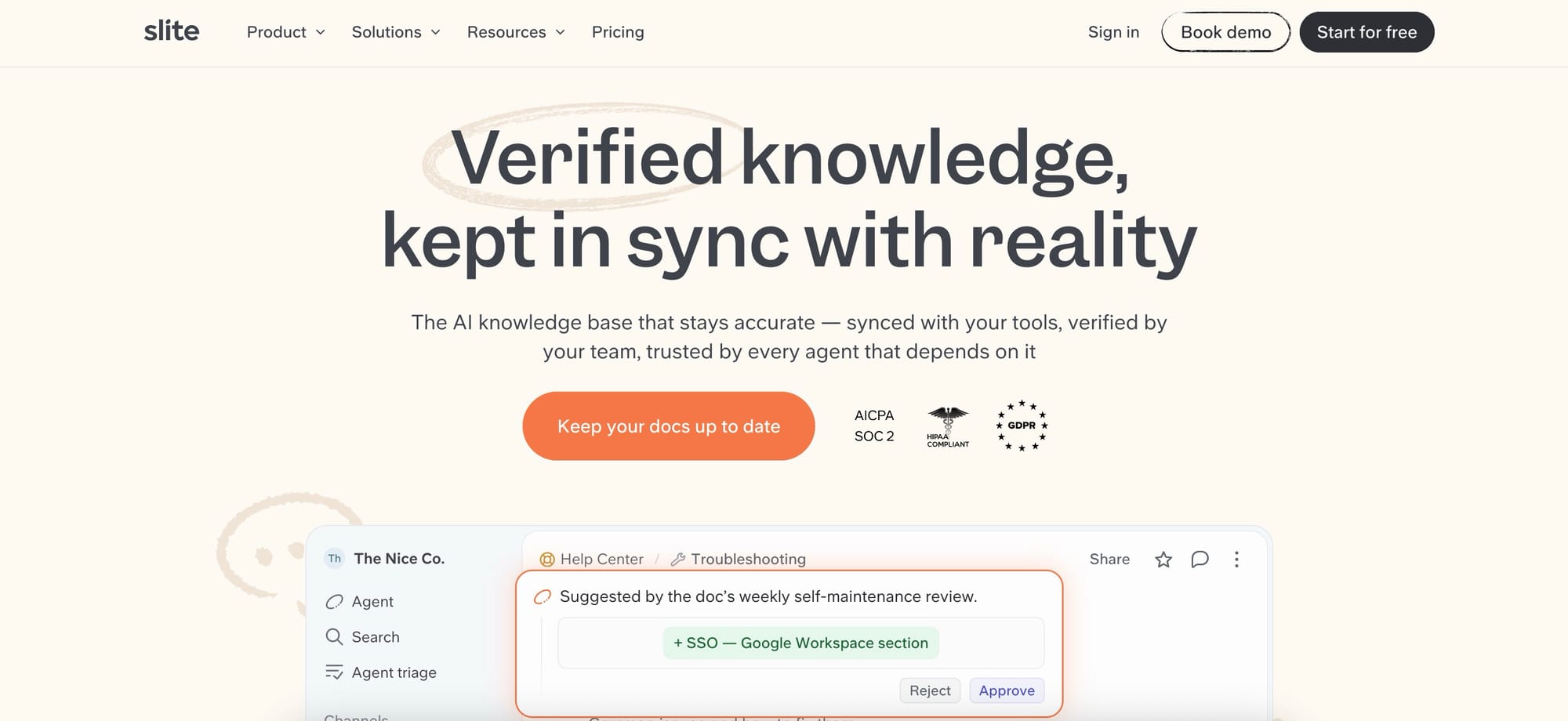
Slite is a self-maintaining knowledge base that keeps company documentation current based on information from the team's entire tool stack. It pairs a structured, verified wiki with an AI agent that detects when documentation has drifted from reality, drafts the fix, and routes every change through human approval before it becomes truth. By doing so it puts itself forward as an internal knowledge base for humans and AI agents alike, centralizing knowledge to build a shared company context layer.
Key AI Knowledge Management Features
| Best For | AI-driven teams that want a verified single source of truth their AI agents can use as a context layer, for internal company knowledge like SOPs, onboarding, and engineering or product documentation. |
| Knowledge Use Cases | Internal for company wikis, process and SOP documentation, onboarding, and engineering or product knowledge. Not designed for external, customer-facing help centers. |
| AI Health Content Monitoring | Yes. The Slite Agent detects when docs drift from reality across Slite and 20+ connected tools, and the Knowledge Management Panel surfaces outdated, expired, and empty docs. Owners can set verification cycles with automatic re-review reminders. |
| Knowledge Gap Detection | Yes. The Ask Insights panel surfaces questions the knowledge base could not answer, so teams can see what knowledge is missing, and the Knowledge Management Panel flags empty docs. |
| AI-Assisted Content Creation | Yes. The Slite Agent drafts corrections as a diff with per-edit rationale, plus document summaries, automated digests, and custom assistants. |
| AI-Assisted Bulk Content Updates | Yes. The Slite Agent monitors for stale or missing docs across connected tools and drafts the corrections, routing every change through a human-review triage UI; bulk-cleanup filters live in the Knowledge Management Panel. |
| Multi-Source Knowledge Consolidation | Yes. Native integrations with 20+ tools including Slack, Google Drive, Linear, GitHub, Jira, Notion, Confluence, HubSpot, and Intercom, with MCP and API access on every plan. |
| AI-Powered Search and Answers | Yes. AI-powered Ask answers in natural language with source citations and returns "no answer found" rather than hallucinating. Basic searches Slite docs; Pro and Enterprise extend search across connected tools. |
| Security and Compliance | SOC 2 Type II and GDPR compliant, HIPAA on Pro, an EU-hosted option, and SSO and SCIM on Enterprise. |
Advantages
- The Slite Agent detects when docs have drifted from reality across Slite and 20+ connected tools, drafts the correction as a diff tied to the upstream source, and routes every change through human approval, so the knowledge base maintains itself instead of relying on manual audits.
- Slite is Markdown-native with full MCP read and write on every plan, so external AI agents such as Claude, ChatGPT, and Cursor can browse the verified knowledge base and propose changes directly, giving humans and AI agents one accurate source of truth.
Shortcomings
- Slite is built for internal company knowledge rather than externally branded, public-facing customer help centers, so teams that need a customer support portal with heavy CSS and branding will find it a poor fit.
- AI features cannot be disabled, which can be a blocker for teams under strict AI-usage policies, and there is no OCR for text inside images or PDFs.
Pricing
Slite offers a Basic plan at $10 per member per month billed annually, and a Pro plan at $20 per member per month billed annually that adds the Slite Agent and AI search across connected tools. Enterprise pricing is custom. There is no free plan; a 14-day trial is available.
TimeIn
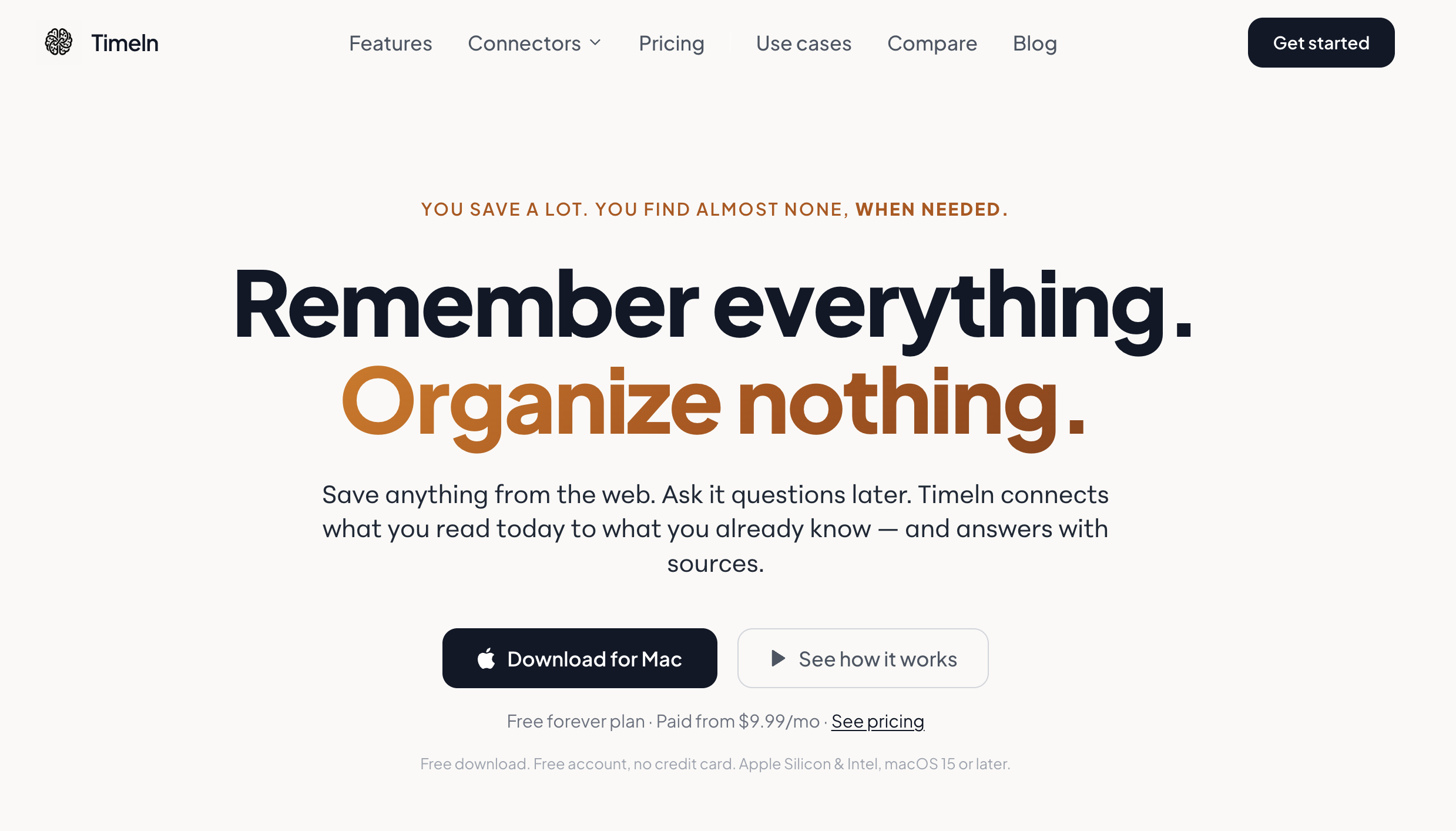
Most tools help you hoard information; Timeln helps you activate it. By carrying your saved reads, notes, and decisions straight into ChatGPT or Claude, so your context stays intact across every AI tool you use. Timeln turns a passive pile of links into a compounding second brain that works with you.
Key AI Knowledge Management Features
| Best For | Individuals and small teams building a personal knowledge base — researchers, consultants, founders, writers, and AI-native builders who need their own reading and notes to stay usable months later. |
| Knowledge Use Cases | Internal and personal knowledge. No customer-facing help center, agent desktop, or ticket deflection. |
| AI Health Content Monitoring | Salience scoring resurfaces knowledge that is decaying or going unused, and reflection digests summarize what changed. No contradiction or conflict detection across documents. |
| Knowledge Gap Detection | No analytics on failed searches or missing-content reporting. Gaps surface implicitly through the knowledge graph rather than through a dedicated report. |
| AI-Assisted Content Creation | Auto-generates summaries, key takeaways, topics, and entity links at capture time. Not an authoring or publishing tool — there is no article editor or review workflow. |
| AI-Assisted Bulk Content Updates | No bulk rewrite, bulk re-tag, or mass content operations. Structure is regenerated per item on capture. |
| Multi-Source Knowledge Consolidation | Chrome extension for web pages and Google Docs, URL and file capture (articles, PDFs, videos, images, notes), WhatsApp capture, and meeting transcripts. Everything lands in one graph with no manual foldering. |
| AI-Powered Search and Answers | Natural-language questions answered from your own captured knowledge with citations back to source. A Memory Map shows how ideas connect. The MCP server makes the same knowledge queryable from Claude Desktop, Claude Code, claude.ai, and Cursor. |
| Security and Compliance | GDPR-aligned, encrypted storage, cloud backup, and user-owned knowledge with export. No SOC 2 Type II certification. |
Advantages
- Timeln builds the structure itself — topics, clusters, and relationships are extracted on capture, so there are no folders or tag taxonomies to maintain and knowledge stays findable without upfront curation work.
- The MCP integration means saved knowledge is available inside Claude, ChatGPT, and Cursor rather than only inside Timeln, so context follows the user into the tools where the actual work happens instead of sitting in a separate app.
Shortcomings
- Timeln is built for personal and small-team knowledge, not customer service. There is no agent-facing workflow, no interactive guides or decision trees, and no ticket deflection, so support organizations will need a dedicated platform for those processes.
- Governance is light. There is no SSO, no audit logs, no admin role management, and no SOC 2 Type II certification, which rules it out for enterprise or regulated buyers with formal security review requirements.
Pricing
Timeln has two tiers: Explorer (free, 100 chat and 100 document credits per month) and Builder ($9.99/month, or 50% off billed annually, with 1,000 chat and 1,000 document credits, 250 MB storage, and priority support). The free tier is permanent, so no trial is required.
How Stonly Helps You Build a Self-Improving Knowledge System for Customer Service
Every platform in this guide stores and serves knowledge. Fewer can keep it accurate, complete, and aligned to what's happening in your tickets, your product, and your policies.
Stonly's AI Knowledge Agents handle the monitoring, drafting, and updating work that usually falls between quarterly audits.
Stonly's Knowledge Agents give support teams:
- AI Knowledge Agents monitor your knowledge health around the clock, so your team catches problems before customers do.
- AI Knowledge Agents pull signals from across your support stack instead of waiting for quarterly audits, so gaps get flagged as they appear.
- When something needs attention, AI Knowledge Agents draft the update following your company guidelines so your team reviews and publishes instead of writing from scratch. SMEs stay in control of what goes live.
- The same AI handles content creation, doc-to-guide conversion, bulk updates, and natural language queries across your entire knowledge layer.
- Structured knowledge with interactive guides makes your AI work better, whether you use Stonly's AI or bring your own. Decision trees and step-by-step guides give AI tools a cleaner context to ground their answers in.
- GDPR, HIPAA, and SOC 2 compliant, so teams in regulated industries can deploy AI on their knowledge without compromising on security or compliance posture.
Request a demo to see how Stonly's Knowledge Agents can improve your support knowledge.