
Your support team is drowning in tickets that customers could easily answer themselves if only they could find the right information. Meanwhile, your agents waste hours answering the same questions repeatedly instead of tackling complex issues that truly need their expertise.
Most knowledge base software promises to solve this problem, but here's what support teams really need from an AI-powered knowledge base:
- Customer-facing AI that actually works: Your users should be able to ask questions in natural language and get accurate answers from your documentation, without creating a ticket or waiting for an agent.
- Intelligent content suggestions for agents: When agents open tickets, AI should instantly surface relevant articles, past resolutions, and internal notes so they don't have to dig through multiple systems.
- Real metrics on what's working: Your ideal platform should track which questions customers ask the AI chatbot most, show you exactly how many tickets get deflected through self-service, and automatically group issues into topics so you can spot patterns and fix recurring problems.
This guide compares seven knowledge base platforms that use AI to help both your customers self-serve and your agents work more efficiently. You're likely to run into these platforms as you're researching the top options out there, so you can compare their key AI features, pros, cons, and pricing here.
Stonly
Stonly is an AI-powered knowledge management platform built for customer service teams. With both agent- and customer-facing solutions, Stonly helps teams provide personalized knowledge and more efficient support.
For support teams, Stonly provides AI Agent Copilot, a copilot that summarizes tickets, suggests relevant knowledge, and generates responses. The platform also offers detailed analytics that show which topics drive the most queries and where customers successfully self-serve versus where they need additional help.
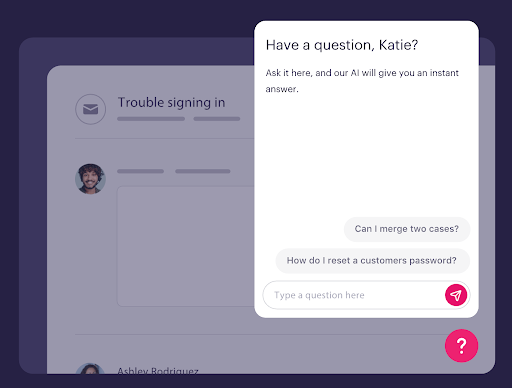
For customers, you can launch an AI-powered chatbot that understands each customer's questions and provides the ideal experience every time. We do this in 4 key ways:
1. Pairing our structured step-by-step knowledge with the latest OpenAI models
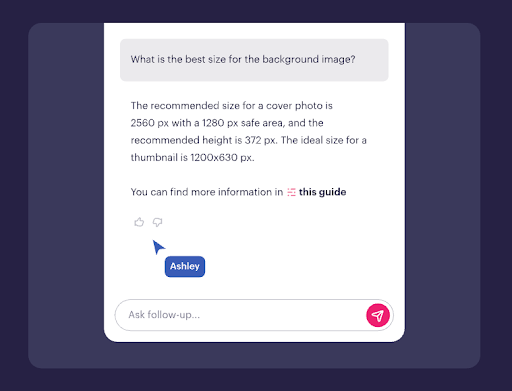
This means Stonly’s AI chatbot is able to handle more complex questions and make it more accurate than others on the market. It backs up that promise by linking directly to the precise source or step.
2. Asking clarifying questions when answers could vary
When the AI detects multiple possible answers based on your knowledge base, it asks follow-up questions to understand exactly what the customer needs.
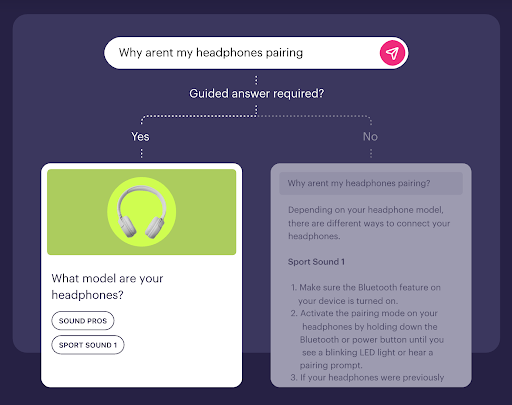
Let's say a customer asks, "How do I reset my account?" The AI might ask whether they need to reset their password, their settings, or their entire account data, thus ensuring they get the specific answer they need rather than generic information.
3. Creating guided workflows for critical processes
For situations where customers must follow specific steps or receive predetermined answers, you can set up controlled workflows. For example, if a customer reports a security breach, you can ensure the AI follows your exact incident response protocol rather than generating its own suggestions. This keeps you in control when accuracy and compliance matter most.
4. Customizing the AI experience to match your brand
Stonly’s AI lets you create different profiles for different use cases. You might set up a friendly, casual chatbot for your community forum while maintaining a professional tone for enterprise support tickets. Custom instructions let you define exactly how the AI handles specific situations.
5. Knowledge Agents that keep your content complete and current
Stonly's Knowledge Agents monitor your knowledge around the clock, find what's outdated, inaccurate, or missing, and draft fixes, so your team can review and publish without starting from scratch. For example, if your return policy changes, Knowledge Agents will automatically identify every article referencing the old policy and prepare the updates, so customers, agents, and AI are always working from the right information. This keeps your knowledge aligned to reality without requiring a manual audit every time something in your business changes.
Key AI Knowledge Base Features for Support Teams
| Knowledge Base Use Cases | Internal (for customer support agents/employees) & external (for self-serve content for customers/users) |
| AI-Powered Search | Yes |
| GenAI in Standalone Chat | Yes (uses structured knowledge and OpenAI models to deliver reliable, source-linked answers) |
| Where the AI Chatbot Can Be Used | Your software, website, knowledge base, ticketing system, and any web or mobile app |
| Clarifying Questions | Yes (AI asks a clarifying question when a query could have different answers or when there's ambiguity) |
| Custom Instructions or Guided Answers | Yes (define how AI Answers should behave around certain topics and set boundaries for what conversations are not suitable for handling by AI) |
| Customize AI for Brand Voice | Yes |
| Knowledge Sources for AI | Stonly content, your other knowledge bases, your website, and internal docs in tools like Zendesk Guides and Google Docs |
| AI-Powered Knowledge Base Content Creation | Yes (draft troubleshooting guides, process docs, and new knowledge from a prompt; transform release notes into FAQs, policy documents into step-by-step agent guides) |
| Dashboards & Analytics for AI Product | Questions from AI chats are automatically grouped into topic clusters so you can spot trends and drill down |
| Security & Compliance for AI | GDPR, HIPAA, and SOC 2 compliant & supports SSO |
What Real Customers Are Saying About Stonly
"We wouldn’t be able to live without Stonly. There are no other tools that have the same step-by-step guide capability combined with the ease of setup, AI features, and integrations available."
Alex Arkhipov, Care Operations, Tonal
"With Stonly’s knowledge base, guides, and AI Agent in place, Anderson America has seen an 80% reduction in daily ticket volume. Our customers love getting instant, interactive help rather than searching through a long text document. It’s a big deal because no one else in our industry has anything like this at the moment. So we’re leading the charge."
Justin Wilder, Service Manager, Anderson America
Pricing
Custom pricing available upon request.
Stonly uses generative AI and guided answers to transform your knowledge into fast, accurate resolutions wherever customers and support teams need help. Learn more about Stonly’s AI knowledge management here.
Knowmax
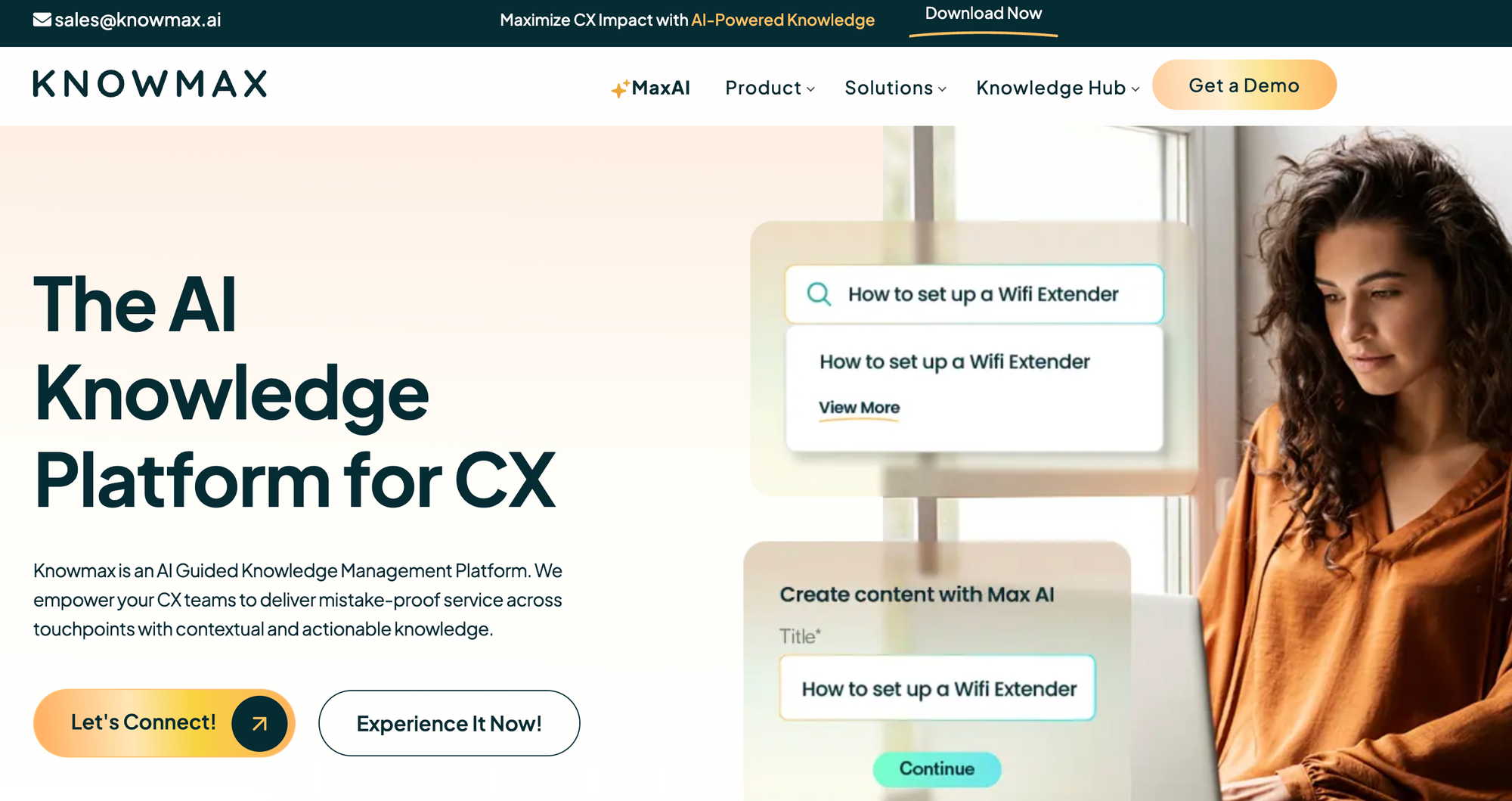
Knowmax is an AI-powered knowledge management platform built specifically to help customer experience (CX) and support teams deliver faster, mistake-free service. It pulls scattered company information into a single source of truth and uses AI to turn complex standard operating procedures (SOPs) into interactive, step-by-step paths for both agents and customer self-service.
The platform stands out by going beyond basic articles. It features a unique, no-code visual workflow builder that allows non-technical teams to create cognitive decision trees and picture guides. This ensures that whether a customer is chatting with a bot or talking to a phone agent, they receive the exact same accurate answer every time.
Key AI Knowledge Base Features for Support Teams
| Knowledge Base Use Cases | Highly optimized customer support, self-service, contact centers, field service, and SOP management. |
| AI-Powered Search | Yes (Intent-based elastic search that understands natural language, not just exact keywords). |
| GenAI in Standalone Chat | Yes |
| Where the AI Chatbot Can Be Used | Help portals, websites, messaging apps (like WhatsApp), and agent desktops via a browser extension. |
| Clarifying Questions | Yes |
| Custom Instructions or Guided Answers | Yes (Uses interactive decision trees to guide users through troubleshooting steps). |
| Customize AI for Brand Voice | Yes |
| Knowledge Sources for AI | Long-tail enterprise documents, PDFs, existing articles, and visual step-by-step guides. |
| AI-Powered Knowledge Base Content Creation | Yes (AI authoring tools for summarization, rephrasing, and instant translation across 25+ languages). |
| Dashboards & Analytics for AI Product | Micro-segmented analytics that track content consumption, search trends, and identify knowledge gaps. |
| Security & Compliance for AI | GDPR, ISO 27001, SOC 2, and HIPAA compliant; strict data protection with zero PII storage. |
Advantages
- Interactive No-Code Workflows: Turns dense, confusing policy documents and troubleshooting manuals into simple, clickable decision trees and visual guides that reduce agent mistakes by up to 40%.
- Smart Intent-Based Search: The Google-like AI search engine understands what a user actually means rather than relying on exact keyword matching, slicing answer-delivery time significantly.
Shortcomings
- Admin Learning Curve: While the end-user and agent interfaces are exceptionally clean and simple, the backend admin dashboard for building highly complex decision trees can take a little time to master.
- Enterprise Focus: The platform is heavily tailored for scaling enterprises, contact centers, and BPOs, making it less ideal for very small startup teams looking for a lightweight team wiki.
Pricing
Custom pricing.
Document360

Document360 is a knowledge management system that helps small teams set up professional help centers. Its AI-powered chatbot sources information for internal and external users, relying on generative AI to provide contextual answers.
The platform also has an AI writing agent that automatically populates knowledge bases. It can capture information from product walkthroughs, feature demos, or recorded meetings, turning them into searchable knowledge base articles.
Key AI Knowledge Base Features for Support Teams
| Knowledge Base Use Cases | Not optimized for internal and external use |
| AI-Powered Search | Yes |
| GenAI in Standalone Chat | Yes |
| Where the AI Chatbot Can Be Used | Knowledge base and website (via widget) |
| Clarifying Questions | Yes |
| Custom Instructions or Guided Answers | Yes |
| Customize AI for Brand Voice | Yes |
| Knowledge Sources for AI | Document360 content, existing knowledge bases, and web-based sources |
| AI-Powered Knowledge Base Content Creation | Yes |
| Dashboards & Analytics for AI Product | AI Analytics tracks conversations, answered/unanswered queries, and content performance |
| Security & Compliance for AI | SOC 2 and GDPR compliant, supports SSO |
Advantages
- AI writing agent transforms videos, audio recordings, and text files into finished documentation, eliminating the manual work that typically goes into transcribing product demos or training sessions
- Pre-built article templates and AI content generation mean teams can start generating content quickly, without needing to figure out structures from scratch
Shortcomings
- Technically has multi-audience capabilities, but isn't optimized to support internal and external knowledge simultaneously
- Some users say the search function relies on exact keyword matching rather than understanding natural language queries, which can make searching difficult
Pricing
Custom pricing available on request. Note that the platform's AI premium suite is an add-on that isn't built into any of the standard subscription tiers.
Sentra
Sentra is an organization-wide memory for teams and their AI agents. Instead of asking people to write and maintain articles, it reads the tools where work already happens, including Slack, email, meetings, Jira, Confluence, Notion, Google Drive and the CRM. It turns what it reads into facts that record who said what, when it became true and when it stopped. Employees ask questions in Slack or the Sentra app, and AI agents read the same knowledge over MCP and REST, so the answer a new hire gets is the one an agent acts on. Permissions carry over from the source tools.
Key AI Knowledge Base Features for Support Teams
| Knowledge Base Use Cases | Internal knowledge across the whole company (onboarding, processes, decisions, project status, customer context), shared by employees and AI agents |
| AI-Powered Search | Yes, answers in plain language with citations back to the source message, meeting or document |
| GenAI in Standalone Chat | Yes, in the Sentra app and in Slack |
| Where the AI Chatbot Can Be Used | Slack, the Sentra web app, and any AI agent or assistant over MCP (Claude, ChatGPT, Cursor) or the REST API |
| Clarifying Questions | Surfaces conflicting sources rather than guessing, so the person can see both versions |
| Custom Instructions or Guided Answers | Answers are scoped to each person's role and source permissions |
| Customize AI for Brand Voice | Not a focus; Sentra is built for internal knowledge |
| Knowledge Sources for AI | Slack, email, meetings, Jira, Confluence, Notion, Google Drive and the CRM |
| AI-Powered Knowledge Base Content Creation | Knowledge is captured automatically from everyday work and stored as facts with who said it, when it became true and when it stopped, so nobody has to write articles |
| Dashboards & Analytics for AI Product | Usage and activity views in the admin app |
| Security & Compliance for AI | SOC 2 Type II and ISO 27001 certified; permissions carry over from the source tools |
Advantages
- Always current without a documentation program; serves people and AI agents from one source; SOC 2 Type II and ISO 27001 certified.
Shortcomings
- Built for internal knowledge rather than public help centers; needs your tools connected to be useful.
Pricing
Free to start, with usage-based tiers as teams grow and enterprise terms through sales. Details at sentra.app.
HelpCenter.io
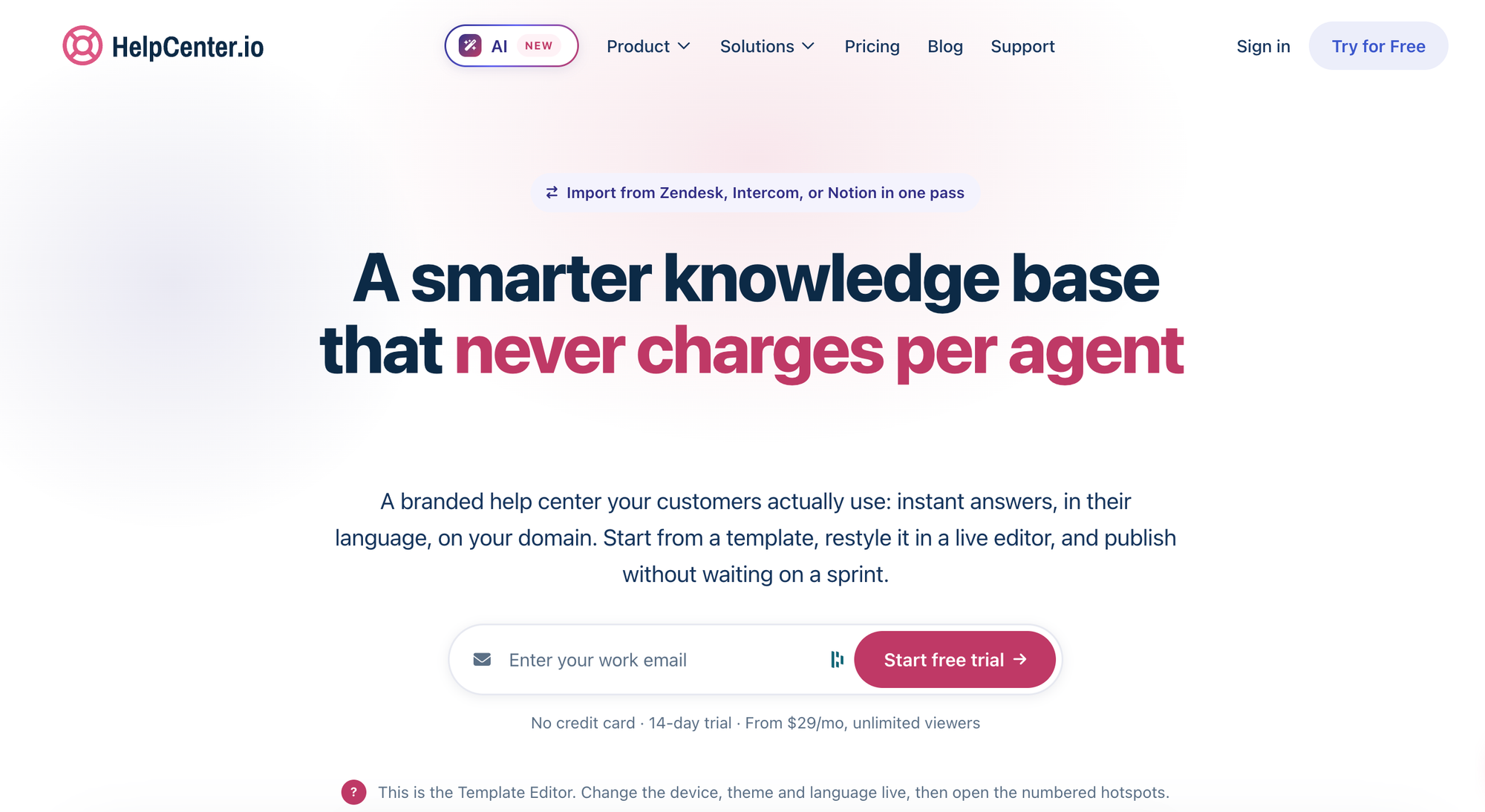
HelpCenter.io is an AI-powered knowledge base platform for teams that want to deliver fast, relevant self-service support without blocking access to a real person when human help is needed. It combines a branded, fully hosted help center on your own domain with an embeddable AI widget that supports customers across your product, marketing site, and checkout flow. A live-preview, drag-and-drop editor makes it easy to launch a polished help center without developer support.
Its AI is grounded exclusively in your published content. Ask AI streams answers based only on your articles, never pulls information from the open web, and cites its sources, keeping your knowledge base the single source of truth. It also supports contextual follow-up questions, collects a thumbs-up or thumbs-down rating on every answer, and logs zero-result searches as content gaps. Pricing is flat-rate with unlimited readers, with no per-viewer fees, resolution charges, or answer credits to purchase.
Key AI Knowledge Base Features for Support Teams
| Knowledge Base Use Cases | Customer-facing self-service and internal team knowledge, with public, unlisted, private, and team-only content in one workspace |
| AI-Powered Search | Yes |
| GenAI in Standalone Chat | Yes |
| Where the AI Chatbot Can Be Used | The help center itself, plus any third-party website, product UI, or landing page via an embeddable widget with domain allowlisting |
| Clarifying Questions | No |
| Custom Instructions or Guided Answers | No admin-facing prompt editor today; answers follow a fixed grounded, conversational style with a configurable support fallback |
| Customize AI for Brand Voice | No |
| Knowledge Sources for AI | Your published HelpCenter.io articles only, with importers for Zendesk and Notion |
| AI-Powered Knowledge Base Content Creation | Yes |
| Dashboards & Analytics for AI Product | Thumbs ratings on every AI answer, zero-result searches logged as content gaps, and a per-article breakdown of what customers asked AI; 14 to 365 days of retention by plan |
| Security & Compliance for AI | GDPR-compliant processing under EU law, single sign-on, granular access control, and private or team-only categories; AI answers never draw on the open internet |
Advantages
- Answers are grounded strictly in your own published articles and cite their sources, so the AI cannot invent policy it found on the open web. Zero-result searches and thumbs-down ratings feed straight back into analytics, turning every unanswered question into a specific, prioritized list of articles worth writing next.
- The pricing model is unusually predictable for this category: flat monthly rates with unlimited readers, no per-resolution fees and no answer credits to buy, and the AI widget included on every plan, even the $29/month entry tier with AI answers available through an add-on. Help center pages also ship as clean, agent-readable Markdown with llms.txt and ai.txt, so content stays citable by external AI assistants and search engines.
Shortcomings
- The AI only reads content published inside HelpCenter.io. It has no visibility into tickets in Zendesk, documents in Google Drive, or engineering notes in Confluence, which limits it for teams whose knowledge is scattered across several systems and not yet consolidated.
- There is no admin-facing control over AI tone, custom instructions, or brand voice. The answer style is fixed. AI translations are also limited to the top Catalyst plan, and grounded Ask AI is an add-on rather than included on the two lower tiers.
Pricing
Three plans, billed annually: Bootstrap at $29/month for 1 seat, Growth at $119/month for 10 seats, and Catalyst at $179/month for unlimited seats ($39, $149, and $199 respectively on monthly billing). Readers are unlimited on every plan. The AI widget is included everywhere; grounded Ask AI and AI writing tools are included natively on Catalyst or available as a $29/month add-on ($24/month annually) on Bootstrap and Growth. A 14-day free trial is available with no credit card required.
Helpjuice
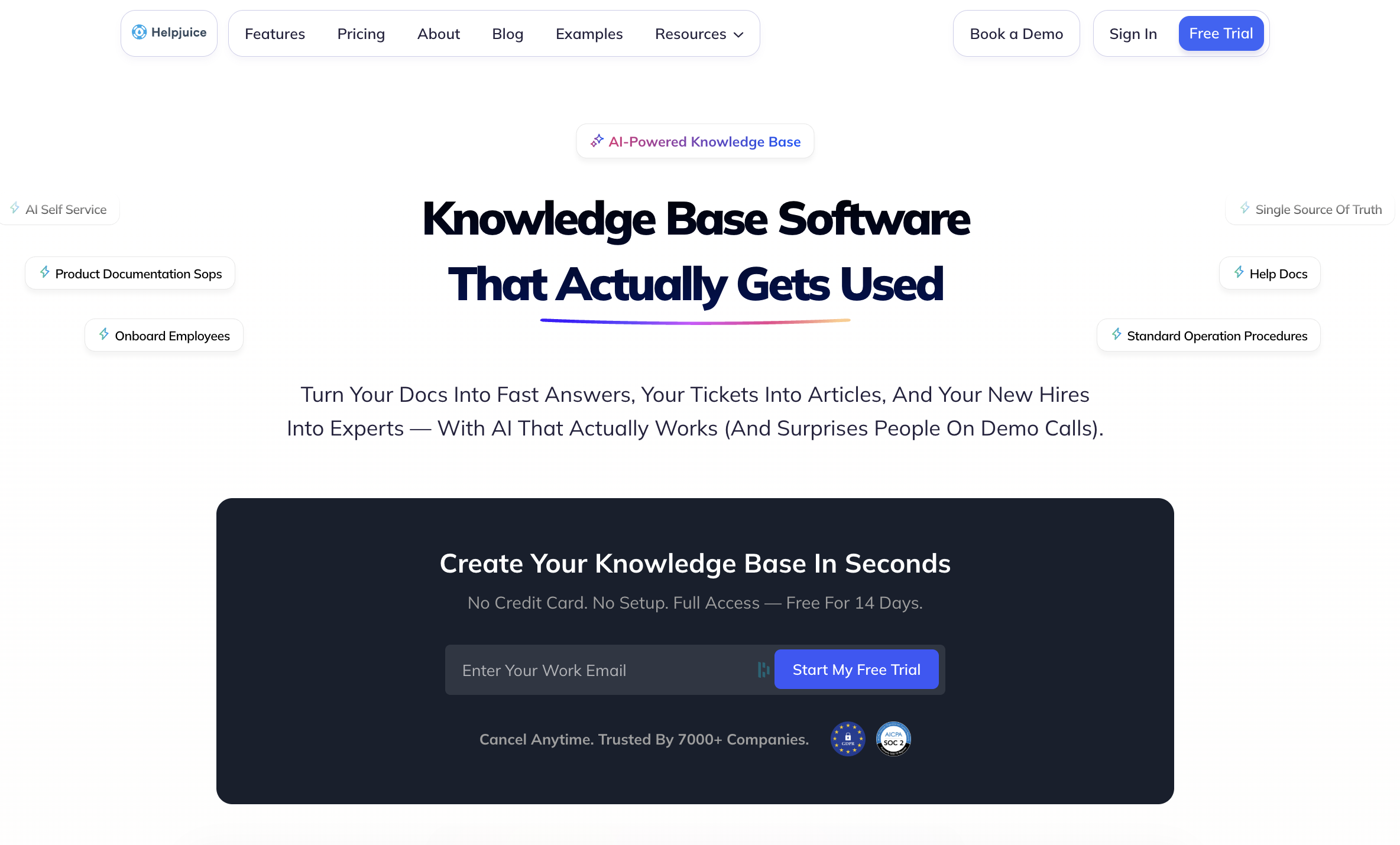
Helpjuice is a knowledge base platform built around deep customization and branded self-service portals. It serves both internal teams and external customers, with a strong emphasis on search quality and visual consistency. Its Swifty AI suite includes an AI chatbot, an in-product helpbar, and an AI writing assistant that help teams surface answers and generate content faster.
Key AI Knowledge Base Features for Support Teams
| Knowledge Base Use Cases | Internal and external use |
| AI-Powered Search | Yes (available on mid-tier plan and above) |
| GenAI in Standalone Chat | Yes |
| Where the AI Chatbot Can Be Used | Knowledge base and external websites (via embeddable widget) |
| Clarifying Questions | No |
| Custom Instructions or Guided Answers | Yes |
| Customize AI for Brand Voice | Yes |
| Knowledge Sources for AI | Helpjuice knowledge base content only |
| AI-Powered Knowledge Base Content Creation | Yes (AI Writer included in AI Suite) |
| Dashboards & Analytics for AI Product | Tracks usage, resolution rates, and unanswered queries to surface content gaps |
| Security & Compliance for AI | GDPR compliant, SSO supported on mid-tier plan and above |
Advantages
- Helpjuice offers more design flexibility than most competitors, with a visual editor, code editor, and expert customization services that can achieve nearly any look. They design the knowledge base theme for you at no extra charge, which is a genuine differentiator for teams that need brand consistency without engineering resources
- AI-powered search is fast and accurate, searching within PDFs and images as well as text content, while search analytics show exactly what customers are looking for
Shortcomings
- The AI only draws on content inside Helpjuice articles. It has no visibility into conversations in external tools like Zendesk, project documents in Google Docs, or developer notes in Confluence, which limits the chatbot's usefulness for teams whose knowledge is spread across multiple systems
- Going from the base plan to the AI-Knowledge Base plan is a jump from $249 to $449 per month, making the AI Suite one of the more expensive AI add-ons in this category relative to what competitors include at lower price points
Pricing
Three plans are available: $249/month for up to 30 users with no AI features, $449/month for up to 100 users with the AI Suite included, and $799/month for unlimited users. A 14-day free trial is available on all plans.
eGain
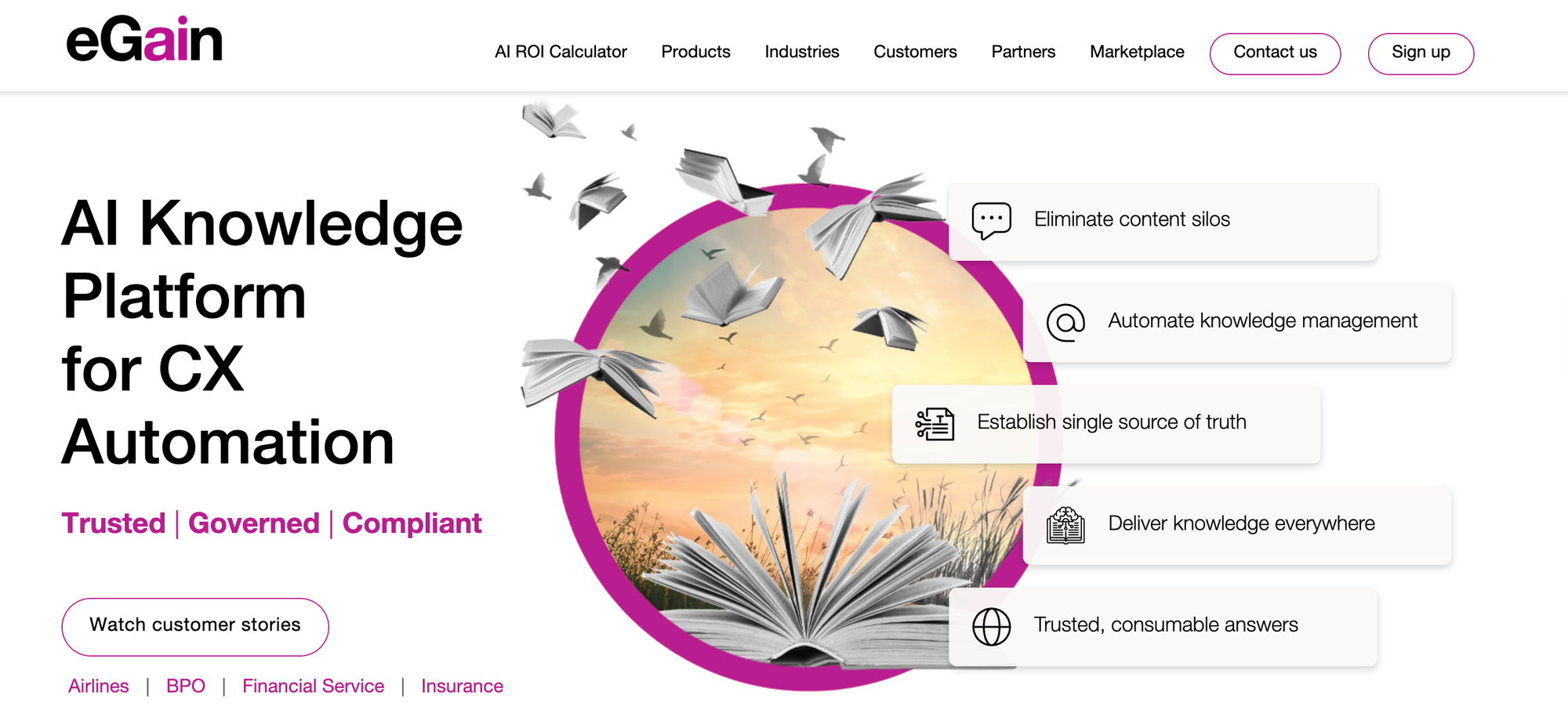
eGain is a knowledge management solution that transforms scattered content into trusted answers using AI and human expertise. Its real-time AI assistant monitors conversations and surfaces relevant guidance as agents work.
The platform also uses AI to pull relevant answers from existing documents, websites, and knowledge portals. This lets companies centralize content from multiple disconnected systems, creating a single knowledge base that makes retrieval easy.
Key AI Knowledge Base Features for Support Teams
| Knowledge Base Use Cases | Internal agent knowledge and external customer self-service |
| AI-Powered Search | Yes |
| GenAI in Standalone Chat | Yes |
| Where the AI Chatbot Can Be Used | Customer-facing websites and contact center agent desktop |
| Clarifying Questions | Yes |
| Custom Instructions or Guided Answers | Yes |
| Customize AI for Brand Voice | Yes |
| Knowledge Sources for AI | Documents, websites, eGain knowledge portal, and integrations like Salesforce and Confluence |
| AI-Powered Knowledge Base Content Creation | Yes |
| Dashboards & Analytics for AI Product | Tracks AI instant answer usage, confidence scores for AI answers, and agent AI usage |
| Security & Compliance for AI | SOC 2 and GDPR compliant |
Advantages
- Generative AI authoring tools speed up content creation, helping team members transform raw information into polished knowledge articles faster
- Tools for customer self-service and contact center agents provide a single AI-powered solution for internal and external users
Shortcomings
- The pricing model is based on resolutions and self-service sessions rather than standard per-user subscriptions, which may be challenging to budget for
- Integration with contact centers is limited to Amazon Connect, Genesys Cloud, and Salesforce, so teams using other platforms may face compatibility issues
Pricing
Pricing is based on users, starting at $12.50/user per month; resolutions, available in blocks of 100 for $50; and self-service sessions, available in blocks of 1000 for $200.
Shelf
Shelf is a knowledge management platform designed to identify quality issues in content before it reaches AI systems. It scans knowledge repositories for problems like duplicate files, outdated information, and compliance risks. It also monitors content continuously and alerts you to issues in real time.
The content management platform connects to existing knowledge base tools and has features for creating, editing, formatting, and translating content into multiple languages. It integrates with agent assist tools, copilots, bots, or search interfaces.
Key AI Knowledge Base Features for Support Teams
| Knowledge Base Use Cases | Internal and external knowledge bases |
| AI-Powered Search | Yes |
| GenAI in Standalone Chat | No (Provides generative AI-enabled content that agents, copilots, and bots can use) |
| Where the AI Chatbot Can Be Used | N/A |
| Clarifying Questions | No |
| Custom Instructions or Guided Answers | No |
| Customize AI for Brand Voice | No |
| Knowledge Sources for AI | Internal knowledge base and external sources via API: SharePoint, Google Drive, Confluence, Notion, Box, Zendesk, ServiceNow, Salesforce, and more |
| AI-Powered Knowledge Base Content Creation | Yes |
| Dashboards & Analytics for AI Product | Tracks conversations impacted by bad data, identifies problematic documents and hallucination causes, and shares usage insights |
| Security & Compliance for AI | SOC 2 Type II certified |
Advantages
- Always-on governance monitors knowledge base content quality in real time, alerting teams to issues before they cause customer-facing problems
- The answer quality dashboard provides transparency into which documents cause generative AI hallucinations, providing feedback to continuously improve support
Shortcomings
- Since it's primarily designed to integrate with and manage content from external platforms, using it exclusively to create knowledge base content may not let users capture the full value
- Built mainly as an internal knowledge management tool and doesn't offer a standalone chatbot or AI-powered self-serve options
Pricing
Custom pricing available on request.
Bloomfire

Bloomfire is a knowledge base solution that handles both internal agent knowledge and external customer self-service. It offers AI-driven search and AI-enhanced authoring tools that help create content and automated indexing that tags and organizes articles.
The platform also has an AI-assisted intelligent search tool that understands natural language queries and offers recommendations for relevant content. Its analytics show which content gets used and where knowledge gaps exist.
Key AI Knowledge Base Features for Support Teams
| Knowledge Base Use Cases | Internal knowledge management and external support communities |
| AI-Powered Search | Yes |
| GenAI in Standalone Chat | Yes |
| Where the AI Chatbot Can Be Used | Internal knowledge base, external customer communities, and websites and tools via API integration |
| Clarifying Questions | No |
| Custom Instructions or Guided Answers | Yes |
| Customize AI for Brand Voice | No |
| AI-Powered Knowledge Base Content Creation | Yes |
| Knowledge Sources AI | Internal knowledge base and integrations with SharePoint and Google Drive |
| Dashboards & Analytics for AI Product | Tracks content usage and efficacy, search queries, and user engagement; also helps identify knowledge gaps |
| Security & Compliance for AI | GDPR and SOC 2 compliant; supports SSO |
Advantages
- Generative AI-enhanced authoring tools support content creation and automated deep indexing organizes content
- Users can easily contribute to the knowledge base or update answers, which can help keep information current, but requires additional oversight
Shortcomings
- Some users say the platform's search filters are insufficient for large knowledge bases, making it difficult to manage complex queries or find relevant information quickly
- Limited AI customization options mean teams can't adjust tone or response patterns to match brand voice
Pricing
Custom pricing available on request.
Salesforce Knowledge
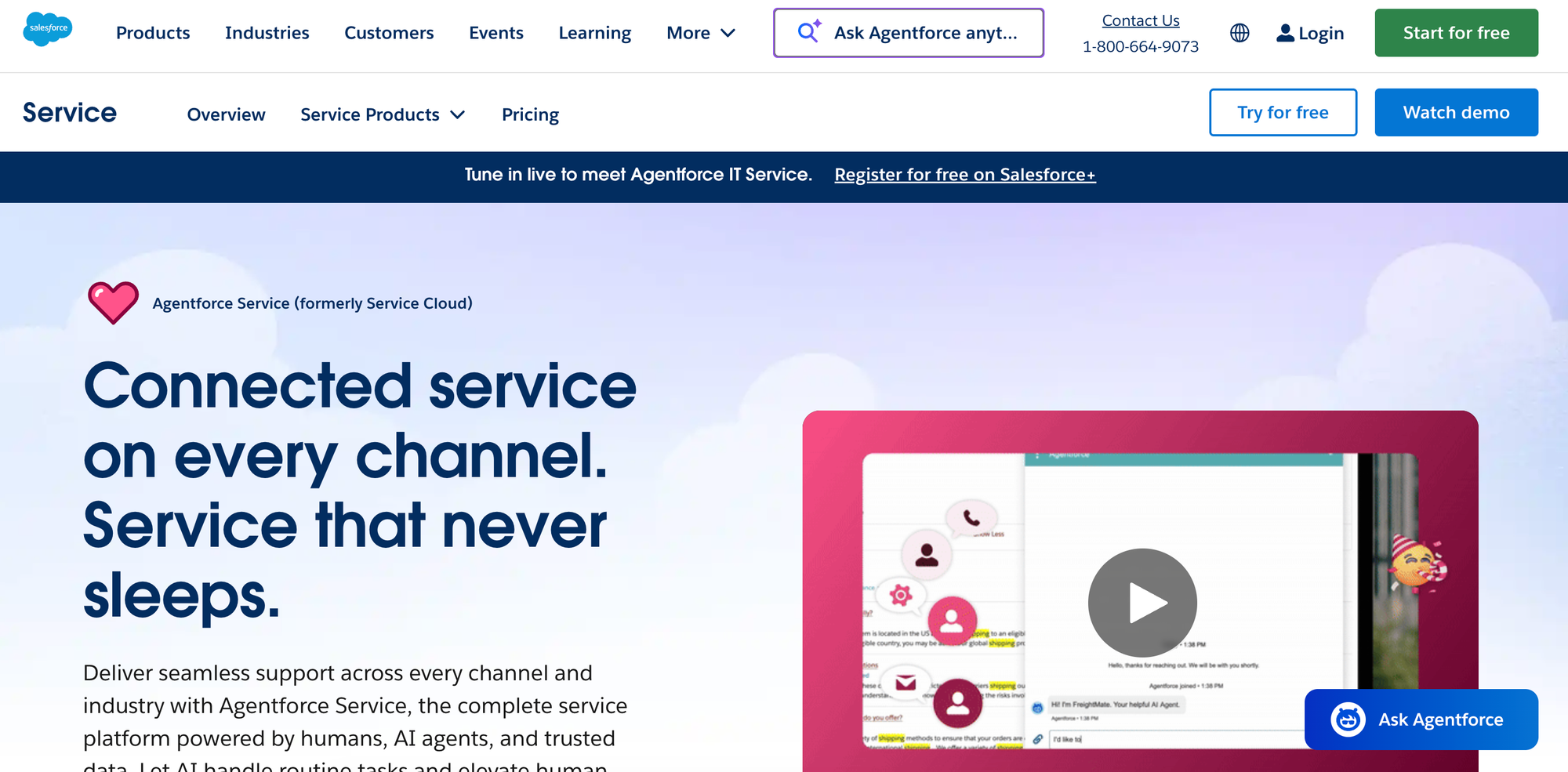
Salesforce Knowledge is a knowledge management system built into the Salesforce ecosystem. It's designed for organizations that use the Salesforce Service Cloud and that need a simple way to manage knowledge. Agents can access relevant articles without leaving their ticketing window, keeping them focused on resolving customer issues and minimizing delays.
While Salesforce Knowledge doesn't have native AI capabilities, it can use Einstein AI (available as an add-on) to provide intelligent search results and generate response drafts based on ticket context. With this AI add-on, the platform can turn static information into a dynamic knowledge base.
Key AI Knowledge Base Features for Support Teams
| Knowledge Base Use Cases | Designed mainly for internal use by customer service teams |
| AI-Powered Search | Yes (Available as an upgrade) |
| GenAI in Standalone Chat | Yes (Available as an upgrade) |
| Where the AI Chatbot Can Be Used | Salesforce ecosystem only |
| Clarifying Questions | Yes |
| Custom Instructions or Guided Answers | Yes |
| Customize AI for Brand Voice | Yes |
| Knowledge Sources for AI | Salesforce Knowledge content |
| AI-Powered Knowledge Base Content Creation | Yes |
| Dashboards & Analytics for AI Product | Tracks views, engagement, and time savings; Einstein add-on has customizable dashboards with options to monitor AI usage |
| Security & Compliance for AI | SOC 1 Type II, SOC 2 Type II, SOC 3, and GDPR compliant; supports SSO |
Advantages
- Einstein Search uses AI to understand search intent and deliver more accurate article results, while proactive suggestions surface relevant content before agents even search
- Everything is in one ecosystem, so agent workflows stay uninterrupted—tickets, customer data, and knowledge all connect without switching systems
Shortcomings
- Only integrates with Salesforce (no external help desk systems), so it isn't an option for teams that use third-party tools or that don't want to invest in Salesforce
- Doesn't have built-in AI capabilities, so adding AI requires an extra investment
Pricing
Salesforce Knowledge is available in the Unlimited tier of Salesforce Service Cloud, which starts at $350/user per month (billed annually). The full AI suite is available with the Agentforce 1 Service tier, which starts at $550/user per month (billed annually).
Zendesk Knowledge
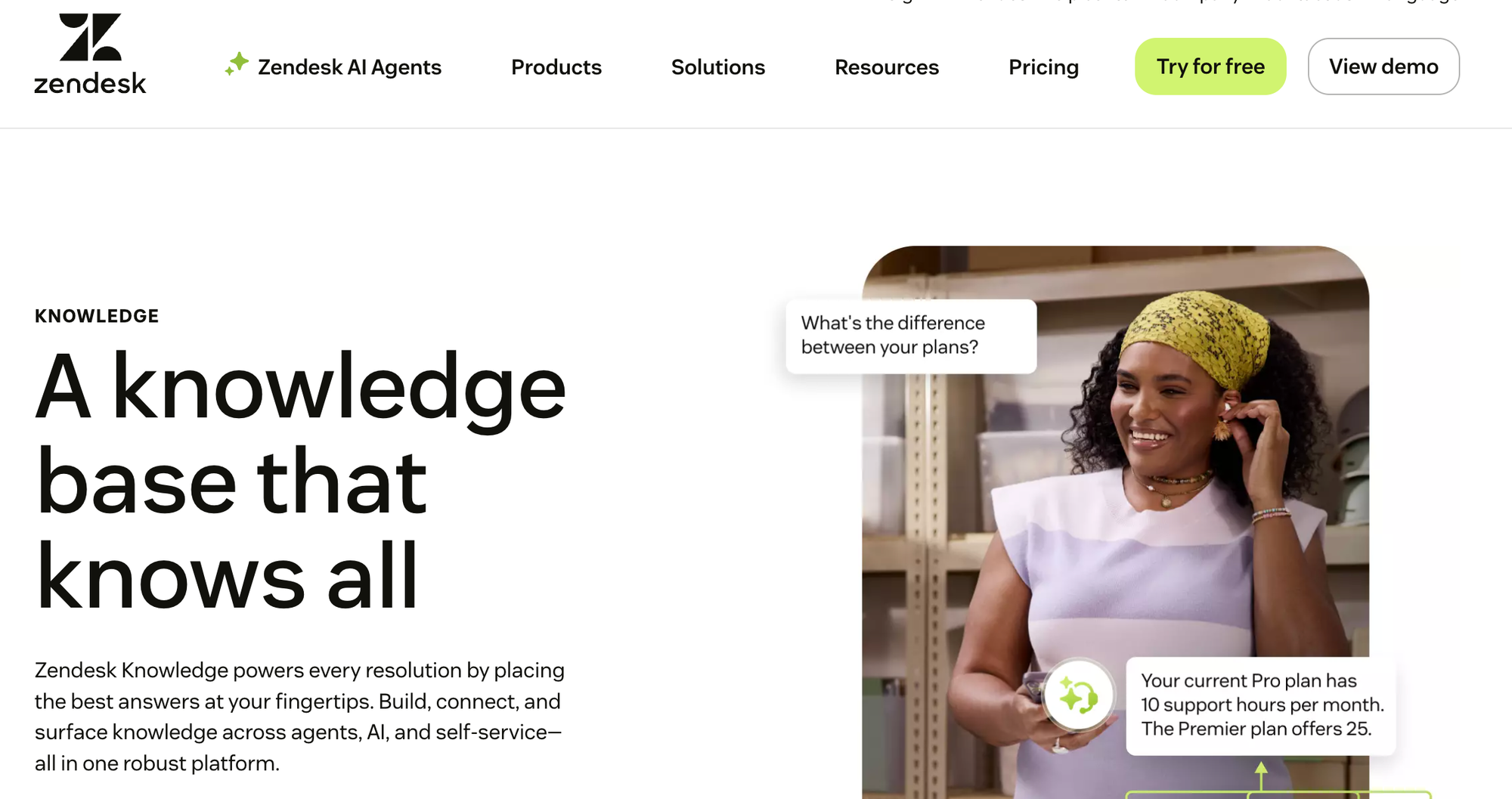
Zendesk Knowledge is a knowledge base platform that uses AI to help create, organize, and deliver content. The system can generate articles from historical support tickets, then translate, edit, and update them. It consolidates knowledge from help centers, community forums, and external sources into a unified knowledge graph that both human agents and AI systems can access.
The platform surfaces answers through AI agents, help centers, and agent workspaces. AI-powered search identifies relevant content and provides ready-to-use responses for agents during ticket resolution. Analytics track content performance and identify gaps in the knowledge base. The system integrates with Zendesk's ticketing and messaging tools to deliver answers across different support channels.
Key AI Knowledge Base Features for Support Teams
| Knowledge Base Use Cases | Customer self-service, agent support, employee service |
| AI-Powered Search | Yes |
| GenAI in Standalone Chat | Yes |
| Where the AI Chatbot Can Be Used | Zendesk knowledge base, website (via widget and extension support, auto-suggests content based on URL) |
| Clarifying Questions | Yes |
| Custom Instructions or Guided Answers | Yes |
| Customize AI for Brand Voice | Yes |
| Knowledge Sources for AI | Zendesk Guide content, community forums, and external resources, as well as integrations with Slack, Gainsight, UserGuiding, and others |
| AI-Powered Knowledge Base Content Creation | Yes |
| Dashboards & Analytics for AI Product | Tracks content performance and agent usage; AI and search reporting available with advanced AI add-on |
| Security & Compliance for AI | SOC 2, GDPR, HIPAA compliant, supports SSO |
Advantages
- Works with customer support tools your team already uses daily, keeping knowledge accessible in Slack conversations, Jira tickets, or Zendesk support queues
- AI suggestions appear right where agents are working on tickets, so they don't have to remember to search or switch tabs to find helpful content
Shortcomings
- Not optimized for multi-audience use, as it has separate AI-enabled systems for internal and external knowledge
- Advanced AI features require an additional purchase that may make it more expensive than other Zendesk alternatives
- Knowledge only deeply integrates with Zendesk products, so keeping things in Zendesk makes it very difficult to switch systems as your other needs change
Pricing
Zendesk Knowledge is available in all Zendesk Suite plans, which start at $55/user per month (billed annually). Advanced AI agents are available as a separate add-on with custom pricing.
Slite
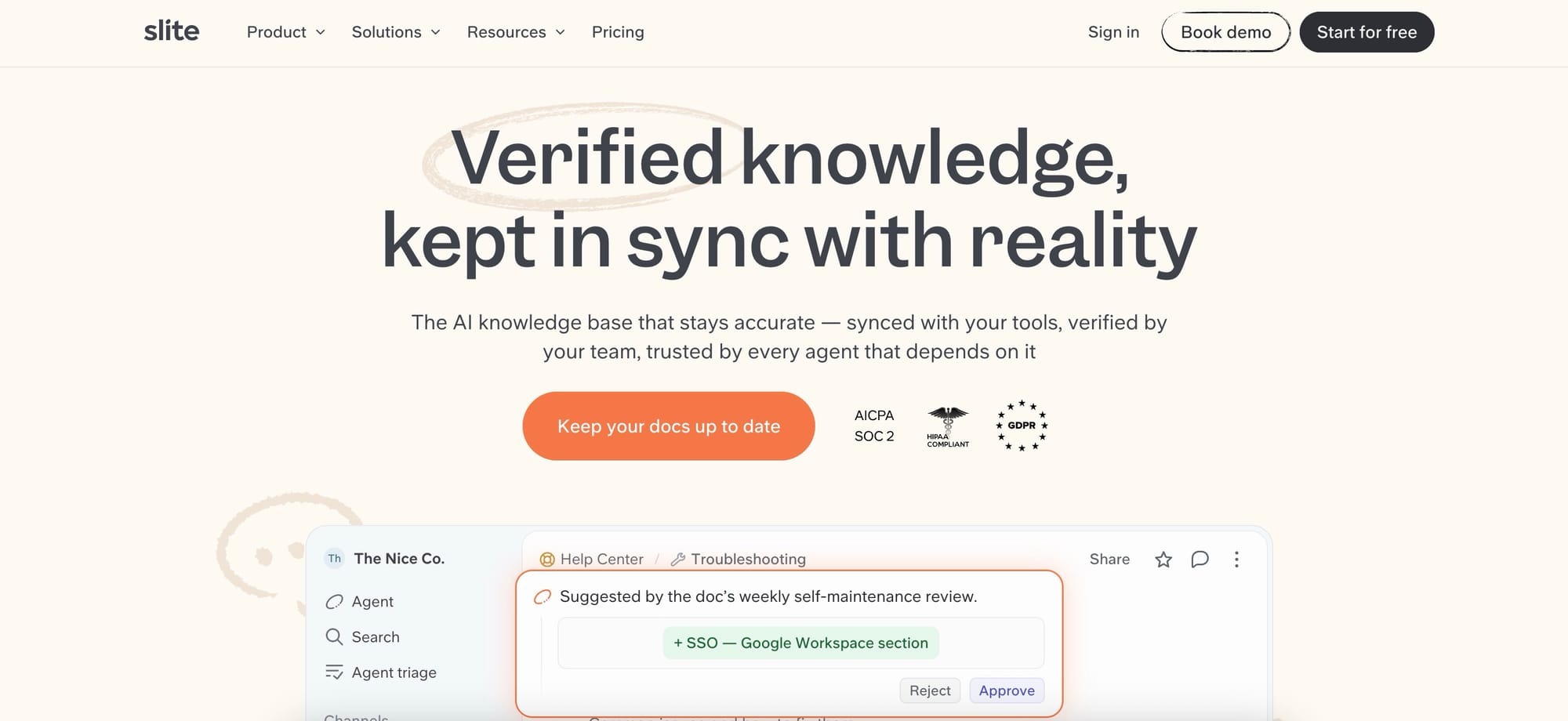
Slite is the self-maintaining knowledge base that keeps itself current and up-to-date based on information from your company's entire tool stack. It pairs a structured, verified wiki with an AI agent that detects when documentation has drifted from reality, drafts the fix, and routes every change through human approval before it becomes truth. Slite has been AI-first since 2023, when it shipped Ask, one of the first company knowledge base assistants.
Key AI Knowledge Base Features for Support Teams
| Knowledge Base Use Case | Primarily optimized for internal use (team documentation, internal wikis) |
| AI-Powered Search | Yes |
| GenAI in Standalone Chat | Yes |
| Where the AI Chatbot Can Be Used | Knowledge base, Slack, Chrome extension, desktop apps (Mac and Windows), and iOS and Android apps |
| Clarifying Questions | Yes |
| Custom Instructions or Guided Answers | Yes |
| Customize AI for Branded Voice | Yes |
| Knowledge Sources for AI | Slite content plus 20+ connected tools (Google Drive, Slack, Notion, Confluence, Jira, GitHub, Linear, and more); on Pro the Slite Agent searches across all of them |
| Dashboards & Analytics for AI Product | Knowledge Management Panel and usage analytics flag outdated, expired, and empty docs and track top readers, contributors, and search performance; Ask Insights surface unanswered questions so you can see what is missing; the Slite Agent drafts fixes for human approval |
| Security & Compliance for AI | GDPR, HIPAA, and SOC 2 Type II compliant; supports SSO and SCIM |
Advantages:
- AI search and doc verification are included on every plan, not gated to higher tiers
- The Slite Agent keeps documentation current by drafting updates that a human approves
- A verified single source of truth that both your team and your AI agents can draw on as a context layer
- Dedicated importers for Notion, Confluence, Google Docs, and Markdown
Shortcomings:
- Built for internal company knowledge rather than an external-facing customer help center
- No OCR for images or PDFs
- Slack is the only messaging integration; no Microsoft Teams
Pricing
Starts at $10/user/month (Basic plan, billed annually), which includes AI search, doc verification, and the Knowledge Management Panel. Pro is $20/user/month (billed annually) and adds the Slite Agent and AI search across connected tools. Enterprise is custom. There is no free plan, and a 14-day trial is available.
How Stonly Helps You Create AI-Powered Answers for Customer Service
Stonly transforms your organization's customer service knowledge into instant, accurate answers wherever customers and agents need help. AI Answers help support teams resolve over 70% of customer questions through AI, reducing call volume by 80% while maintaining 92% accuracy in responses.
Stonly's AI Answers features:
- Instant, accurate answers with GenAI: Stonly pairs structured knowledge with OpenAI models to deliver highly accurate AI chat. Users get easy-to-follow answers that link directly to source content, and the artificial intelligence asks clarifying questions when multiple solutions apply.
- Controlled AI for important questions: Set up guided answer flows for complex issues that require specific processes. Pre-approve answers for critical questions, and automate workflows that currently need agent action.
- Analytics that drive improvement: Questions get automatically grouped into topic clusters to reveal trends. Track exactly how many tickets your AI deflects, monitor resolution success rates by topic, and see how performance evolves over time.
- Smooth handoff to live support: When AI hits a knowledge gap, it connects customers to your support team through ticket creation or live chat, automatically passing along full conversation context.
- Customization for your brand: Name your chatbot, set the tone from professional to casual, and use custom instructions to control how AI handles specific scenarios. Deploy multiple targeted bots across different properties for maximum control.
Learn more about Stonly's AI Answers or request a demo to see how you can improve your organization's knowledge management.