
![14 Best Knowledge Base Software for 2026 [Full Comparison]](/blog/content/images/2026/02/Blog-image-Best-knowledge-base-software.png)
Knowledge base software platforms look similar on the surface, but they're built for fundamentally different audiences and workflows.
While they all help you organize and share knowledge, the features you need vary dramatically depending on who's accessing that knowledge and why. Tools designed for customer self-service will fall short for internal team documentation. And while some platforms can handle both internal and external knowledge bases, many are limited to just one or the other.
Say your return window changes from 30 days to 14. On a unified platform, you update one article and both your agents and customers see the change. With two separate systems, someone has to remember to update both, and until they do, agents may quote a policy customers can’t find.
Different knowledge workflows need distinct capabilities, so this guide breaks down the best tools by category:
- Customer Support Knowledge Bases: For support teams and SaaS companies creating self-service help centers, documentation sites, and customer-facing resources. Some platforms also support internal knowledge bases designed specifically for support agents, giving them quick access to answers directly within their workflows. This is different from general internal collaboration tools (covered later in this guide) that teams like HR or product use for company wikis and process documentation.
- Internal Knowledge Collaboration: For teams and organizations building internal wikis, process documentation, and shared knowledge repositories for employees
Within each category, we'll show you the key features to compare so you can find the right tool for your specific knowledge management needs.
Top Knowledge Base Platforms for Customer Support
Stonly
Stonly is a knowledge base software platform specifically designed for customer service teams. There are a few things that make Stonly different from some of the other knowledge bases you’ll find on this list.
1. You can create the absolute most effective knowledge for customer support
Stonly is the only full-featured knowledge base that supports both standard articles and step-by-step guides, a format that breaks down troubleshooting steps, processes, and how-to content into adaptive paths. Each guide adjusts based on the reader's situation and can use customer data to personalize what they see.
Think about a customer whose device won’t connect to Wi-Fi. A standard article lists every fix at once. A guide asks what kind of router they have and what error they see, then shows only the steps that apply.
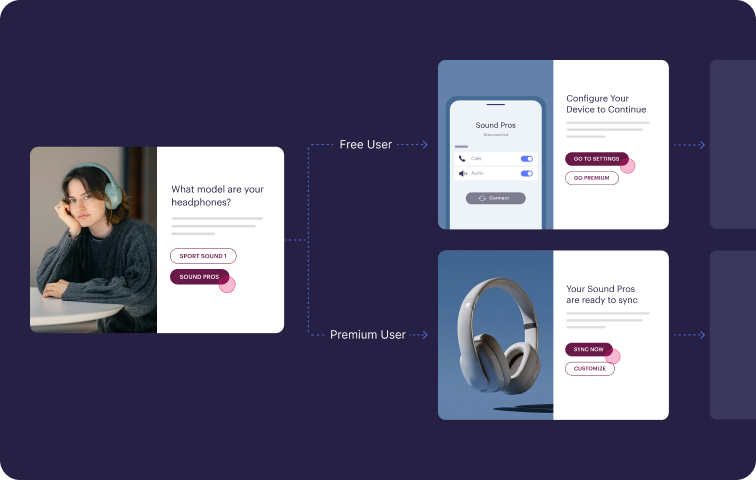
Guides can actually automate actions on behalf of customers and agents, so your knowledge becomes a more active part of helping customers resolve their issues.
2. It makes it easy for people to find and use your knowledge
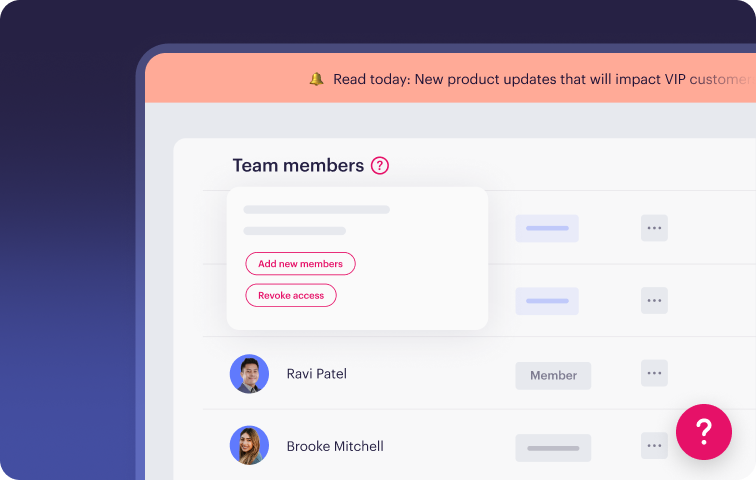
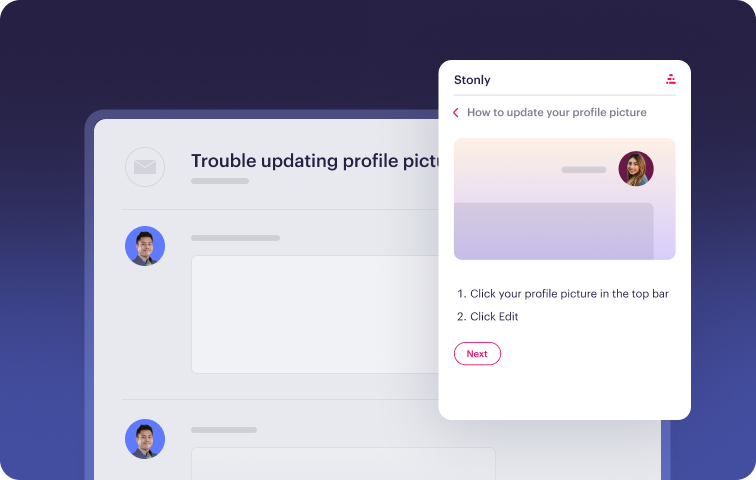
The platform focuses on reducing friction in how people access knowledge. Agents see relevant guidance directly in Zendesk, Salesforce, and other ticketing systems without having to search separately. Customers encounter help content through a no-code widget, hotspots, tooltips, and walkthroughs placed in the web and mobile apps they’re already using. Targeting rules use customer and contextual data to decide which content each person sees.
3. Your AI can resolve complex issues from start to finish (whether you use Stonly AI or your own)
Stonly’s AI Answers draws on structured, metadata-rich guides, which gives it the context to handle edge cases that static articles can’t cover. It can also pull from other sources, like Zendesk Guide, Google Docs, and your website.
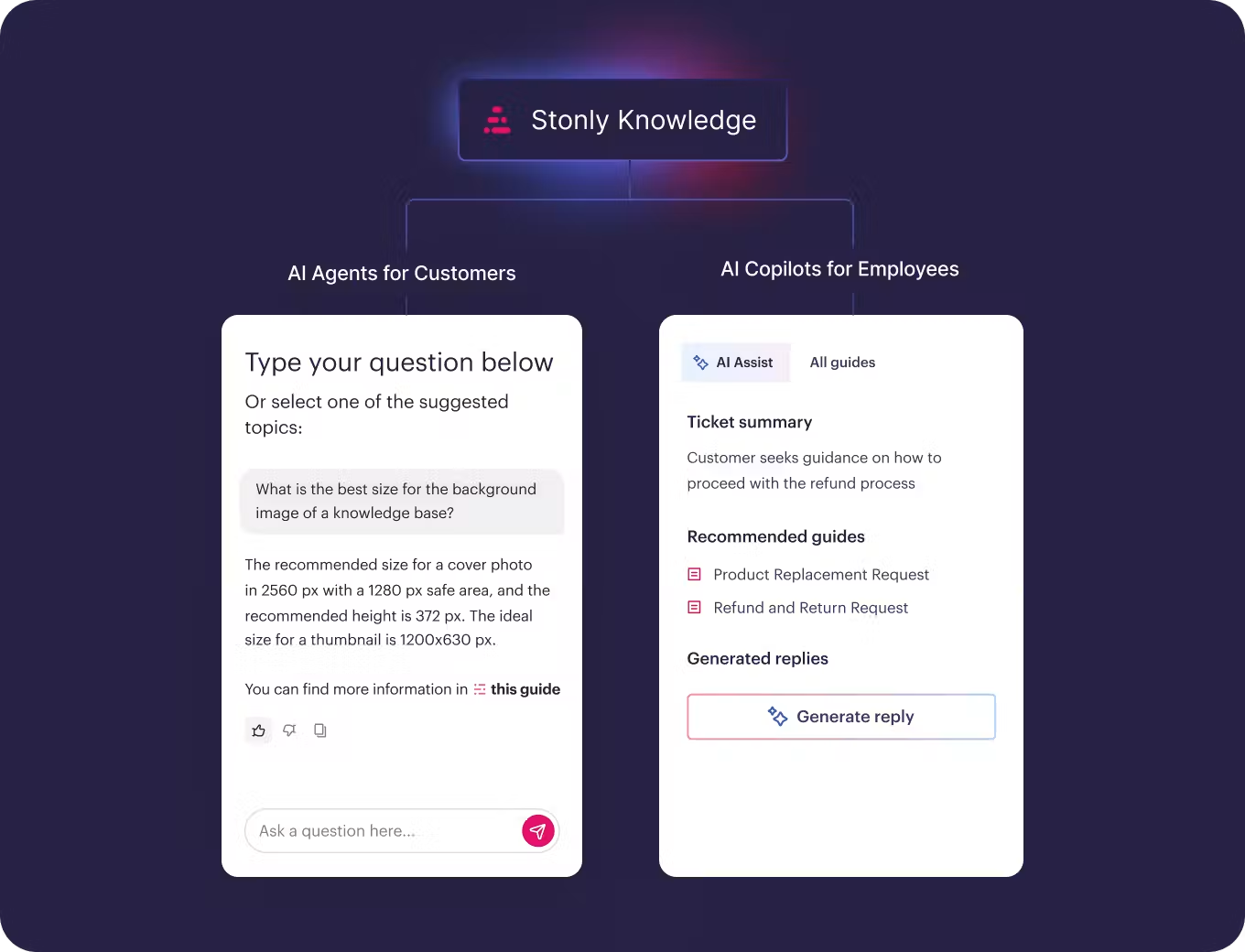
For questions that require a specific process, Guided Answers detects the intent and shows the right guide. For the most complex tickets, Business Process Agents follow your process step by step, gather the information they need, and take action to resolve the issue. You can deploy them to customers over email, chat, or WhatsApp, or inside Zendesk, Salesforce, ServiceNow, and Freshdesk, where reps review and approve their work.
Take a refund request on an annual subscription. Instead of answering with your refund policy, a Business Process Agent can check the request against your eligibility rules, collect the order details, and complete the steps your team would normally handle by hand.
Stonly’s AI is SOC 2 Type II, GDPR, and HIPAA compliant.
4. Your knowledge stays accurate without manual audits
Stonly’s Knowledge Agents run in the background. They check incoming tickets, failed searches, AI conversations, and policy changes against your knowledge base. Then they flag duplicates, mistakes, outdated content, and gaps where an article should exist but doesn’t.
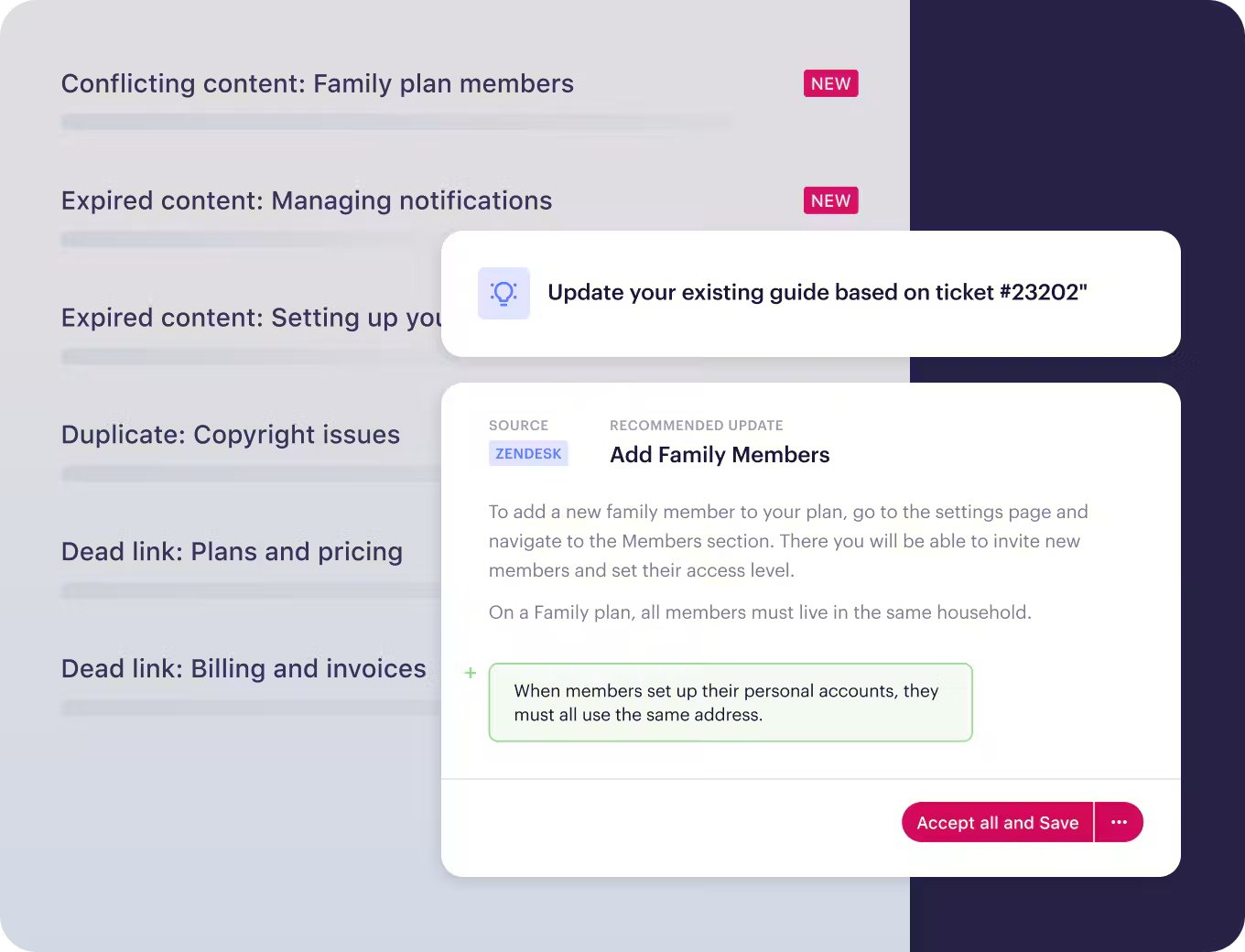
When something needs fixing, they draft the update in line with your content guidelines, and your team reviews and publishes it. You can also give them direct requests, like updating every article that mentions an old pricing tier or turning release notes into a customer-facing FAQ.
Behind the platform, Stonly’s customer success managers have helped more than 1,000 companies roll out and get more value from their knowledge.
Key Knowledge Base Features for Customer Support
| Unified Internal + External Knowledge | Single platform that serves both agent and customer knowledge needs |
| Content Formats | Standard articles and decision-tree style guides |
| Content Creation Experience | Visual editor for standard articles and guides |
| Search Functionality | Search across topics, guides, and individual steps with AI Answers for natural-language questions |
| AI Capabilities | AI Answers for customers and agents, Guided Answers, Business Process Agents for multi-step resolutions, and Knowledge Agents for content upkeep |
| Analytics and Reporting | Tracks content usage, where people get stuck or drop off, reader feedback, and how knowledge drives resolutions |
| Contextual Help | No-code widget with hotspots, tooltips, modals, walkthroughs, and data-based triggers for web and mobile apps |
| Customization & Branding | Extensive no-code customization options and complete HTML/CSS flexibility |
| Native Integrations | Zendesk, Salesforce, Freshworks, ServiceNow, and more |
| Customer Success & Product Partnership | Full-service approach with dedicated onboarding specialists, customer success managers, account managers, and transparent product roadmap |
| Best For | Centralized knowledge base for internal and external users |
What Real Customers Are Saying About Stonly
“We wouldn’t be able to live without Stonly. There are no other tools that have the same step-by-step guide capability combined with the ease of setup, AI features, and integrations available.”
Alex Arkhipov, Care Operations, Tonal
"Stonly simplifies our complex processes with step-by-step knowledge right where agents and users need support, resulting in a faster and more consistent experience."
Andrea Eskanos, Customer Success Enablement, RemoteLock
"With Stonly as our always up-to-date source of truth, client-facing teams can respond twice as fast and more accurately."
Thomas Thieffry, Head of Product, Bpifrance
Pricing
Stonly offers custom pricing plans for small businesses and enterprise companies.
Speed up your support agents and help more customers self-serve with personalized knowledge, powerful AI, and process automation.

Document360

Document360 is a knowledge management solution designed to help support teams resolve tickets faster and reduce repetitive inquiries. The platform makes knowledge accessible to both customers and support agents through AI-powered search, content categories, and multi-language support.
With an emphasis on ease of setup and straightforward content management, Document360 aims to help smaller teams get knowledge bases operational quickly without extensive technical resources.
Key Knowledge Base Features for Customer Support
| Unified Internal + External Knowledge | Supports separate knowledge bases for agents and customers |
| Content Formats | Standard articles and decision-tree style guides |
| Content Creation Experience | Visual editor and markdown support for standard articles only |
| Search Functionality | Keyword search capabilities with tag-based filtering and AI-enhanced results |
| AI Capabilities | AI-powered search, standalone chatbot, and AI-driven features for drafting content |
| Analytics and Reporting | Tracks content effectiveness, search performance, and AI usage patterns |
| Contextual Help | Embeddable widget and browser extension with basic content personalization |
| Customization & Branding | Customization through no-code interface, full HTML and CSS access available |
| Native Integrations | Intercom, Zendesk, Slack, and more |
| Customer Success & Product Partnership | Dedicated success manager, onboarding sessions, and best practice training for every customer |
| Best For | Small companies and startups with limited developer resources |
Advantages
- Direct connections with Zendesk, Freshdesk, and other platforms allow agents to access knowledge without leaving their ticketing system
- Content workflow controls ensure only approved updates get published, maintaining consistency and accuracy across the knowledge base
Shortcomings
- Some users mention that the search experience can be challenging because it doesn't fully embrace natural language queries, requiring more precise keyword matching
- Others note that the API documentation needs improvement, with some sections being outdated or lacking sufficient detail for implementation
Pricing
Custom pricing based on your setup, including the number of team accounts, workspaces, languages, security requirements, and AI usage.
ClickHelp
ClickHelp is a cloud-based knowledge base and technical documentation platform designed for companies that need to create, manage, and publish both customer-facing and internal documentation at scale. The platform combines advanced documentation management, AI-powered knowledge delivery, and collaboration tools in a single platform, making it especially useful for SaaS, software, and product-driven teams.
ClickHelp focuses heavily on structured documentation workflows, version control, multi-channel publishing, and collaboration between technical writers, support teams, and product teams.
Key Knowledge Base Features for Customer Support
| Unified Internal + External Knowledge | Supports both public and private documentation portals |
| Content Formats | Knowledge base articles, technical documentation, API docs, user manuals, and process documentation |
| Content Creation Experience | Choice between a powerful Advanced WYSIWYG editor for complex layouts and a modern Block-based editor for fast, structured content creation. |
| Search Functionality | Full-text search with filtering and structured navigation |
| AI Capabilities | AI-assisted search, content recommendations, and AI-powered writing support |
| Analytics and Reporting | Article usage metrics, search analytics, and content performance reporting |
| Contextual Help | Embeddable documentation access and customizable portals |
| Customization & Branding | Custom domains, branding, navigation, and portal customization |
| Native Integrations | Zendesk, Jira, Salesforce, Slack, GitHub, and more |
| Customer Success & Product Partnership | Dedicated onboarding and responsive customer support |
| Best For | Technical documentation teams, SaaS companies, and enterprises managing complex documentation |
Advantages
- Strong support for structured technical documentation, reusable content, and multi-version publishing makes it well-suited for growing SaaS and software companies
- Flexible permissions, review workflows, and collaboration tools help larger teams maintain documentation quality across departments
Shortcomings
- Advanced documentation capabilities can create a steeper learning curve for smaller teams looking for a lightweight help center solution
- Some customization and workflow configurations may require initial setup time for more complex documentation environments
Pricing
ClickHelp offers multiple pricing tiers based on team size and documentation needs, including plans for small teams and enterprise organizations.
Salesforce Knowledge
Salesforce Knowledge is a knowledge management solution embedded in Salesforce Service Cloud. Support agents can pull up articles directly in their workflow, maintaining focus on customer conversations rather than hunting for information across different systems.
It offers standard article creation and organization, with AI-powered features like intelligent search and content suggestions available through Agentforce as an optional upgrade.
Key Knowledge Base Features for Customer Support
| Unified Internal + External Knowledge | Primarily for internal use by support agents |
| Content Formats | Standard articles only |
| Content Creation Experience | Visual editor for standard articles; interactive content requires custom development |
| Search Functionality | Basic keyword search included, AI enhancements available as a paid upgrade |
| AI Capabilities | AI-driven search enhancement, agent assistance, and content creation tools available as a paid upgrade |
| Analytics and Reporting | Tracks content views, usefulness, and ratings |
| Contextual Help | Not available |
| Customization & Branding | Customization requires development work |
| Native Integrations | Salesforce ecosystem |
| Customer Success & Product Partnership | Basic support included in all plans; enhanced support and implementation services available for an additional cost |
| Best For | Organizations that have already invested in the Salesforce ecosystem |
Advantages
- Knowledge articles appear directly within Service Cloud workflows, eliminating context switching and keeping agents focused on resolving customer issues
- Designed to handle the knowledge management needs of large enterprises with complex organizational structures and high ticket volumes
Shortcomings
- Making visual or structural changes to the knowledge base often needs developer involvement, slowing down content teams that want to iterate quickly
- Teams using support tools like Zendesk, Intercom, or standalone chat platforms can't connect their knowledge base, forcing them into an all-Salesforce stack
Pricing
Salesforce Knowledge is part of Salesforce Service Cloud, which starts at $195/user per month for the Core edition (billed annually). Advanced is $395/user per month and Max is $550/user per month. AI features like article recommendations and search answers are paid add-ons below the Max tier.
Zendesk Knowledge
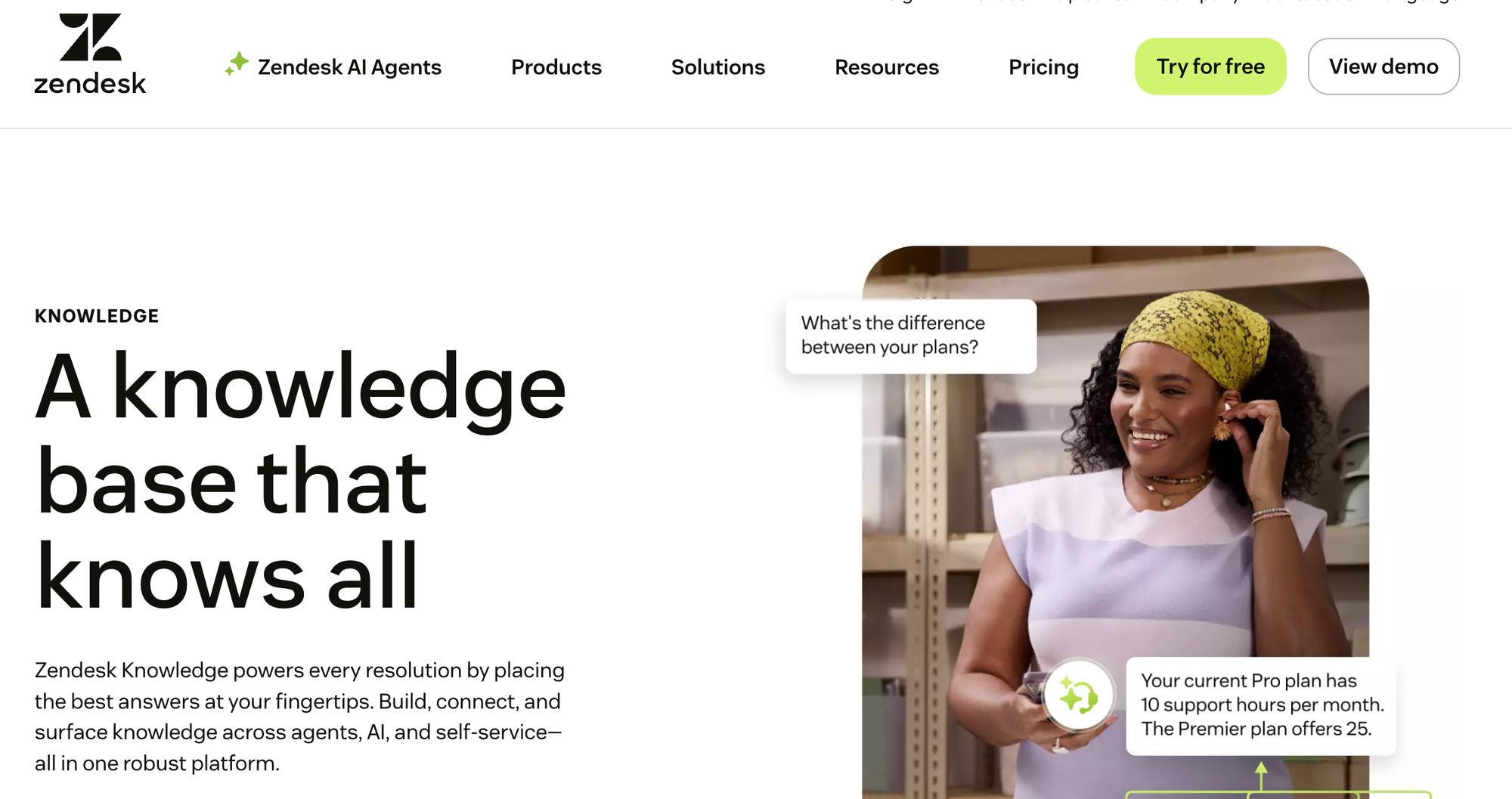
Zendesk Knowledge is a knowledge base tool that powers customer service resolutions across channels. It brings together help center content, community forums, and external resources, making information accessible to both AI agents and human support teams.
With its built-in AI capabilities, Zendesk helps teams build and scale their knowledge bases quickly while delivering answers in self-service portals, within agent workspaces, or through automated AI interactions.
Key Knowledge Base Features for Customer Support
| Unified Internal + External Knowledge | Not designed to serve both agent and customer needs efficiently |
| Content Formats | Standard articles only |
| Content Creation Experience | Visual editor for standard articles; interactive content requires custom development |
| Search Functionality | Keyword search with filtering options and integrated generative AI |
| AI Capabilities | AI-powered search and support chatbot included; advanced features like AI agents available as a paid add-on |
| Analytics and Reporting | Prebuilt analytics dashboards are included; customizable live dashboards and AI insights require an upgrade or an add-on |
| Contextual Help | Widget and browser extension |
| Customization & Branding | Custom themes are included; advanced customization requires developer resources |
| Native Integrations | Zendesk Suite, Slack, Jira, and more |
| Customer Success & Product Partnership | Standard support included; premium success programs and professional services available at extra cost |
| Best For | Zendesk users seeking a basic built-in knowledge base |
Advantages
- Help center articles, community forums, and external sources combine into a single searchable system, ensuring both agents and AI have access to complete information
- Knowledge surfaces automatically within the Zendesk agent workspace and across all Zendesk channels, eliminating the need for agents to search separately
Shortcomings
- Teams using other helpdesk platforms or wanting to maintain platform flexibility will find limited integration options beyond the Zendesk Suite
- Detailed reporting on AI performance and search analytics aren't included in base plans, leaving teams with less visibility into how their knowledge is performing
Pricing
Zendesk Knowledge is available in all Zendesk Suite plans, which start at $55/user per month (billed annually).
KnowledgeOwl
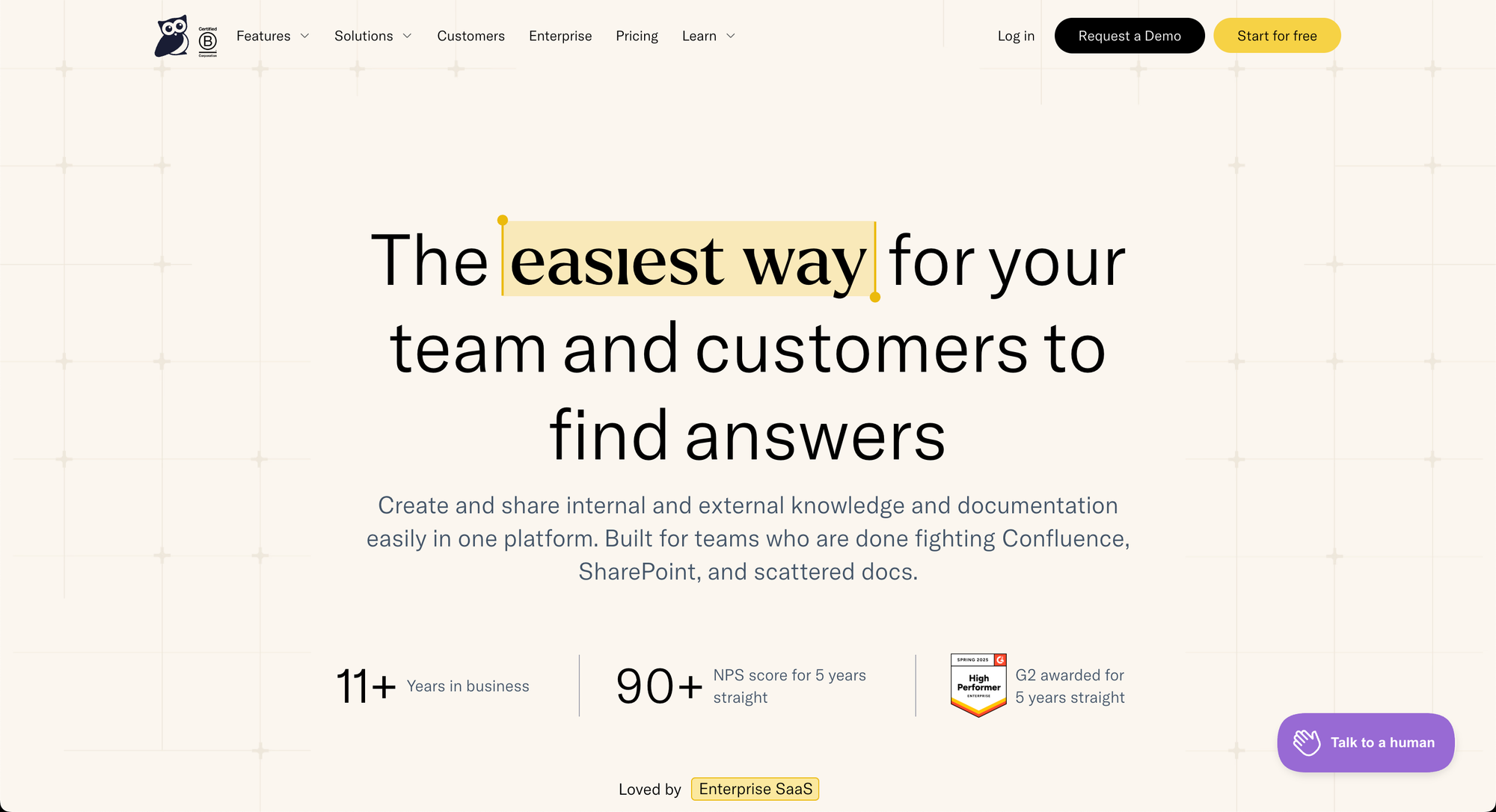
KnowledgeOwl is a cloud-based knowledge base platform built for teams that need an easy way to create, organize, and publish documentation for customers, employees, or both. The platform covers the full knowledge base workflow, from writing and structuring articles to managing permissions, search, and reader analytics, without requiring technical setup or self-hosting.
KnowledgeOwl is built and maintained by a team of experts passionate about knowledge management. Rather than expanding into adjacent tools, it concentrates on making the knowledge base experience clean and manageable. It's particularly well-suited to service, product, and documentation teams who want a purpose-built solution backed by hands-on human support.
Key Knowledge Base Features for Customer Support
| Unified Internal + External Knowledge | Supports both public and private documentation portals. |
| Content Formats | Standard articles with support for embedded video, and file attachments. |
| Content Creation Experience | Intuitive WYSIWYG editor and full custom HTML/CSS/JS. |
| Search Functionality | Keyword and semantic search enabled by default. |
| AI Capabilities | A closed-system embeddable AI chatbot, and AI-generated content, meta descriptions, and style guide evaluation. |
| Analytics and Reporting | Article usage metrics, search analytics, and content performance reporting. |
| Contextual Help | Embeddable widget that surfaces knowledge base content directly inside your product, web app, or marketing site. |
| Customization & Branding | Full HTML, CSS, and JavaScript customization. |
| Native Integrations | Slack, Zapier, Zendesk, Ottokit, and Userlane, plus an open REST API for connecting to ticketing, chat, or help desk tools. |
| Customer Success & Product Partnership | Content migration help, onboarding calls until launch, and responsive human support. |
| Best For | Teams that want a focused, easy-to-manage knowledge base backed by responsive human support. |
Advantages
- Pricing scales with the number of authors creating content rather than the number of readers, so unlimited readers (including those behind a login) are included on every plan.
- Content migration help, onboarding calls, and custom-branded theme setup are bundled at no extra cost, so teams can launch without doing the migration and design work themselves.
Shortcomings
- KnowledgeOwl is a focused knowledge base platform without built-in ticketing, live chat, or help desk capabilities, so teams needing those workflows will connect them through native integrations, Zapier, or KnowledgeOwl's open API.
- The $100/month starting price is higher upfront than self-hosted or plugin-based options, which may be more than solo operators or very small teams need.
Pricing
KnowledgeOwl pricing starts at $100/month for one author and one knowledge base, with additional authors at $25/month and additional knowledge bases at $50/month. Pro ($250/month) and Business ($500/month) plans raise article limits, AI credits, and analytics history. Annual commitments include a discount; purpose-driven organizations receive 25% off, and a 30-day free trial is available with no credit card required.
Featurebase
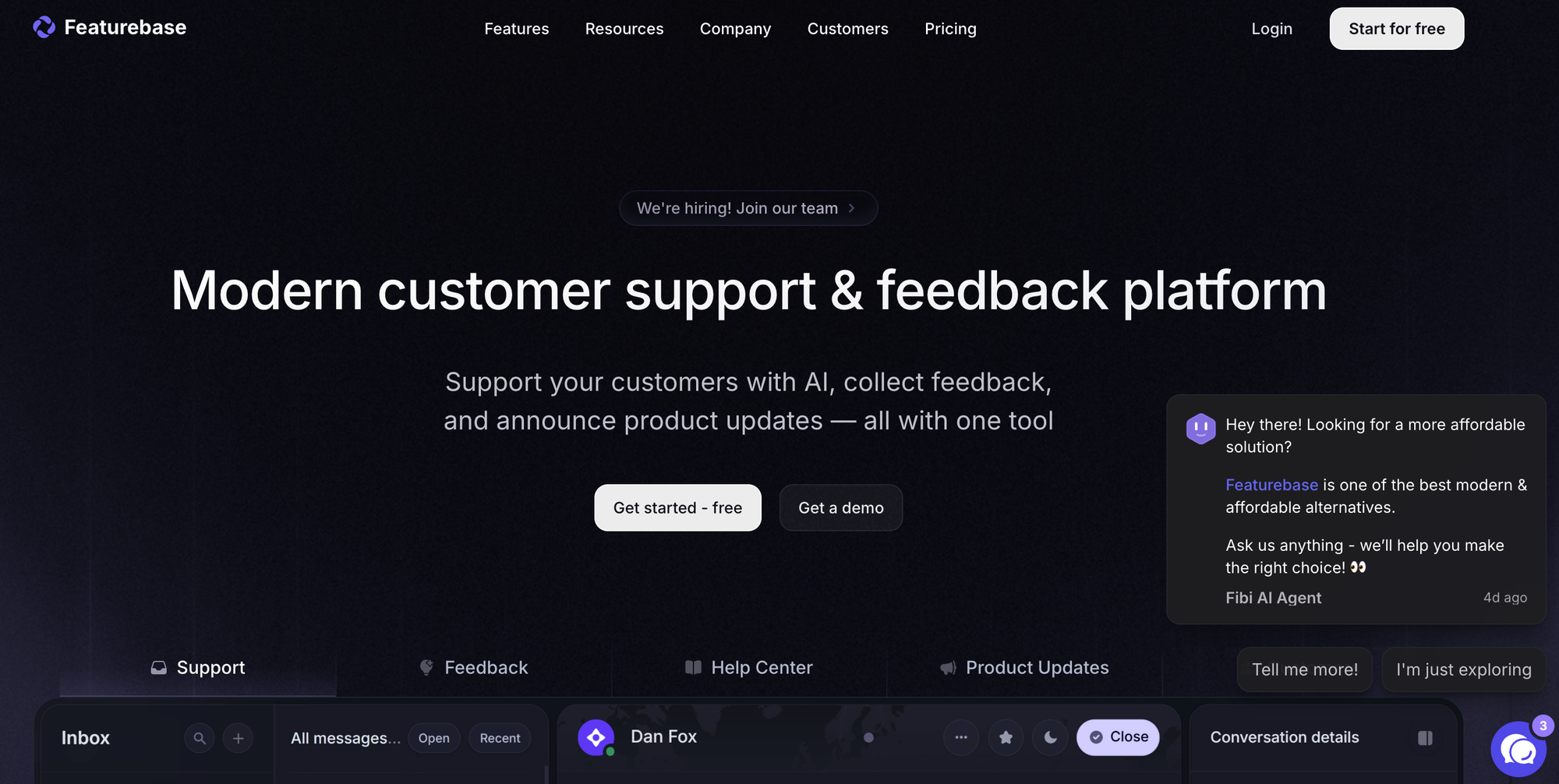
Featurebase is a support and product platform that helps teams build a public help center, answer customer questions, collect feedback, and connect support content with product updates. It is a strong option for SaaS companies that want their knowledge base to sit closer to live chat, feedback, roadmaps, changelogs, and customer support.
The platform focuses on self-service support through AI search, in-app help, multilingual content, and a branded help center. Featurebase also gives teams product context around support issues, so support teams can point users to help articles while product teams can see what customers keep asking for.
Key Knowledge Base Features for Customer Support
| Unified Internal + External Knowledge | Supports public help centers, private articles, and access controls for team-only or user-specific content |
| Content Formats | Help center articles, product updates, changelog posts, feedback posts, surveys, and roadmap updates |
| Content Creation Experience | Modern editor for creating help articles, with AI assistance for writing and support replies |
| Search Functionality | AI search and standard help center search so users can find answers from existing content |
| AI Capabilities | Fibi AI Agent, AI Copilot, AI replies, macros, and AI assisted article translation on paid plans |
| Analytics and Reporting | Basic analytics on Growth, with stronger reporting options on higher plans |
| Contextual Help | Embeddable widgets, live chat, and in app support options for bringing help content into the product |
| Customization & Branding | Custom domains, branding controls, access controls, and optional white labeling |
| Native Integrations | Slack, Intercom, Zendesk, HubSpot, Linear, Jira, Discord, GitHub, and more |
| Customer Success & Product Partnership | Live chat support, customer success help on higher plans, and startup support through its early-stage program |
| Best For | SaaS companies that want a knowledge base connected to support, feedback, roadmap, and changelog tools |
Advantages
- Direct connections with tools like Slack, Intercom, Zendesk, HubSpot, Linear, Jira, Discord, and GitHub help teams connect support content with the rest of their customer operations.
- Featurebase combines the help center, live chat, feedback board, changelog, and roadmap in one place, which is useful for SaaS teams that want support and product teams working from the same customer context.
- The multilingual help center, custom domains, branding controls, access permissions, and in-app widgets make it easier to build a polished customer support hub without heavy developer input.
Shortcomings
- Featurebase may be more product-focused than companies need if they only want a simple article library with basic search.
- Some of the most useful support features, such as Fibi AI Agent, AI Copilot, automations, multilingual support, API access, and advanced integrations, are tied to paid plans.
Pricing
Featurebase offers a free plan, with paid plans starting at $29 per seat per month when billed annually. Fibi AI Agent is priced separately at $0.49 per resolved conversation on paid plans.
Comparison of the best knowledge base software for customer service

Top Internal Knowledge Collaboration Platforms
eXo Platform
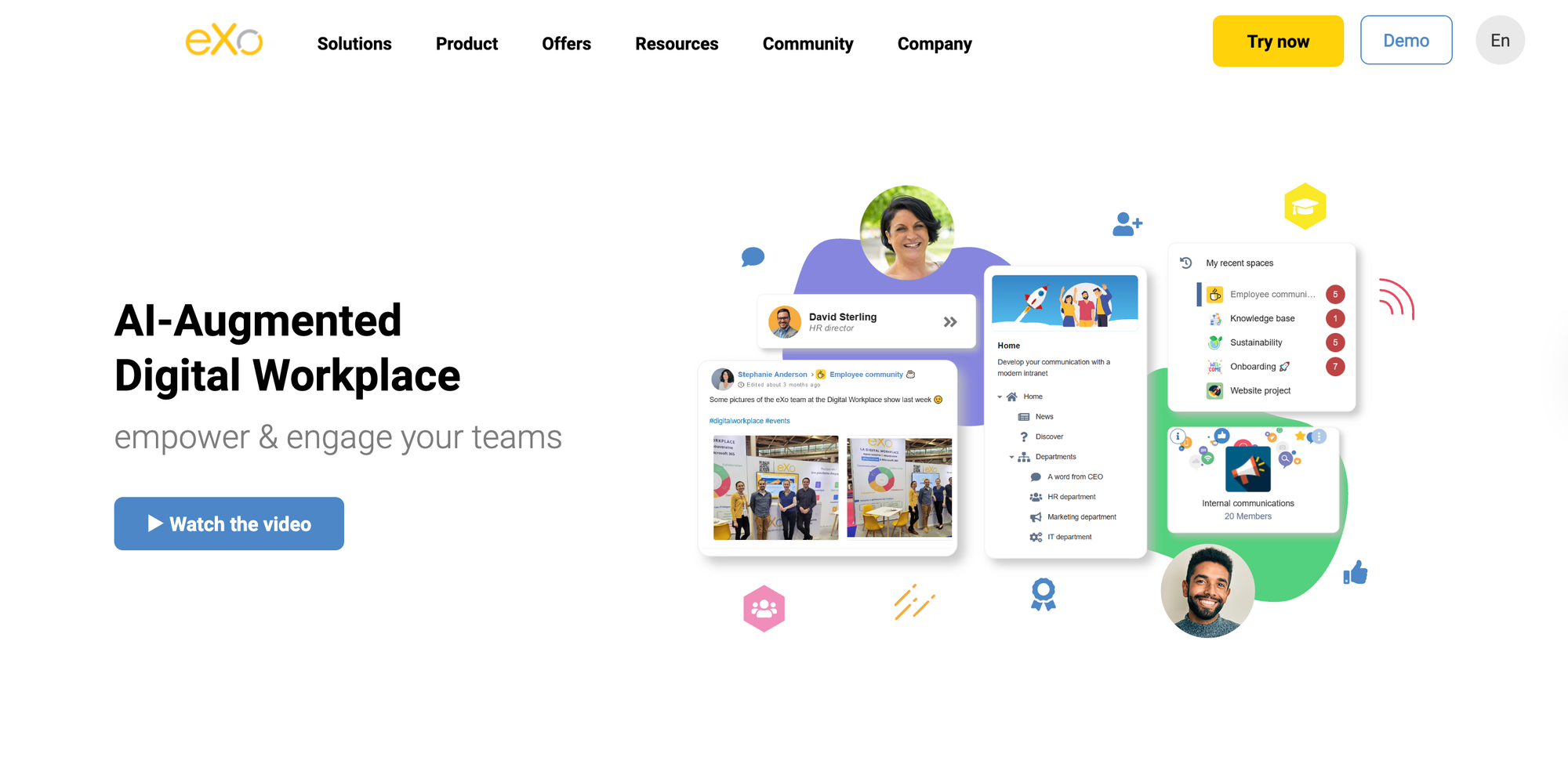
eXo Platform is an open-source and sovereign digital workplace and knowledge base software platform designed to support internal collaboration, knowledge management, and employee engagement in a unified environment. It enables organizations to build secure internal wikis, collaborative workspaces, and structured knowledge repositories while maintaining full control over data and infrastructure.
With its integrated approach combining communication, collaboration, and knowledge sharing, eXo Platform allows teams to centralize organizational knowledge and make it easily accessible across departments. Its architecture supports on-premise and cloud deployments, making it suitable for organizations with strict security, compliance, or sovereignty requirements.
Key Internal Knowledge Base Features
| Real-Time Collaboration | Workspaces, group discussions, shared documents, and team collaboration tools |
| Search & Discovery | Full-text search across documents, spaces, and activity streams |
| Knowledge Maintenance | Versioning, structured content organization, and lifecycle management |
| Permissions & Access Control | Granular role-based access across spaces, content, and communities |
| Integrations | Extensible via APIs and connectors to enterprise systems |
| AI Capabilities | Controlled AI integration with secure access via MCP-based architecture |
Advantages
- Unified platform for intranet, collaboration, and knowledge management
- Strong data sovereignty and security (on-premise or cloud)
- Open-source and highly extensible architecture
- Supports both structured documentation and dynamic collaboration
Shortcomings
- Due to its wide range of capabilities and deployment options, initial setup and configuration may require careful planning and administrative expertise, particularly in highly regulated organizations
- Leveraging advanced capabilities such as deep customization, integrations, or AI-enabled workflows may require onboarding time for teams and administrators
Pricing
eXo Platform offers flexible pricing models based on deployment type (cloud or on-premise), number of users, and required support level. Pricing is typically provided on request for enterprise and public-sector organizations.
Confluence
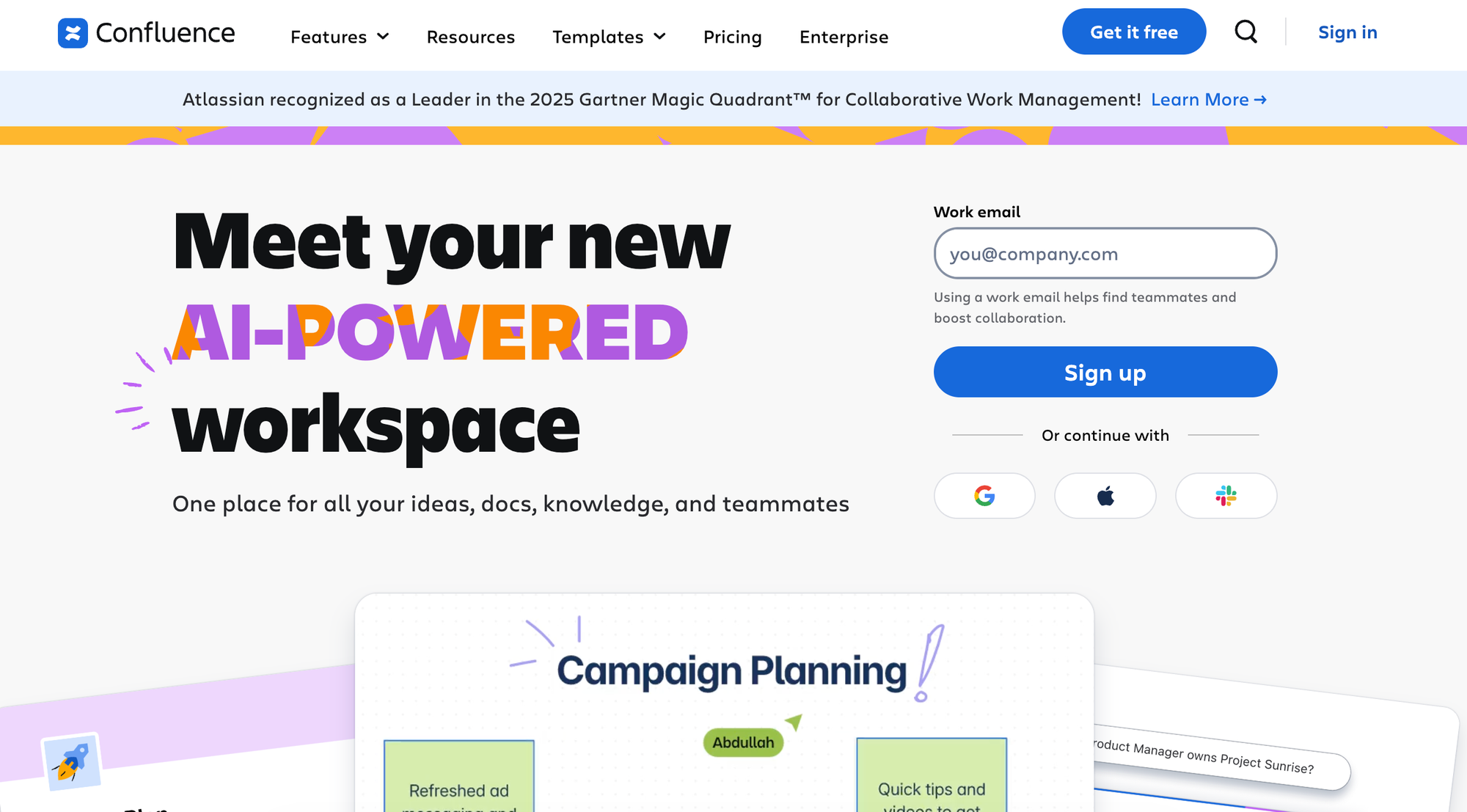
Confluence is an internal wiki for team collaboration and real-time knowledge sharing. Part of the Atlassian ecosystem, the platform provides a flexible workspace where teams can co-create content, stay aligned on projects, and keep organizational knowledge accessible.
Key Internal Knowledge Base Features
| Real-Time Collaboration | Multi-user editing with inline comments, @mentions, and real-time updates across documents |
| Search & Discovery | Full-text search with page hierarchy navigation |
| Knowledge Maintenance | Version control with page history, content archives, and structured review workflows |
| Permissions & Access Control | Role-based permissions at the space and page level with flexible access controls |
| Integrations | Jira, Trello, Microsoft Teams, Google Drive, Figma, Miro, GitHub, and more |
| Analytics & Insights | Tracks basic view and engagement metrics; advanced analytics require the Premium plan or higher |
Advantages
- As part of the Atlassian ecosystem, Confluence integrates with Jira and Trello, making it particularly valuable for product and engineering teams that need documentation tied to development work
- Pre-built templates for project plans, retrospectives, and how-to guides help teams document consistently
Shortcomings
- Some users report difficulty finding relevant answers or accessing essential information due to search engine limitations
- Others note that the platform can experience slowdowns when working with large amounts of data, large pages, or many concurrent users
Pricing
Free plan includes most features but limits usage. The Standard plan starts at roughly $5 to $6 per user per month, with rates varying by team size. Premium adds usage analytics, more automation, and unlimited storage.
Guru
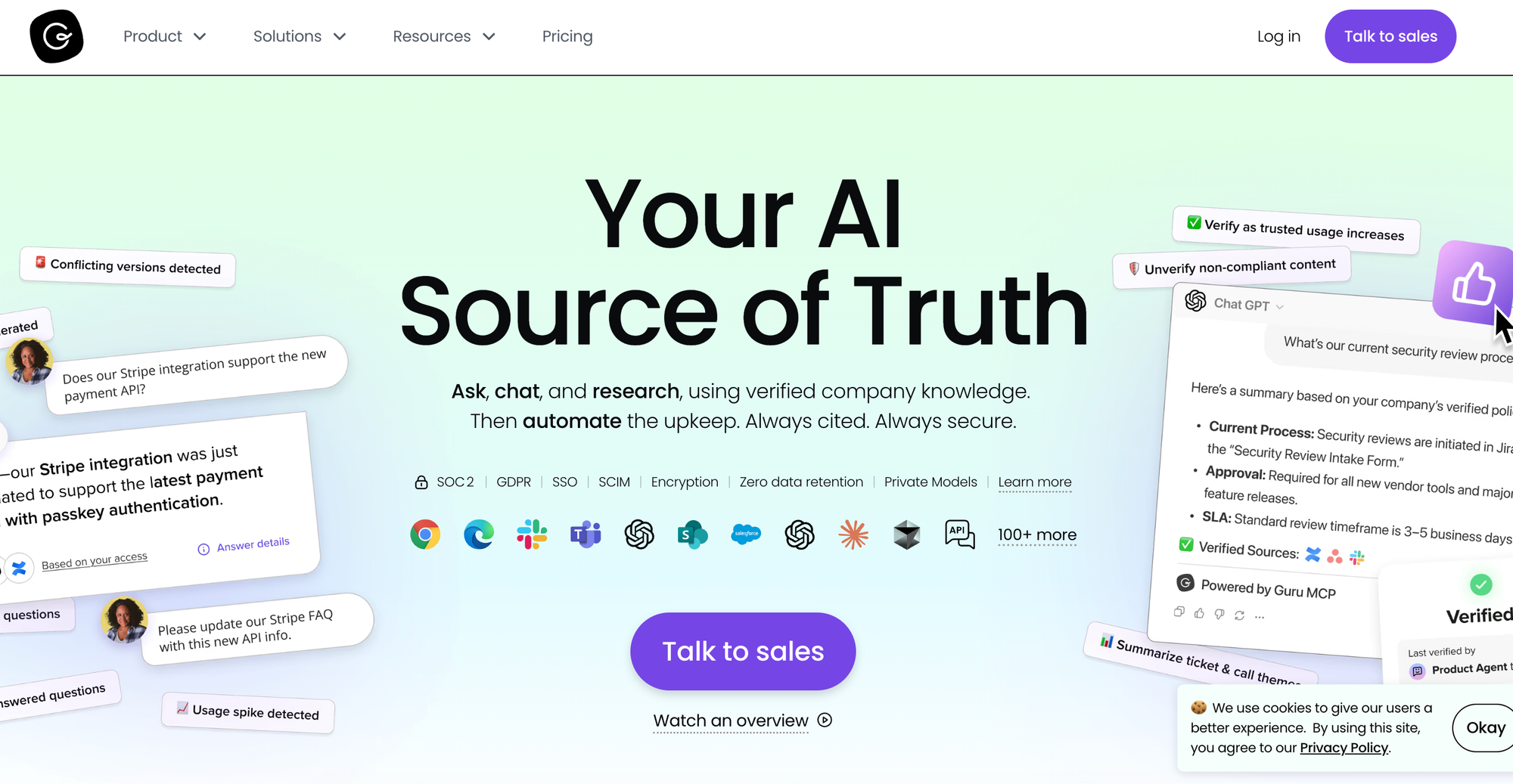
Guru is a knowledge platform that delivers information directly within employee workflows: through browser extensions and many native integrations with collaboration tools and help desk platforms.
The platform's card format breaks knowledge into reusable pieces that can be organized into collections and surfaced contextually. Guru also automatically maintains current knowledge via verification workflows that keep content fresh.
Key Internal Knowledge Base Features
| Real-Time Collaboration | Collaborative editing on cards with verification workflows, expert identification, and shared drafts |
| Search & Discovery | AI-powered search across connected apps with permission-aware results and hybrid search indexing |
| Knowledge Maintenance | Automated verification reminders, duplicate detection, stale content auto-archiving, and SME assignment |
| Permissions & Access Control | Card-level permissions by group, team, or individual with reader or editor access control |
| Integrations | Slack, Teams, Chrome, Zendesk, Salesforce, Confluence, MCP Server for Claude and Cursor, and more |
| Analytics & Insights | Tracks usage, verification status, engagement metrics by team and content type, and knowledge gap identification |
Advantages
- Browser extensions and app integrations surface relevant cards where people work, reducing tool and context switching
- Cards allow reuse across collections and automatically update everywhere when source content changes
Shortcomings
- Despite verification features, content requires constant manual updates and SME oversight, creating trust issues when updates fall behind
- Some users say rich text and formatting options are more restricted compared to other platforms, making Guru less suitable for managing complex information
Pricing
Guru uses custom pricing that packages the platform with access to its solution engineering team. Quotes are available on request.
Slite
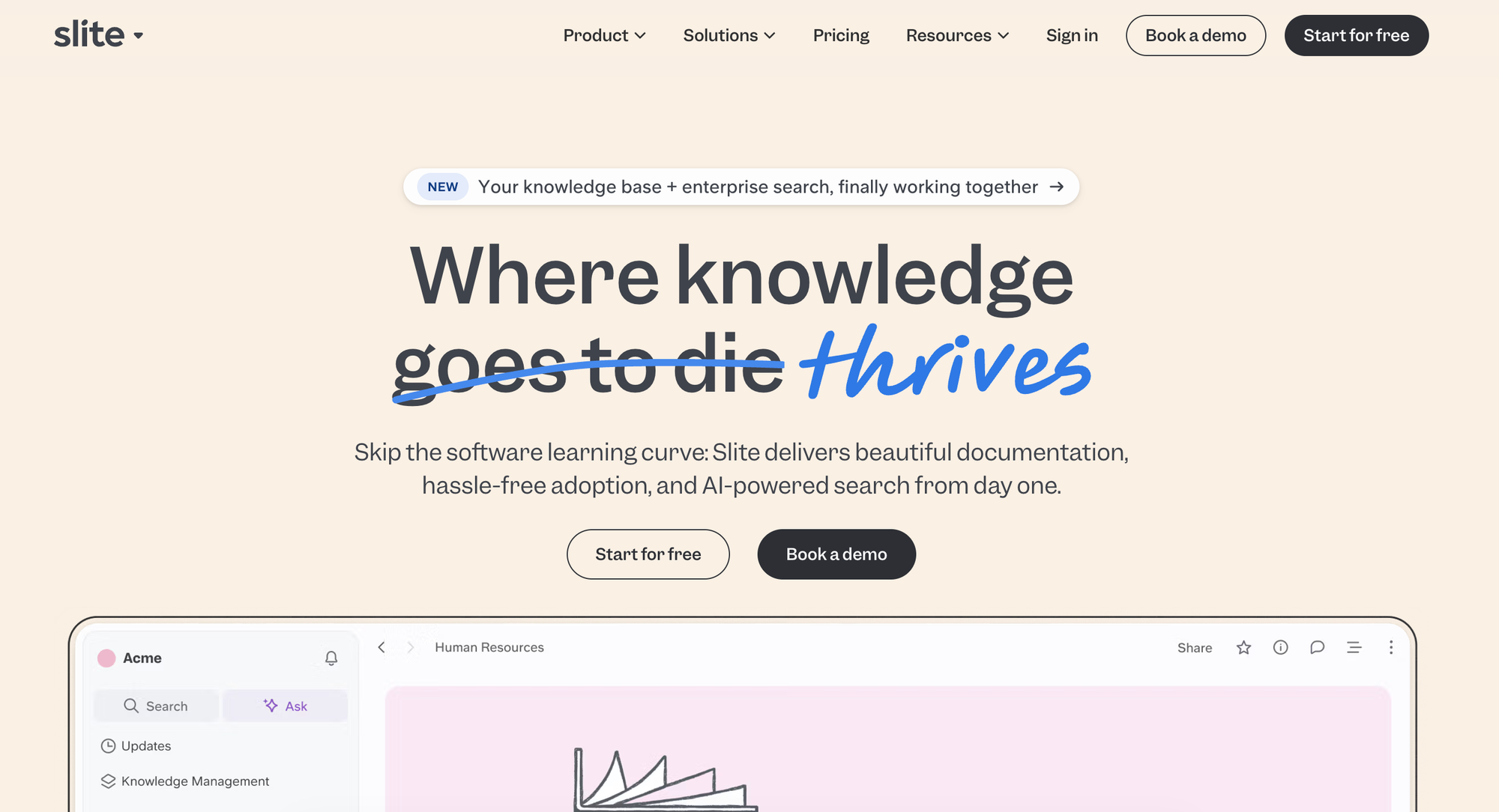
Slite is the self-maintaining knowledge base that keeps itself current and up-to-date based on information from your company's entire tool stack. It pairs a structured, verified wiki with an AI agent that detects when documentation has drifted from reality, drafts the fix, and routes every change through human approval, with AI-powered features built directly into the writing experience.
Key Internal Knowledge Base Features
| Real-Time Collaboration | Co-editing with inline comments and collaborative document creation in a rich editor (tables, flowcharts, code, and embeds) |
| Search & Discovery | AI-powered Ask answers natural-language questions with cited sources in multiple languages; on Pro, search extends across connected tools |
| Knowledge Maintenance | Self-maintaining on the Pro plan via the Slite Agent, which detects drift and drafts fixes for human approval. On every plan, doc verification lets a dedicated owner set re-review cycles with automated reminders, and the Knowledge Management Panel handles bulk cleanup of outdated, expired, and empty docs |
| Permissions & Access Control | Cascading permissions and user roles to define access for viewers and editors |
| Integrations | Native integrations with 20+ tools, including Slack, Confluence, Jira, Notion, Google Drive, GitHub, and Linear, with MCP and API access on every plan |
| Analytics & Insights | Tracks usage, adoption, content creation, search success, and contributor activity |
Advantages
- User-friendly interface that needs minimal training, so adoption is easy across technical and non-technical teams
- The Slite Agent and doc verification keep knowledge current with human-approved updates
- A verified single source of truth that both your team and your AI agents can draw on as a context layer
Shortcomings
- More document-focused than database or project-management tools, so it is not a do-everything workspace
- AI cannot be disabled, which can be a blocker under strict AI policies
Pricing
Pricing starts at $10/user per month (Basic, billed annually); Pro is $20/user per month and adds the Slite Agent and AI search across connected tools. There is no free plan, and a 14-day trial is available.
Glean
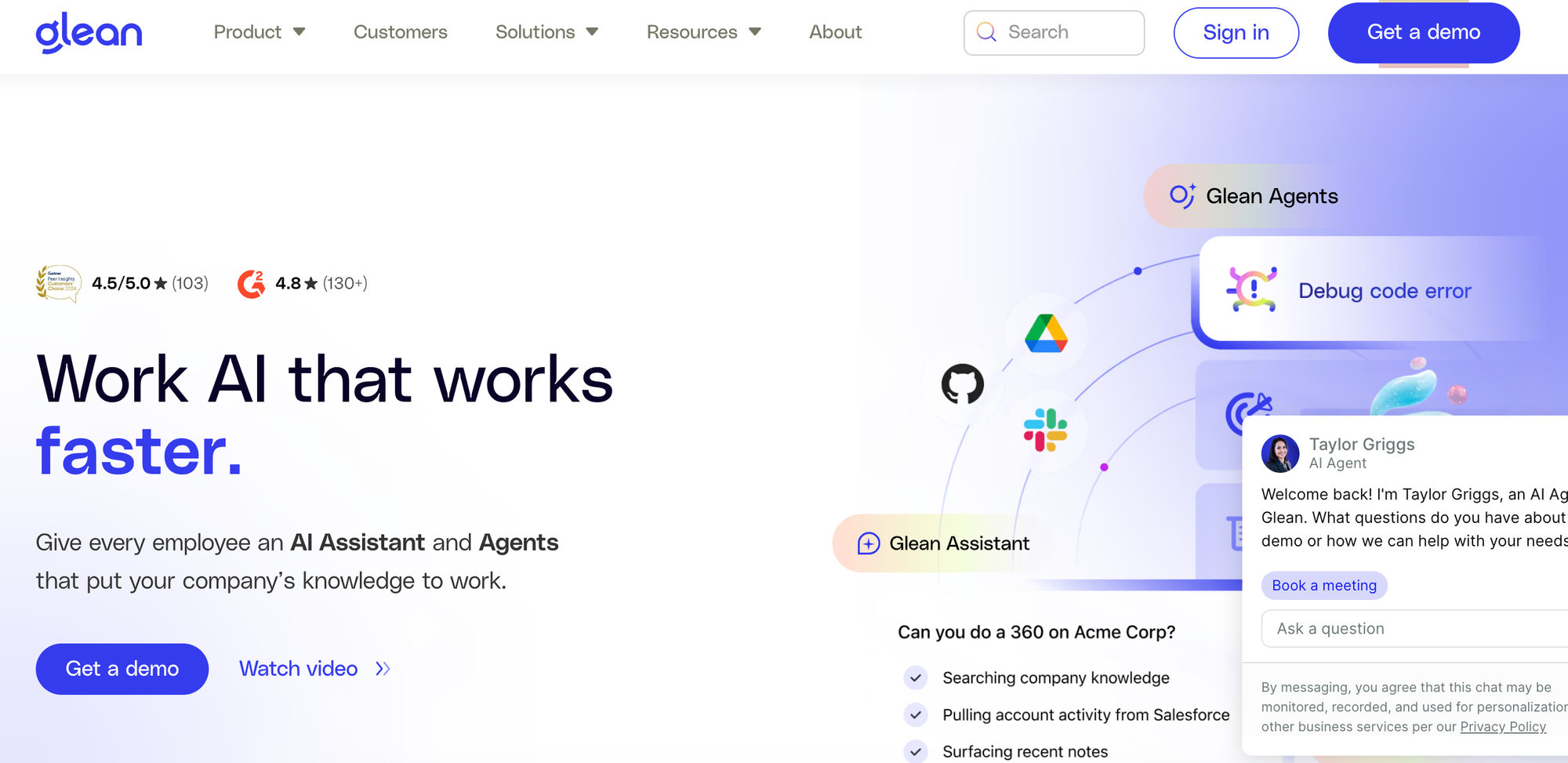
Glean is an enterprise AI platform that unifies search and knowledge access across company data. Unlike traditional knowledge bases, Glean indexes content from connected apps to provide AI-powered answers and automate workflows. The platform adds an intelligent layer to existing knowledge systems, making scattered information accessible through natural language queries.
Key Internal Knowledge Base Features
| Real-Time Collaboration | Not a collaboration platform, as it focuses on AI-powered search and information access |
| Search & Discovery | Semantic and lexical hybrid search with Enterprise Graph understanding company acronyms, projects, and domain-specific terms; personalized results tailored to role and work; permission-aware search |
| Knowledge Maintenance | Not a content creation platform, as it indexes and surfaces content from connected apps rather than updating knowledge |
| Permissions & Access Control | Applies permissions and access control from connected sources |
| Integrations | Google Workspace, Microsoft 365, Slack, Salesforce, Zendesk, GitHub, Jira, Confluence, Dropbox, Notion, and more |
| Analytics & Insights | Usage tracking, adoption metrics, time savings measurements, and organizational insights |
Advantages
- AI answers automatically use the same access controls users have in the system containing the original content, preventing unauthorized information exposure
- AI-powered agents can access information, think and reflect, and perform relevant actions, reducing the need for manual work
Shortcomings
- Can't create knowledge content, making it less ideal for organizations seeking an all-in-one knowledge management tool
- Some users report incorrect answers and AI hallucinations, which can perpetuate errors and compromise trust
Pricing
Custom pricing available on request.
Notion
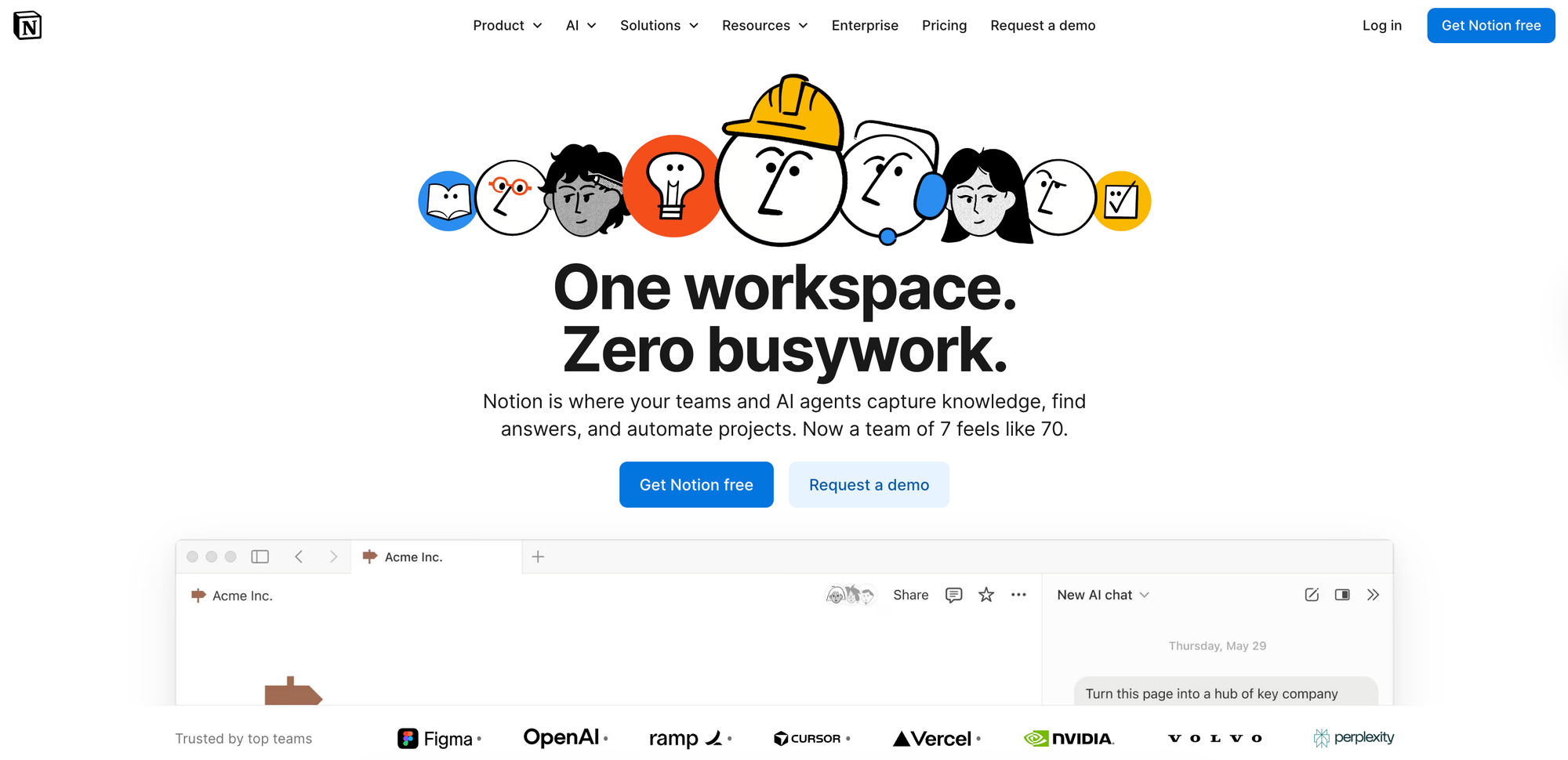
Notion is an all-in-one workspace designed for personal and team knowledge management, combining notes, documents, databases, and projects into a single platform. Its flexibility makes it adaptable to different workflows.
Teams use Notion to centralize company wikis, project documentation, meeting notes, and standard operating procedures.
Key Internal Knowledge Base Features
| Real-Time Collaboration | Co-editing with inline comments, @mentions, and real-time updates |
| Search & Discovery | Full-text and natural language search across pages and databases with filtering capabilities |
| Knowledge Maintenance | Version history tracking, page templates for consistency, and synced blocks automatically update content everywhere |
| Permissions & Access Control | Flexible page-level permissions and workspace, team, and role-based access |
| Integrations | Figma, GitHub, Slack, Jira, Amplitude, and more |
| Analytics & Insights | Workspace usage analytics available with the Enterprise plan |
Advantages
- Teams can consolidate notes, wikis, project management, and databases into one platform rather than juggling separate systems
- Pre-built templates for wikis, OKRs, onboarding checklists, and workflows help teams start quickly, although Notion also offers extensive customization options for various knowledge base examples
Shortcomings
- Has fewer automated maintenance features than most other knowledge management tools, which can cause information to become outdated
- Despite its many customization options, some users say visual customization is limited, which can restrict how teams share information and build knowledge bases
Pricing
Free plan includes basic forms and databases. Paid plans start at $10/user per month (billed annually) and include unlimited collaborative blocks, custom forms, and unlimited file uploads.
Microsoft Sharepoint
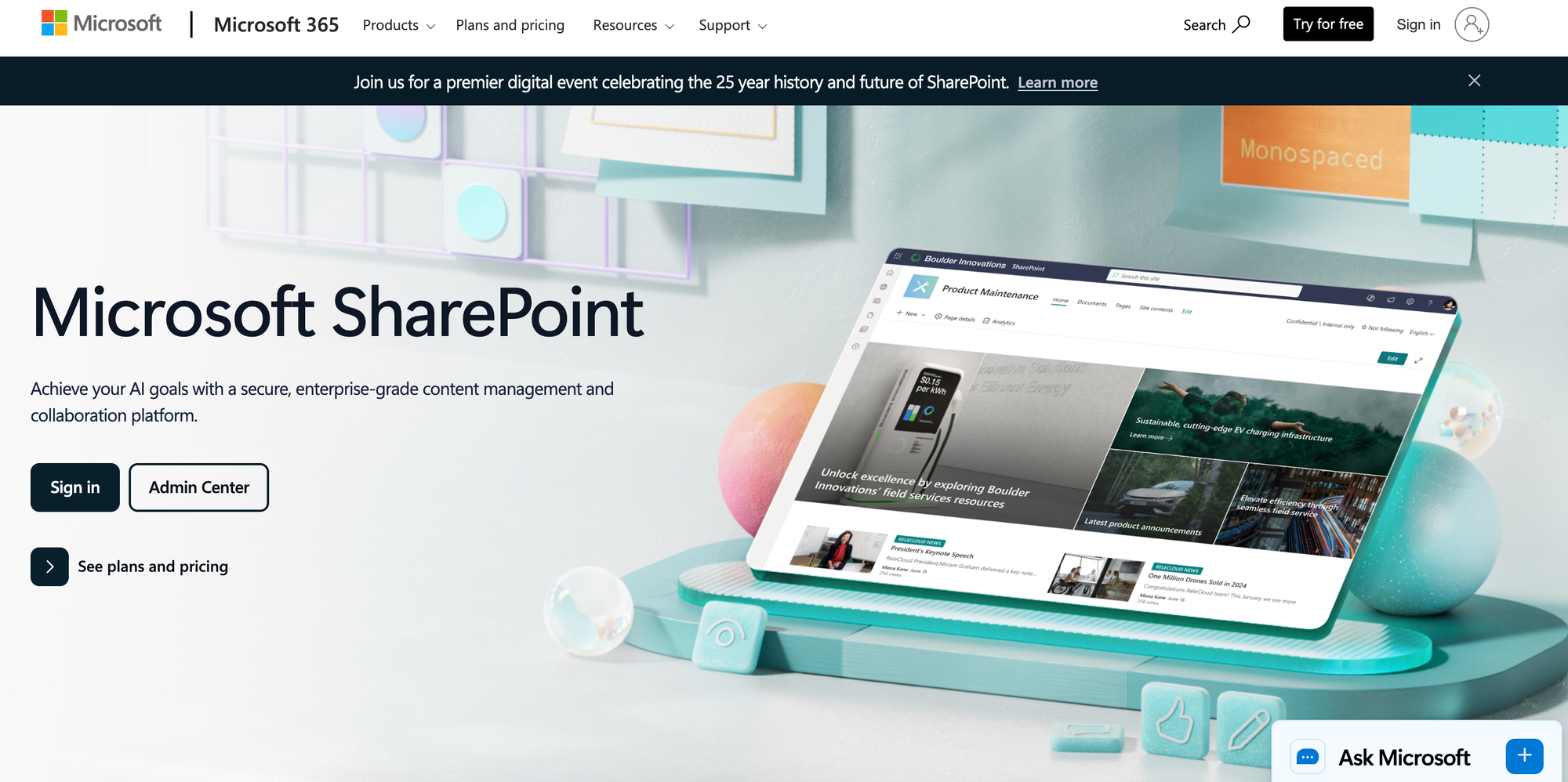
Microsoft SharePoint is an enterprise content management and intranet platform. Part of the Microsoft 365 ecosystem, the platform supports document libraries, team sites, and intranet portals.
As an enterprise tool, SharePoint emphasizes document management with version control, approval workflows, and enterprise-grade security controls.
Key Internal Knowledge Base Features
| Real-Time Collaboration | Co-editing in Office documents with version control and SharePoint agents for Q&A and content assistance |
| Search & Discovery | Enterprise search across SharePoint sites and document libraries; Microsoft 365 Copilot integration for natural language site creation and content authoring |
| Knowledge Maintenance | Document approval workflows, version history, content type management, and retention policies |
| Permissions & Access Control | Granular permissions at the site, library, folder, and item level with Active Directory integration |
| Integrations | Microsoft 365 apps including Teams, Outlook, OneDrive, and more |
| Analytics & Insights | Tracks user activity, engagement, and content effectiveness |
Advantages
- Microsoft Copilot enables users to create AI-powered sites and pages using natural language prompts
- Ready-made and custom agents trained on-site content can answer basic questions and provide advanced insights
Shortcomings
- Some users mention a steep learning curve, lack of an intuitive interface, and lengthy setup times
- Since it's designed for enterprise users in the Microsoft ecosystem, it's not ideal for small businesses seeking a standalone knowledge base
Pricing
SharePoint is included in Microsoft 365 Business plans, starting at $7/user per month with Business Basic (billed annually). Business Standard with Copilot, which adds desktop Office apps and Copilot, is $23.50/user per month (billed annually).
How Stonly Helps You Create a Knowledge Platform for Better, Faster Customer Service
Stonly is built for customer service teams that need quick access to knowledge to deliver measurable results. It combines step-by-step guides, intelligent delivery, and powerful AI to help more customers self-serve and enable agents to resolve issues faster.
With Stonly, support teams get:
- Guided and personalized knowledge bases: Create adaptive step-by-step guides that break complex troubleshooting into easy-to-follow flows alongside standard articles. Stonly's personalization ensures customers and agents see only what's relevant to them.
- Contextual delivery where your team works: Agents get guidance directly inside ticketing systems without leaving their workflow. Customers receive the right content through no-code widgets and triggers that push knowledge exactly when and where they need it in any mobile or web app.
- AI that answers and resolves: AI Answers handles questions for customers and agents, while Business Process Agents resolve multi-step issues and Knowledge Agents keep your content accurate.
- Unmatched service and partnership: Get support from product managers and customer success managers who have helped over 1,000 companies succeed. This makes Stonly a true partner, not just another basic knowledge base tool.
Schedule a demo to learn how leading companies use the platform to reduce support volume and speed up resolution times.