

A SaaS product is never finished. New features ship every couple of weeks, the UI gets reworked, pricing tiers change, and each release makes some of your help content wrong.
That puts unusual pressure on a knowledge base. It has to keep pace with the product, serve customers on different plans with different permissions, and support a team that's expected to handle more accounts without adding headcount at the same rate.
Most knowledge base roundups compare tools on a generic feature list. This guide starts with what SaaS companies need from their knowledge, then covers six tools and the use case each one fits best.
What SaaS Companies Need From a Knowledge Base
SaaS companies manage knowledge for three audiences (customers, developers, and their own teams), and the pace of product change shapes what each one needs.
Content That Keeps Up with Your Release Cycle
When a release changes a workflow, every help article, macro, chatbot answer, API reference, and internal spec that mentions it is out of date. If that knowledge is scattered or slow to edit, something gets missed. Whatever the audience, SaaS teams need knowledge that's quick to update and has one clear source, so a single change reaches everyone who relies on it.
Answers That Depend on Plan, Role, and Setup
"How do I export a report?" might have four correct answers depending on whether the customer is an admin or a standard user, which plan they're on, and which integrations they've connected. A single article covering every case forces readers to work out which parts apply to them. Look for personalization and branching content that narrows to the reader's situation.
Help Inside The Product
Your customers are already logged in to your app when they get stuck. Sending them to a separate help site adds a step, and many of them will open a ticket instead. Showing the relevant answer or guide in the app, at the point of confusion, lowers ticket volume.
Support That Scales Faster Than Headcount
The number of customers can double for SaaS companies, while the support team only grows by a few people. Self-service and AI have to absorb the extra demand, and both depend on the quality of the knowledge underneath. AI answers built on vague or conflicting articles will be vague or wrong.
Guidance for Technical, Conditional Troubleshooting
Many SaaS tickets are diagnostic. The support rep checks the configuration, confirms the integration status, tests one thing, then decides what to do next. Reps need a path to follow, and newer reps need it most. Guided, step-by-step formats handle this far better than long articles.
Documentation Developers Can Build from
If your product has an API or a technical buyer, your docs are part of the product. Developers expect accurate references, working code samples, and a way to test endpoints. This content is usually written by engineers, so it helps when documentation follows the same workflow as the code and gets updated in the same release.
A Shared Home for Internal Knowledge
Product specs, release plans, engineering decisions, and team processes need somewhere to live too. This knowledge is written by employees for each other, so collaboration features matter most. Look for multi-user editing, comments, version history, and links to the tools where the work gets tracked.
Very few tools cover all of this well, and most SaaS companies end up with more than one. The tools below are grouped by what each does best.
The Best Knowledge Base Software for SaaS at a Glance
- Stonly: Best for high-volume customer service teams that want faster resolution time and more customers to self-serve
- Zendesk Knowledge: Best for teams that want a basic knowledge base built into Zendesk
- Document360: Best for small teams launching a standalone help center
- GitBook: Best for developer and API documentation
- Featurebase: Best for early-stage SaaS combining a help center with feedback and changelogs
- Confluence: Best for internal wikis tied to product and engineering work
Stonly
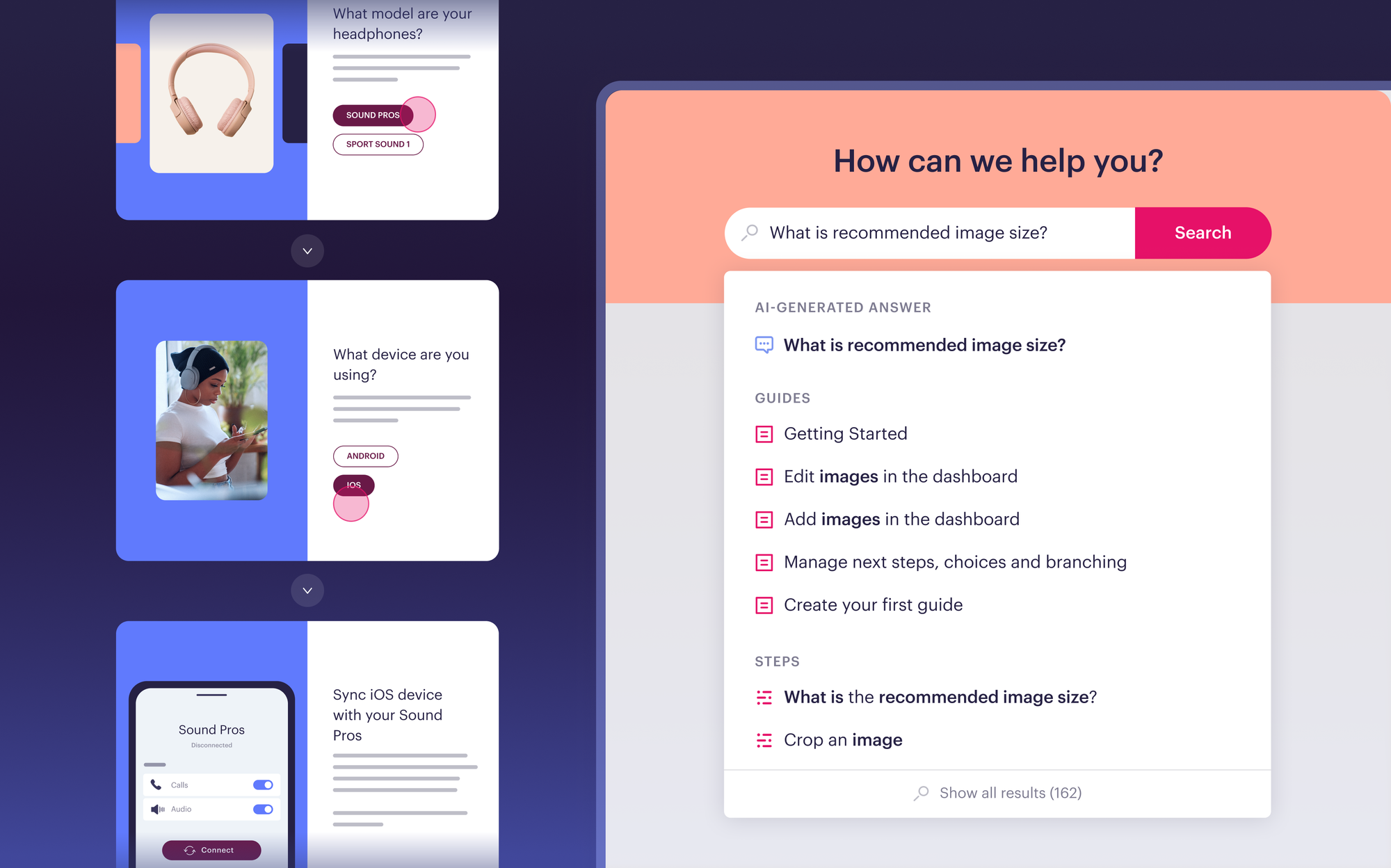
Best for: Customer service teams that want to speed up their support reps and help more customers self-serve with personalized knowledge, powerful AI, and process automation.
Stonly is a knowledge management platform built for customer service. One platform serves both your reps and your customers, so a change made after a release reaches the help center, the agent view, and your AI at the same time.
Personalized Knowledge by Plan, Role, and Account
You can personalize individual pieces of content or the entire knowledge base using your customer data. An admin on an enterprise plan and a standard user on a starter plan can open the same help center and see different content, with features they don't have access to left out.
That cuts down on the searching customers have to do, and it prevents the tickets that come from someone following instructions written for a different plan.
In-App Help Through The Widget
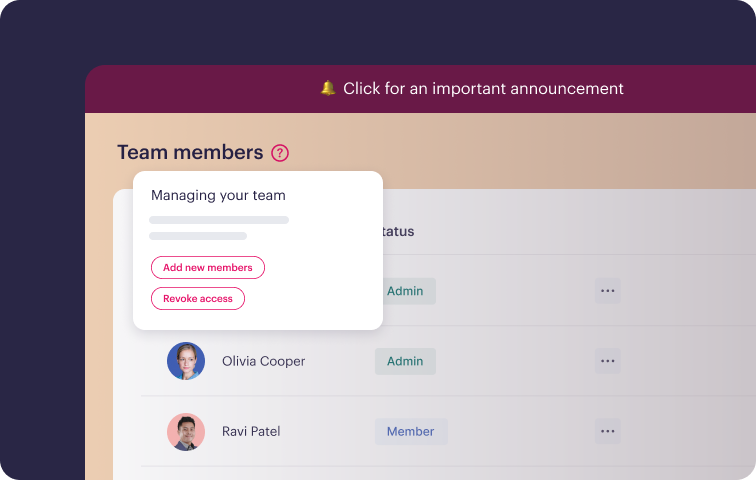
Your customers are already in your product when they get stuck. Stonly's widget puts your knowledge inside any web or mobile app, and no-code triggers let you push a specific guide at a specific moment through banners and tooltips.
A support or CX team can set this up without waiting on engineering. When a release changes a workflow, you can place the updated guide on the screen where the change happened.
Guidance Inside The Ticketing System
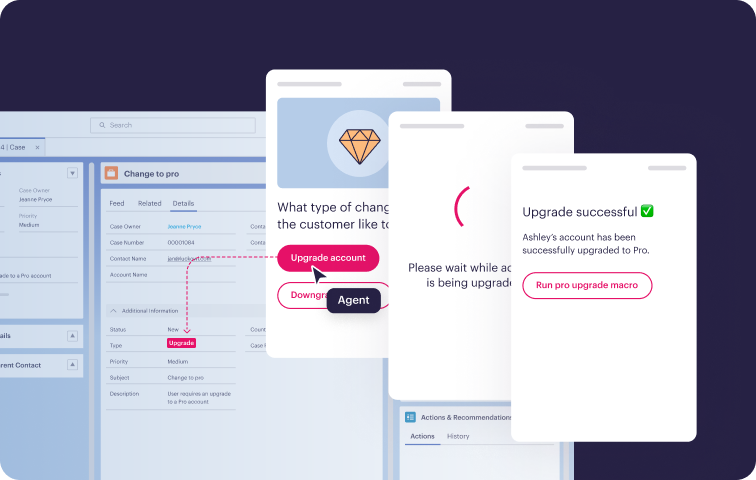
Stonly integrates with Zendesk, Salesforce, Freshworks, ServiceNow, and more. Relevant guides appear in the ticket view based on ticket context, so support reps don't open another tab to search. They also get one-click access to knowledge in the other web-based tools they use.
Business Process Automation
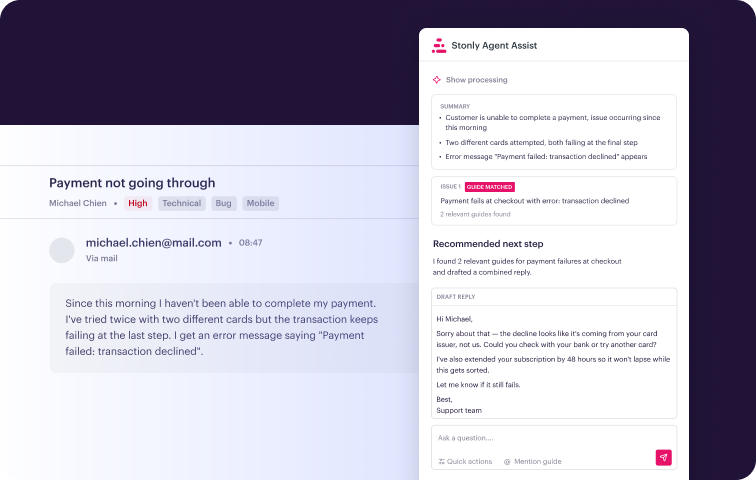
Stonly guides can take actions on behalf of customers and reps. A guide can fill in ticket fields or run a macro as the agent moves through it. Each ticket takes fewer manual steps, and the process stays consistent across the team.
AI Answers and AI Agent Copilot
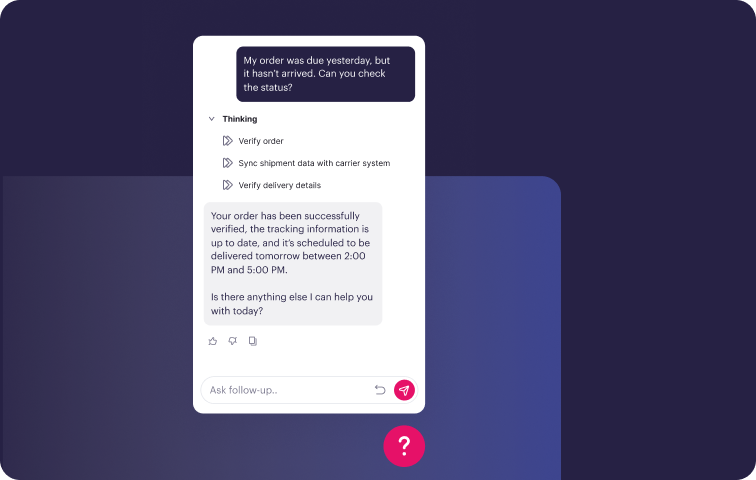
AI Answers gives customers conversational self-service in search or as a standalone chat, as well the ability for support reps to access internal knowledge. It asks clarifying questions when more than one answer could apply and hands off to live support when needed. AI Agent Copilot is an assistant for support reps inside the ticketing system that suggests relevant guides and can trigger actions in connected systems.
Both rely on Stonly's structured knowledge. Because each step in a guide holds specific information tied to a specific condition, AI can find the correct answer more reliably on "it depends" questions. The same applies if you bring your own AI and feed it Stonly knowledge.
Knowledge Agents That Keep Content Current
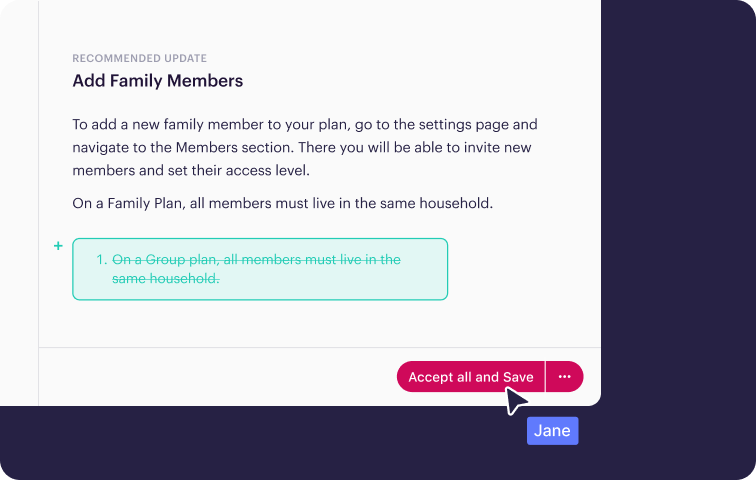
Keeping documentation accurate through constant releases is the hardest knowledge problem in SaaS. Knowledge Agents are built for it.
They connect to the places where questions and changes come from, including incoming support tickets, search results, AI conversations, and policy changes. They scan your knowledge continuously for duplicates, mistakes, outdated content, and topics that have no content yet.
When something needs attention, they outline what's required and draft an update that follows your company guidelines, and your team reviews and publishes it.
Your team can also ask Knowledge Agents for help directly. Examples that fit a SaaS release cycle:
- Turn engineering release notes into a customer-facing FAQ
- Update every article that mentions old pricing tier names
- Write a troubleshooting guide for a problem introduced by a recent update
- Find content that hasn't been reviewed in the last six months
Step-by-Step Guides for Answers That Depend on The Customer
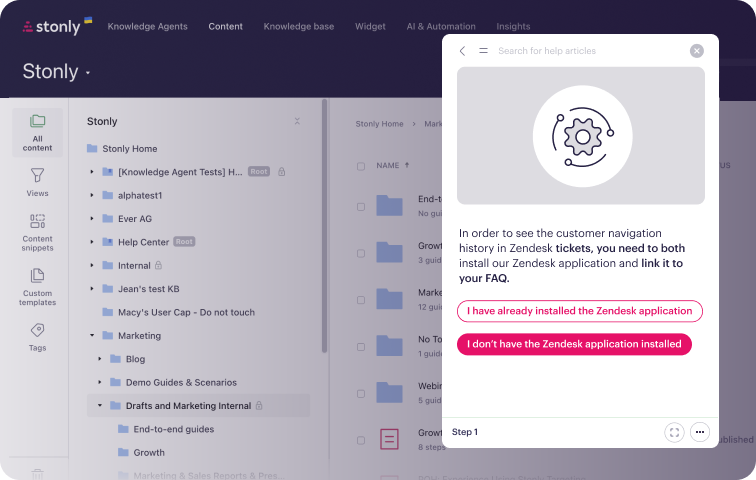
Stonly is the only full-featured knowledge base that offers both standard articles and interactive guides. A guide breaks troubleshooting, processes, and how-to content into steps, asks the reader what they're working with, and shows only the path that applies.
For SaaS teams, this replaces the long article that tries to cover every plan, role, and integration on one page. A customer troubleshooting a failed sync answers a couple of questions and gets the steps for their setup. A new agent follows the same diagnostic path a senior agent would.
Analytics on Content and Agents
See which content gets used, which searches return nothing, how AI is performing, and which agents are following processes. After each release, your team can see where the knowledge needs work.
A Team Behind The Platform
Customers work with product managers and CSMs who have helped more than 1,000 companies get results from their knowledge.
What Customers Say
"Stonly simplifies our complex processes with step-by-step knowledge right where agents and users need support, resulting in a faster and more consistent experience." -Andrea Eskanos, Customer Success Enablement, RemoteLock
“Stonly has made our knowledge easier to manage and much more effective, helping customers find the right answers faster and improving their self-serve experience.” -Mahsa Kowsari, Director of Customer Engagement Strategy, Carta
“Stonly helped us to drastically reduce ticket openings on our most visited support pages.” -Anne-Sophie Lebreton, VP Customer Support and Service, Dashlane
Pricing
Stonly offers custom pricing for small businesses and enterprise companies.
Request a demo to see how Stonly works for SaaS support teams.
Zendesk Knowledge
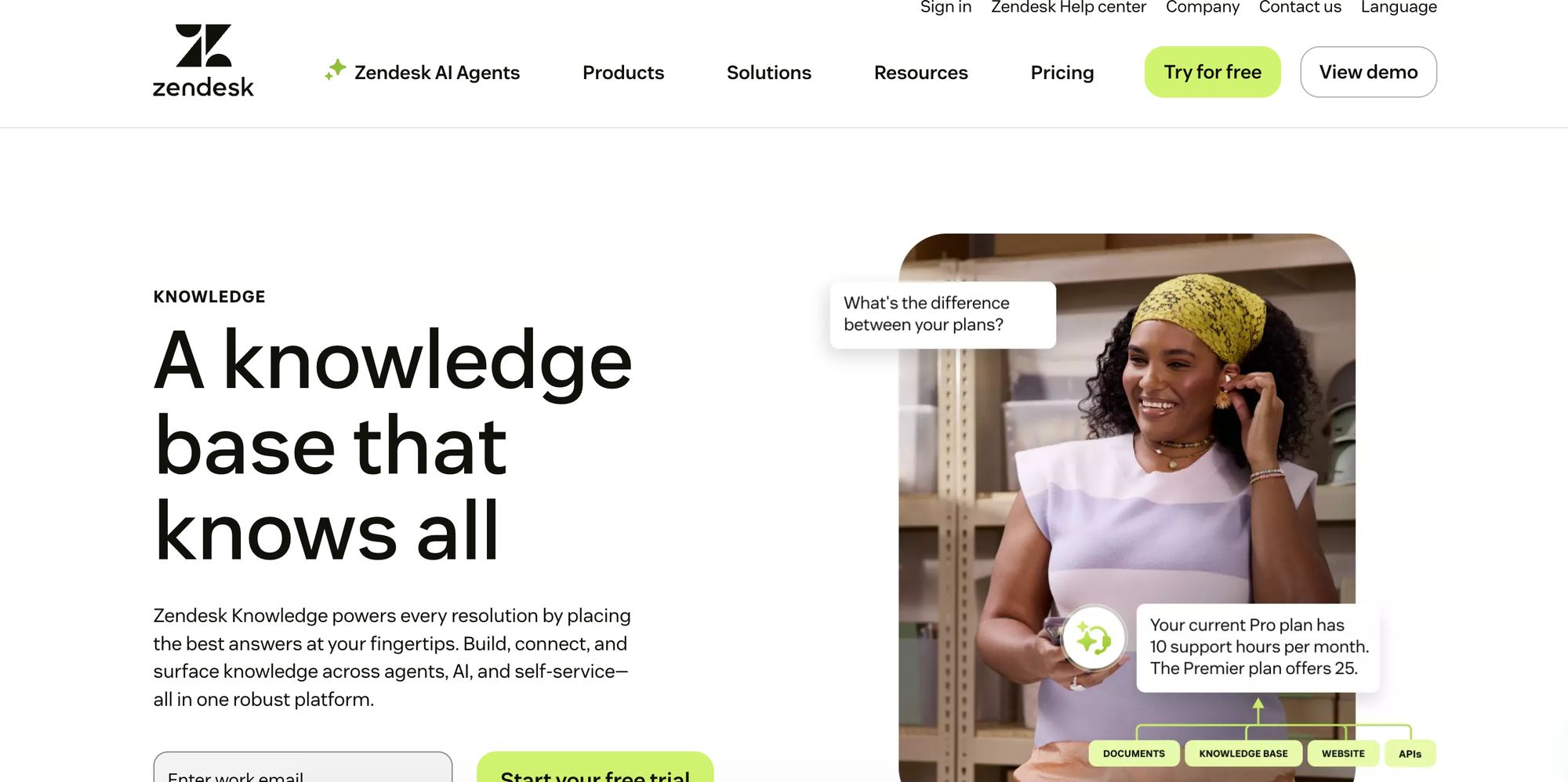
Best for: SaaS teams already running support in Zendesk that want a basic built-in knowledge base.
Zendesk Knowledge is the knowledge base inside the Zendesk Suite. It combines help center articles, community forums, and external sources into one searchable system that both human reps and Zendesk's AI agents draw from.
Key Features for SaaS Companies
- Native to the agent workspace: Knowledge surfaces automatically in the Zendesk agent view and across Zendesk channels, with no integration to set up.
- Built-in AI: AI-powered search and AI agents are part of the Suite, with more advanced capabilities sold as add-ons.
- Fast to launch: If you already pay for Zendesk, you can publish a help center without buying or connecting another tool.
Things to Consider
- Standard articles only: Interactive or branching content requires custom development, so conditional troubleshooting is harder to support.
- Tied to Zendesk: Integration options outside the Zendesk Suite are limited, so it's a poor fit if you use another help desk or want to keep that option open.
- Reporting sits behind upgrades: Detailed analytics on search and AI performance aren't part of the base plans.
Pricing
Zendesk Knowledge is included in all Zendesk Suite plans, which start at $55 per agent per month, billed annually. The Copilot add-on costs an additional $50 per agent per month and requires Suite Professional ($115 per agent per month) or higher.
Document360

Best for: Small SaaS teams that want a standalone help center running quickly.
Document360 is a knowledge management tool that makes content available to both customers and support reps through AI-powered search, content categories, and multi-language support. Its emphasis on simple setup and content management suits teams without developer resources to spare.
Key Features for SaaS Companies
- Quick setup: A visual editor with markdown support and a no-code customization interface let a small team publish a branded help center without engineering help.
- Content workflow controls: Only approved updates get published, so documentation stays accurate as the product changes.
- Help desk connections: Integrations with Zendesk, Freshdesk, and Intercom let reps reach articles from their ticketing tool.
- AI search and drafting: Includes AI-enhanced search, a chatbot, and AI features for drafting content.
Things to Consider
- Search precision: Some users say search relies on precise keyword matching and handles natural-language questions less well.
- API documentation: Others note that parts of the API documentation are outdated or thin on implementation detail.
- Separate knowledge bases: Agent and customer knowledge live in separate knowledge bases, so teams may end up maintaining two versions of the same content.
Pricing
Document360 doesn't publish plan names or prices. It quotes custom pricing based on your setup, including team accounts, workspaces, languages, and AI usage.
GitBook
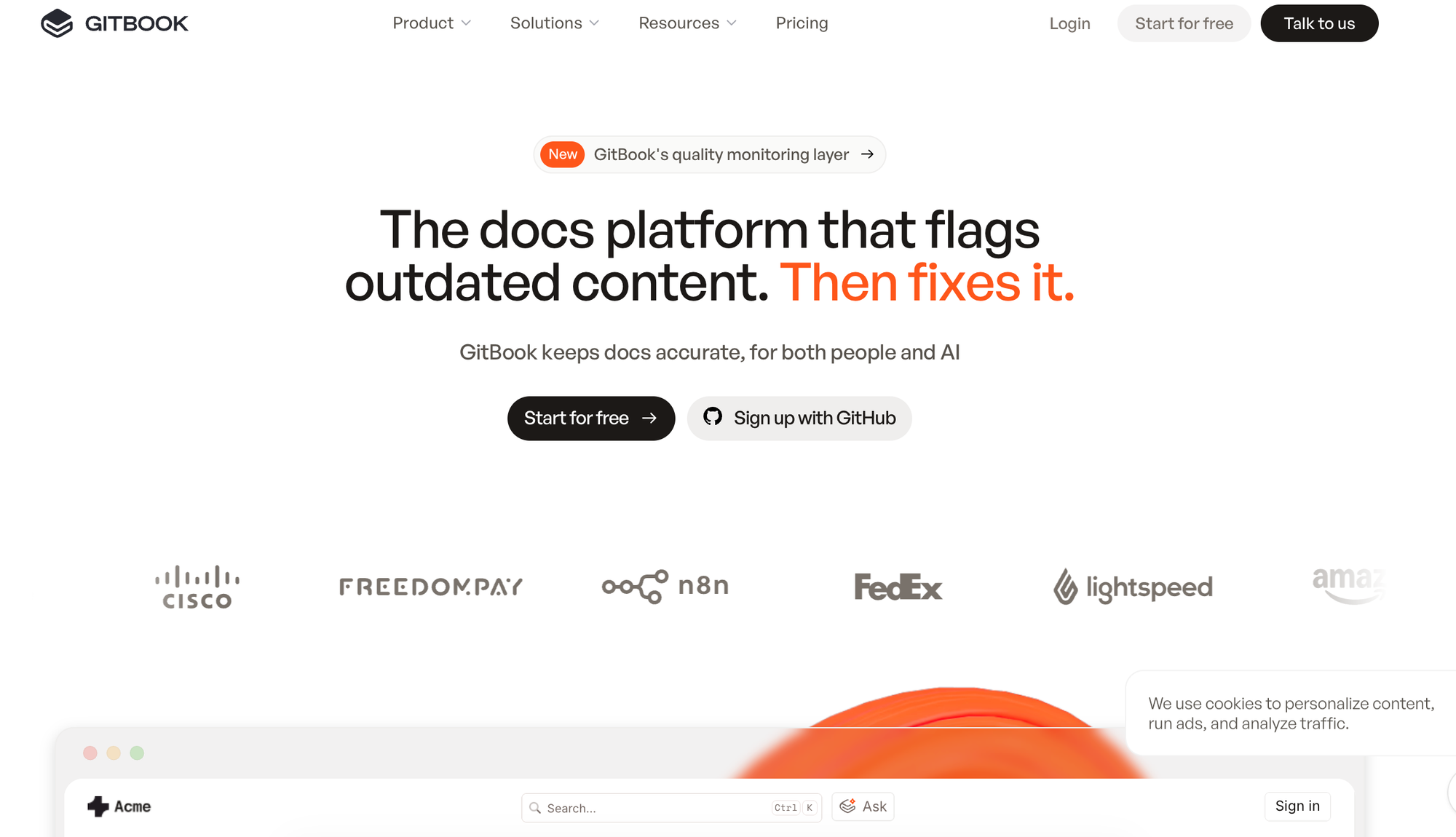
Best for: SaaS companies with a developer audience that need product and API documentation.
GitBook is a documentation platform built for technical teams. If your product has an API, or your customers include developers who expect a well-organized docs site, GitBook covers a need that general-purpose help centers handle poorly.
Key Features for SaaS Companies
- Git-based workflow: Content syncs with GitHub and GitLab, so engineers can update documentation in the same process they use to ship code.
- API documentation: Interactive API playgrounds let developers test endpoints from the docs.
- Visual editor: A block-based editor makes the same docs editable by non-technical writers.
- AI search: Readers can ask questions and get answers drawn from your documentation, with availability depending on plan.
Things to Consider
- Built for documentation: GitBook isn't designed to guide support reps through tickets or deliver knowledge inside a help desk.
- Pricing structure: Costs combine a per-site fee with a per-user fee, and the total climbs for companies with several products or documentation sites.
- AI on higher tiers: Some AI capabilities are reserved for the more expensive plans.
Pricing
GitBook has a free plan. Essential is $65 per site per month and Ultimate is $249 per site per month, each plus $12 per user per month, billed annually. Enterprise pricing is custom.
Featurebase
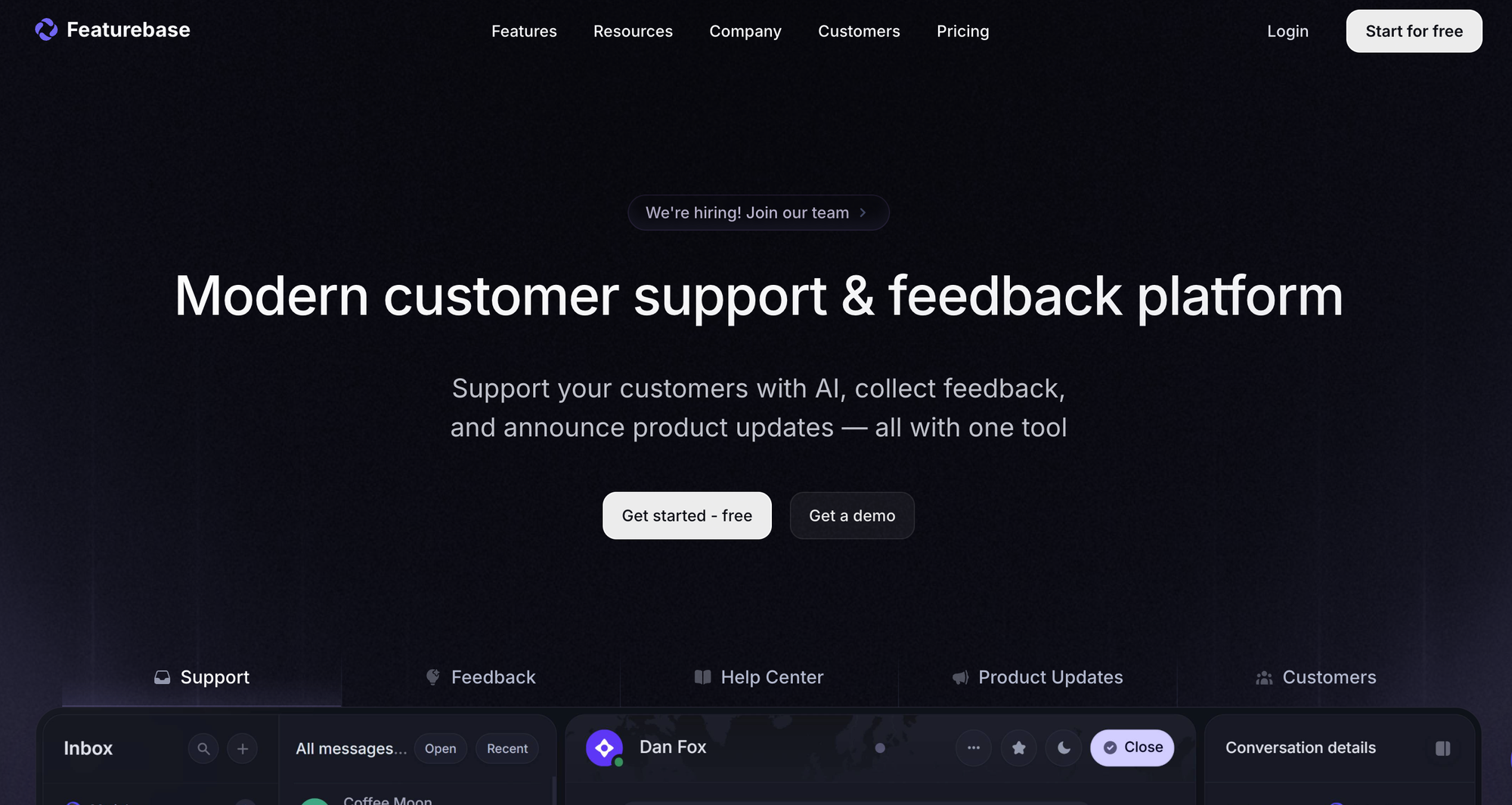
Best for: Early-stage, product-led SaaS companies that want a help center connected to feedback, roadmaps, and changelogs.
Featurebase is a support and product platform. Alongside a public help center, it includes live chat, feedback boards, a changelog, and a roadmap, so support and product teams work from the same customer context.
Key Features for SaaS Companies
- Support and product in one place: Support can point users to help articles while product sees what customers keep asking for.
- In-app help: Embeddable widgets and live chat bring help content into your product.
- AI agent and copilot: Fibi AI Agent answers customer questions from your content, and AI Copilot assists human support reps.
- Broad integrations: Connects with Slack, Intercom, Zendesk, HubSpot, Linear, Jira, GitHub, and more.
Things to Consider
- More product-focused than some teams need: If you only want a knowledge base, you'll pay for modules you won't use.
- Usage-based AI costs: AI resolutions are billed separately from seats, so costs grow with volume.
- Standard article format only: Article-based help content is harder to apply to multi-step, conditional troubleshooting.
Pricing
Featurebase has a free plan. Paid plans start at $29 per seat per month on annual billing, and Fibi AI resolutions cost $0.49 each.
Confluence
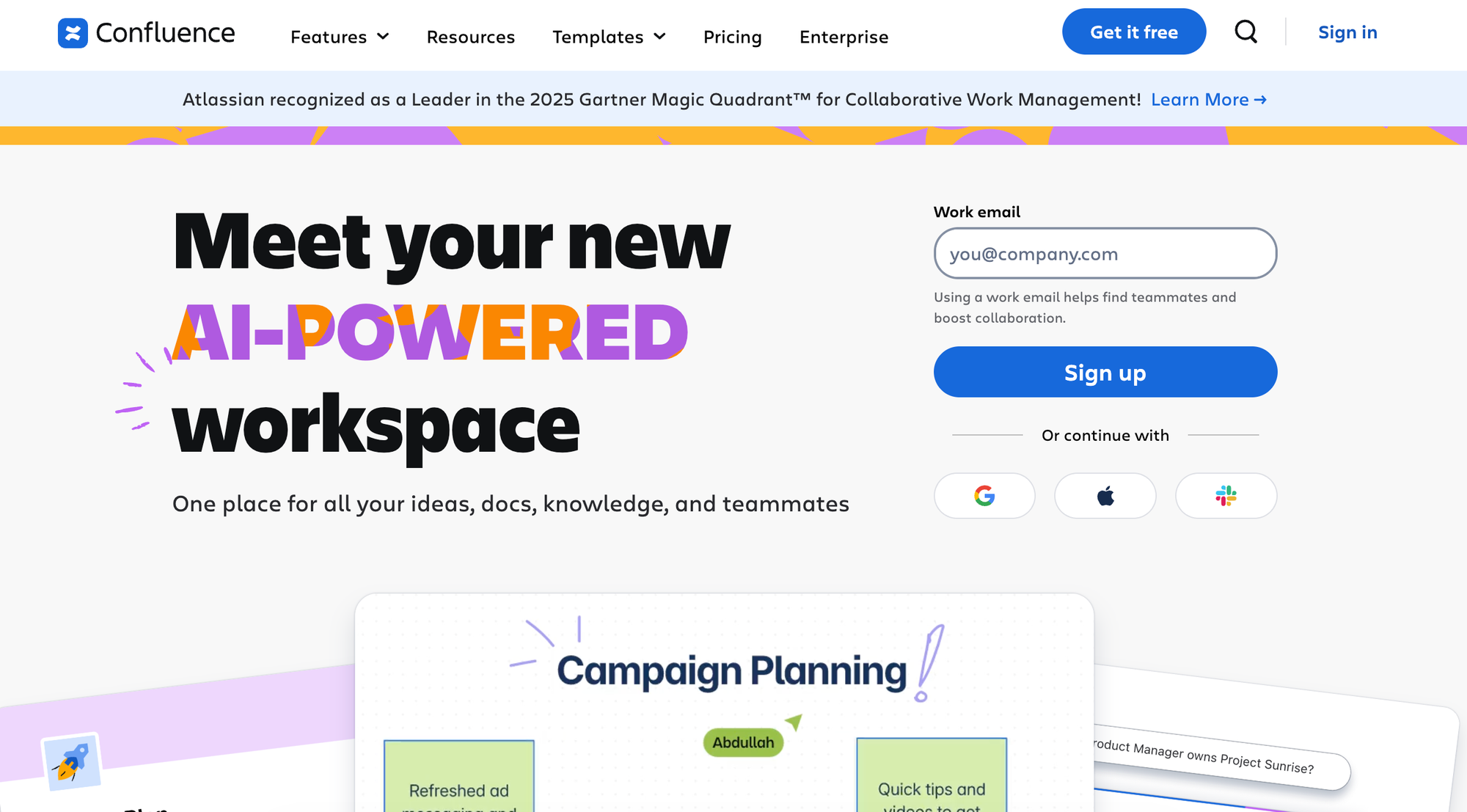
Best for: Internal wikis and documentation for product and engineering teams.
Confluence is Atlassian's internal wiki. It's a common choice in SaaS companies because its Jira connection keeps specs, release notes, and technical documentation close to the development work they describe. Its job differs from the customer service tools above: company knowledge that employees write and share with each other.
Key Features for SaaS Companies
- Jira integration: Link product requirements and documentation directly to epics and issues.
- Real-time collaboration: Multi-user editing, inline comments, and @mentions keep cross-functional documents current.
- Templates: Pre-built formats for project plans, retrospectives, and how-to guides help teams document consistently.
- Granular permissions: Role-based access at the space and page level.
Things to Consider
- Search: Some users report difficulty finding relevant answers as content grows.
- Performance: Others note slowdowns with large pages or many concurrent users.
- Internal by design: Confluence isn't built for customer-facing help centers or for guiding reps inside a ticketing system.
Pricing
Confluence has a free plan with usage limits. Paid plans are priced per user. Standard runs about $6 per user per month and Premium about $12, with custom Enterprise pricing.
The Knowledge Platform for Faster SaaS Customer Service
Stonly gives SaaS customer service teams one platform for agent and customer knowledge.
- Delivery where people already work: Support reps get guidance inside the ticketing system. Customers get relevant content in your app through no-code widgets and triggers.
- AI answers and agent assistance: Conversational AI for customer self-service and a copilot for reps, both grounded in structured knowledge.
- Knowledge Agents: AI agents that monitor your knowledge, flag what's outdated or missing, and draft updates for your team to review.
- Guided content and personalized knowledge bases: Break complex troubleshooting into adaptive steps alongside standard articles, and show each customer and agent only what's relevant to them.
- Business process automation: Guides that take actions for customers and reps, so more issues get resolved without a handoff.
- A team behind the platform: Product managers and CSMs who have helped more than 1,000 companies succeed with their knowledge.
Request a demo to see how SaaS companies use Stonly to reduce support volume and speed up resolution times.