

A policyholder calls to ask whether their homeowners policy covers water damage from a burst pipe. The answer depends on the state they live in, the policy form they bought, the endorsements on their account, and whether the damage was sudden or gradual. The advisor has a few seconds to figure out which of those things matter and where to find the answer.
Insurance advisors handle questions like this all day. Every product line has its own rules, every state adds its own requirements, and a wrong answer can lead to a complaint, a regulatory issue, or a claim dispute instead of just a callback.
A knowledge base has to hold all of that complexity and still give advisors and policyholders a fast, correct answer. This guide covers what insurance companies need from their knowledge, then looks at five tools and the use case each one fits best.
What Insurance Companies Need From a Knowledge Base
Insurance companies manage knowledge for policyholders, for the advisors who serve them, and for internal teams like underwriting and compliance. For each group, the ramifications of a wrong answer are higher than in most industries.
Answers That Vary by State, Product Line, and Policy
Cancellation rules, required disclosures, coverage terms, and claims procedures can all change from one state or line of business to the next. A single article that tries to cover every variation forces advisors to sort through what doesn’t apply while the policyholder waits. Look for knowledge that can be filtered or personalized so each reader sees the version that matches their situation.
Processes Advisors Follow the Same Way Every Time
Some conversations have required steps. A first notice of loss call needs specific information collected in a specific order. A cancellation request may require a disclosure to be read word for word. Knowledge for these processes should walk advisors through each step, and leaders should be able to see whether the process was followed.
Content That Stays Accurate and Auditable
Regulations change, rates get refiled, and policy forms are revised. Each change makes existing content wrong, and outdated guidance in insurance can create compliance exposure. Look for approval workflows, version history, review reminders, and an easy way to find every piece of content affected by a change.
Faster Ramp for New and Surge Advisors
Turnover in insurance contact centers is high, and catastrophe events can bring in waves of temporary or outsourced staff on short notice. Those advisors can’t memorize every policy and procedure before taking calls. They need knowledge that guides them through what to say and do in the moment.
Knowledge Inside the Systems Advisors Already Use
Advisors already move between a CRM, a policy administration system, a claims platform, and a phone system. Every extra tab adds handle time. Knowledge should appear inside the tools they work in, ideally based on the context of the call or case.
Self-Service and AI That Stay Within Approved Answers
Policyholders want to check claim status, download ID cards, update billing, and understand their coverage without calling. AI can handle much of that volume, but an AI that improvises a coverage answer can tell a policyholder they’re covered when they aren’t. AI for insurance should draw only from approved content and hand off to an advisor when it can’t answer with confidence.
A Shared Home for Internal Policies and Procedures
Underwriting guidelines, internal operating procedures, HR policies, and project documentation also need somewhere to live. This knowledge is written by employees for each other, so document management, permissions, and collaboration matter more than guided answers.
Very few tools cover all of this well, and most insurance companies end up with more than one. The tools below are grouped by what each does best.
The Best Knowledge Base Software for Insurance at a Glance
- Stonly: Best for insurance service and claims teams that want faster, more consistent advisors and more policyholder self-service
- Salesforce Knowledge: Best for insurers that already run service on Salesforce
- eGain: Best for large enterprise contact centers that want an established KM vendor with deep financial services experience
- Zingtree: Best for teams that mainly need standalone decision trees for scripted processes
- Microsoft SharePoint: Best for internal policy and procedure repositories in the Microsoft 365 ecosystem
Stonly
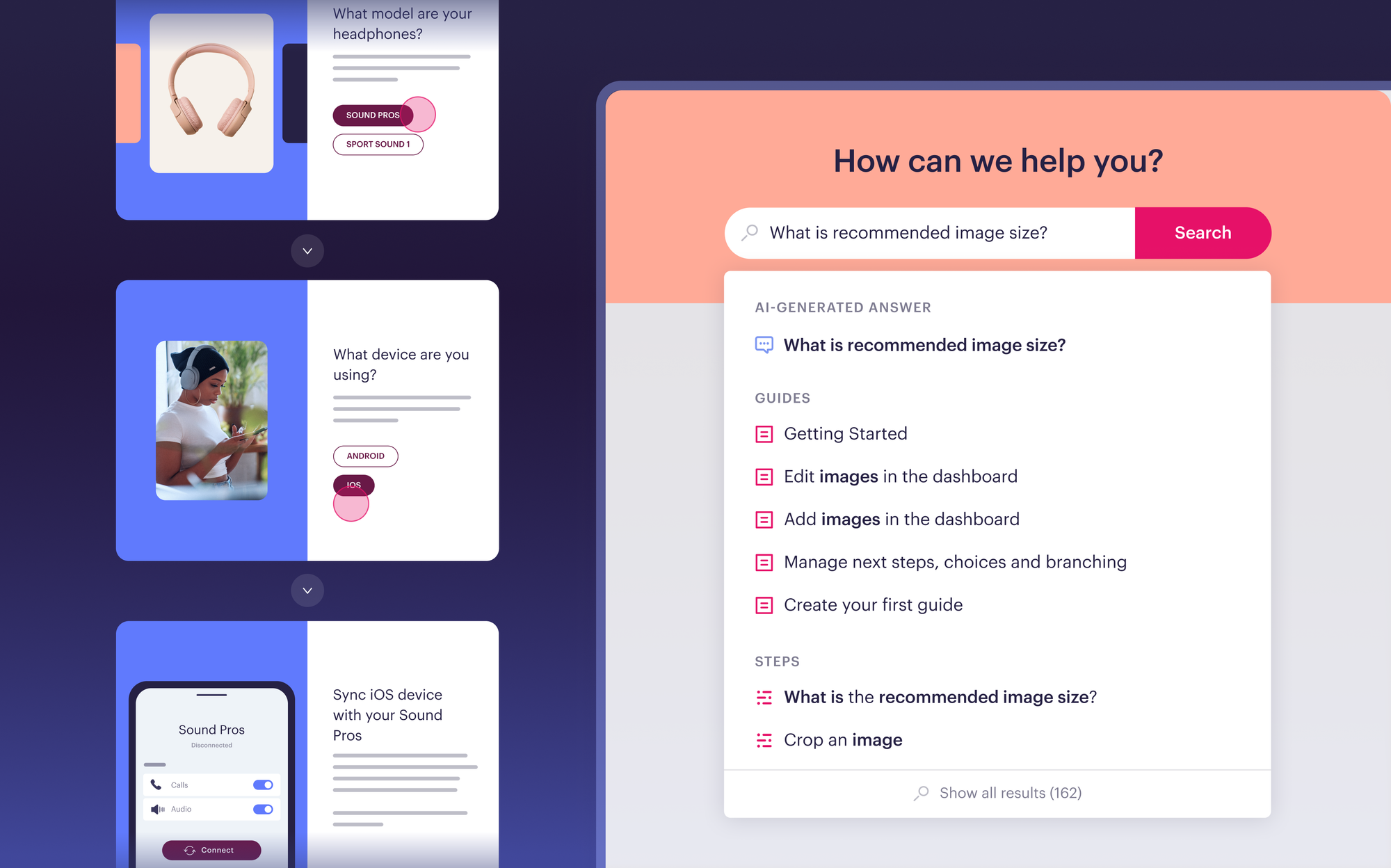
Best for: Insurance customer service and claims teams that want to speed up their advisors and help more policyholders self-serve with personalized knowledge, powerful AI, and process automation.
Stonly is a knowledge management platform built for customer service. One platform serves advisors, policyholders, and AI, so when a policy or regulation changes, a single update reaches the help center, the advisor’s workspace, and your AI at the same time.
Personalized Knowledge by State, Product Line, and Policy
You can personalize individual pieces of content or the entire knowledge base using your customer and advisor data. An advisor handling an auto policy in one state and an advisor handling a homeowners claim in another can search the same knowledge base and see only the guidance that applies to their case.
The same applies to policyholders. A customer with a renters policy doesn’t need to scroll past content about commercial coverage to find their answer. For insurers selling several product lines across many states, this keeps one knowledge base usable instead of splitting it into dozens of versions.
AI Answers and AI Agent Copilot
AI Answers gives policyholders conversational self-service in search or as a standalone chat, and gives advisors a way to ask questions in plain language instead of interrupting a supervisor or a senior colleague.
Several things make it a fit for insurance:
- Approved content only: AI Answers pulls only from the knowledge you’ve published, so it answers from your policies and procedures instead of improvising.
- Context-aware answers: Answers take the advisor’s or policyholder’s current context into account, so the response matches the state, product, or account involved.
- Clarifying questions: When more than one answer could apply, such as a coverage question that depends on the policy form, AI Answers asks a follow-up question instead of guessing.
- Handoff to people: When AI can’t resolve the question, it hands off to an advisor.
- Analytics on AI performance: Your team can see which questions AI answers well and where content is missing.
AI Agent Copilot works alongside advisors inside the ticketing system or CRM. It suggests relevant guidance based on the case and can trigger actions in connected systems.
Both rely on Stonly’s structured knowledge. Because each step in a guide holds specific information tied to a specific condition, AI can find the right answer more reliably on “it depends” questions, which describe most coverage questions. Teams that bring their own AI and feed it Stonly knowledge get the same benefit.
Guidance Inside the CRM and Ticketing System
Stonly integrates with Salesforce, Zendesk, Freshworks, ServiceNow, and more. Relevant guidance appears in the case view based on case context, so advisors don’t open another tab to search. They also get one-click access to knowledge in the other web-based tools they use, including the policy and claims systems they move between all day.
Knowledge Agents That Keep Content Current
Knowledge Agents help keep content accurate through regulatory updates, rate filings, and policy form revisions.
They connect to the places where questions and changes come from, including incoming cases, search results, AI conversations, and policy and regulatory changes. They scan your knowledge continuously for duplicates, mistakes, outdated content, and topics that have no content yet.
When something needs attention, they outline what’s required and draft an update that follows your company guidelines. Your team reviews and publishes it, so nothing goes live without human approval.
Your team can also ask Knowledge Agents for help directly. Examples for insurance teams:
- Convert a PDF policy document into a step-by-step guide advisors can follow
- Add a new required disclosure to every article in a category
- Update every article that references a changed deductible or coverage limit
- Find content that hasn’t been reviewed in the last six months
Script Adherence and Analytics by Advisor
Stonly tracks how advisors use knowledge and follow scripts, with analytics by content, by step, and by person. Leaders can see which processes advisors follow, where they drop off, and which content gets used or skipped.
Compliance teams get step-level evidence that advisors followed required processes on live cases. Knowledge teams can see exactly where content needs work.
Business Process Automation
Stonly guides can take actions on behalf of advisors and policyholders. A guide can fill in case fields, update records, or run a macro as the advisor moves through it. Each case takes fewer manual steps, and the process stays consistent across the team.
Step-by-Step Guides for Scripts, Disclosures, and Claims Intake
Stonly is the only full-featured knowledge base that offers both standard articles and step-by-step guides. A guide breaks a process into steps, asks what the advisor is working with, and shows only the path that applies.
Insurers can build scripts and regulated processes as guides. A new advisor taking a first notice of loss call follows the same sequence an experienced advisor would, with the right questions and disclosures at each step. When the process changes, you update the guide once, and every advisor gets the new version immediately.
Self-Service for Policyholders Through the Widget
Stonly’s Widget puts your knowledge inside your customer portal or mobile app, and no-code triggers let you show a specific guide at a specific moment through banners and tooltips. Policyholders can get help with billing, ID cards, coverage questions, or starting a claim without leaving the page they’re on.
Security and Compliance
Stonly holds SOC 2 Type II certification and supports GDPR requirements. It also supports HIPAA requirements for health and life insurers that handle protected health information.
Knowledge Across Your Insurance Team
- Customer service: Personalized answers and scripts for billing, coverage, and policy change requests
- Claims: Step-by-step intake and claims handling processes that collect the right information in the right order
- Sales: Guidance for advisors on product details, eligibility, and required disclosures
- Underwriting: Easy access to guidelines and procedures that vary by product and state
- Training: Faster ramp for new and surge advisors through guidance in the flow of work instead of memorization
A Team Behind the Platform
Customers work with product managers and CSMs who have helped more than 1,000 companies get more out of their knowledge.
What Our Customers Say
“With Stonly as our always up-to-date source of truth, client-facing teams can respond twice as fast and more accurately.” Thomas Thieffry, Head of Product, Bpifrance
“Stonly simplifies our complex processes with step-by-step knowledge right where agents and users need support, resulting in a faster and more consistent experience.” Andrea Eskanos, Customer Success Enablement, RemoteLock
Pricing
Stonly offers custom pricing for small businesses and enterprise companies.
Request a demo to see how Stonly works for insurance service and claims teams.
Salesforce Knowledge
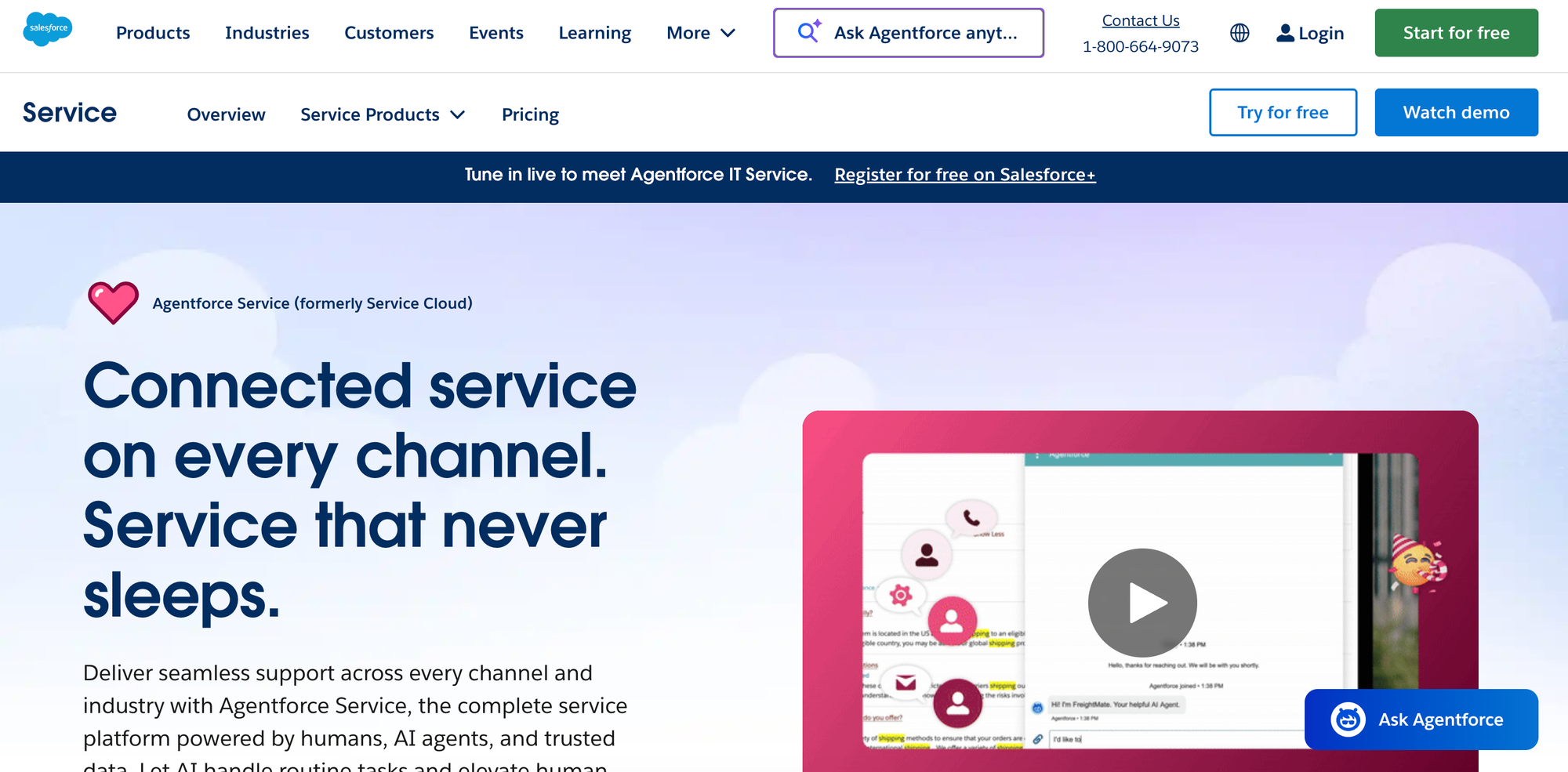
Best for: Insurers that already run customer service on Salesforce.
Salesforce Knowledge is the knowledge base built into Salesforce Service Cloud. Many insurers already run service and policyholder data on Salesforce, so keeping knowledge in the same platform is a natural option for them.
Key Features for Insurance Companies
- Inside the advisor workflow: Articles appear directly in Service Cloud, so advisors don’t switch systems to find answers during a case.
- Fewer vendors to approve: Knowledge runs on a platform your security, compliance, and procurement teams have already reviewed, which can shorten approval for insurers with strict vendor requirements.
- AI available: AI-driven search, advisor assistance, and content creation tools are available as paid upgrades.
- Connected to customer data: Knowledge sits alongside policyholder records and case history in the same platform.
Things to Consider
- Standard articles only: Step-by-step or branching content typically requires custom development.
- Changes need technical resources: Visual or structural changes to the knowledge base often require a Salesforce admin or developer, which slows down content teams.
- Tied to Salesforce: Teams using other service platforms can’t connect it easily.
- Self-service portals cost extra: Authenticated customer portals and communities are sold as add-ons on most editions.
Pricing
Salesforce Knowledge is part of Service Cloud, which now lists Core at $195, Advanced at $395, and Max at $550 per user per month, all billed annually. AI-driven search, advisor assistance, and content creation tools are available as paid add-ons on Core and Advanced and are included in Max.
eGain
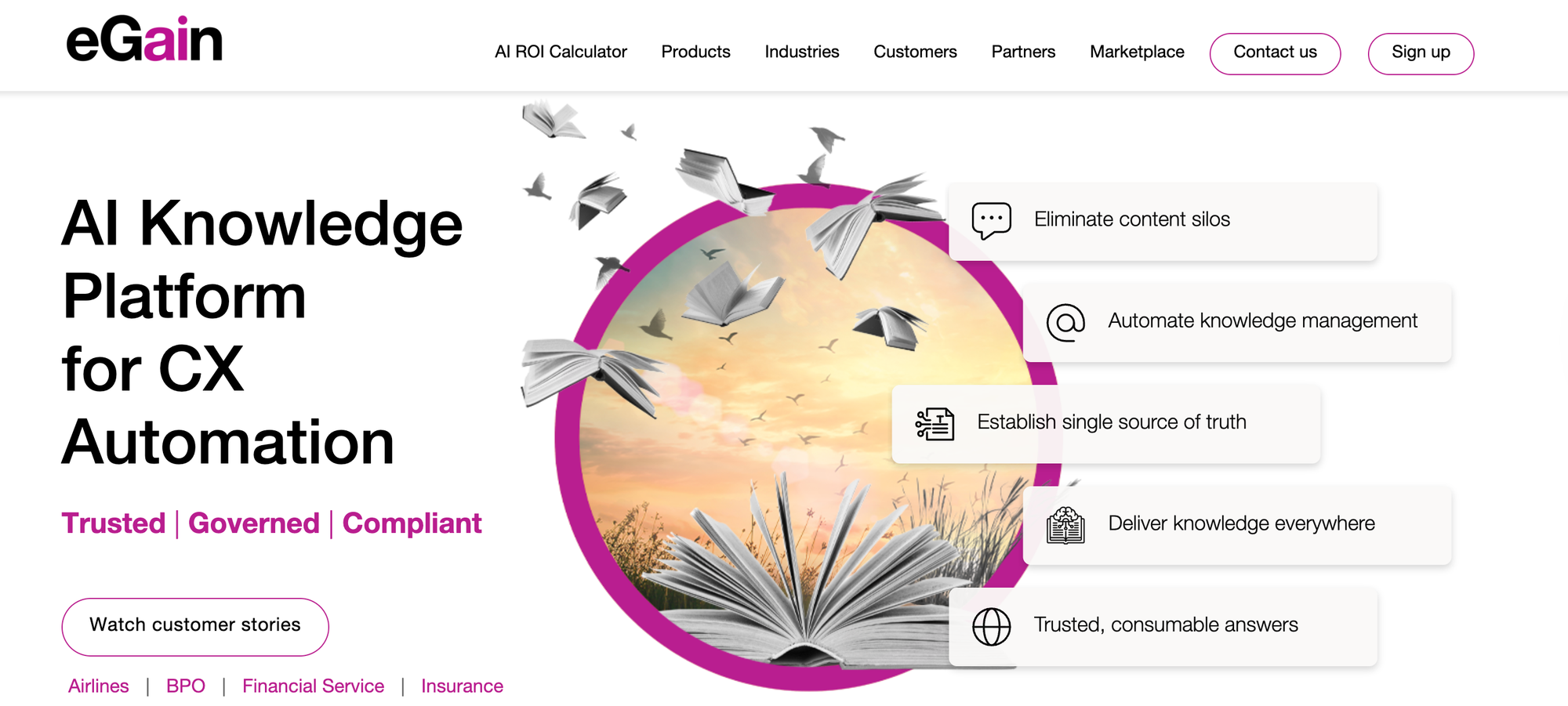
Best for: Large enterprise contact centers that want an established knowledge management vendor with extensive financial services experience.
eGain is a long-established knowledge management vendor focused on customer service, with a strong presence in banking, insurance, and healthcare. Its AI Knowledge Hub centralizes service knowledge and feeds it to advisors, self-service channels, and AI agents.
Key Features for Insurance Companies
- Governed, centralized knowledge: Built around the idea that AI in customer service needs a curated, governed knowledge base behind it.
- Guided help: Supports decision-tree style guidance to standardize troubleshooting and policy compliance.
- Broad product suite: Includes AI agents, virtual assistants, and analytics alongside knowledge management.
- Enterprise track record: Used by large carriers for knowledge across contact centers and multiple lines of business.
Things to Consider
- Enterprise implementation effort: Large deployments typically require substantial setup, content modeling, and a dedicated knowledge team.
- Many separate products: Capabilities are spread across several eGain products, which can make it harder to scope what you need.
- Built for service teams: It’s less suited to departments outside customer service, which may need a separate tool.
- Narrower integration coverage: Prebuilt contact center integrations focus on major platforms like Amazon Connect, Genesys Cloud, and Salesforce, so other stacks may need custom work.
Pricing
eGain lists $25 per named user per month for contact center users, $12.50 for users outside the contact center, and $0.20 per self-service session. Enterprise deployments are typically quoted.
Zingtree
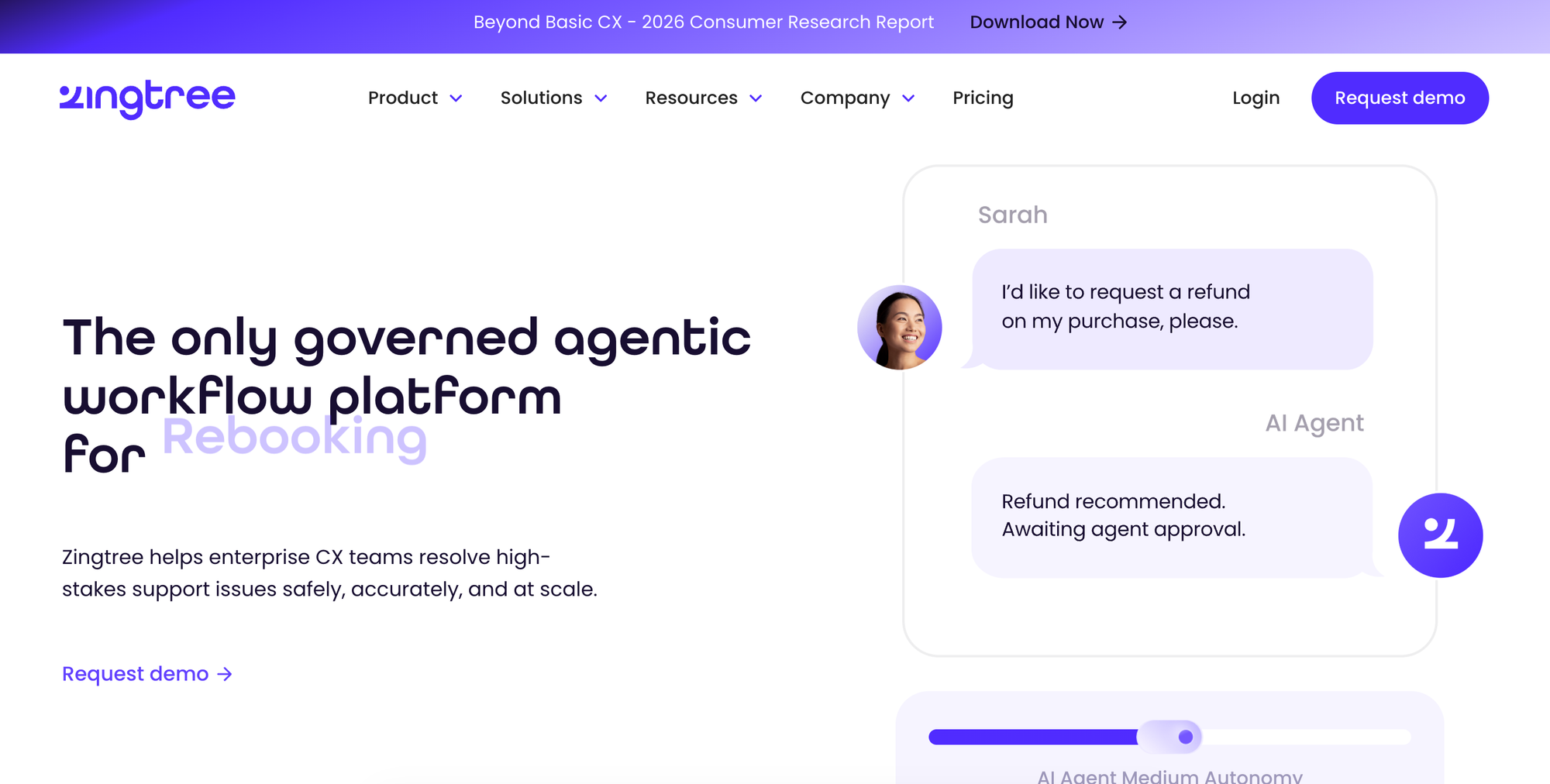
Best for: Teams that mainly need standalone decision trees for scripted processes.
Zingtree is a no-code decision tree platform used to build advisor scripts, guide customers through processes, and automate workflows. It has a dedicated focus on regulated industries, with solutions for healthcare, insurance, and financial services.
Key Features for Insurance Companies
- Scripted decision trees: Advisors follow step-by-step scripts for coverage questions, cancellations, and claims.
- CRM integration: Workflows can pull in external data and fill CRM fields based on customer answers or advisor actions.
- Audit trail: Tracks every workflow version, decision, and update for compliance review.
- Guardrailed AI: AI features include confidence scoring that routes low-confidence outputs to a person.
Things to Consider
- Decision trees first: It’s built around guided flows, so teams that also need a full help center or a large library of reference articles may need another tool.
- Usage-based pricing: Costs can scale with the number of times trees are viewed.
- Maintenance load: Large libraries of decision trees take ongoing work to keep current as policies change.
Pricing
Zingtree has a free tier capped at 1,000 views per month. Paid plans are priced per user, starting at $50 per user per month billed annually, or by self-service sessions, and enterprise plans are quoted. Costs scale with the number of users and, for customer-facing trees, the number of sessions.
Microsoft SharePoint
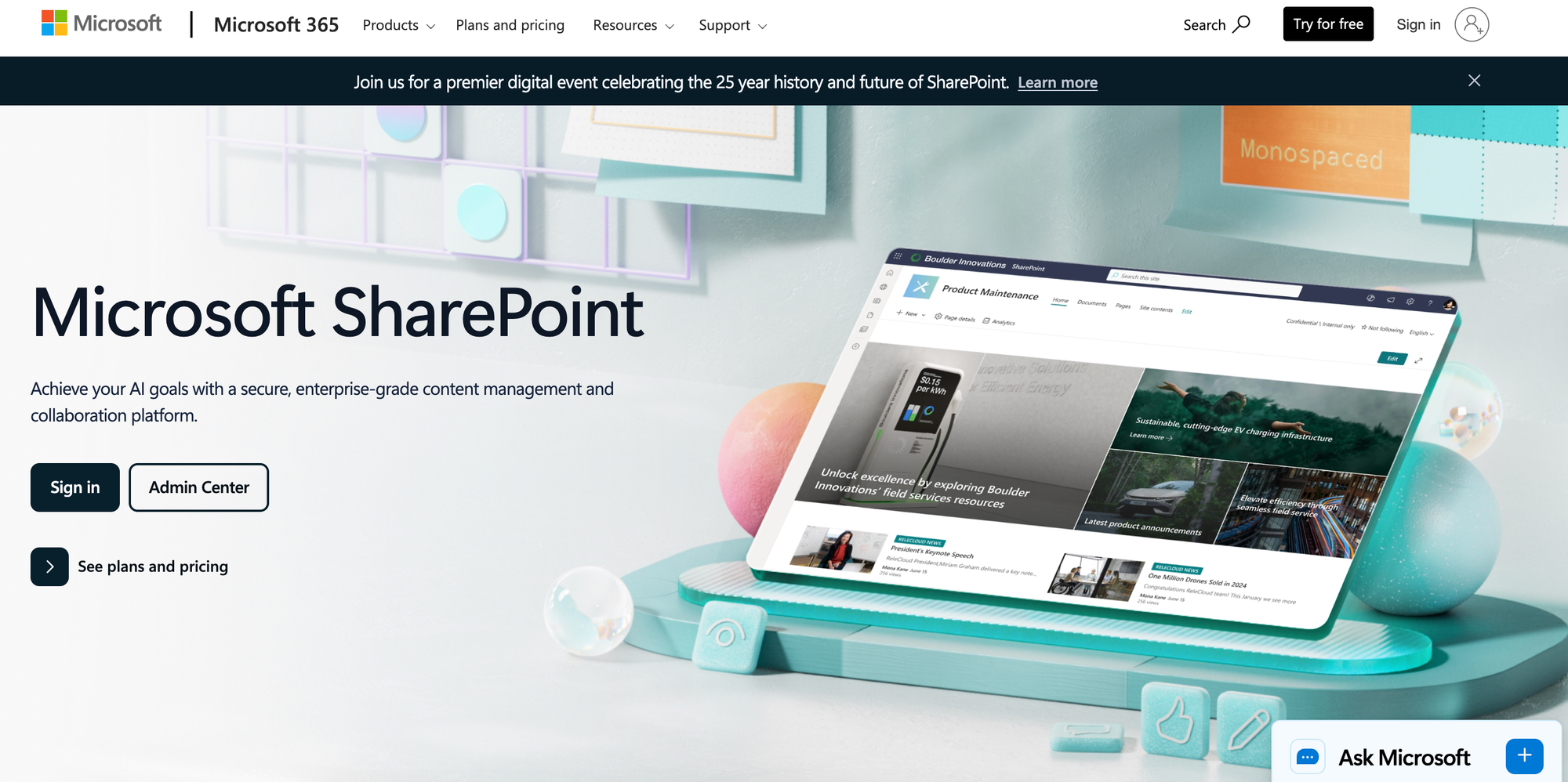
Best for: Internal policy and procedure repositories for insurers in the Microsoft 365 ecosystem.
Microsoft SharePoint is Microsoft’s platform for intranets, document libraries, and team sites. Most insurers already license Microsoft 365, so SharePoint is often where underwriting guidelines, internal procedures, and company policies already live. It serves a different purpose than the customer service tools above. SharePoint manages internal documents that employees create and share with each other.
Key Features for Insurance Companies
- Document management: Version history, approval workflows, content types, and retention policies support the record-keeping that regulated companies need.
- Granular permissions: Access controls at the site, library, folder, and item level, connected to your existing Microsoft identity setup.
- Microsoft 365 integration: Works with Teams, Outlook, and OneDrive, where much internal collaboration already happens.
- AI through Copilot: Microsoft 365 Copilot can help create sites and pages and answer questions about site content.
Things to Consider
- Learning curve: Some users mention a steep learning curve and lengthy setup.
- Built for documents: It isn’t designed to guide advisors through scripts or surface answers inside a CRM during a call.
- Internal by design: It isn’t built to serve as a customer-facing help center.
Pricing
SharePoint is included in Microsoft 365 plans. Microsoft stopped selling standalone SharePoint plans to new customers in 2026. Business Standard is $14 per user per month and Microsoft 365 E3 is $39 per user per month, both billed annually.
The Knowledge Platform for Faster, Compliant Insurance Customer Service
Stonly gives insurance customer service and claims teams one platform for advisor and policyholder knowledge.
- Personalized knowledge: Show each advisor and policyholder only the content that applies to their state, product line, and policy.
- AI answers and advisor assistance: Conversational AI for policyholder self-service and a copilot for advisors, both drawing only from approved content.
- Delivery where people already work: Advisors get guidance inside the CRM and ticketing system. Policyholders get relevant content in your portal or app through no-code widgets and triggers.
- Knowledge Agents: AI agents that monitor your knowledge, flag what’s outdated or missing, and draft updates for your team to review.
- Script adherence and analytics: See which processes advisors follow, step by step and advisor by advisor.
- Step-by-step guides and process automation: Walk advisors through required steps and take actions for them, so processes stay consistent.
- A team behind the platform: Product managers and CSMs who have helped more than 1,000 companies succeed with their knowledge.
Request a demo to see how insurance companies use Stonly to reduce handle time, stay compliant, and help more policyholders self-serve.