
![9 Best Knowledge Management Software for Call Centers [2026]](/blog/content/images/2026/04/Blog-Image----call-center-knowledge-management-software@2.png)
When a customer calls about a malfunctioning appliance, the agent needs to pull up the right model specs, check warranty status, and then walk through the correct diagnostic steps for that product, region, and purchase channel. A standard knowledge article can store all of that, but it can't guide someone through applying it in real time while the customer waits.
That's the gap between reference knowledge and process knowledge. Most knowledge management tools handle the first type reasonably well. The second is where most tools struggle.
This distinction is particularly important for call centers. You're dealing with high agent turnover, fast onboarding requirements, and (especially if you run a BPO) agents who don't have the institutional context to fill in gaps when the documentation is incomplete. The knowledge system needs to do a heavier lift here than it does for a typical customer support team.
This guide compares seven knowledge management platforms with features designed for call center environments. For each tool, we'll look at the capabilities that most directly affect handle time, first call resolution, and agent consistency.
Stonly
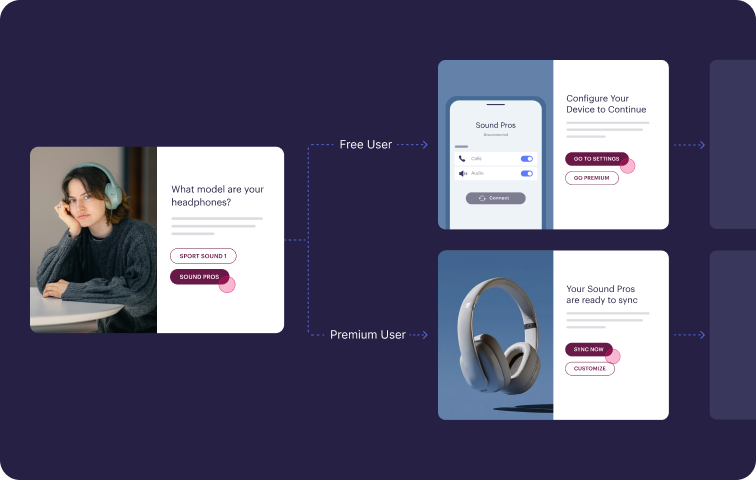
Stonly is a knowledge management platform built for customer service, with two main use cases: agent enablement and customer self-service. Traditional knowledge bases give you a place to store articles. Our platform lets you turn complex troubleshooting and processes into interactive guides that walk agents and customers through the right next step.
Make the right information available where and when agents need it
Stonly puts knowledge directly inside the systems agents already use. Our decision trees, scripts, and articles surface inside Zendesk, Salesforce, Freshdesk, and ServiceNow, with two-way integrations that pull data from the ticket to skip irrelevant steps and push data back to update fields and trigger macros. Agents follow guided workflows without leaving the customer record, which can decrease response times and keep ticket data clean.
Resolve cases consistently with interactive decision trees
Static articles force agents to interpret long pages mid-call and decide which part applies to the customer they're talking to. Stonly's interactive decision trees turn that same content into clear step-by-step paths that adapt to each customer's situation, so newer reps can deliver the same quality of service as senior agents.
Customers like ekWateur report 20% less time spent solving tickets after rolling out interactive guides across their support team.
Answer questions instantly with AI trained on structured knowledge
Stonly pairs your structured guides with generative AI to deliver accurate answers to both agents and customers. Our AI summarizes incoming tickets, suggests relevant guides, and generates draft replies that agents can send in one click.
For customers, the same AI powers a chatbot that handles complex questions through guided answer flows and hands off cleanly to a live agent with full conversation context when it can't help. Customers like Anderson America reported an 80% decrease in call volume.
Measure and improve performance at the agent and content level
Stonly's analytics track how each agent moves through guides, where they get stuck, and which processes drive resolutions, rather than just which content is most viewed. With analytics at the individual and global level, supervisors can see how each agent adheres to processes, identify training gaps, and continuously improve scripts based on what's working in real calls.
Key Call Center Knowledge Management Features
| Feature | Stonly |
| Knowledge Base Use Cases | Internal (agents) and external (customer self-service), shared content base with audience-specific visibility. |
| Decision Trees / Guided Workflows | Yes. Interactive guides that adapt based on customer situations. Can enforce process compliance and trigger automations. |
| Content Formats | Articles, interactive guides/decision trees, FAQs, and quick-reference content. |
| Ticketing System Integrations | Yes. Zendesk, Salesforce, Freshdesk, and ServiceNow. Knowledge surfaces inside the ticket view with two-way data sync. |
| AI-Powered Search | Yes. GenAI search that drills down to the exact step within a guide. |
| AI Agent Assist | Yes. Summarizes tickets, suggests relevant guides, and generates draft responses from structured Stonly content. |
| Knowledge Agents | Yes. AI agents monitor knowledge health 24/7, find discrepancies, and generate content updates for review. |
| Analytics & Usage Tracking | Content-level and agent-level usage tracking. Step-level feedback collection. Zero-result search tracking. |
| Onboarding & Training Support | Interactive guides double as onboarding tools. Agents learn by using the same workflows they'll use on live calls. |
| Multilingual Support | Yes |
| Security & Compliance | GDPR, HIPAA, SOC 2. Supports SSO. |
What Real Customers Are Saying About Stonly
“Our agents are finding the right answers a lot faster! They, and our customers, are super happy.”
Julien Talbot, User Support Project Manager, ekwateur
"Thanks to Stonly, we’re leading the charge in our industry by giving customers quick and accurate resolutions and freeing up our technicians to tackle more complex tasks."
Justin Wilder, Service Manager, Anderson America
"We couldn’t imagine onboarding so many new agents without Stonly. We can seamlessly integrate step-by-step guidance into Zendesk to ensure every agent is confident from day one."
Theresa Tacite, Customer Operations Lead, Fastned
Pricing
Custom pricing available upon request.
Stonly helps call centers reduce handle time and cut escalations with structured knowledge, guided workflows, and AI trained on content your agents already trust. See how it works for contact centers.
Capacity
Capacity is a unified CX automation platform for contact centers that powers automated customer and agent support with AI Knowledge Orchestration. It connects knowledge wherever it lives, then powers omnichannel inbound and outbound AI agents, real-time agent assist, auto QA and conversation intelligence from a single source of truth. When you update knowledge once, it updates everywhere, making customer experiences more seamless and consistent while empowering agents to do their best work.
Key Call Center Knowledge Management Features
| Feature | Capacity |
| Knowledge base use cases | Internal (agent assist, employee support) and external (inbound and outbound AI agents for customer self-service, all drawing from one knowledge layer. |
| Decision trees/guided workflows | Yes. Deterministic, generative or blended flows in the same conversation, plus dynamic checklists and prompts for live agents. |
| Content formats | Articles and sites in a native knowledge base plus integrations to existing content in websites, SharePoint, Salesforce, ServiceNow and third-party knowledge bases. |
| Ticketing system integrations | Yes. Pre-built integrations with CCaaS platforms, CRMs and helpdesks plus a native helpdesk feature. |
| AI-powered search | Yes. Enterprise search that returns direct answers to agent questions in a chat-style interface. |
| AI agent assist | Yes. Real-time transcription, intent and sentiment detection, dynamic checklists, suggested answers and post-interaction summaries. |
| Knowledge agents | Yes. A built-in learning loop feeds insights from every interaction back into the platform, so it gets smarter and more effective over time. |
| Analytics & usage tracking | Conversation intelligence and auto QA score 100% of interactions. |
| Onboarding and training support | On-demand AI guidance and coaching prompts for new agents from day one. |
| Multilingual support | Yes, over 30 global languages and dialects including Spanish, German and Mandarin. |
| Security & compliance | Yes, compliant with HIPAA, SOC 2 Type II, GPPR, PCI DSS. |
Advantages
- Capacity connects to knowledge in one place and powers AI agents, agent assist and auto QA from the same source, so teams can avoid stitching together separate vendors that need their own training and maintenance.
- Capacity learns from itself and improves over time, so that when knowledge gaps are filled they propagate everywhere and make AI agents more effective, human agents more knowledgeable and conversation intelligence more insightful.
Shortcomings
- Capacity is a full CX automation platform, so teams that only need a place to author and publish static knowledge articles may find customer support features too broad.
- Capacity’s Knowledge Orchestration Layer is built to power the rest of the platform, so cleanup and organization of outdated or contradictory content might delay deployment.
Pricing
Usage based with Core, Pro, Enterprise and custom packages.
Knowmax
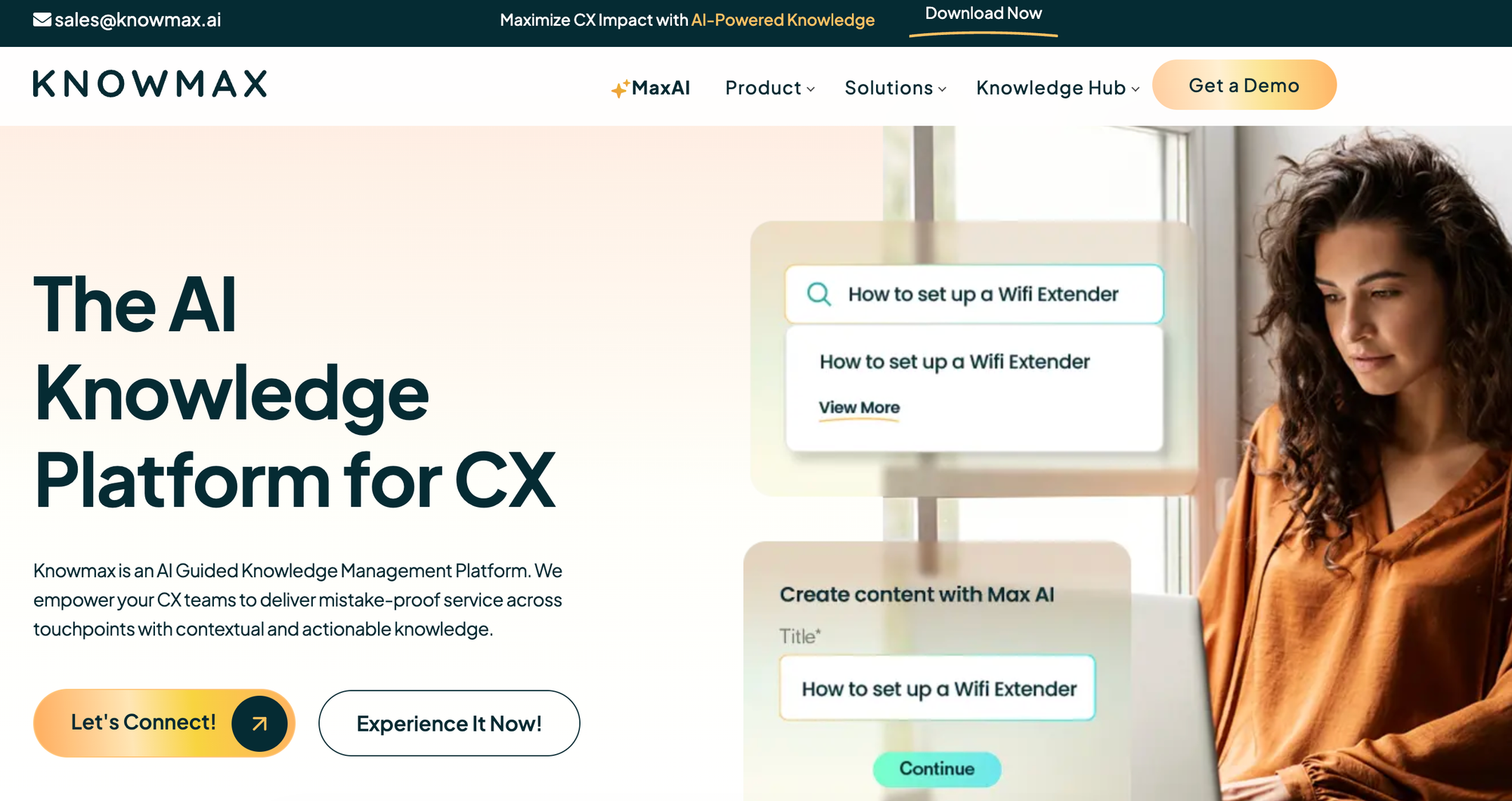
Knowmax is an AI knowledge management platform designed for customer experience teams in contact centers, self-service, and field service. It consolidates knowledge in one place and turns SOPs into interactive decision trees and visual how-to guides for agents and customers.
Key Call Center Knowledge Management Features
| Feature | Knowmax |
| Knowledge Base Use Cases | Internal (agents, field service) and external (customer self-service). |
| Decision Trees / Guided Workflows | Yes. No-code interactive decision trees that integrate with CRM systems, with AI autofill and step-by-step navigation based on live call transcripts. |
| Content Formats | Articles, decision trees, visual how-to guides, picture and video guides, FAQs, and assessments. |
| Ticketing System Integrations | Yes. Zendesk, Salesforce, Freshchat, Freshdesk, Genesys, SAP, Talkdesk, Exotel, plus a Chrome extension. |
| AI-Powered Search | Yes. Search engine that returns relevant knowledge across touchpoints. |
| AI Agent Assist | Yes. Recommends workflows, scripts, articles, and guides to agents based on real-time conversation intent. Autofills decision trees from CRM transcripts. |
| Knowledge Agents | Yes. Agentic AI autoconverts SOPs into decision trees, articles into FAQs and quizzes, and generates, refines, summarizes, and translates content. |
| Analytics & Usage Tracking | Content usage, time spent, and user feedback analytics. |
| Onboarding & Training Support | Learning management module for creating process guides, documentation, and assessments. |
| Multilingual Support | Yes |
| Security & Compliance | Complies with GDPR, SOC 2, ISO 27001, and HIPAA. |
Advantages
- Knowmax's visual how-to guides let agents share annotated picture and video walkthroughs with customers, which can make device setup and troubleshooting calls easier than reading from a PDF manual.
- The AI autofills and navigates decision trees based on live CRM transcripts, so agents can move through complex flows without clicking through every step or manually entering customer details.
Shortcomings
- Knowmax shares its structured knowledge with other generative AI applications but doesn't offer a native AI chatbot, so delivering conversational self-service to customers means stitching in a separate tool.
- The platform's content model centers on structured decision trees converted from SOPs, which works well for standardized troubleshooting but is rigid for knowledge that doesn't fit into branching flows.
Pricing
Custom pricing available upon request.
KMS Lighthouse
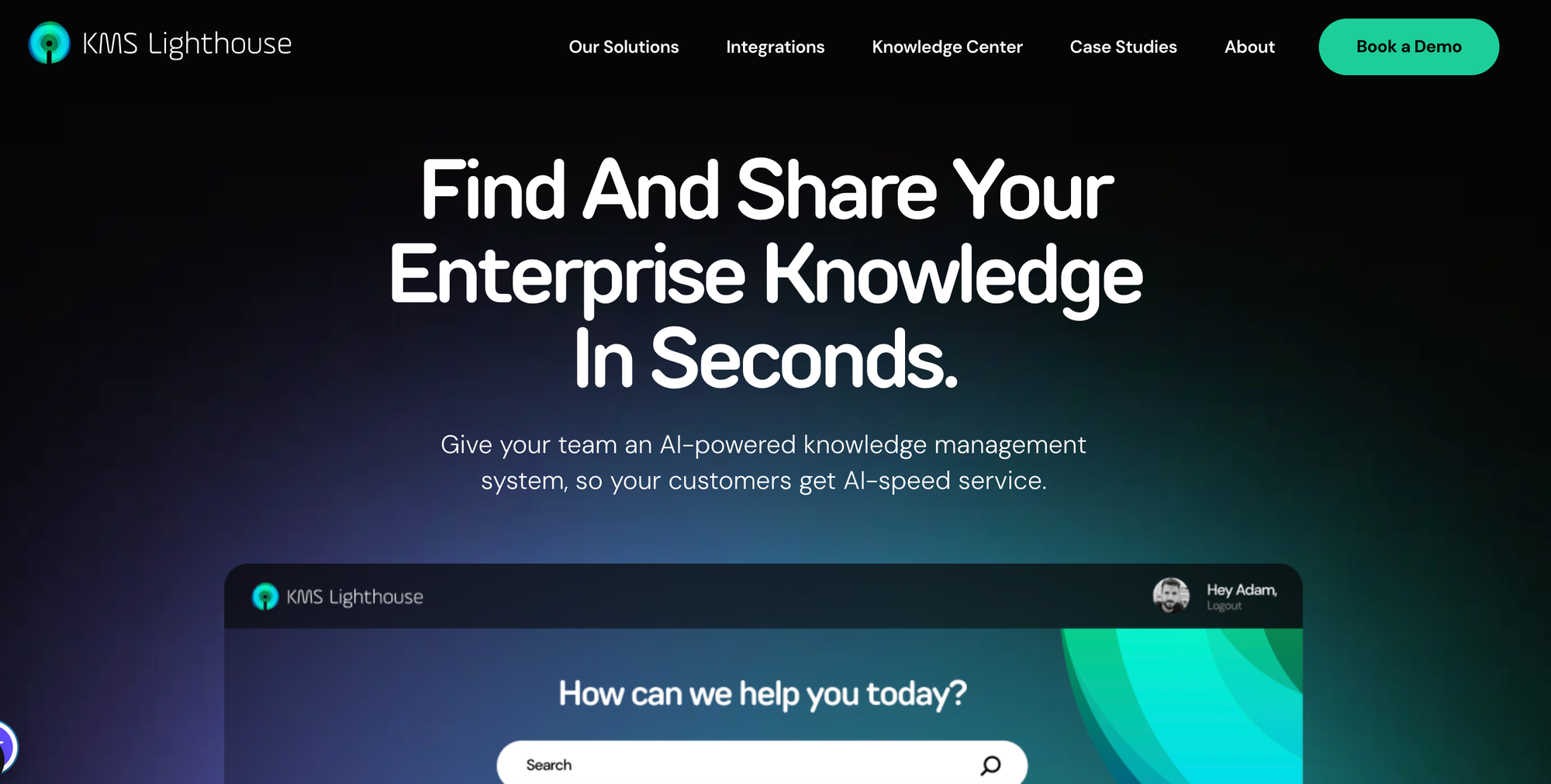
KMS Lighthouse is an enterprise knowledge management platform designed for contact centers, customer self-service, employee onboarding, and field service operations. It combines AI-powered search with decision trees, package comparison tools, and integrations with major contact center and CRM platforms to give agents fast access to accurate answers during customer interactions.
Key Call Center Knowledge Management Features
| Feature | KMS Lighthouse |
| Knowledge Base Use Cases | Internal (call center agents, field technicians, new team members) and external (customer self-service), with separate solutions for each use case. |
| Decision Trees / Guided Workflows | Yes. Predefined decision trees walk agents through the necessary steps for any situation, with branching logic that adapts to the customer's case. |
| Content Formats | Articles, knowledge pages, decision trees, and side-by-side comparison tools for helping agents compare packages or products. |
| Ticketing System Integrations | Yes. Salesforce, Zendesk, Freshworks, Microsoft Dynamics 365, Genesys, Microsoft Teams, AWS, and Azure OpenAI. |
| AI-Powered Search | Yes. AI-powered search and information retrieval for agents and customers across the knowledge base. |
| AI Agent Assist | Yes. The Azure OpenAI integration generates autoresponses and suggests relevant articles, resources, or solutions to agents. |
| Knowledge Agents | Limited. The platform supports article authoring and content management but doesn't include autonomous AI agents that monitor or update knowledge. |
| Analytics & Usage Tracking | Search query popularity, content usage, and agent performance. |
| Onboarding & Training Support | Offers a learning management system with training and onboarding for platform users. |
| Multilingual Support | Yes |
| Security & Compliance | Not publicly listed. |
Advantages
- KMS Lighthouse's side-by-side comparison tool can help agents walk customers through package or product options during a call, which makes complex sales and upgrade conversations easier than describing differences verbally.
- The platform integrates with major contact center stacks (Genesys, Salesforce, Zendesk, Freshworks, Dynamics 365, Microsoft Teams, AWS), so agents can access knowledge inside whatever system they're already using.
Shortcomings
- KMS Lighthouse doesn't include autonomous knowledge agents that monitor content health, flag outdated articles, or suggest updates, so keeping the knowledge base accurate falls entirely on the content team.
- Its decision trees are predefined flows rather than dynamic scripts that adapt to ticket data or CRM context, so agents still click through the same steps regardless of what the system already knows about the customer.
Pricing
Pricing starts at $30 per named user per month.
Eesel
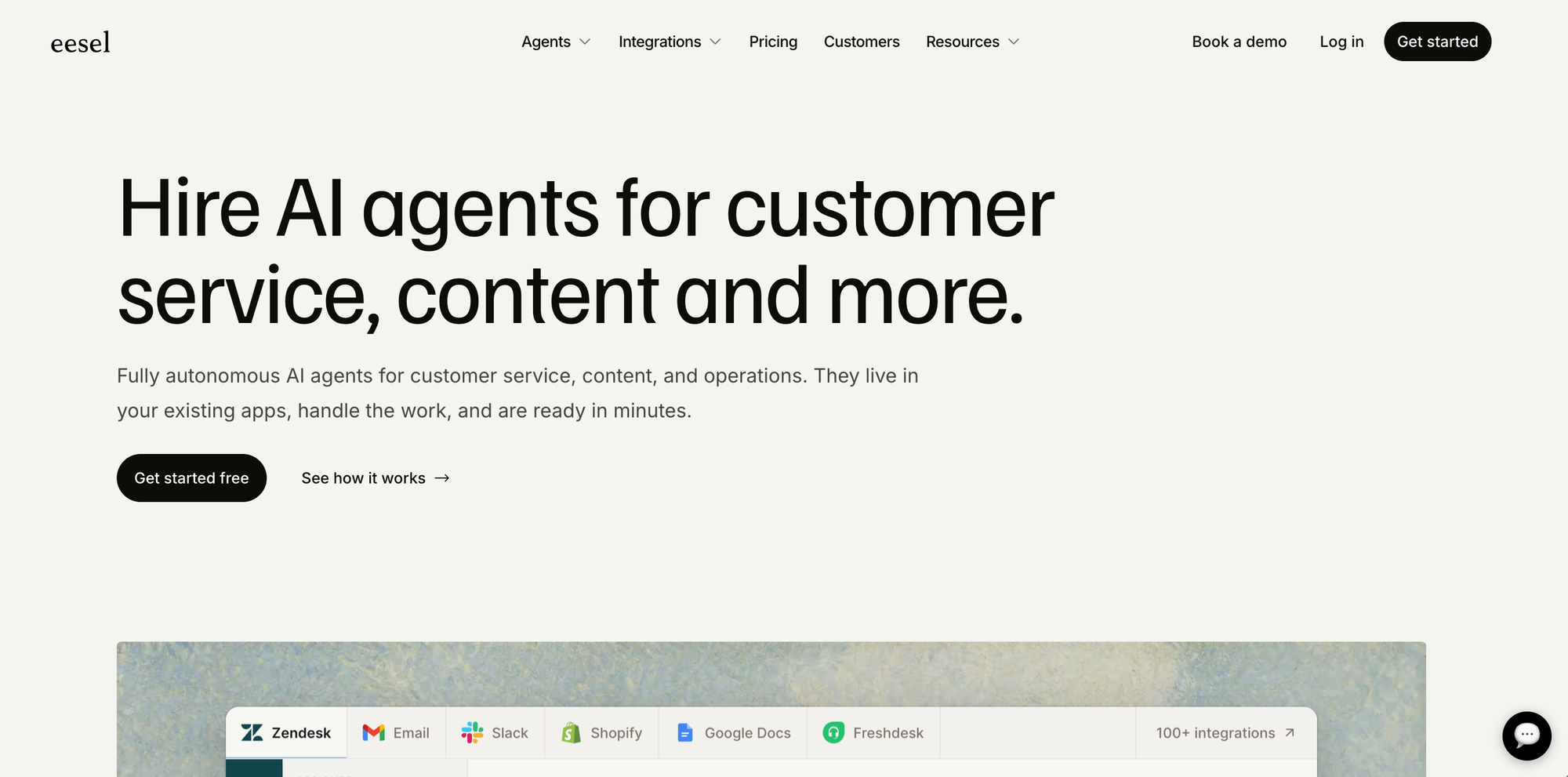
Eesel is an AI layer that connects to your existing helpdesk and knowledge sources to automate support, assist agents, and surface answers from wherever your knowledge lives. Rather than replacing your current stack, it sits on top of tools like Zendesk, Freshdesk, and Intercom and pulls from over 100 knowledge sources including Confluence, Notion, Google Docs, past tickets, and help centers.
Key Call Center Knowledge Management Features
| Feature | Eesel |
|---|---|
| Knowledge Base Use Cases | Internal agent assist and customer-facing AI answers via helpdesk integrations. |
| Decision Trees / Guided Workflows | No native decision trees or guided workflows. |
| Content Formats | Works with existing content in connected sources; no native content creation. |
| Ticketing System Integrations | Yes. Zendesk, Freshdesk, Intercom, Gorgias, Help Scout, Kustomer, Zoho Desk, HubSpot Service Hub, and more. |
| AI-Powered Search | Yes. RAG-based search across all connected knowledge sources with cited answers. |
| AI Agent Assist | Yes. Drafts replies for agent review or handles Tier 1 tickets autonomously based on plan tier. |
| Knowledge Agents | No. Knowledge maintenance relies on source content being updated externally. |
| Analytics & Usage Tracking | Resolution rate tracking, ticket analytics, and simulation mode for pre-launch testing. |
| Onboarding & Training Support | Self-serve setup with free trial. No native training or LMS module. |
| Multilingual Support | Yes |
| Security & Compliance | SOC 2 compliant. Granular source controls let teams restrict which content the AI can access. |
Advantages
- Eesel's simulation mode lets teams test the AI against thousands of past tickets before going live, so you can see predicted resolution rates and accuracy before committing to a full rollout.
- Setup is genuinely self-serve and fast. Teams can connect their helpdesk and knowledge sources and have a working AI agent running in minutes without engineering resources or a sales-led implementation.
Shortcomings
- Eesel is an AI layer, not a knowledge management platform. Teams that need to author, govern, and maintain structured knowledge will need a separate tool, as Eesel relies entirely on the quality of content in connected sources.
- Decision trees, guided workflows, and interactive step-by-step processes are not supported natively, making it less suited for complex, multi-step support scenarios that require agents or customers to follow a structured process.
Pricing
Free trial available with paid plans based on usage and team size. Details at eesel.ai.
eGain
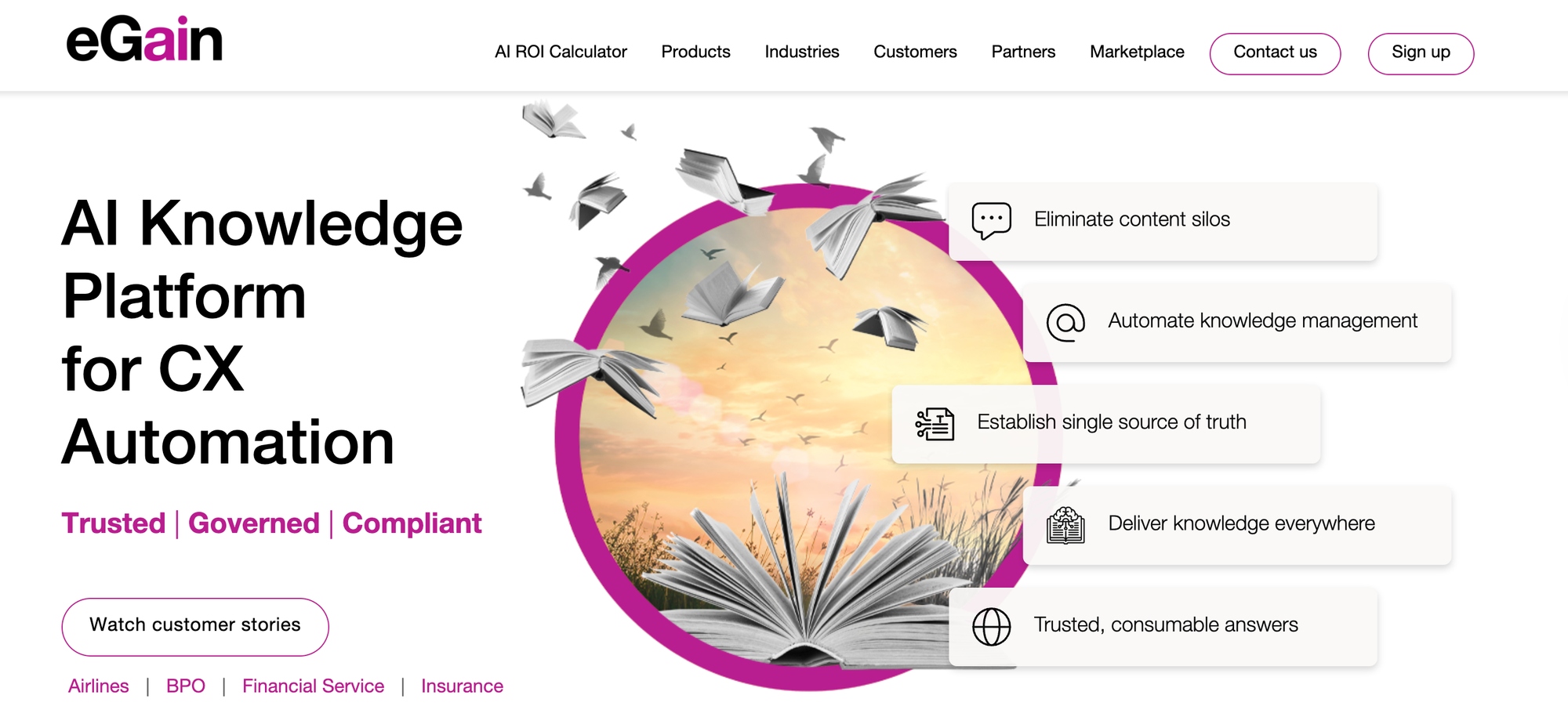
eGain is an enterprise knowledge base software platform built for large contact centers and customer service operations. It centralizes knowledge from sources like SharePoint, CRM systems, product docs, policies, and intranets into a single hub that powers agent assist, customer self-service, and conversational AI across voice, chat, email, and digital channels.
Key Call Center Knowledge Management Features
| Feature | eGain |
| Knowledge Base Use Cases | Internal (agents) and external (customer self-service), but deployments often end up with separate workflows for each audience rather than a single unified experience. |
| Decision Trees / Guided Workflows | Yes. Offers guided knowledge with knowledge process automation and cobrowse to help agents complete support tasks, though the core content model is still article-centric. |
| Content Formats | Articles, knowledge pages, structured documentation, and decision trees are managed through a centralized hub. |
| Ticketing System Integrations | Yes. Integrates with major contact center platforms, including Amazon Connect and Genesys, plus CRM and case management systems. |
| AI-Powered Search | Yes. Guided search and natural language retrieval grounded in the centralized knowledge hub. |
| AI Agent Assist | Yes. Delivers real-time guidance, contextual help, instant answers, and summaries to agents during live customer interactions. |
| Knowledge Agents | Yes. Agentic AI tools combined with knowledge governance workflows that flag content for review and keep articles compliant. |
| Analytics & Usage Tracking | Tracks AI answer usage, confidence scores, agent AI usage, content views, search behavior, and productivity metrics. |
| Onboarding & Training Support | Offers end-user, train-the-trainer, and technical training programs. |
| Multilingual Support | Yes |
| Security & Compliance | SOC 2 Type II, GDPR, HIPAA, PCI DSS, FedRAMP. |
Advantages
- eGain's cobrowse feature lets agents view and interact with a customer's screen during a call, which can speed up resolution on customer issues that are hard to walk through verbally.
- Its AI agents provide real-time guidance during live interactions, which can help newer reps handle calls they otherwise wouldn't be ready for.
Shortcomings
- eGain's portal-based model often requires agents to leave the call workflow to search a separate help site, which can add clicks and extend handle time.
- The platform charges separately for user licenses, resolutions, and self-service sessions. Teams that need predictable costs when call volume changes month to month may be better off with an eGain alternative.
Pricing
Pricing for the eGain AI knowledge hub starts at $25 per user per month. AI agent resolutions start at $0.50 per resolution or $25 per user per month. Connectors to contact center platforms and other third-party tools start at $249 per user per month.
Salesforce Knowledge
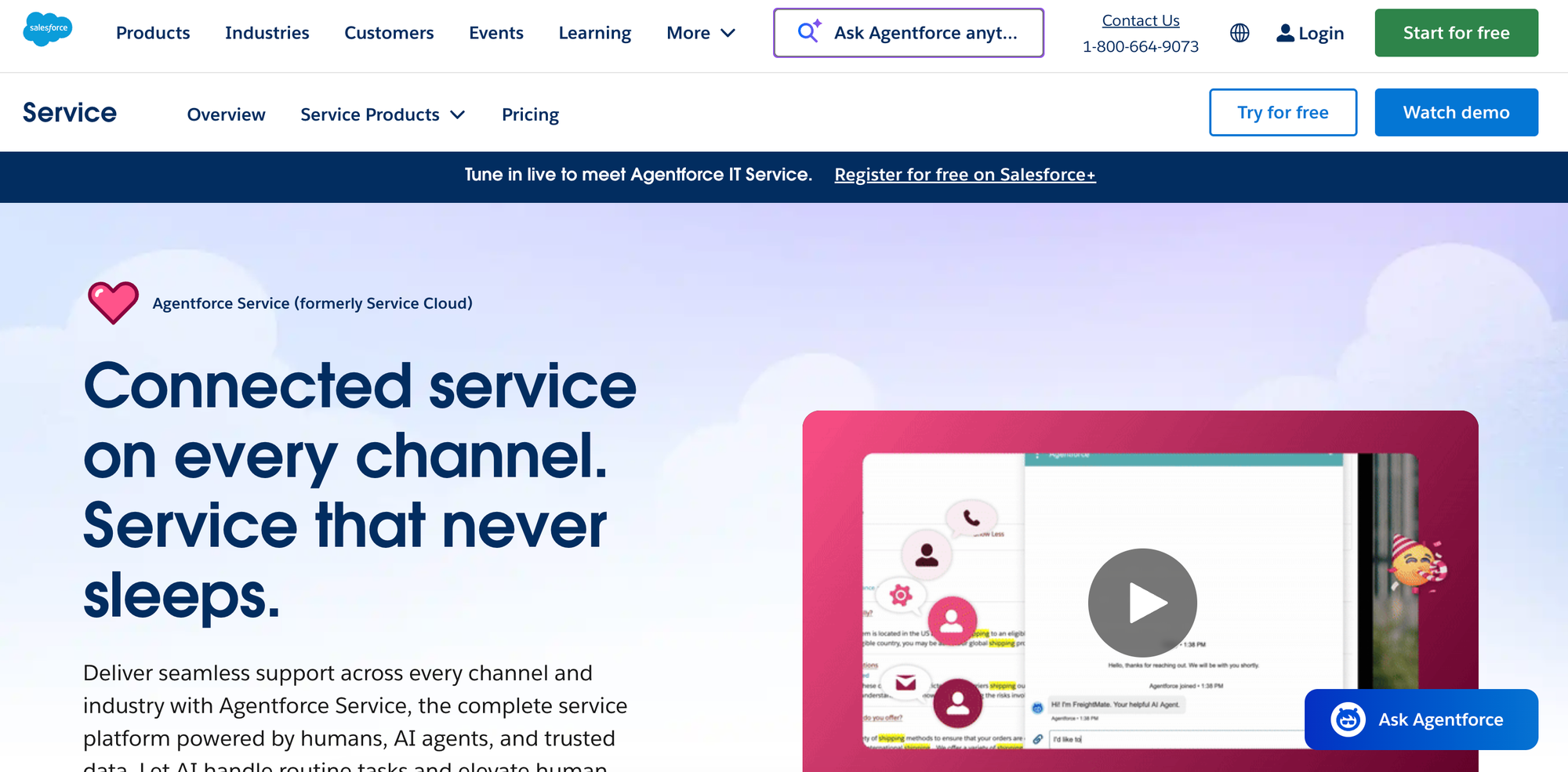
Salesforce Knowledge is the knowledge management module embedded in Salesforce Service Cloud. It lets agents pull up articles directly inside their case workflow alongside customer data and account history, with AI-powered search and content suggestions available through Einstein as a paid add-on.
Key Call Center Knowledge Management Features
| Feature | Salesforce Knowledge |
| Knowledge Base Use Cases | Primarily internal use by support agents. External customer self-service requires Experience Cloud. |
| Decision Trees / Guided Workflows | No - static articles only. Interactive content requires custom development. |
| Content Formats | Static articles with HTML editor for advanced formatting. |
| Ticketing System Integrations | Limited. Integrates deeply with the Salesforce ecosystem only. |
| AI-Powered Search | Limited. Basic keyword search included. AI-powered search sold as a separate add-on. |
| AI Agent Assist | Limited. Generative AI in search, AI agent, and AI content creation all require a paid add-on. |
| Knowledge Agents | Limited. Available through Salesforce Flow, workflow rules, and Einstein AI as paid add-ons. |
| Analytics & Usage Tracking | Tracks article views, helpfulness feedback, and ratings. |
| Onboarding & Training Support | DIY migration tools, with onboarding support available for higher-tier plans. |
| Multilingual Support | Yes |
| Security & Compliance | SOC 1 Type II, SOC 2 Type II, SOC 3, GDPR, HIPAA. Supports SSO. |
Advantages
- Salesforce Knowledge surfaces articles directly inside the agent's case view, so contact center reps can pull up reference content without leaving the customer record they're working in.
- The platform's deep integration with the broader Salesforce ecosystem (Service Cloud, Sales Cloud, Experience Cloud, Einstein) can give contact centers a unified view of the customer alongside the knowledge they need.
Shortcomings
- Salesforce Knowledge supports static articles only. Contact center agents that need to follow branching decision trees or guided workflows should consider a Salesforce Knowledge or Zendesk Knowledge alternative instead.
- The useful capabilities (AI search, AI agent assist, AI content creation) are sold as separate Einstein add-ons on top of the Service Cloud subscription, which can drive up the total cost.
Pricing
Salesforce Knowledge is available in the Unlimited tier of Salesforce Service Cloud, which starts at $350/user per month (billed annually).
Zendesk Knowledge
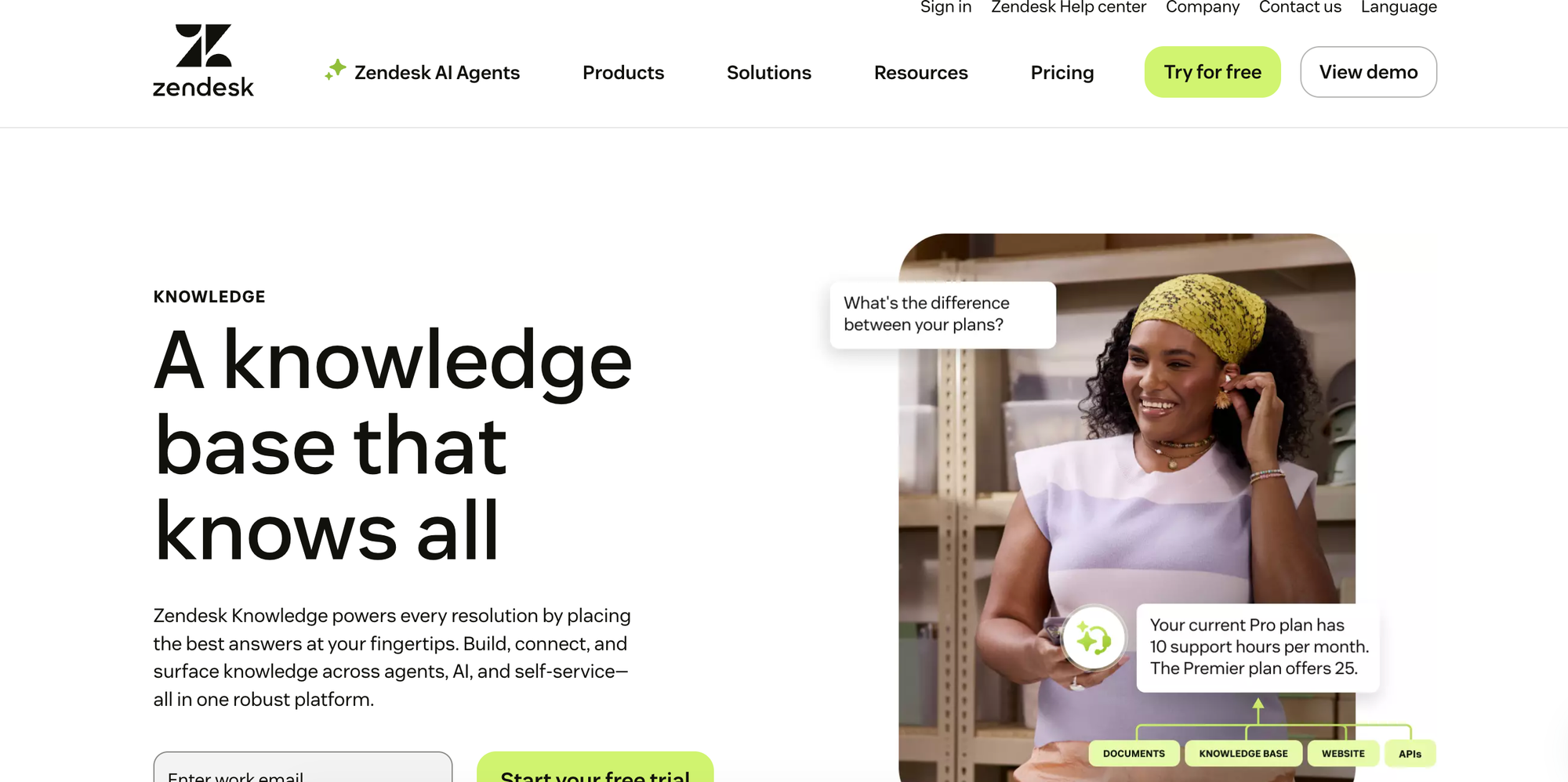
Zendesk Knowledge is the help center and knowledge base built into the Zendesk customer service suite. It connects knowledge directly to ticketing, messaging, and voice channels and uses generative AI to help teams create, translate, and surface articles across self-service and agent workflows.
Key Call Center Knowledge Management Features
| Feature | Zendesk Knowledge |
| Knowledge Base Use Cases | Internal (agents) and external (customer self-service), but not optimized for delivering content to multiple audiences. |
| Decision Trees / Guided Workflows | No - Static articles only. There's no native way to create branching guides or step-by-step interactive workflows. |
| Content Formats | Static articles, FAQ pages, how-to guides, and community forum content unified into a single knowledge graph. |
| Ticketing System Integrations | Yes, but only with Zendesk products. The knowledge base is tightly coupled with Zendesk's ticketing, messaging, and voice channels. |
| AI-Powered Search | Yes. Generative AI integrated into search, with advanced AI features (triage, summarization, suggestions) sold as a separate add-on. |
| AI Agent Assist | Yes. Copilot delivers answers to agents inside the workspace, with proactive task automation and next-step recommendations. Sold as a paid add-on. |
| Knowledge Agents | Limited. AI agents resolve customer conversations, and Zendesk's most autonomous AI agents are sold as a separate add-on. |
| Analytics & Usage Tracking | Tracks content performance, search activity, and agent usage. AI and search reporting insights require a paid add-on. |
| Onboarding & Training Support | Self-serve onboarding, on-demand training, and community. Professional services available for additional fees. |
| Multilingual Support | Yes |
| Security & Compliance | SOC 2 Type II, ISO 27001, GDPR, HIPAA, PCI DSS. Supports SSO. |
Advantages
- Zendesk Knowledge is natively embedded in the Zendesk ticketing system, so contact center agents can access and contribute to knowledge without leaving the ticket view.
- The platform unifies content from communication channels like help centers, community forums, and external sources, which can give agents immediate access to knowledge instead of jumping between systems.
Shortcomings
- Zendesk Knowledge is part of the Zendesk Suite, not a standalone product, so teams on a different ticketing platform can't use it as their knowledge layer without adopting Zendesk's ticketing system too.
- Several useful capabilities (advanced AI, Copilot, autonomous AI agents, and advanced data privacy) are sold as separate paid add-ons on top of the base Suite plan, which can drive up the total cost for a contact center.
Pricing
Available in all Zendesk Suite plans, which start at $55 per agent per month (billed annually).
Bloomfire
Bloomfire is an enterprise knowledge management platform that combines a searchable knowledge base with conversational AI to deliver answers in the tools employees already use. It serves broad internal use cases across functions like human resources, sales, legal, and customer success rather than focusing on contact center workflows.
Key Call Center Knowledge Management Features
| Feature | Bloomfire |
| Knowledge Base Use Cases | Primarily internal employee knowledge management. Can support external use, but the platform's strengths are in internal knowledge sharing. |
| Decision Trees / Guided Workflows | Yes. Offers static articles and decision-tree content, but doesn't drive agents step-by-step through ticket-based workflows or trigger automated actions in connected systems. |
| Content Formats | Articles, documents, videos, images, and other file types are stored in a centralized library. |
| Ticketing System Integrations | Yes. Zendesk and Microsoft Dynamics 365. Embeds knowledge into the flow of work for search and content creation, but doesn't automate ticket actions. |
| AI-Powered Search | Yes. Surfaces relevant content across structured and unstructured sources using natural language queries. |
| AI Agent Assist | Limited. Offers generative AI in search and a standalone conversational chatbot, but no dedicated agent assist for ticket summarization, content suggestions, or reply generation. |
| Knowledge Agents | Yes. Automatically detects outdated, redundant, or conflicting content to keep the knowledge base accurate. |
| Analytics & Usage Tracking | Tracks engagement, search behavior, content performance, and knowledge gaps with custom reporting. |
| Onboarding & Training Support | Embedded knowledge checks confirm understanding and reinforce learning. Implementation includes admin training and train-the-trainer enablement. |
| Multilingual Support | Yes |
| Security & Compliance | Complies with SOC 2 Type II. Supports SSO. |
Advantages
- Bloomfire automatically flags outdated, redundant, or conflicting articles, which can keep agents from quoting stale policies on live calls.
- Its conversational AI cites the source for every answer, so agents and supervisors can verify what they're reading before using it mid-call.
Shortcomings
- Bloomfire's decision trees aren't tied to ticket data, so they can't walk agents through a branching workflow based on what the customer's calling about.
- The platform serves cross-departmental knowledge sharing, not contact center workflows. Bloomfire alternatives are better suited for ticket-driven knowledge surfacing, workflow automation, and resolution-focused analytics.
Pricing
Custom pricing available upon request.
How Stonly Helps Call Centers Build Smarter Knowledge Systems
Stonly turns your call center's knowledge into interactive guidance that agents and customers can use to resolve issues faster. Anderson America cut ticket volume by 80% using Stonly's AI agent and interactive knowledge, and customers report a 20% reduction in time spent solving tickets after rolling out interactive decision trees and AI Answers across their support teams.
Stonly's call center knowledge management features include:
- Interactive decision trees and scripts: Walk agents through branching workflows step by step, with two-way integrations that pull data from Zendesk and Salesforce to skip irrelevant steps and push data back to update tickets and trigger macros automatically.
- AI Answers for agents and customers: Generative AI trained on your structured guides delivers accurate responses inside the ticket view, summarizes incoming tickets, suggests relevant guides, and generates draft replies that agents can send in one click.
- Self-service that deflects calls: Embed interactive help in your app, website, or mobile experience using widgets, tooltips, and triggers so customers can resolve issues before they pick up the phone.
- Analytics that go beyond page views: Track how agents move through guides step by step, see which processes drive resolutions and where agents get stuck, and measure adherence at the individual and team level.
- Faster onboarding for new agents: New hires follow the same interactive guides on live calls that they used to learn the job, which can shorten ramp time without forcing memorization.
Learn more about Stonly for contact centers or request a demo to see how interactive knowledge works in a live environment.