
 FEATURES
- Beautiful design
- Smart organization
- Easy to follow content
Beautiful design is more than what it looks like
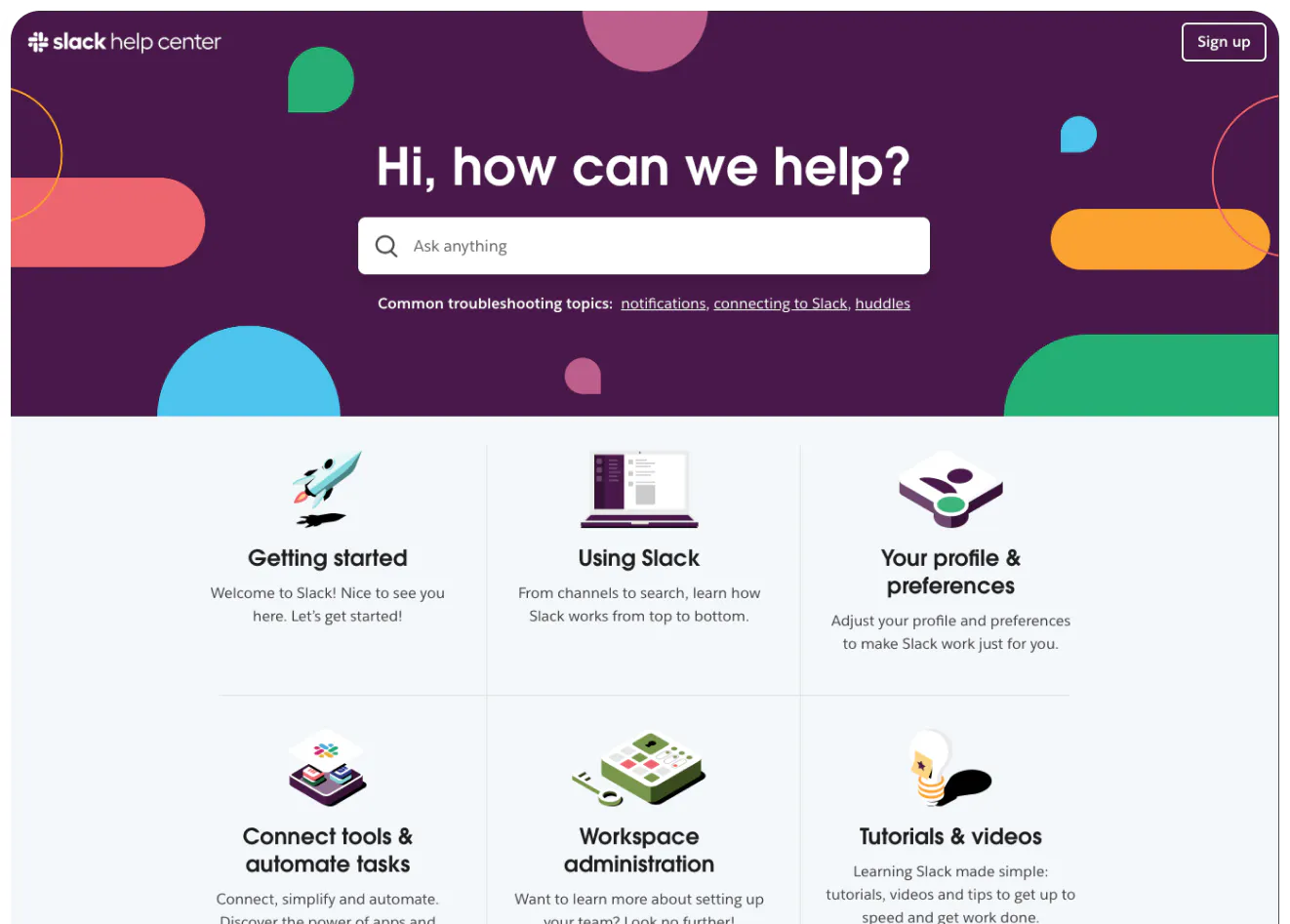
Slack has long maintained that customer support is their key competitive advantage, and nowhere is it more apparent than in the communication tool’s help center. Compact but dense with information and expertly designed.
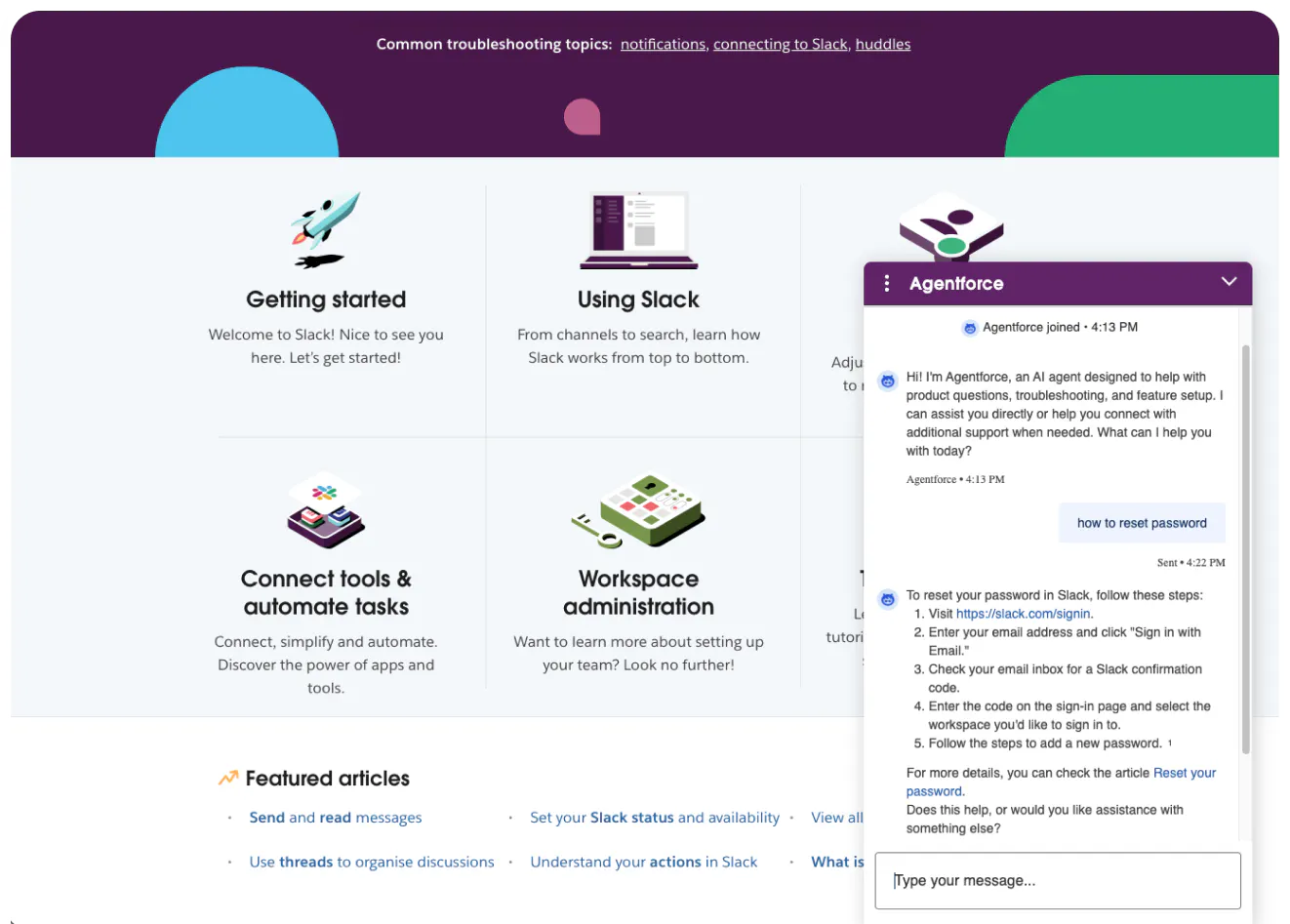
It’s aesthetically pleasing with its friendly look and visual language serving as a clear extension of Slack’s branding, but the presentation is only a part of the design excellence. The information architecture is simple but extremely effective and user-friendly. You only need to scroll a little below the fold to be served all types of different ways to access knowledge: search, common troubleshooting topics, several categories of help content, featured articles and handy tips for using the app. As part of the Salesforce ecosystem, Slack also takes advantage of the Agentforce AI, providing a conversational interface for answering questions and accessing content.
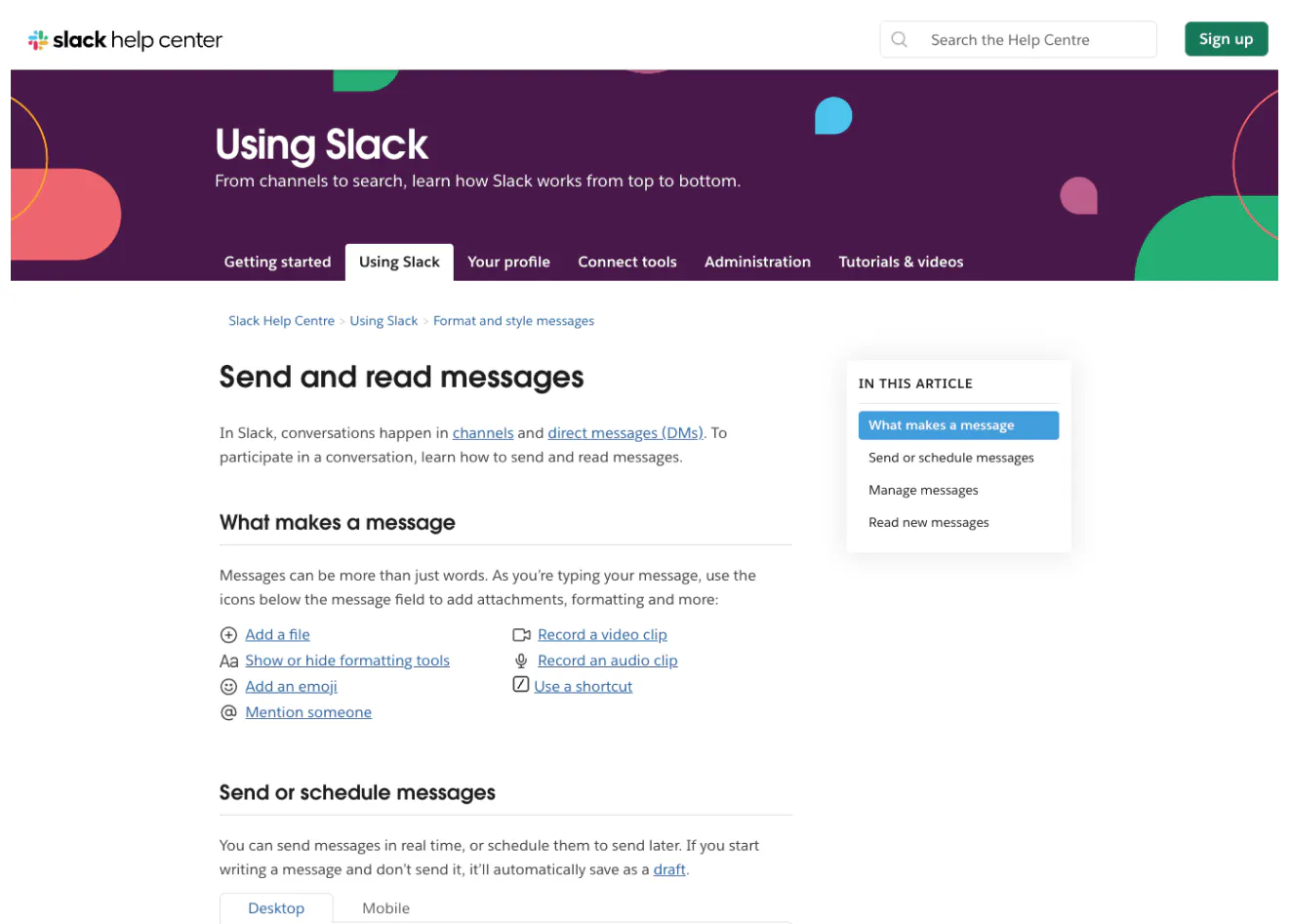
SaaS is one of the areas where companies pay the greatest attention to their help content, and even with fierce competition, Slack’s articles are clearly best-in-class. Easy to navigate thanks to an interactive table of contents and expertly formatted with instructions visually popping from the descriptions with additional information. The table design also allows for offering multiple sets of instructions for different platforms without exploding the length of the articles.
One of the best help centers out there, where user-centric design informs not just the looks but every bit of information on display.


