
 FEATURES
- Accurate search
- Smooth support hand-off
- External resources integration
Support hub for students
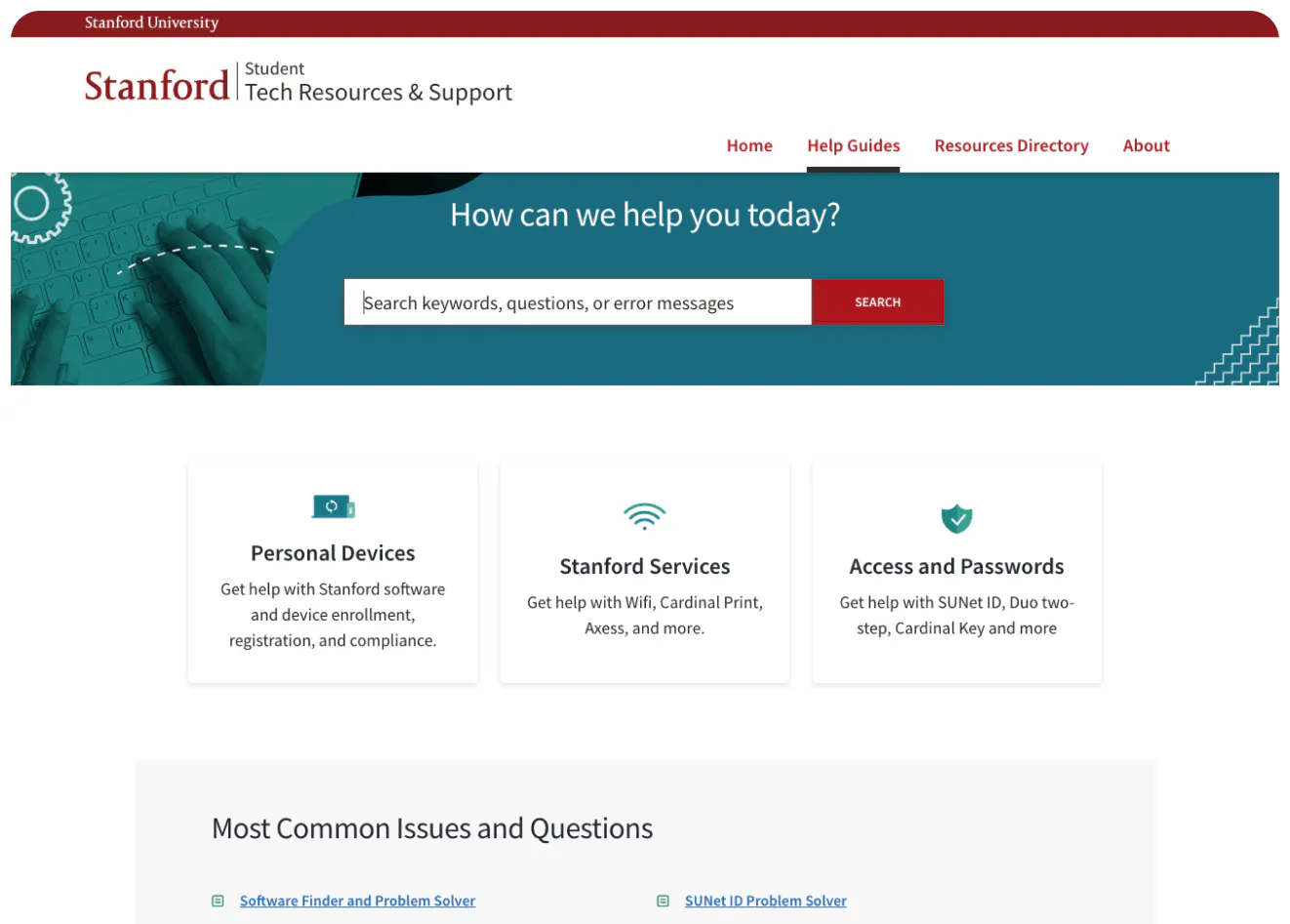
Stanford needs to offer its almost 20,000 students a wide range of technical resources and support, from basic device troubleshooting to detailed instructions for using the essential software. They do that with a knowledge base that’s compact and designed with a very broad audience in mind.
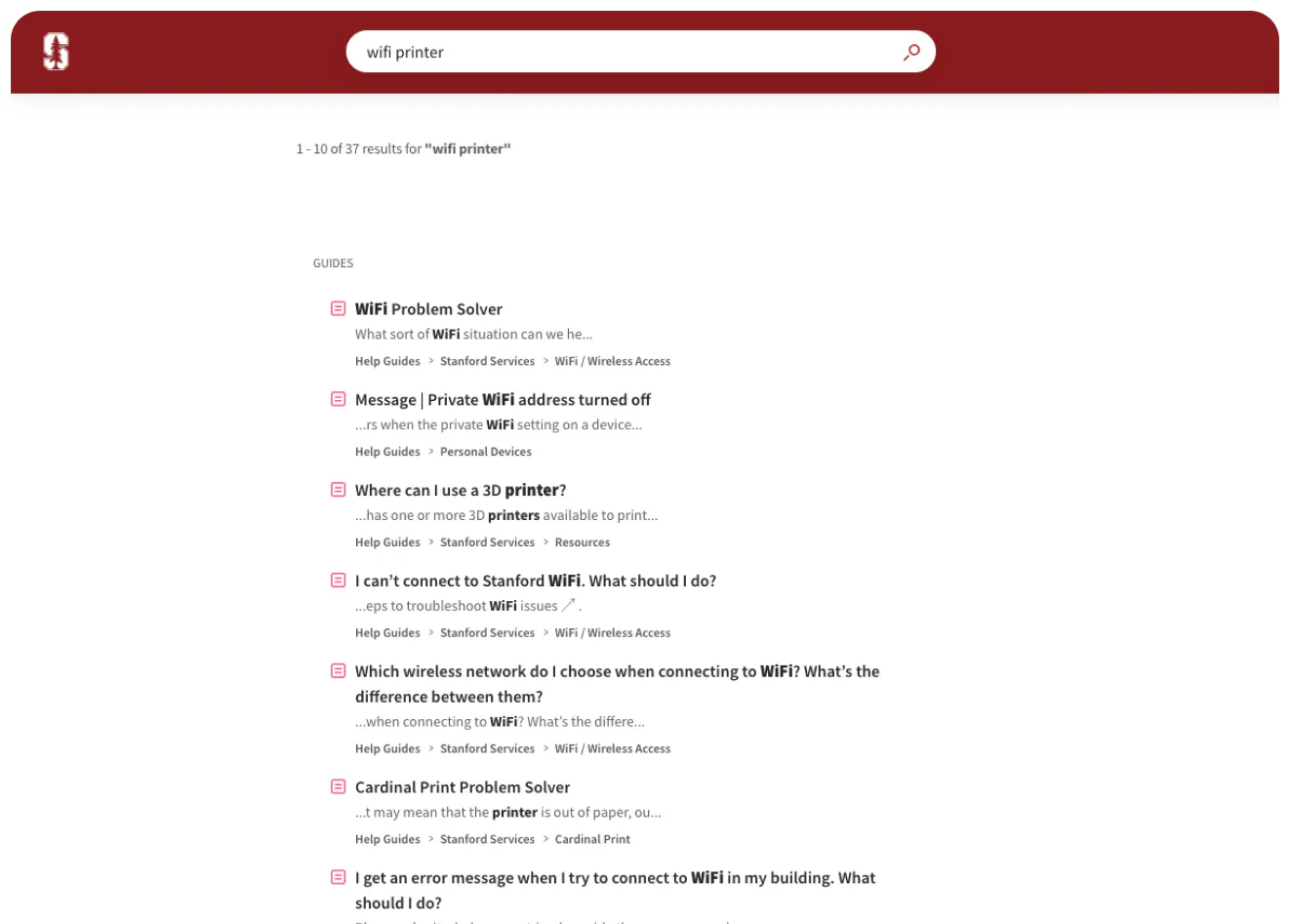
When serving such a diverse group of users with vastly different needs and familiarity with technology, there’s no one-size-fits-all solution. So search becomes the primary way to access content that is otherwise stored in three broad top-level categories: devices, services and access. The help center is connected to the university helpdesk, meaning the students can navigate to chat, ticket submission or the Student Technical Support contact page directly from the knowledge base. It makes sure that everyone, regardless of their technical acumen, can get the help they need.
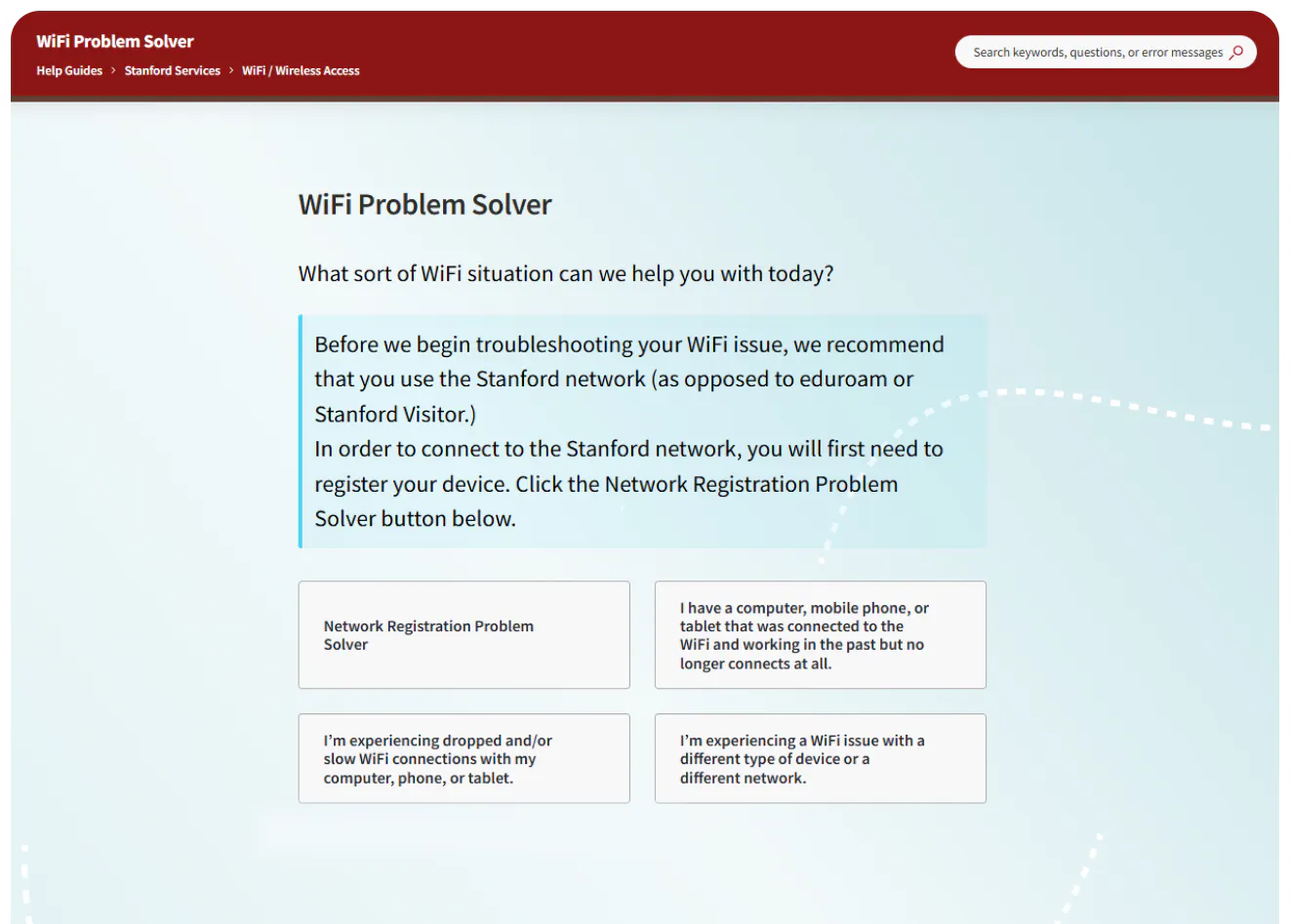
Content serves as a troubleshooting tool as much as a hub for resources. Most articles allow students to immediately open chat or a helpdesk ticket if they haven’t solved the issue on their own. They also prominently feature links to external pages and services that might be useful or required, from the Admissions Office to IT.
Stanford’s student help center isn’t just about content but directing students to the right people and services for their issues.
Stanford University uses a Stonly knowledge base.


