
Guru has earned a strong reputation as a company-wide knowledge hub, especially for teams that need AI-powered search, verified content, and a single source of truth across departments. But for support and CX teams, that broad positioning can also be a limitation.
Guru works well as a company-wide knowledge hub, but certain teams need more from their tools day-to-day. Some need knowledge that actively drives support resolution. Others want a simpler, more affordable internal wiki or a platform that serves both agents and customers from a single source.
If those gaps are holding your team back, there are options worth considering. This article breaks down 10 Guru alternatives, spanning knowledge base software, internal wikis, and broader knowledge management platforms. For each, we'll cover key features, how they compare to Guru, pricing, and where they're strongest.
Shortcomings of Guru
While Guru is a well-regarded knowledge management platform, several limitations lead support and CX teams to explore alternatives:
- Knowledge cards work for quick lookups, not guided resolution: Guru's core content format is the knowledge card, a short, digestible unit of information designed for fast retrieval. That model is effective when someone needs a quick definition, policy detail, or product spec. But for troubleshooting, multi-step processes, or scenarios where the right answer depends on the user's situation, cards don't offer a way to build interactive, branching guidance that adapts in real time. Agents still have to read, interpret, and decide what applies.
- Built for internal knowledge, not customer-facing self-service: Guru is fundamentally an internal knowledge platform. Every person who accesses knowledge needs a paid seat, and there's no built-in way to publish a customer-facing help center or self-service experience. Teams that need to serve both agents and customers from a single knowledge source will need a separate tool for external documentation, which means maintaining knowledge in two places.
- Help desk integrations focused on search, not workflow execution: Guru connects to tools like Zendesk, Salesforce, and Slack, making it easy for agents to search for knowledge without leaving their support tool. But those integrations are primarily about finding content. They don't guide agents through resolution steps, pass ticket data into knowledge flows, capture structured data during troubleshooting, or automate actions back into the ticketing system.
- Analytics measure content engagement, not support outcomes: Guru's analytics track which cards are being viewed, what people are searching for, and which content is most popular. That's useful for content management, but it doesn't tell support teams whether knowledge is resolving issues, reducing handle time, or deflecting tickets. Teams can see that content is being used, but not whether it's actually resolving anything.
- Per-seat pricing can scale up fast for larger support orgs: Guru's pricing starts at $15/seat/month with a 10-seat minimum. For larger support teams or organizations that want both agents and other departments on the platform, the per-user cost adds up, especially since customer-facing use requires a separate tool entirely.
With these limitations in mind, here are some alternatives worth evaluating.
Best Guru Alternatives at a Glance
| Solution | Best For |
|---|---|
| Stonly | Support teams that need knowledge to drive resolutions with interactive guides, customer-facing self-service, and help desk integrations that go beyond search |
| Document360 | Teams looking for a dedicated knowledge base platform with strong documentation authoring, versioning, and both internal and external publishing |
| Zendesk Knowledge | Support teams already on Zendesk that want a tightly integrated, native knowledge base for their help center |
| Helpjuice | Teams that want a dedicated, customizable knowledge base with powerful search and straightforward setup |
| Shelf | Enterprise support teams that need AI-powered knowledge automation with a focus on agent assist and compliance |
| Confluence | Teams already in the Atlassian ecosystem that need a flexible internal wiki for cross-team documentation |
| Notion | Small teams or startups looking for a flexible, affordable workspace that combines docs, wikis, and project management |
| Slite | Small to mid-size teams that want a clean, simple internal wiki with AI-powered search |
| Eesel | Teams that want AI-powered search and answers across their existing tools without migrating content into a new system |
| Bloomfire | Teams focused on internal knowledge sharing, searchability, and cross-departmental collaboration |
| Tettra | Teams that need a lightweight, Slack-integrated internal knowledge base focused on keeping content verified and current |
Guru Alternatives for Customer Service
Stonly
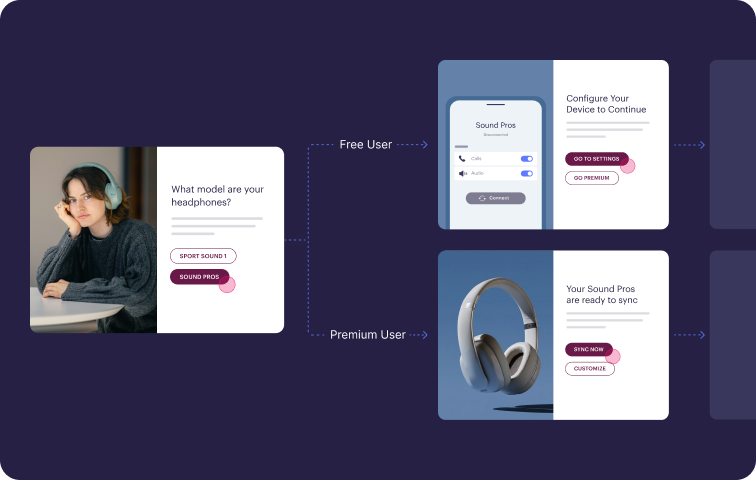
Stonly is a knowledge base platform built for customer support. It supports both agent-facing and customer-facing knowledge from a single system, with interactive guides, AI-powered answers, and deep integrations with tools like Zendesk, Salesforce, and Freshdesk.
Here's how Stonly helps support teams turn their knowledge into faster, more consistent resolutions.
1. Knowledge that guides people through the right steps
With Stonly, you get standard articles for straightforward topics and interactive guides for everything else. These guides walk people through a resolution step by step, branching based on their responses along the way.
These guides work for both agents handling tickets and customers trying to self-serve, making them a strong fit for complex processes, SOPs, employee training, and multi-step troubleshooting, where getting the steps wrong can lead to escalations.
2. Help desk integrations that run the workflow
With integrations for Zendesk, Salesforce, and Freshdesk, decision-tree guides run directly inside the agent's ticket view. They pull ticket data to skip irrelevant steps and update in real time as the agent progresses.
Agents can also push data back. Instead of toggling between tools to update fields or trigger follow-up actions, agents handle everything from within the guide. Agents take the right steps, capture the right data, and resolve cases consistently in one place.
3. Built for both agents and customers
Stonly makes it easy to build a knowledge base for your agents and a customer-facing help center from the same content, all in one system. Edits sync everywhere automatically, ensuring the availability of the same accurate information for both agents and customers.
For customers, Stonly lets you embed a widget directly in your product, push contextual help through tooltips and banners based on behavior and data, and deploy a generative AI chatbot trained on your structured knowledge. Because Stonly's content is organized in steps, AI can pinpoint the exact information needed to answer questions accurately.
For agents, AI Agent Assist analyzes incoming tickets, suggests relevant guides, generates draft replies agents can send in one click, and flags gaps in your documentation.
4. Analytics tied to support outcomes
Every guide, article, and search query feeds into analytics that track content performance, agent-level usage, search and AI effectiveness, and custom outcome-based metrics. You can see how each agent is adhering to processes, how often each process is used, and which guides are driving the best results.
Support leaders can see exactly where knowledge is solving problems and where gaps remain, then focus on improvements where they'll have the most impact. The reporting focuses on resolution rates and handle time, not just content engagement.
Stonly vs Guru at a Glance
| Feature | Stonly | Guru |
| Content Formats | Standard articles and interactive guides that branch based on user responses | Static cards and collections |
| Unified Internal + External Knowledge | Single system for both internal agents and external customers | Internal knowledge only |
| Help Desk Integrations | Content available in ticket view, auto-surface relevant content, and automate steps in workflows | Cards available through browser extension |
| Knowledge Delivery | Tooltips, banners, and popups can display content based on user behavior and data | Surface cards contextually in apps like Zendesk, Salesforce, Slack |
| Workflow Automation | Decision-tree guides pull ticket data, fill in fields, trigger macros, and complete actions in connected systems | AI-powered search |
| AI Capabilities | AI-powered summaries, content suggestions, and replies, plus AI-driven content importing and creation | AI-powered search, suggestions, and card generation |
| Analytics and Reporting | Content performance and agent usage analytics, plus custom reports | Content usage, verification status, and engagement analytics |
| Content Creation | Visual editor with image editing, plus import or create content with AI | Visual editor and AI-powered card generation |
| Service and Support Model | Full-service onboarding and migration | Guided onboarding and migration assistance available |
What Real Customers Are Saying About Stonly
"With Stonly’s knowledge base, guides, and AI Agent in place, Anderson America has seen an 80% reduction in daily ticket volume. Our customers love getting instant, interactive help rather than searching through a long text document. It’s a big deal because no one else in our industry has anything like this at the moment. So we’re leading the charge."
Justin Wilder, Service Manager, Anderson America
"We wouldn't be able to live without Stonly. There are no other tools that have the same step-by-step guide capability combined with the ease of setup, AI features, and integrations available."
Alex Arkhipov, Care Operations, Tonal
Pricing
Custom pricing available upon request.
Document360

Document360 is a knowledge base platform with roots in technical documentation, covering use cases from API docs and user manuals to SOPs and help centers. It stands out for the flexibility of its authoring experience, with both a visual editor and a markdown editor, full version control, and a broad AI suite that handles everything from search to content generation.
Document360 vs Guru at a Glance
| Feature | Document360 | Guru |
| Content Formats | Standard articles and basic interactive guides for troubleshooting and step-by-step processes | Static cards and collections |
| Unified Internal + External Knowledge | Supports internal and external knowledge, but isn't optimized for multi-audience use | Internal knowledge only |
| Help Desk Integrations | Extensions for Zendesk and Freshdesk with AI-suggested articles, AI-generated reply drafts, and article creation from within the ticket view | Cards available through browser extension |
| Knowledge Delivery | Widget, browser extension, standalone AI chatbot, and basic personalization | Surface cards contextually in apps like Zendesk, Salesforce, Slack |
| Workflow Automation | No workflow automation | AI-powered search |
| AI Capabilities | AI generates search results, powers chatbots, and can help create content | AI-powered search, suggestions, and card generation |
| Analytics and Reporting | Content performance, search pattern, and AI usage analytics | Content usage, verification status, and engagement analytics |
| Content Creation | Visual editor, markdown editor, and AI-powered content creation | Visual editor and AI-powered card generation |
| Service and Support Model | DIY migration tools. Onboarding support available. | Guided onboarding and migration assistance available |
Pros
- Dual WYSIWYG and markdown editors plus an AI writing agent that can generate articles from prompts, videos, and other source material.
- A built-in ticket deflector tracks how often customers find answers before submitting a support request.
Cons
- Supports internal and external knowledge but isn't optimized for multi-audience use, so teams serving both agents and customers may outgrow it.
- Can surface knowledge through a widget and browser extension, but can't automate actions inside your help desk or push content based on customer behavior.
Pricing
Three subscription tiers, with custom pricing available on request.
Zendesk Knowledge
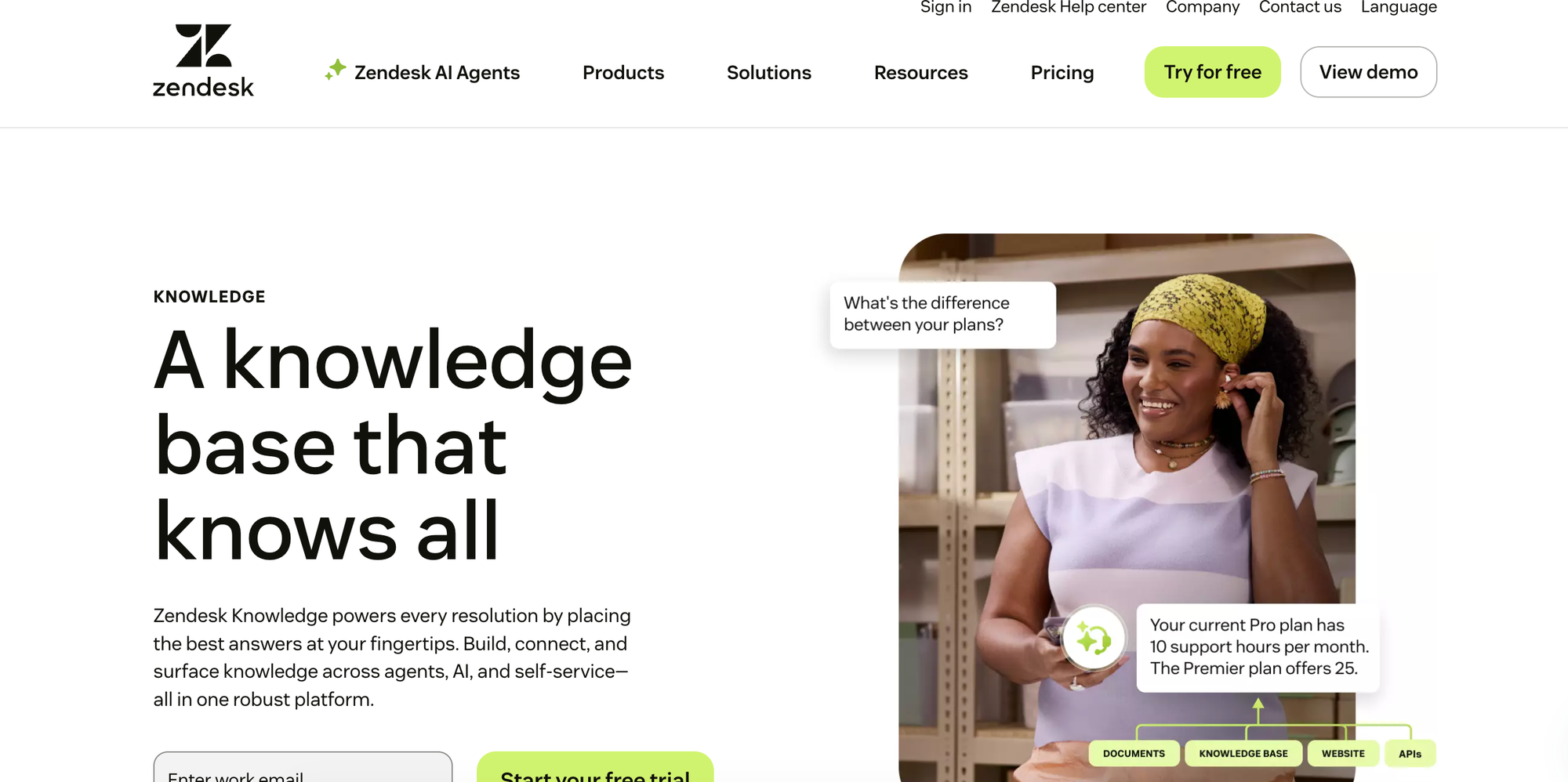
Zendesk Knowledge is the built-in knowledge base that ships with Zendesk's customer service suite, so articles are natively connected to tickets, the agent workspace, and AI agents without any third-party setup. It also includes process automation through triggers, macros, and APIs, which gives it more operational depth than Guru's search-only integrations.
Zendesk Knowledge vs Guru at a Glance
| Feature | Zendesk Knowledge | Guru |
| Content Formats | Static articles | Static cards and collections |
| Unified Internal + External Knowledge | Supports public help centers and internal-only articles with user-segment restrictions | Internal knowledge only |
| Help Desk Integrations | Natively built into Zendesk's agent workspace with AI-powered article suggestions | Cards available through browser extension |
| Knowledge Delivery | Generative search in help center, AI agents, web widget, and article suggestions in agent workspace | Surface cards contextually in apps like Zendesk, Salesforce, Slack |
| Workflow Automation | Process automation via triggers, macros, and APIs | AI-powered search |
| AI Capabilities | Generative search, AI agents, AI knowledge builder that converts tickets into article drafts, and copilot for agent assistance | AI-powered search, suggestions, and card generation |
| Analytics and Reporting | Content performance, search trends, quick answers analytics, and agent performance reporting | Content usage, verification status, and engagement analytics |
| Content Creation | WYSIWYG editor with AI knowledge builder that auto-generates articles from support interactions | Visual editor and AI-powered card generation |
| Service and Support Model | DIY migration tools, professional onboarding available at an extra cost | Guided onboarding and migration assistance available |
Pros
- Native integration with Zendesk's ticketing system, AI agents, and automation workflows means zero setup friction for teams already on the platform.
- Process automation through triggers, macros, and APIs lets you build operational workflows around your knowledge content.
Cons
- Customization is rigid and often requires engineering resources, so an alternative would better suit anyone looking for a tailored help center experience.
- Advanced features like AI triage, summarization, and agent suggestions are sold as separate add-ons rather than included in the base product.
Pricing
Included with Zendesk Suite plans, which start at $55/agent per month (billed annually). Advanced AI features require an additional add-on.
Helpjuice
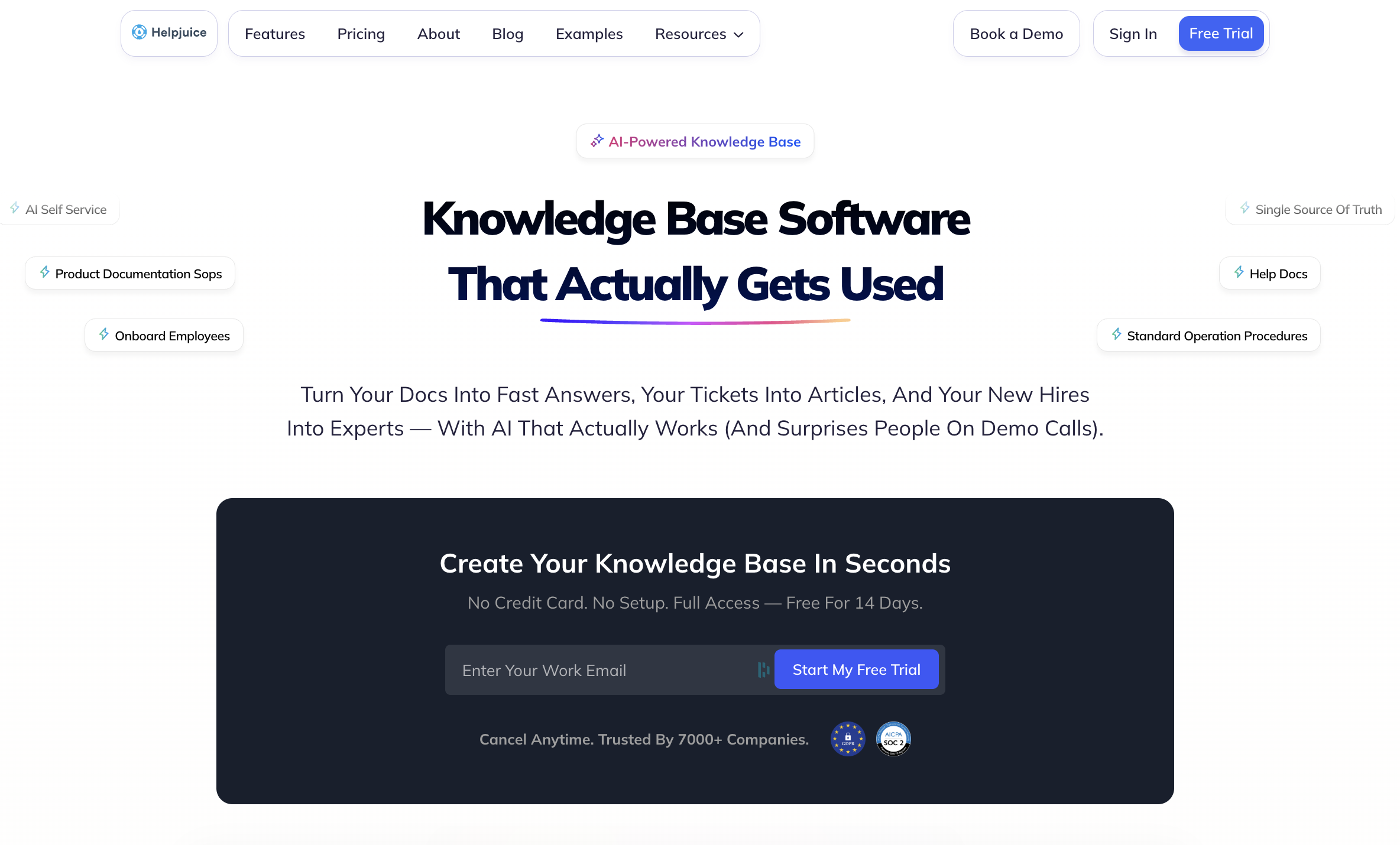
Helpjuice is a dedicated knowledge base platform known for deep customization and powerful search. It's a good fit for teams that want full control over the look and feel of their knowledge base, with both a visual editor and a code editor for pixel-level branding.
Helpjuice vs Guru at a Glance
| Feature | Helpjuice | Guru |
| Content Formats | Static articles | Static cards and collections |
| Unified Internal + External Knowledge | Supports both internal and external knowledge bases with permissions to control access by role | Internal knowledge only |
| Help Desk Integrations | Integrates with Zendesk, Salesforce, Slack, and others via embedded widgets and API | Cards available through browser extension |
| Knowledge Delivery | Embedded widgets, Chrome extension, and AI chatbot | Surface cards contextually in apps like Zendesk, Salesforce, Slack |
| Workflow Automation | No workflow automation | AI-powered search |
| AI Capabilities | AI-powered search, AI chatbot, AI content writer, and AI-powered translation | AI-powered search, suggestions, and card generation |
| Analytics and Reporting | Advanced analytics with search trends, user behavior, and content performance tracking | Content usage, verification status, and engagement analytics |
| Content Creation | Rich text editor with real-time collaboration, media embedding, and version history | Visual editor and AI-powered card generation |
| Service and Support Model | Hands-on support with free migration and customization assistance included | Guided onboarding and migration assistance available |
Pros
- Deep customization through both a visual editor and code editor, with a support team that handles custom design requests on your behalf.
- Advanced analytics track search trends, user behavior, and content performance, giving teams clear data on what's working and what's missing.
Cons
- AI features like search, the content writer, and the chatbot require a higher-tier plan, so the entry-level experience is a traditional knowledge base without AI assistance.
- Static articles only with no interactive guides, decision trees, or branching content for complex troubleshooting scenarios.
Pricing
Starts at $249/month for up to 30 users, which may be steep for small businesses. AI features require the $449/month plan.
Shelf
Shelf is an enterprise knowledge management platform focused on AI-powered agent assist, content governance, and compliance. It's built for large support organizations that need to ensure their knowledge is accurate, compliant, and ready to feed into AI agents, copilots, and contact center workflows.
Shelf vs Guru at a Glance
| Feature | Shelf | Guru |
| Content Formats | Static articles and decision trees | Static cards and collections |
| Unified Internal + External Knowledge | Primarily internal, with integrations that feed content into agent-facing tools | Internal knowledge only |
| Help Desk Integrations | Zendesk integration with real-time answer suggestions during conversations; also integrates with Salesforce, Genesys, and other CCaaS platforms | Cards available through browser extension |
| Knowledge Delivery | Feeds validated content into third-party agent assist tools and copilots | Surface cards contextually in apps like Zendesk, Salesforce, Slack |
| Workflow Automation | AI-driven workflow automation across integrated platforms | AI-powered search |
| AI Capabilities | AI-powered content governance that scans for duplicates, outdated information, and compliance risks in real time | AI-powered search, suggestions, and card generation |
| Analytics and Reporting | Content quality reporting, search analytics, user activity tracking, custom reports, and export to a data lake for KPI association | Content usage, verification status, and engagement analytics |
| Content Creation | Content editor with AI-powered authoring, formatting, and multi-language translation | Visual editor and AI-powered card generation |
| Service and Support Model | Enterprise onboarding with dedicated support | Guided onboarding and migration assistance available |
Pros
- Always-on content governance monitors your knowledge base for duplicates, outdated information, and compliance risks, alerting teams to issues before they reach customers.
- An answer quality dashboard shows which documents cause AI hallucinations, giving teams a feedback loop to continuously improve content accuracy.
Cons
- Designed primarily to integrate with and govern content from other platforms, so teams looking for a standalone knowledge base may not get the full value.
- No standalone chatbot or customer-facing self-service capabilities, so you'll need a separate tool if you want to support customer self-service.
Pricing
Custom pricing available on request.
Guru Alternatives for Internal Wikis
Confluence
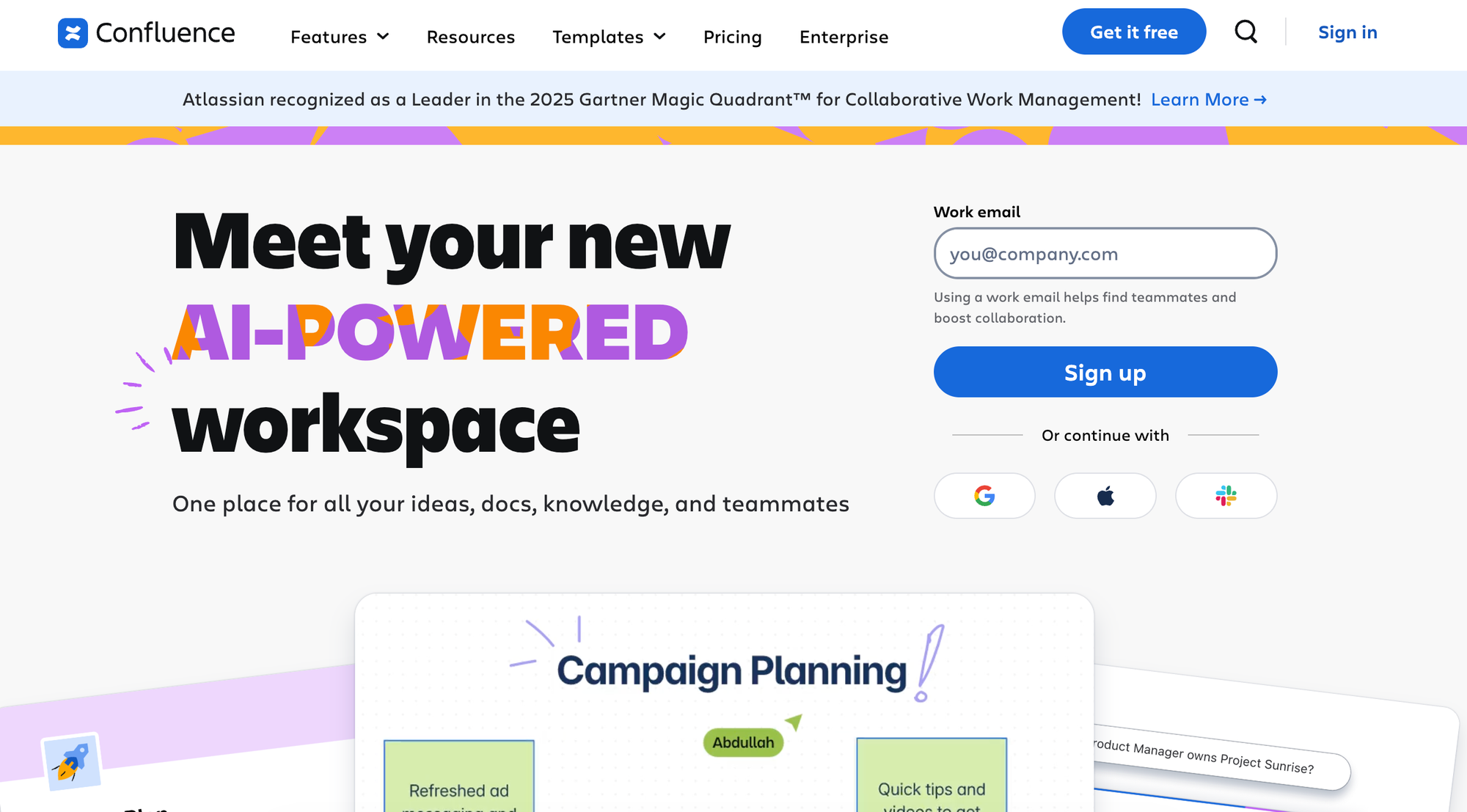
Confluence is Atlassian's internal wiki for team collaboration, with real-time co-editing, whiteboards, databases, and deep integrations with Jira and Trello. It's a natural fit for teams already in the Atlassian ecosystem that need a flexible workspace for cross-team documentation and project planning.
Confluence vs Guru at a Glance
| Feature | Confluence | Guru |
| Content Formats | Static pages, whiteboards, and databases | Static cards and collections |
| Unified Internal + External Knowledge | Internal use and collaboration | Internal knowledge only |
| Help Desk Integrations | Integrates with Jira Service Management for ticket-linked knowledge articles | Cards available through browser extension |
| Knowledge Delivery | AI search across Confluence and connected tools; no contextual in-product delivery | Surface cards contextually in apps like Zendesk, Salesforce, Slack |
| Workflow Automation | No-code automation rule builder with predefined templates for page and task workflows | AI-powered search |
| AI Capabilities | AI-powered content creation, page and comment summaries, AI search across connected tools, and AI agents for meeting notes and drafting | AI-powered search, suggestions, and card generation |
| Analytics and Reporting | Page views, engagement metrics, and member activity tracking; advanced analytics require a third-party tool | Content usage, verification status, and engagement analytics |
| Content Creation | Real-time collaborative editing, pre-built templates, whiteboards, Loom video embedding, and databases | Visual editor and AI-powered card generation |
| Service and Support Model | Standard support included; premier support available | Guided onboarding and migration assistance available |
Pros
- Real-time co-editing, whiteboards, and Loom video embedding give distributed teams multiple ways to collaborate on and communicate knowledge.
- Deep Jira and Trello integration means teams can link knowledge directly to issues, sprints, and project boards without leaving the Atlassian ecosystem.
Cons
- Internal collaboration only, so you'll need a separate platform to serve customer-facing help content.
- Advanced analytics require either a third-party tool or an upgrade to the Enterprise plan, which limits visibility for teams on lower tiers.
Pricing
Free for up to 10 users. Paid plans start at $5.42/user per month for more automations, AI features, and storage.
Notion
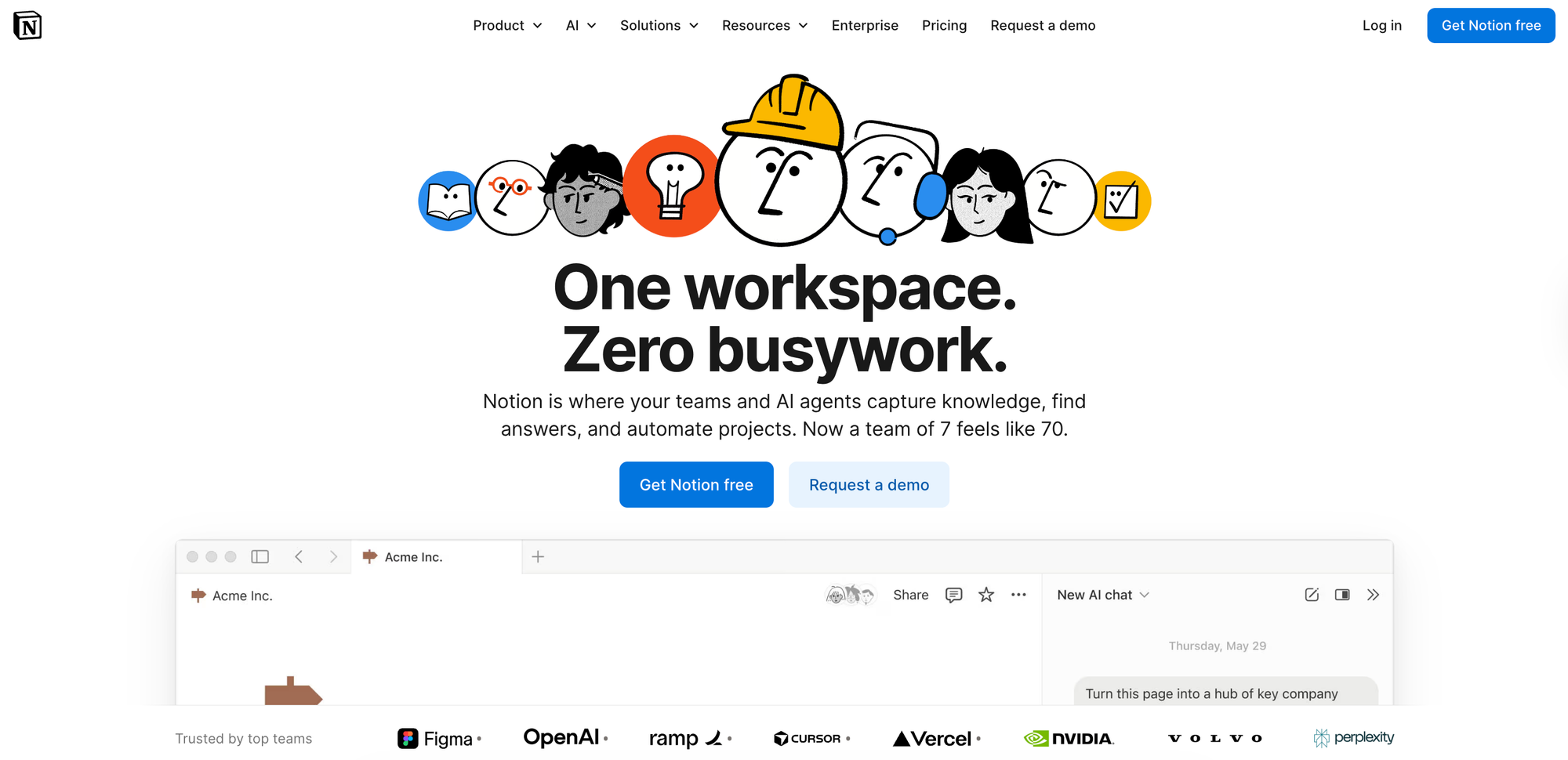
Notion is a flexible all-in-one workspace that combines wikis, docs, databases, and project management in a single platform. It's as much project management software as it is a knowledge base, which makes it popular with startups and small businesses.
They get one tool for internal documentation, planning, and collaboration without the overhead of dedicated knowledge base software.
Notion vs Guru at a Glance
| Feature | Notion | Guru |
| Content Formats | Static articles | Static cards and collections |
| Unified Internal + External Knowledge | Works for internal and external use | Internal knowledge only |
| Help Desk Integrations | Native Zendesk integration for previewing and linking tickets; additional integrations via Zapier | Cards available through browser extension |
| Knowledge Delivery | Enterprise search across connected apps; no contextual in-product delivery | Surface cards contextually in apps like Zendesk, Salesforce, Slack |
| Workflow Automation | Has database automations and automated notifications, but doesn't automate support processes | AI-powered search |
| AI Capabilities | AI-powered content generation, summarization, and answers, plus custom AI agents and enterprise search across connected apps | AI-powered search, suggestions, and card generation |
| Analytics and Reporting | Page-level analytics (views, unique viewers, edit history) on all plans; workspace-level analytics (members, content, AI, search) on higher tiers | Content usage, verification status, and engagement analytics |
| Content Creation | Customizable templates and WYSIWYG editor | Visual editor and AI-powered card generation |
| Service and Support Model | Standard support included; priority support available | Guided onboarding and migration assistance available |
Pros
- The flexible page-building system combines wikis, databases, and project boards in one workspace, so teams can organize knowledge however it makes sense for them.
- Custom AI agents can automate repetitive tasks like triaging requests or summarizing meeting notes, and enterprise search finds answers across connected apps like Slack, Google Drive, and Confluence.
Cons
- Zendesk integration is limited to previewing and linking tickets, with no ability to surface knowledge inside the ticket view or automate support workflows.
- Workspace-level analytics (member activity, content engagement, search trends) are restricted to higher tiers, limiting visibility for smaller teams.
Pricing
Free plan available with basic features. Paid plans start at $10/user per month (billed annually).
Slite
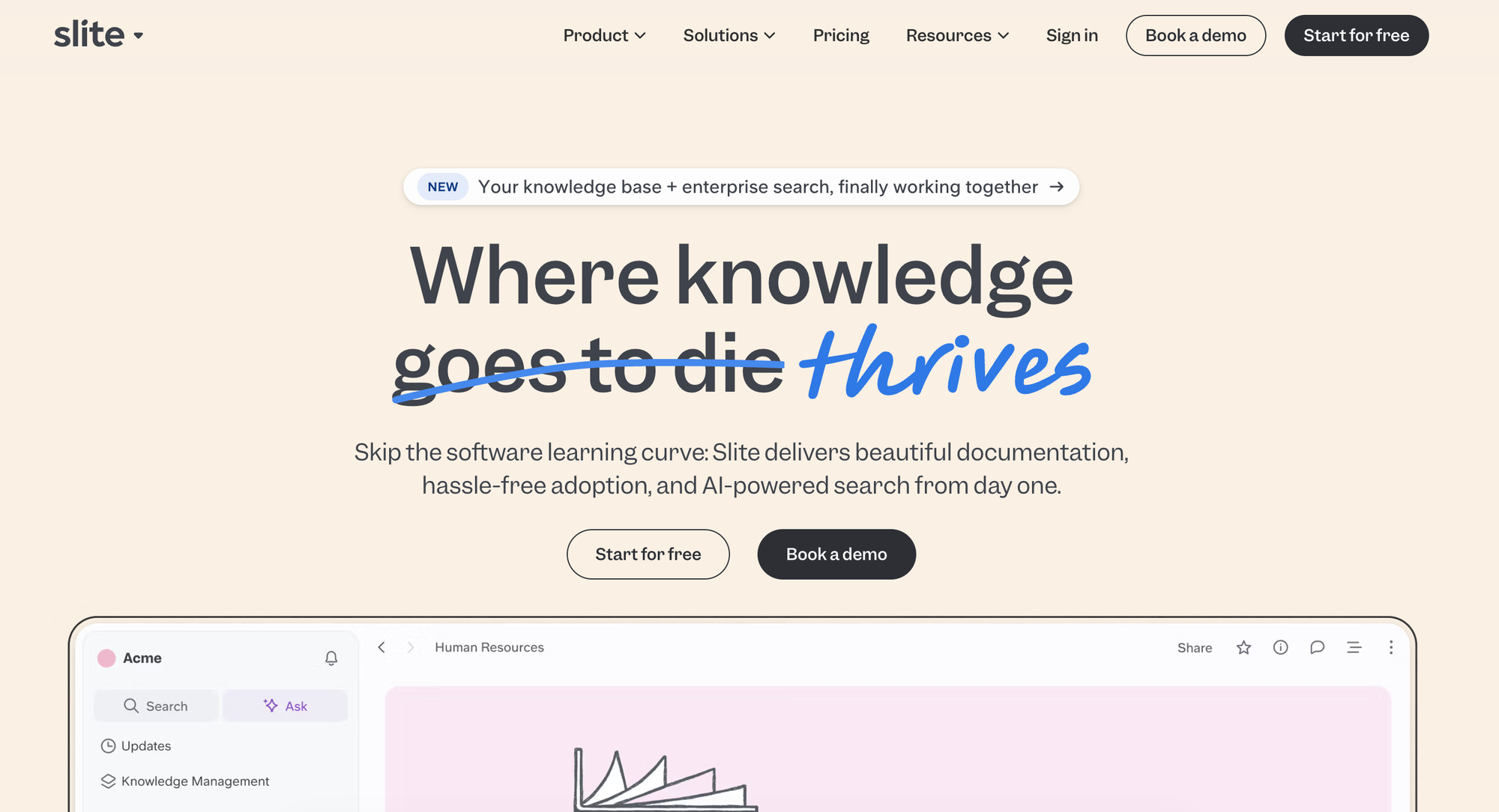
Slite is the self-maintaining knowledge base that keeps itself current and up-to-date based on information from your company's entire tool stack, with a strong emphasis on keeping knowledge accurate and easy to find. It pairs a structured, verified wiki with an AI agent that detects when documentation has drifted from reality, drafts the fix, and routes every change through human approval. Both Slite and Guru keep knowledge fresh, but where Guru flags a stale card for a person to rewrite, the Slite Agent drafts the corrected text itself and routes it through human approval.
Slite vs Guru at a Glance
| Feature | Slite | Guru |
| Content Formats | Structured docs and collections with templates | Static cards and collections |
| Unified Internal + External Knowledge | Internal knowledge only | Internal knowledge only |
| Help Desk Integrations | No native help desk integrations | Cards available through browser extension |
| Knowledge Delivery | AI-powered "Ask" feature for natural-language search across your knowledge base and connected tools | Surface cards contextually in apps like Zendesk, Salesforce, Slack |
| Workflow Automation | On Pro, the Slite Agent runs configurable agent workflows and Custom Assistants, plus automated digests, recurring docs, and scheduled detect-and-fix automations, all routed through human approval | AI-powered search |
| AI Capabilities | AI-powered Ask with cited sources, an AI writing assistant, and the Slite Agent that drafts doc corrections for human approval; native MCP and API access plus Markdown-native docs let external AI agents (Claude, ChatGPT, Cursor) read, draft, and propose changes directly | AI-powered search, suggestions, and card generation |
| Analytics and Reporting | Knowledge Management Panel and usage analytics track outdated, expired, and empty docs, top readers and contributors, and search performance; Ask Insights surface unanswered questions and verification status | Content usage, verification status, and engagement analytics |
| Content Creation | Intuitive editor with templates, AI writing assistance, and automated recurring doc generation | Visual editor and AI-powered card generation |
| Service and Support Model | Standard support included; guided onboarding and migration assistance available, including a native Confluence migration tool | Guided onboarding and migration assistance available |
Pros
- Doc verification with automated reminders and the Slite Agent work together to keep content fresh without manual audits
- A verified single source of truth that both your team and your AI agents can draw on as a context layer
- On Pro, AI search extends across connected tools like Slack, Google Drive, and Notion, not just content stored in Slite
Cons
- Not built for external-facing help centers; Intercom and Zendesk offer more advanced customer-facing help center features
- No Microsoft Teams integration; Slack is the only messaging platform source
- AI cannot be disabled, which can be a deal-breaker for organizations with strict AI policies
Pricing
There is no free plan. Paid plans start at $10/member per month (Basic, billed annually); Pro is $20/member per month and adds the Slite Agent and AI search across connected tools. A 14-day trial is available.
Eesel
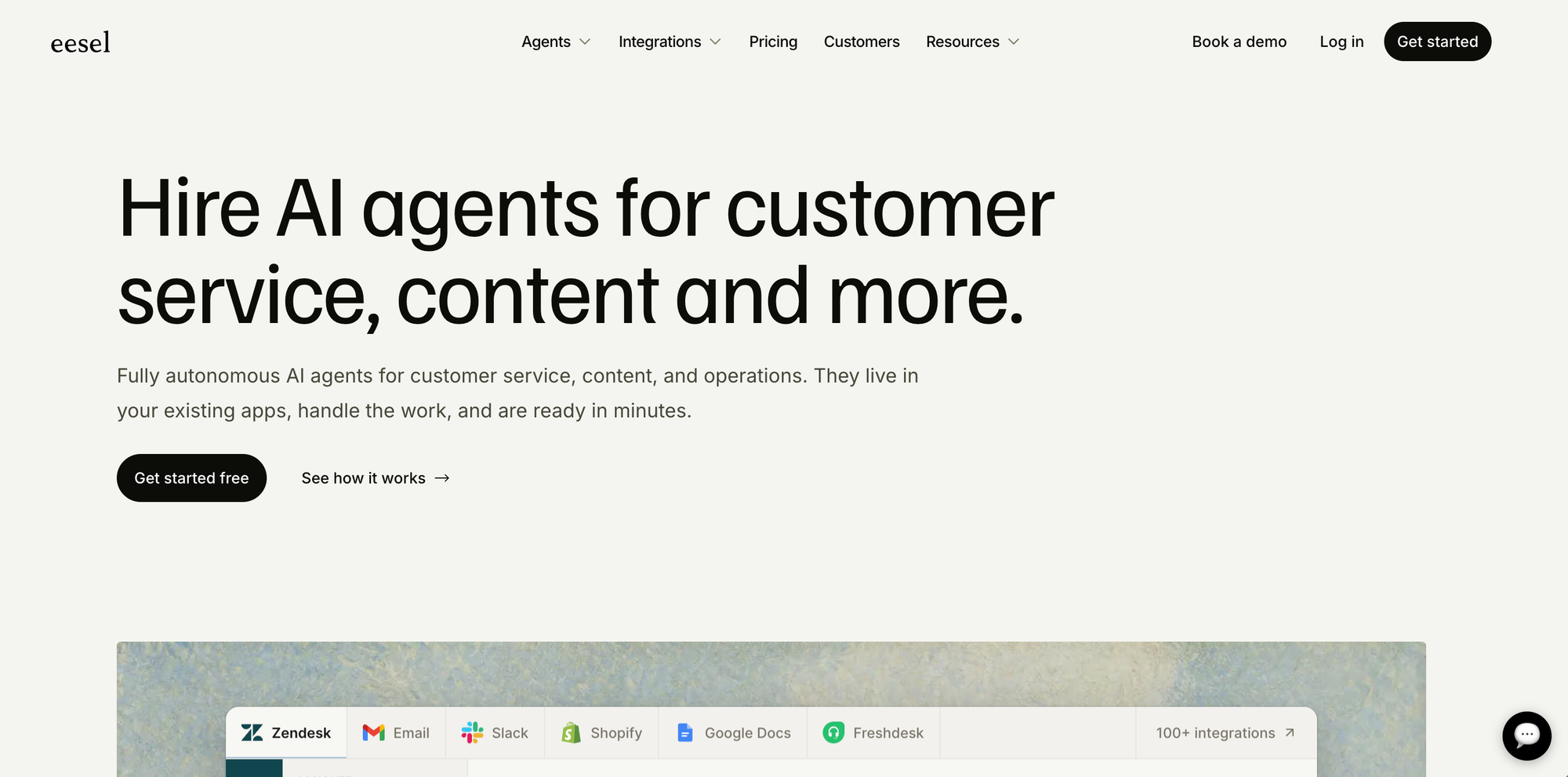
Eesel is an AI knowledge layer that connects to your existing tools, including Google Drive, Notion, Confluence, Slack, Jira, and others, to make everything instantly searchable from one place. Rather than replacing your documentation, Eesel sits on top of wherever your knowledge already lives and delivers AI-powered answers with citations so teams spend less time hunting across platforms.
Eesel vs Guru at a Glance
| Feature | Eesel | Guru |
|---|---|---|
| Content Formats | Works across existing docs in connected apps; no native content creation | Static cards and collections |
| Unified Internal + External Knowledge | Internal-focused; surfaces knowledge from connected tools for team use | Internal knowledge only |
| Help Desk Integrations | Integrates with Slack and helpdesk tools to surface answers where teams work | Cards available through browser extension |
| Knowledge Delivery | Universal search across connected apps, AI answers with citations | Surface cards contextually in apps like Zendesk, Salesforce, Slack |
| Workflow Automation | No workflow automation | No workflow automation |
| AI Capabilities | RAG-based answers drawn from connected sources, document summaries, and Q&A | AI-powered search, suggestions, and card generation |
| Analytics and Reporting | Activity and usage analytics across connected sources | Content usage, verification status, and engagement analytics |
| Content Creation | No native content creation; works with content in existing tools | Visual editor and AI-powered card generation |
| Service and Support Model | Self-serve setup with free trial available | Guided onboarding and migration assistance available |
Pros
- Works on top of your existing tools without requiring content migration, making setup fast and low-lift.
- RAG-based answers are grounded in your actual documentation with citations, reducing the risk of inaccurate responses.
Cons
- No native content creation, governance, or review workflows, so teams that need to author and manage knowledge will need a separate tool.
- Primarily an internal search and answer layer with no customer-facing self-service or help desk workflow automation.
Pricing
Free trial available with paid plans based on usage and team size. Details at eesel.ai.
Bloomfire

Bloomfire is an AI-powered knowledge management platform designed for internal knowledge sharing and cross-departmental collaboration. Its AI-driven search indexes content across file types at a granular level, so teams can find answers whether the source is a document, video, or audio recording.
Bloomfire vs Guru at a Glance
| Feature | Bloomfire | Guru |
| Content Formats | Static articles, Q&A posts, documents, videos, audio, and images | Static cards and collections |
| Unified Internal + External Knowledge | Primarily internal; can support external communities but not optimized for customer-facing self-service | Internal knowledge only |
| Help Desk Integrations | Integrates with Zendesk, Salesforce, Slack, and Microsoft Teams to surface knowledge in existing workflows | Cards available through browser extension |
| Knowledge Delivery | AI-powered search across all content types, conversational AI for natural language questions, and integrations that surface knowledge in Slack, Teams, and Salesforce | Surface cards contextually in apps like Zendesk, Salesforce, Slack |
| Workflow Automation | No support for workflow automation | AI-powered search |
| AI Capabilities | AI-powered semantic search, conversational AI for direct answers from company knowledge, AI content creation tools, auto-tagging, and automated content quality monitoring | AI-powered search, suggestions, and card generation |
| Analytics and Reporting | Engagement analytics, content performance, search trends, user activity tracking, and content quality monitoring | Content usage, verification status, and engagement analytics |
| Content Creation | Rich media editor with AI-powered content creation, auto-tagging, and bulk import from cloud storage | Visual editor and AI-powered card generation |
| Service and Support Model | Guided implementation services from kickoff to launch; dedicated customer success | Guided onboarding and migration assistance available |
Pros
- AI search indexes all content types at a granular level, including words spoken in videos and audio files, so teams can find information regardless of the format it was created in.
- A self-healing knowledge base automatically detects outdated, redundant, or conflicting content, reducing the manual maintenance burden on knowledge managers.
Cons
- Designed primarily for internal knowledge sharing, so customers seeking a customer-facing help center or interactive self-service capabilities for their users would be better served by a different platform.
- Search filters and customization options can feel limited for large, complex knowledge bases with nuanced organizational needs.
Pricing
Custom pricing available on request.
Tettra
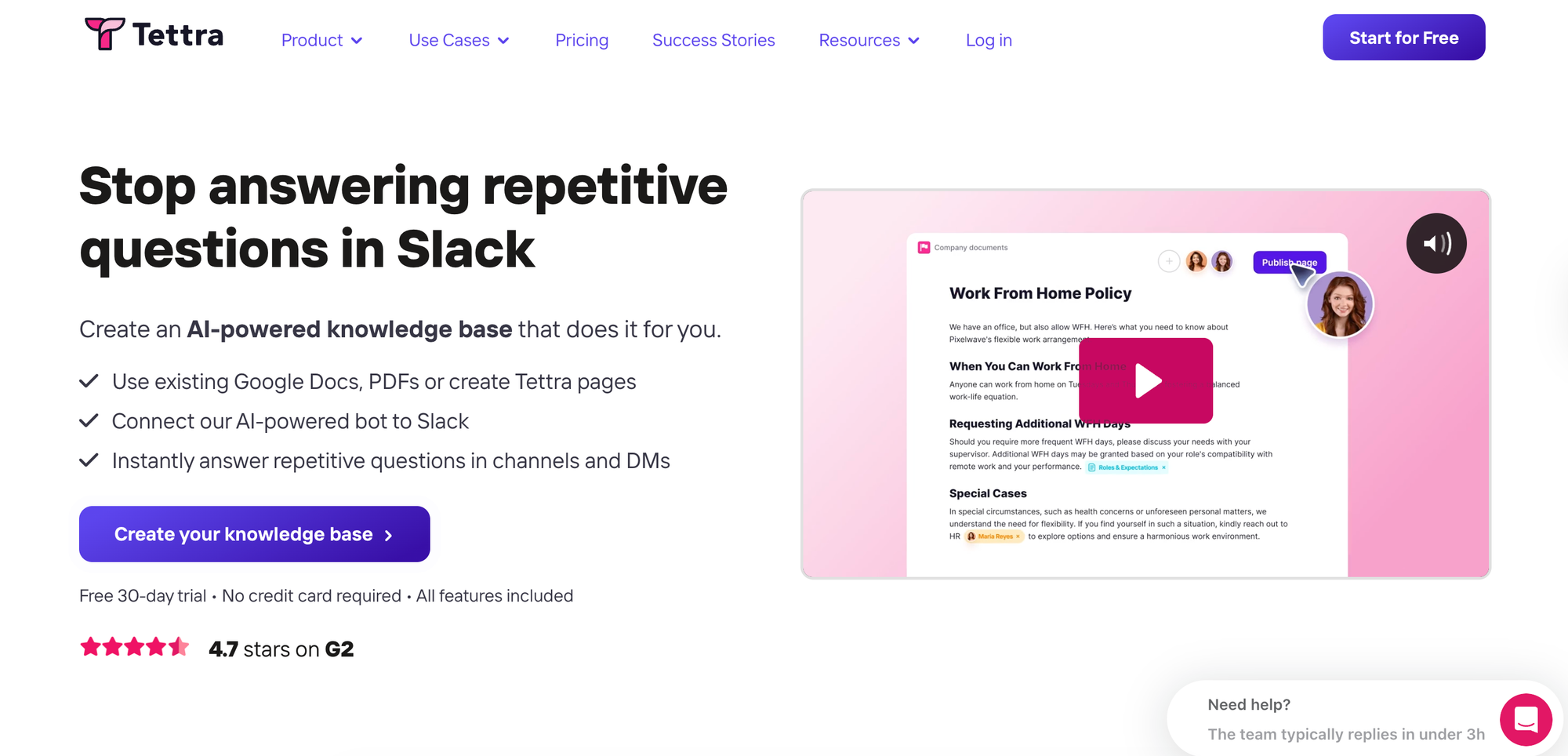
Tettra is a lightweight internal knowledge base built around Slack integration and content verification. Its AI assistant answers questions from colleagues directly in Slack channels and DMs by searching your company's knowledge base, and routes unanswered questions to the right subject matter expert automatically.
Tettra vs Guru at a Glance
| Feature | Tettra | Guru |
| Content Formats | Static articles and Q&A posts | Static cards and collections |
| Unified Internal + External Knowledge | Primarily internal; can publish individual categories as public-facing sites | Internal knowledge only |
| Help Desk Integrations | No native help desk integrations | Cards available through browser extension |
| Knowledge Delivery | AI-powered answers in Slack channels and DMs, plus web-based search | Surface cards contextually in apps like Zendesk, Salesforce, Slack |
| Workflow Automation | No workflow automation | AI-powered search |
| AI Capabilities | AI-powered answers from company knowledge, AI page tagging, and AI-generated FAQ content | AI-powered search, suggestions, and card generation |
| Analytics and Reporting | Usage analytics and content verification reports on higher-tier plans | Content usage, verification status, and engagement analytics |
| Content Creation | Simple editor with Google Docs and Notion import, plus AI-generated content suggestions | Visual editor and AI-powered card generation |
| Service and Support Model | Live chat support; custom onboarding on higher-tier plans | Guided onboarding and migration assistance available |
Pros
- Deep Slack integration lets team members ask questions and get AI-powered answers without leaving their chat workflow.
- A built-in Q&A system routes unanswered questions to the right subject matter expert, so knowledge gaps get documented instead of lost in conversation threads.
Cons
- Limited integrations beyond Slack, Google Workspace, GitHub, and Zapier, with no native connections to help desk or CRM platforms.
- AI features and usage analytics require the Scaling plan, so the entry-level tier is a basic wiki without AI assistance.
Pricing
Starts at $8/user per month (billed annually) with a 10-user minimum.
Consider the Knowledge Base Solution Purpose-Built for Customer Service Teams
If Guru's broad internal knowledge approach doesn't fit your support team's needs and you want a platform designed for customer service, Stonly is the strongest option:
- Interactive guides that walk agents and customers through resolutions step by step
- Contextual delivery that surfaces the right knowledge at the right moment through widgets, tooltips, and banners
- AI-powered search and chat that turns your knowledge base into a self-service engine
- Integrations with Salesforce, Zendesk and Freshdesk that automate steps, fill in ticket data, and trigger actions from within your knowledge content
Analytics track resolution outcomes and agent performance alongside content engagement, giving you clear visibility into how your knowledge drives results. And with full-service onboarding and a dedicated success team, your team gets hands-on support from day one.