

Bloomfire has become a popular enterprise knowledge management platform. However, it doesn't fit every team's needs.
Support teams often encounter challenges with static content that can't adapt to complex troubleshooting scenarios, integrations that surface knowledge without automating the actual work processes, and a general-purpose design that misses customer service-specific capabilities. Bloomfire focuses more on internal knowledge sharing than customer-facing self-service, so it lacks interactive guidance for complex issues.
If these limitations are a dealbreaker for your company, you have options. This article examines the top Bloomfire alternatives designed to solve these exact problems. For each tool, we'll examine how its key features stack up against Bloomfire, the pros and cons of each, pricing, and much more.
Shortcomings of Bloomfire
While Bloomfire is a capable platform, several limitations prompt teams to explore alternatives:
- Limited to traditional article-based content: While Bloomfire allows you to store various file types like videos and articles, it struggles with complex processes that require different solutions for different scenarios, forcing users to sift through pages to find relevant or accurate information.
- Knowledge surfacing without workflow automation inside support tools: Bloomfire excels at making content searchable across workplace tools like Slack, Teams, and Zendesk. But it stops at surfacing information instead of driving agents through the right steps, capturing required data, or automating support processes.
- Built for broad enterprise knowledge management rather than customer service: As a general internal knowledge platform, Bloomfire lacks support-specific capabilities like guided workflows, ticket-based knowledge delivery, support process automation, and analytics that track ticket resolution rather than just article views and searches.
- Stronger for internal knowledge sharing than customer-facing self-service: Bloomfire's core strengths lie in internal use, with less focus on delivering contextual, in-product help or creating interactive experiences that guide customers through complex problem-solving.
- Limited interactive guidance capabilities: The platform relies on users interpreting static content correctly instead of walking them through resolutions step-by-step, which can lead to confusion with variable or multi-path issues.
With this in mind, let’s take a look at some popular alternatives to Bloomfire and see what they offer.
Best Bloomfire Alternatives at a Glance
| Tool | Best if |
| Stonly | You need to provide customer support at scale across internal and external users |
| Document360 | You need a straightforward tool with a simple interface for small companies and startups |
| eGain | You're managing outsourced contact centers and need a tool with robust AI capabilities |
| Confluence | You only need a tool for internal knowledge, and real-time collaboration is essential |
| Guru | Your organization has knowledge scattered across various platforms |
| SharePoint | You need powerful document management, and you're in the Microsoft ecosystem |
| Notion | You're managing personal knowledge rather than organizational knowledge |
Bloomfire Alternatives for Customer Service
Stonly - Best for Customer Support at Scale
Stonly is a knowledge base software platform built for both customer service teams and external users. It's known for its intuitive user interface and its ability to create and surface knowledge that efficiently guides people toward a resolution.
Here's how Stonly helps customer service teams distribute knowledge and resolve issues at scale.
1. Build knowledge that adapts to any situation
Stonly lets you create standard articles and interactive guides that walk customers or agents through a resolution step-by-step. Instead of creating static pages that users have to adapt to their situation, you can build guides that adapt automatically.
Complex processes and troubleshooting scenarios often require different answers depending on the context. With interactive flows, Stonly naturally engages users and guides them through problem-solving more effectively, especially when there are many variables to consider.
2. Automate agent workflows rather than just surfacing knowledge
Our ticketing integrations go beyond making content searchable. With Stonly, you can build decision tree guides that run directly inside your help desk, pull data from tickets to skip irrelevant steps, and push information back to update ticket fields or trigger macros automatically.
It's about much more than just finding or surfacing content. Stonly makes your knowledge an active part of resolution workflows instead of a reference library that agents search when they're stuck.
3. Designed for customer service
Our platform is built for customer service teams who need more than a content repository. Stonly gives your team tools for creating process-driven content, managing both internal and external knowledge in a single system, and measuring impact through self-service rates and resolution metrics.
In other words, it isn't just a knowledge management platform. Stonly fits into support workflows, delivering AI answers to customers and agents and integrating with customer service software like Zendesk, Salesforce, ServiceNow, and more.
4. Deliver help where customers need it
Stonly works for both agent knowledge and customer self-service. That means you can build interactive help centers and embed widgets directly in your product where customers encounter issues.
But the best self-service experiences often happen in context. Stonly lets you push relevant content through tooltips, banners, and triggers based on customer behavior and data. That way, customers get help at the exact moment they need it, without having to search through documentation.
Stonly vs Bloomfire at a Glance
| Category | Stonly | Bloomfire |
| Unified Internal + External Knowledge | Single system for both internal agents and external customers | Primarily for internal employee use, but can support external use |
| Content Format | Standard articles and interactive guides that branch based on user responses | Static articles and decision trees |
| Content Creation Experience | Visual editor with image editing, plus AI can import content | WYSIWYG editor and AI-powered authoring tools |
| Workflow Automation | Keyword search with filtering, can link to specific steps within guides, AI can generate answers from content | Embeds knowledge into workflows via integrations for content creation and search, but doesn't automate support processes |
| AI Capabilities | AI-powered summaries, content suggestions, and replies, plus AI-driven content importing | Conversational AI and natural language search plus AI-powered content authoring, auto-tagging, and content quality monitoring |
| Analytics and Reporting | Content performance and agent usage analytics, plus custom reports | Engagement, content performance, search success, content quality, and trending search analytics, with custom reporting capabilities |
| Contextual Help | Tooltips, banners, and popups can display content based on user behavior and data | Integrations with collaboration platforms, CRM systems, and help desk software to surface knowledge in daily workflows |
What Real Customers Are Saying About Stonly
"Stonly is the easiest way to develop onboarding and success content that looks good quickly because their platform takes over the heavy lifting. With its simple format for sharing complex data, Stonly helps us get to the value delivery phase much faster, which drastically helps us with clients during that critical honeymoon phase.”
- Hayden Judd, Founder, Tactical.ly
"We wouldn’t be able to live without Stonly. There are no other tools that have the same step-by-step guide capability combined with the ease of setup, AI features, and integrations available."
- Alex Arkhipov, Care Operations, Tonal
Pricing
Custom pricing available upon request.
Boost support agent efficiency and unlock effortless customer self-service with Stonly’s interactive guides, embedded knowledge, and automated workflows. Get a Stonly demo today.
Document360 - Best for Small Companies & Startups

Document360 is knowledge management software designed to help support teams build knowledge bases quickly with minimal technical setup. It offers both standard articles and interactive guides for troubleshooting and step-by-step processes, giving teams more flexibility in how they present complex information.
However, it provides only basic contextual help through widgets and browser extensions and lacks the workflow automations that other solutions offer.
Document360 vs Bloomfire at a Glance
| Category | Document360 | Bloomfire |
| Unified Internal + External Knowledge | Supports internal and external knowledge, but isn't optimized for multi-audience use | Primarily for internal employee use, but can support external use |
| Content Format | Standard articles plus interactive guides for troubleshooting and step-by-step processes | Static articles and decision trees |
| Content Creation Experience | Visual editor, markdown editor, and AI-powered content creation | WYSIWYG editor and AI-powered authoring tools |
| Workflow Automation | Keyword search with filtering and AI, plus standalone AI chatbot available | Embeds knowledge into workflows via integrations for content creation and search but doesn't automate support processes |
| AI Capabilities | AI generates search results, powers chatbot, and can help create content | Conversational AI and natural language search plus AI-powered content authoring, auto-tagging, and content quality monitoring |
| Analytics and Reporting | Content performance, search pattern, and AI usage analytics | Engagement, content performance, search success, content quality, and trending search analytics, with custom reporting capabilities |
| Contextual Help | Widget, browser extension, and basic personalization | Integrations with collaboration platforms, CRM systems, and help desk software to surface knowledge in daily workflows |
Pros
- Content performance, search pattern, and AI usage analytics provide visibility into how users discover, consume, and share knowledge across the platform
- AI features generate search results, power live chat, and assist with content creation, helping teams access and author content efficiently
Cons
- Contextual help options are limited to basic personalization with widget and browser extension support only
- Doesn't automate support processes, so it can't fill ticket fields or trigger system updates directly from knowledge workflows
Pricing
Three subscription tiers, with custom pricing available on request.
eGain - Best for Outsourced Contact Centers
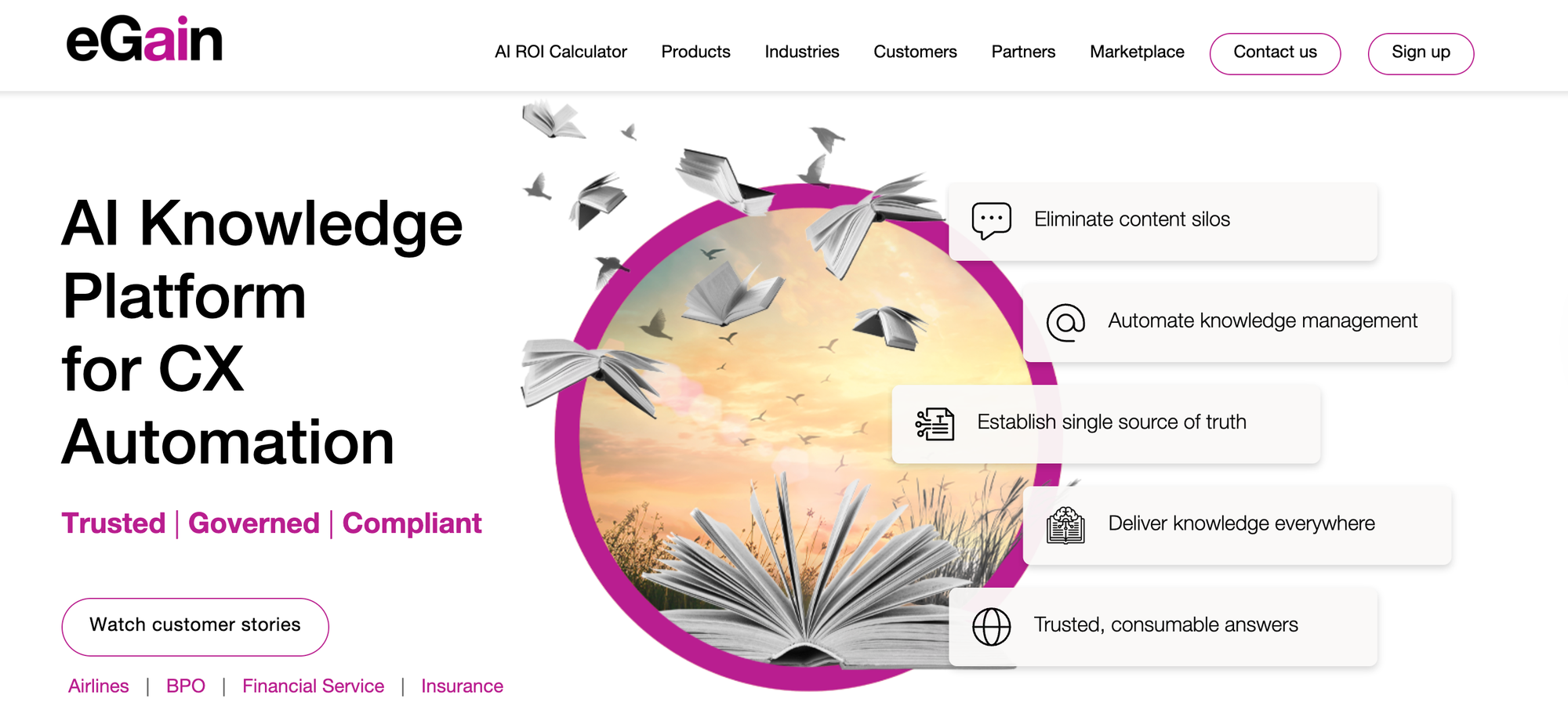
eGain is a knowledge management system that delivers answers across customer-facing and internal channels. Ideal for outsourced contact centers, its AI agents provide real-time guidance and contextual assistance during live customer interactions, going beyond basic search to actively support agents as they work.
However, its pricing structure may not be viable for teams that need to budget for consistent monthly or annual costs.
eGain vs Bloomfire at a Glance
| Category | eGain | Bloomfire |
| Unified Internal + External Knowledge | Supports both customer-facing and internal use | Primarily for internal employee use, but can support external use |
| Content Format | Static articles and decision trees | Static articles and decision trees |
| Content Creation Experience | WYSIWYG editor and AI-powered authoring tools | WYSIWYG editor and AI-powered authoring tools |
| Workflow Automation | Has knowledge process automation and cobrowse functionality to complete support tasks more efficiently | Embeds knowledge into workflows via integrations for content creation and search, but doesn't automate support processes |
| AI Capabilities | Instant AI-powered answers and summaries, plus AI-generated knowledge content and AI agents that provide real-time guidance and contextual help | Conversational AI and natural language search plus AI-powered content authoring, auto-tagging, and content quality monitoring |
| Analytics and Reporting | Tracks AI instant answer usage, confidence scores for AI answers, and agent AI usage | Engagement, content performance, search success, content quality, and trending search analytics, with custom reporting capabilities |
| Contextual Help | Embeddable knowledge widgets and AI-powered contextual assistance for agents | Integrations with collaboration platforms, CRM systems, and help desk software to surface knowledge in daily workflows |
Pros
- Cobrowse functionality lets agents guide customers through processes in real time by viewing and interacting with their screen during support sessions
- AI agents go beyond search and content creation to provide timely guidance and contextual help during customer interactions
Cons
- Lacks proactive contextual triggers like tooltips, banners, and popups that display content based on user behavior and data to surface help at the right moment
- Pricing is based on resolutions and self-service sessions instead of predictable per-user subscriptions, which can make costs difficult to forecast and budget for
Pricing
Pricing is based on users, starting at $12.50/user per month; resolutions, available in blocks of 100 for $50; and self-service sessions, available in blocks of 1000 for $200.
Bloomfire Alternatives for General Knowledge Management
Confluence - Best for Internal Knowledge Collaboration
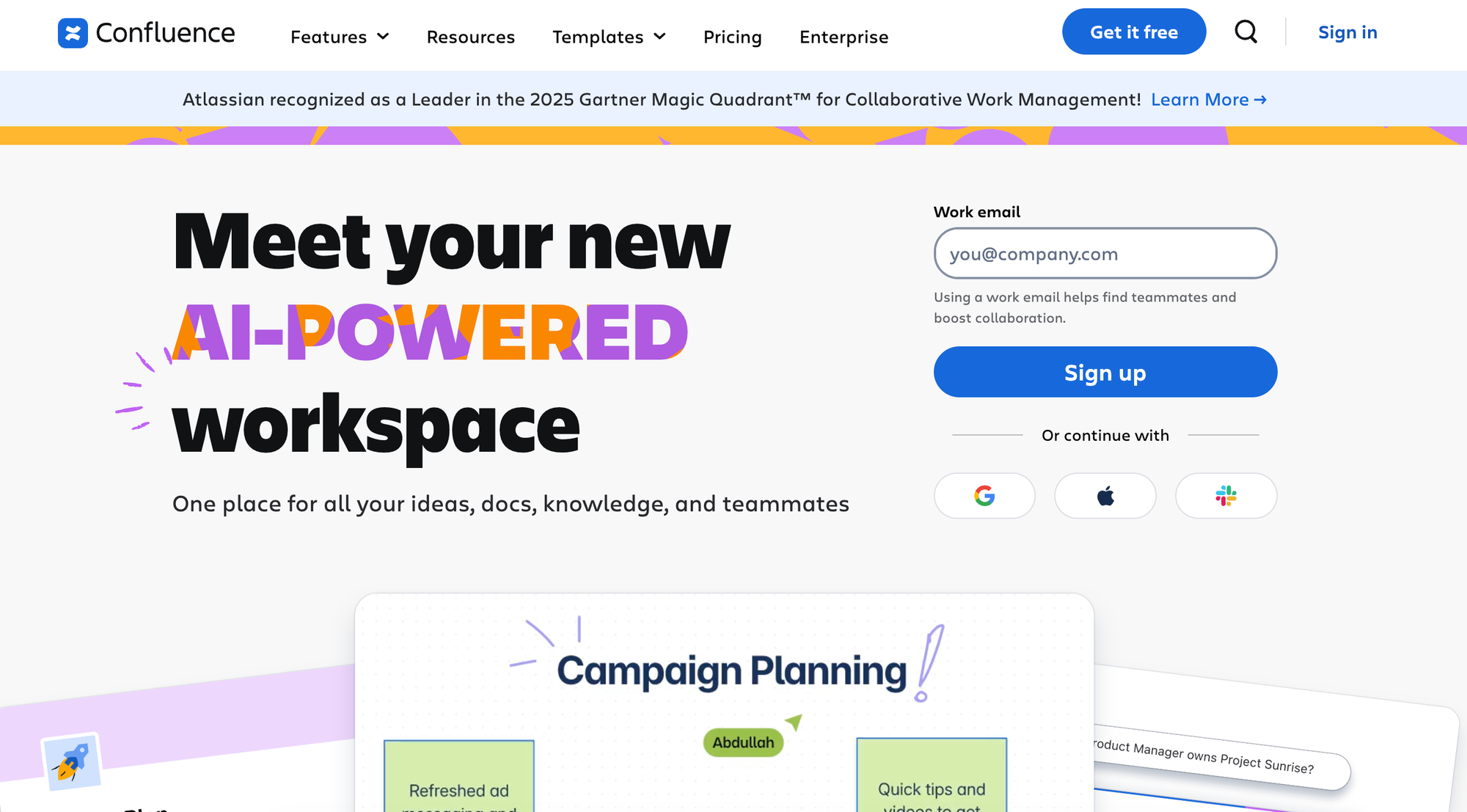
Confluence is an internal wiki built for team collaboration, offering real-time co-editing and prebuilt templates that make it easy for distributed teams to work together. Its no-code workflow automation lets teams build custom processes with visual rule builders and predefined templates.
However, it's designed exclusively for internal collaboration, so you'll need a separate platform if you want to support external customers and internal agents.
Confluence vs Bloomfire at a Glance
| Category | Confluence | Bloomfire |
| Unified Internal + External Knowledge | Internal use and collaboration | Primarily for internal employee use, but can support external use |
| Content Format | Static articles and interactive guides | Static articles and decision trees |
| Content Creation Experience | Pre-built templates for documentation and knowledge sharing with real-time collaborative editing via live docs | WYSIWYG editor and AI-powered authoring tools |
| Workflow Automation | Has automated workflows that teams can create with a no-code visual rule builder and predefined templates | Embeds knowledge into workflows via integrations for content creation and search, but doesn't automate support processes |
| AI Capabilities | AI-powered content creation and summaries of pages and comments, plus AI search and AI agents to assist with meeting notes, brainstorming, and drafting | Conversational AI and natural language search plus AI-powered content authoring, auto-tagging, and content quality monitoring |
| Analytics and Reporting | Tracks basic view and engagement metrics; advanced analytics require a third-party tool or the Enterprise plan | Engagement, content performance, search success, content quality, and trending search analytics, with custom reporting capabilities |
| Contextual Help | Tooltips and AI-powered context-aware information extraction | Integrations with collaboration platforms, CRM systems, and help desk software to surface knowledge in daily workflows |
Pros
- Offers prebuilt templates and allows teams to collaborate in real time, which can help remote teams work together on internal knowledge base content creation
- Has a no-code visual rule builder and predefined templates for automated workflows, so teams can set up custom processes without deep technical expertise
Cons
- Supports internal use and collaboration only, so it can't serve as a central knowledge base for both support teams and customers
- Requires a third-party tool or an upgrade to the Enterprise plan to access advanced analytics, which may not work for teams with limited resources
Pricing
The free plan includes most features but limits usage. Paid plans start at $16,500 per year and include more automations, AI features, and users.
Guru - Best for Centralizing Information Across Scattered Platforms
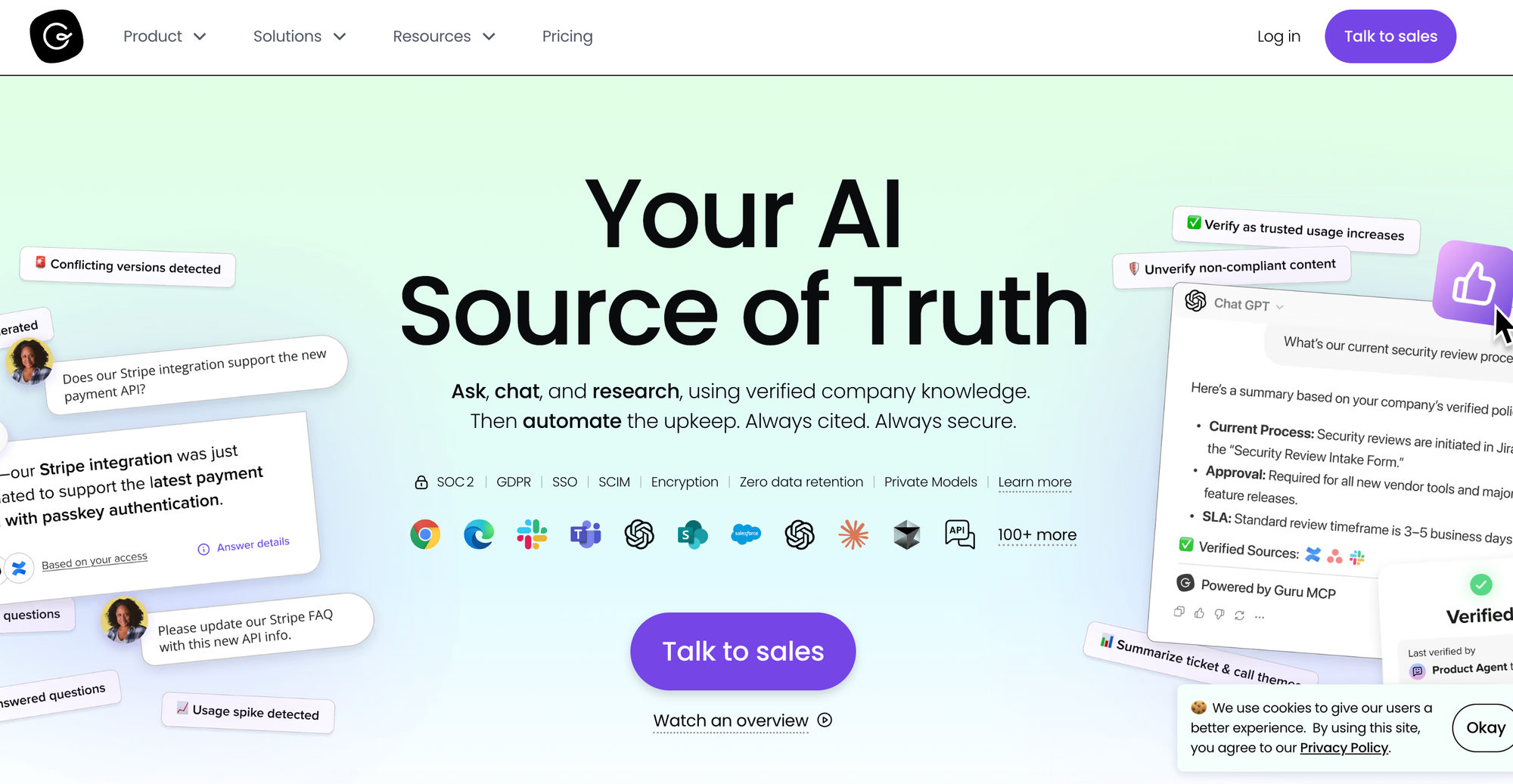
Guru is an internal knowledge management platform that uses AI-powered search and card suggestions to deliver knowledge in your team's existing tools. Its AI-powered tools recommend relevant cards and generate new ones to fill knowledge gaps.
However, Guru lacks interactive decision-tree guides and branching workflows, so complex troubleshooting scenarios require support agents to piece together multiple cards.
Guru vs Bloomfire at a Glance
| Category | Guru | Bloomfire |
| Unified Internal + External Knowledge | Internal knowledge only | Primarily for internal employee use, but can support external use |
| Content Format | Static cards and collections | Static articles and decision trees |
| Content Creation Experience | Visual editor and AI-powered card generation | WYSIWYG editor and AI-powered authoring tools |
| Workflow Automation | AI-powered search | Embeds knowledge into workflows via integrations for content creation and search, but doesn't automate support processes |
| AI Capabilities | AI-powered search, suggestions, and card generation | Conversational AI and natural language search plus AI-powered content authoring, auto-tagging, and content quality monitoring |
| Analytics and Reporting | Content usage, verification status, and engagement analytics | Engagement, content performance, search success, content quality, and trending search analytics, with custom reporting capabilities |
| Contextual Help | In-app knowledge | Integrations with collaboration platforms, CRM systems, and help desk software to surface knowledge in daily workflows |
Pros
- Surfaces knowledge cards in the tools your team already uses through browser extensions and in-app context
- Integrates with Slack, Teams, Chrome, Zendesk, Salesforce, Confluence, MCP Server for Claude and Cursor, and other platforms to connect knowledge from across various cloud-based tools
Cons
- No customer-facing knowledge base option, so you'll need a separate tool for customer self-service
- Relies on a card structure that lacks decision-tree capabilities and adaptive pathways, making it less workable for complex troubleshooting
Pricing
Starts at $25/user per month (billed annually).
SharePoint - Best Document Management for Teams

SharePoint is a document management and intranet platform designed for enterprise teams that use the Microsoft ecosystem. Its deep integration with Microsoft tools like Power Automate and Copilot allows advanced workflow automation and AI-powered content generation.
But its use cases are limited, as it supports static articles only, not interactive decision-tree guides.
SharePoint vs Bloomfire at a Glance
| Category | SharePoint | Bloomfire |
| Unified Internal + External Knowledge | Primarily for internal support team knowledge management | Primarily for internal employee knowledge management, but can support external use |
| Content Format | Static articles only | Static articles and decision trees |
| Content Creation Experience | Rich text editor with prebuilt site templates, plus AI page creation | WYSIWYG editor and AI-powered authoring tools |
| Workflow Automation | Enables custom workflow automation via Microsoft Power Automate integration | Embeds knowledge into workflows via integrations for content creation and search but doesn't automate support processes |
| AI Capabilities | AI-powered answers, insights, and page creation, plus Copilot integration powers AI content generation | Conversational AI and natural language search plus AI-powered content authoring, auto-tagging, and content quality monitoring |
| Analytics and Reporting | User activity, engagement, and content effectiveness analytics | Engagement, content performance, search success, content quality, and trending search analytics, with custom reporting capabilities |
| Contextual Help | Third-party widgets | Integrations with collaboration platforms, CRM systems, and help desk software to surface knowledge in daily workflows |
Pros
- Has deep integrations throughout the Microsoft ecosystem (Power Automate, Copilot, Office 365), creating a unified experience for organizations already heavily using Microsoft tools
- Provides AI-powered answers, insights, and page creation, plus a Copilot integration for generative AI content
Cons
- Creates static articles only, so it lacks interactive decision-tree guides for troubleshooting, SOPs, and step-by-step processes
- Designed for enterprise users who have already invested in the Microsoft ecosystem, so it's not ideal for small teams that need a standalone knowledge base
Pricing
Pricing starts at $5/user per month (billed annually) for basic features and integrations with OneDrive and Microsoft Lists. The app is also included in the Microsoft 365 Business Standard plan, which starts at $12.50/user per month (billed annually).
Notion - Best for Personal Knowledge Management
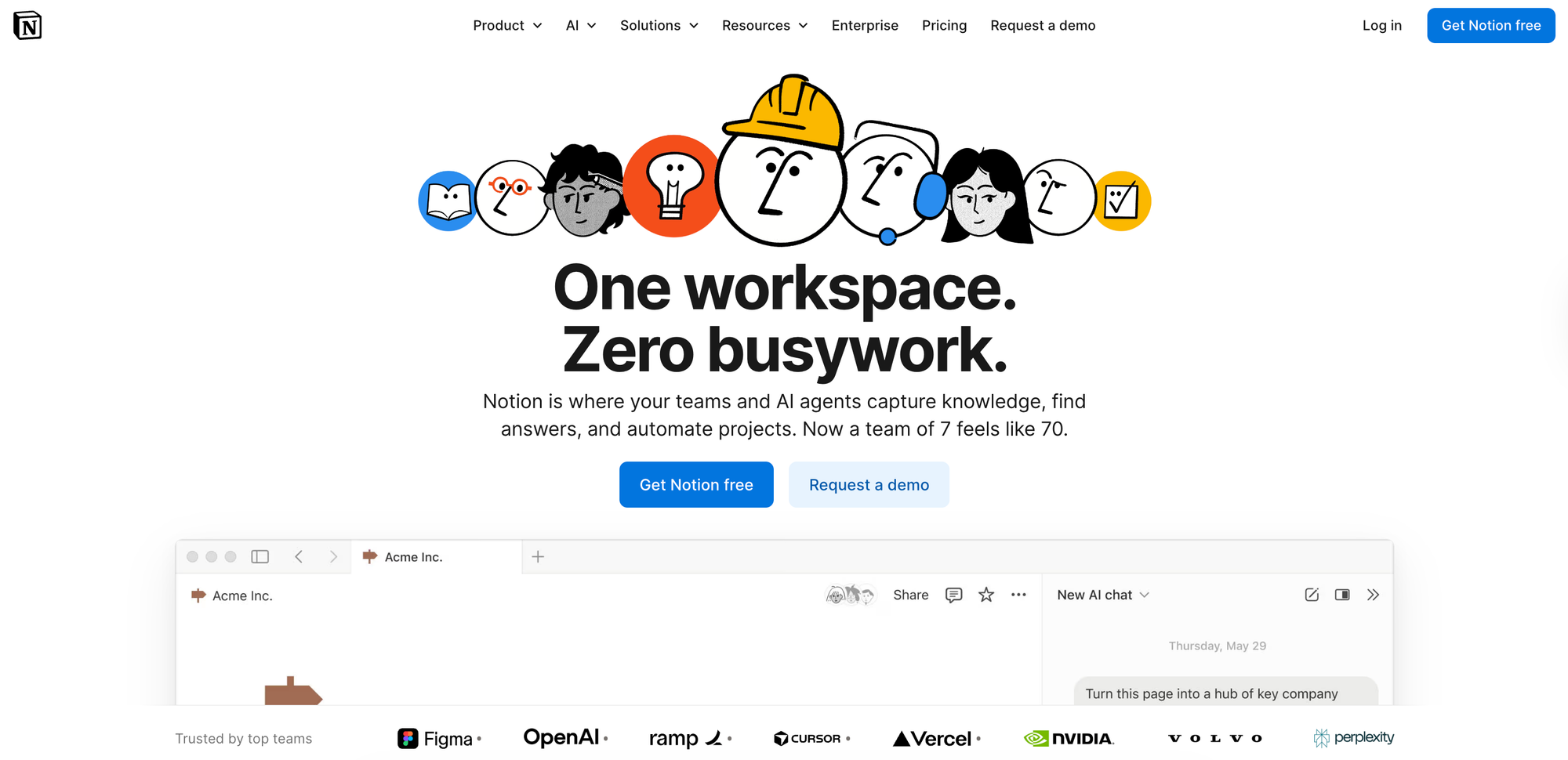
Notion is a flexible workspace for knowledge and project management that combines wikis, documentation, and task databases into a single platform. It supports both internal team wikis and external knowledge sharing, letting organizations manage content for employees and customers within one system.
However, it's best for personal use and isn't ideal for creating interactive guides or surfacing contextual help.
Notion vs Bloomfire at a Glance
| Category | Notion | Bloomfire |
| Unified Internal + External Knowledge | Works for internal and external use | Primarily for internal employee use, but can support external use |
| Content Format | Static articles | Static articles and decision trees |
| Content Creation Experience | Customizable templates and WYSIWYG editor | WYSIWYG editor and AI-powered authoring tools |
| Workflow Automation | Has database automations and automated notifications, but doesn't automate support processes | Embeds knowledge into workflows via integrations for content creation and search, but doesn't automate support processes |
| AI Capabilities | AI-powered content generation, summarization, and answers | Conversational AI and natural language search plus AI-powered content authoring, auto-tagging, and content quality monitoring |
| Analytics and Reporting | Workspace usage analytics available with the Enterprise plan | Engagement, content performance, search success, content quality, and trending search analytics, with custom reporting capabilities |
| Contextual Help | In-app contextual assistance | Integrations with collaboration platforms, CRM systems, and help desk software to surface knowledge in daily workflows |
Pros
- Supports both internal and external knowledge management, allowing organizations to manage content databases for support team members and customers with a single platform
- Offers customizable templates for company wikis, project docs, and meeting notes with a flexible page-building system that adapts to various organizational needs
Cons
- Has limited analytics that are only available with the Enterprise plan, restricting visibility into content performance and user engagement for smaller teams
- Lacks widgets and extensions, so it has limited abilities to push content where users need it in their workflows
Pricing
The free plan includes basic forms and databases. Paid plans start at $10/user per month (billed annually) and include unlimited collaborative blocks, custom forms, and unlimited file uploads.
Consider the Knowledge Base Solution Purpose-Built for Customer Service Teams
If Bloomfire's general-purpose approach doesn't fit your use case and you need knowledge management built for customer support, Stonly offers everything you're looking for. Stonly is purpose-built to help support teams create interactive, process-driven content that guides both customers and agents to resolutions faster.
With Stonly, you get interactive decision trees that adapt to each situation, contextual delivery that surfaces knowledge exactly when and where it's needed, and AI-powered search and chat that turn your knowledge base into a true self-service engine. Whether you're helping customers resolve issues on their own or enabling agents to handle tickets more efficiently, Stonly gives you the specialized tools that support teams need.
Stonly integrates deeply with the customer service platforms you already use (Zendesk, Salesforce, Freshdesk, and more), so your team can access the right knowledge without disrupting their workflow. And with comprehensive analytics tracking both customer self-service rates and agent performance, you'll have clear visibility into how knowledge drives better outcomes.
Ready to see how Stonly can transform your support knowledge from a static reference library into an active resolution tool? Book a demo of Stonly here.