
 FEATURES
- Accurate search
- Smart organization
- Comprehensive content
Documentation for doers
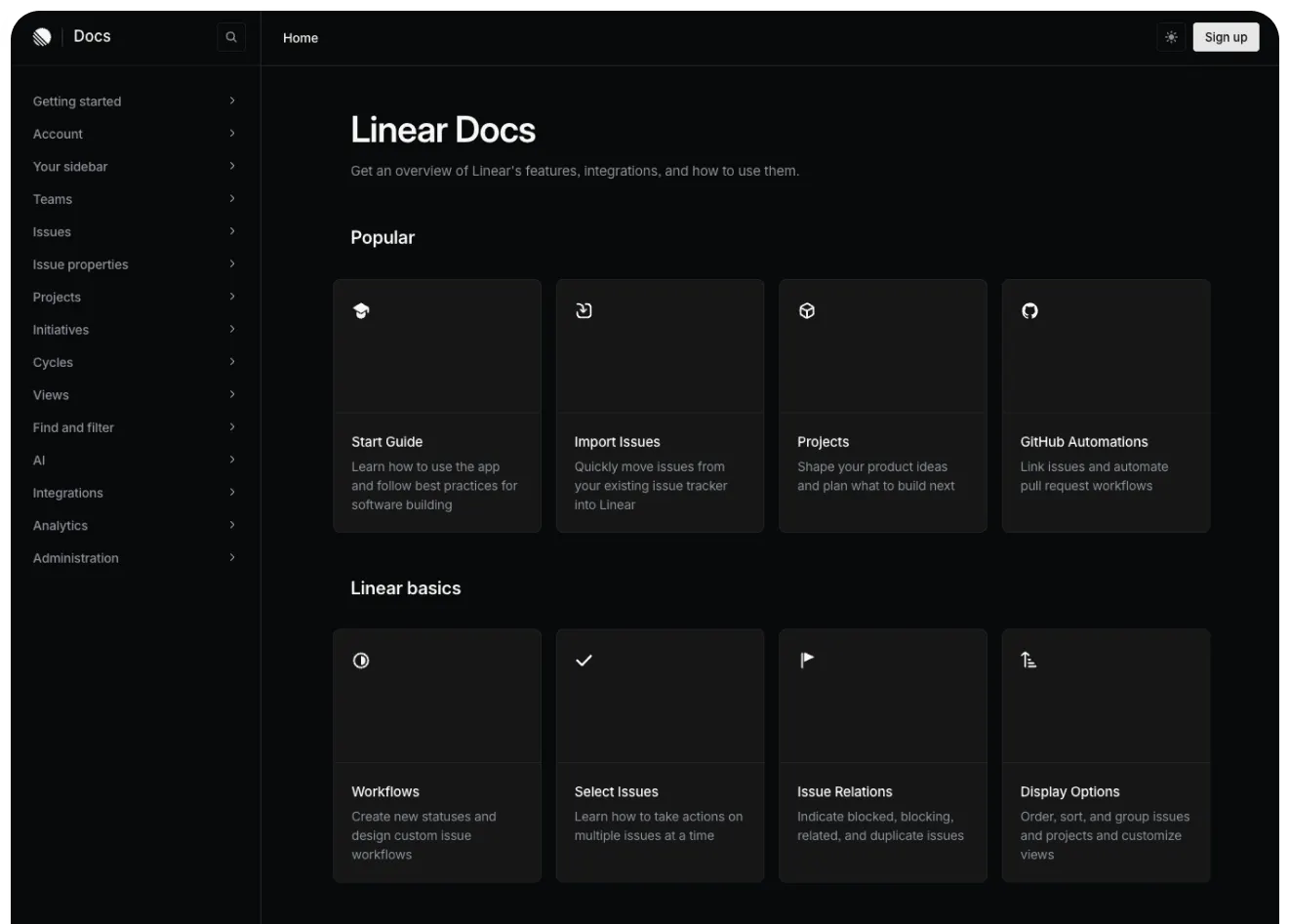
Linear is a product management tool that’s all about building and getting the job done. Their help center is a reflection of that spirit. Clearly inspired more by the format of API docs than a traditional support page, it’s all about the product. Dense with information, it is built for exactly the kind of person who would be using Linear: detail-oriented, focused on product and looking to solve problems.
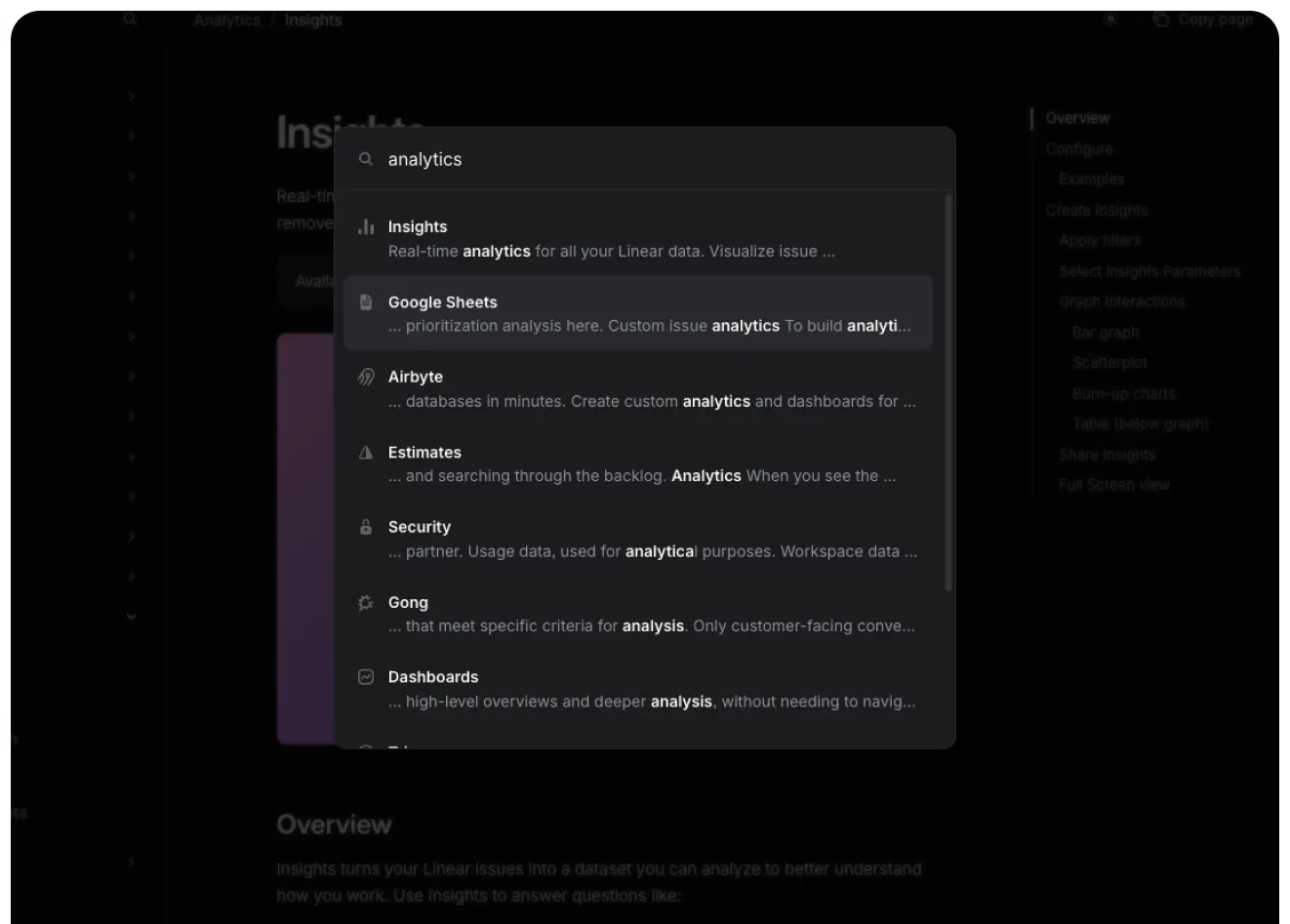
Everything about the design of Linear’s help center serves the purpose of putting the product in the service of the user. The sidebar is a sitemap organized around different features and giving you instant access to whatever content you might be needing in the moment, while the space in the center is used for getting started tutorials and most commonly read articles. It’s all tidy and logically arranged, and you can imagine a new user having this website open side-by-side with the Linear app, just like a developer would have the documentation open next to their terminal. Interestingly, search isn’t displayed very prominently, but it works extremely well and fast, displaying precise suggestions as you type.
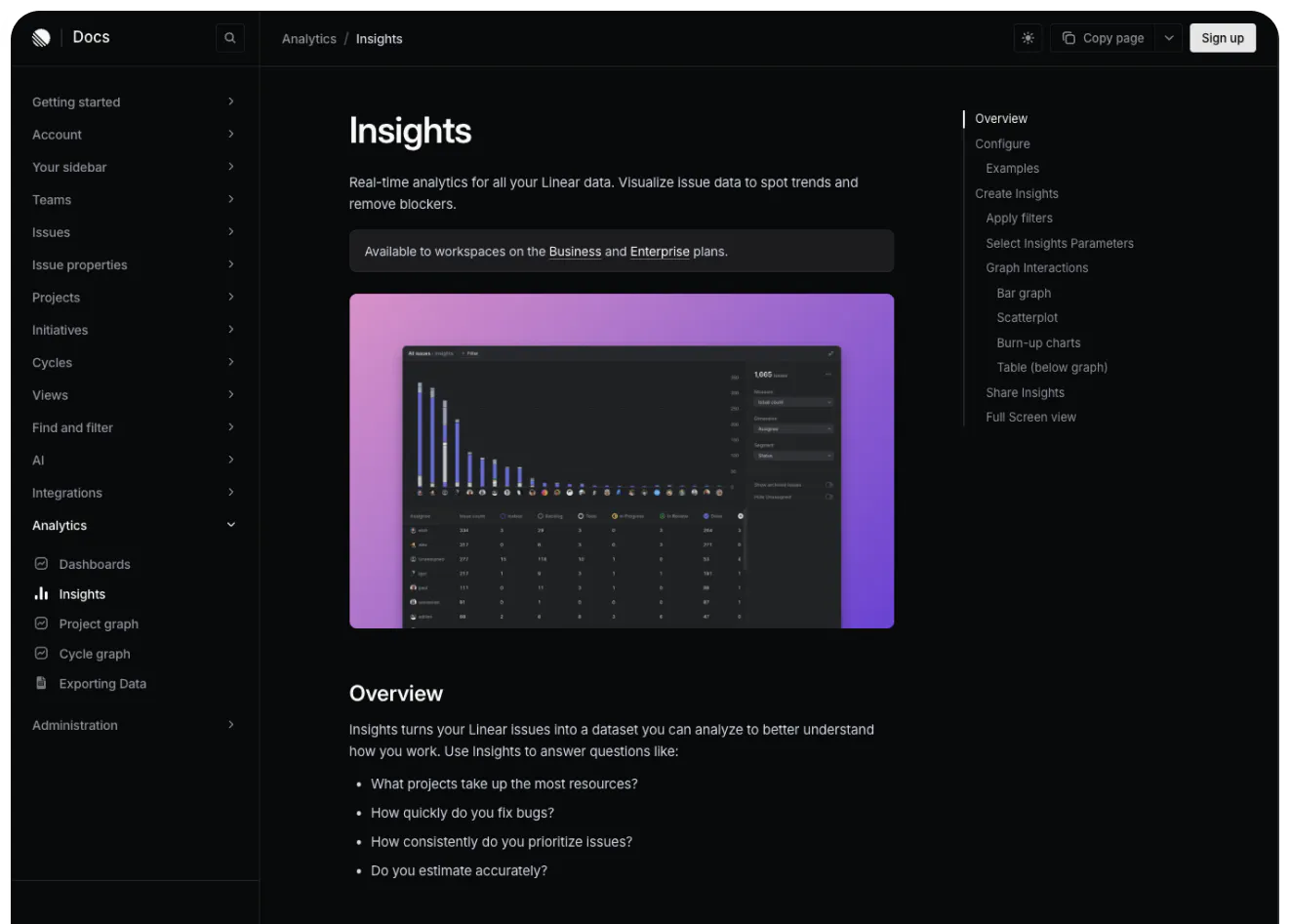
The articles themselves make no compromise about length, but it’s all intentional. They are not meant as quick answers or bite-sized tips. Each of them serves as a detailed description of a specific feature with step-by-step instructions, screenshots and a handy FAQ at the bottom. The formatting is clear, and an interactive, sticky table of contents helps with navigating longer documents, making their help center a masterclass of utility.


