 FEATURES
- Smart organization
- Practical troubleshooting
- External resources integration
Connectivity support that gets to the point
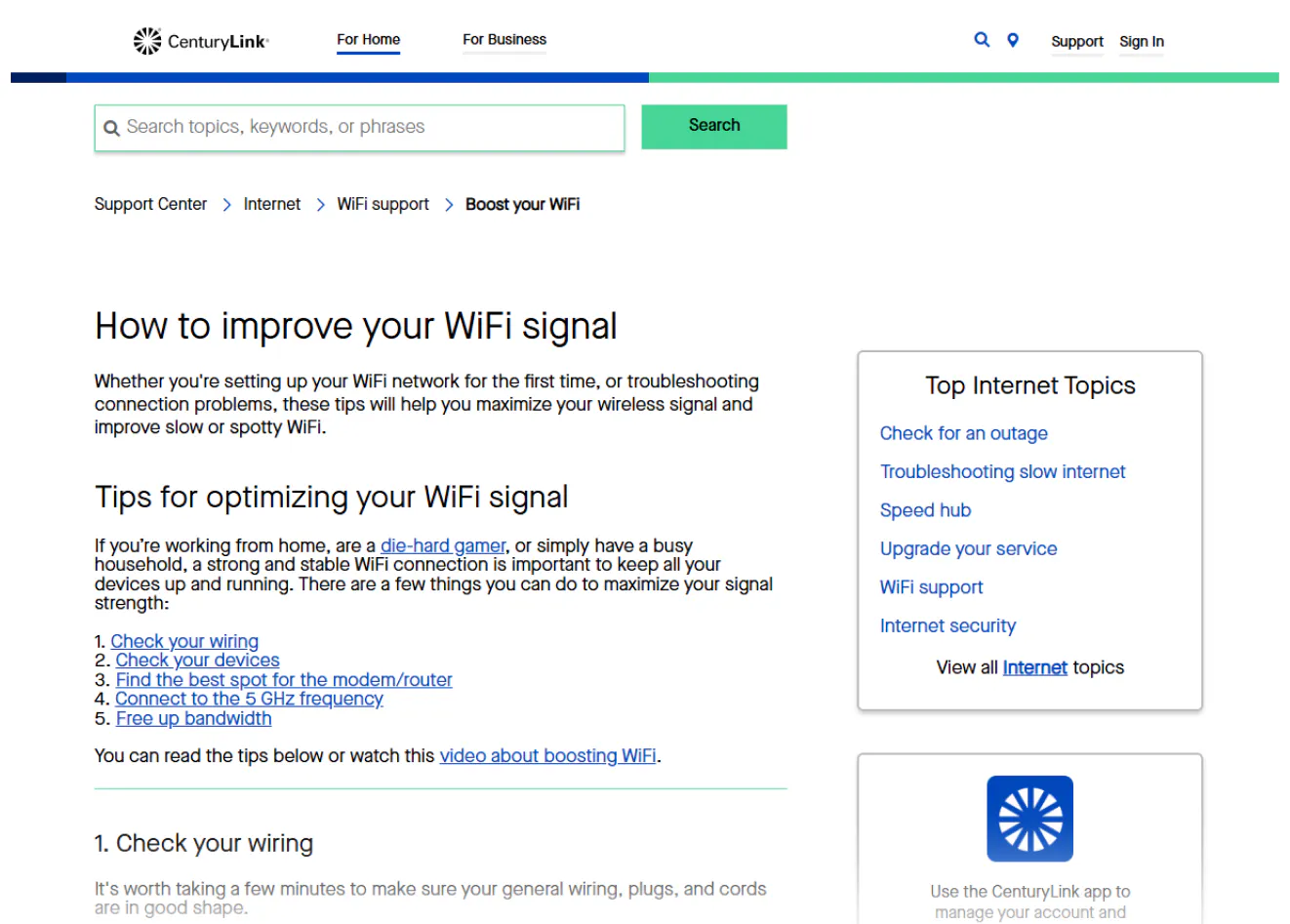
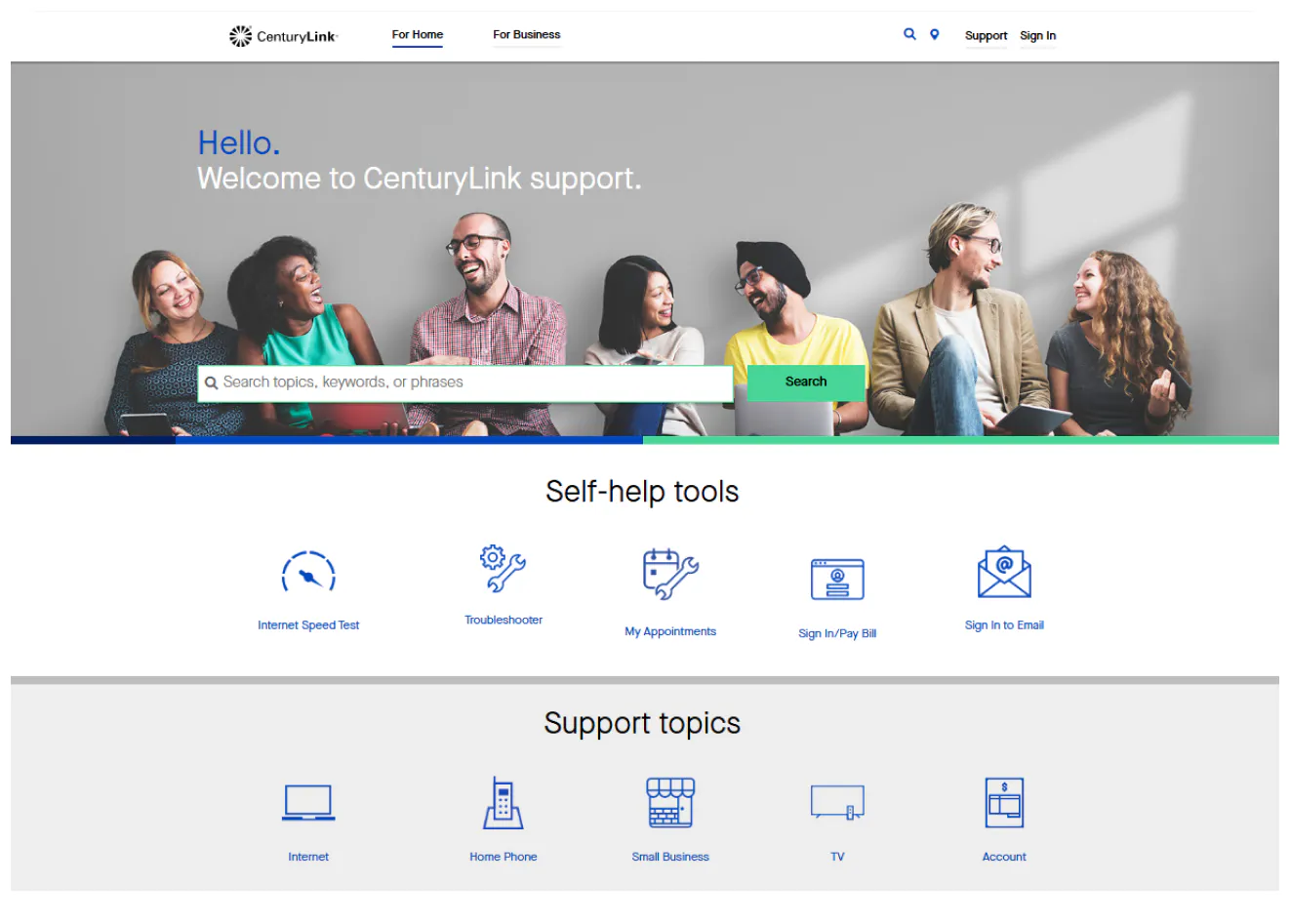
CenturyLink’s Help Center brings together support for home internet, TV services and voice products in a single, navigable space. It’s built with the idea that most users come looking for solutions to a specific problem, whether it's slow speeds, setup questions, billing issues or network troubleshooting. The topic categories are well organized with clear labels like “Internet,” “TV,” and “Account & Billing” that reduce guesswork. Under each, you’ll find both short how-tos and deeper articles that walk through setup, modem configuration, common errors and speed optimization.
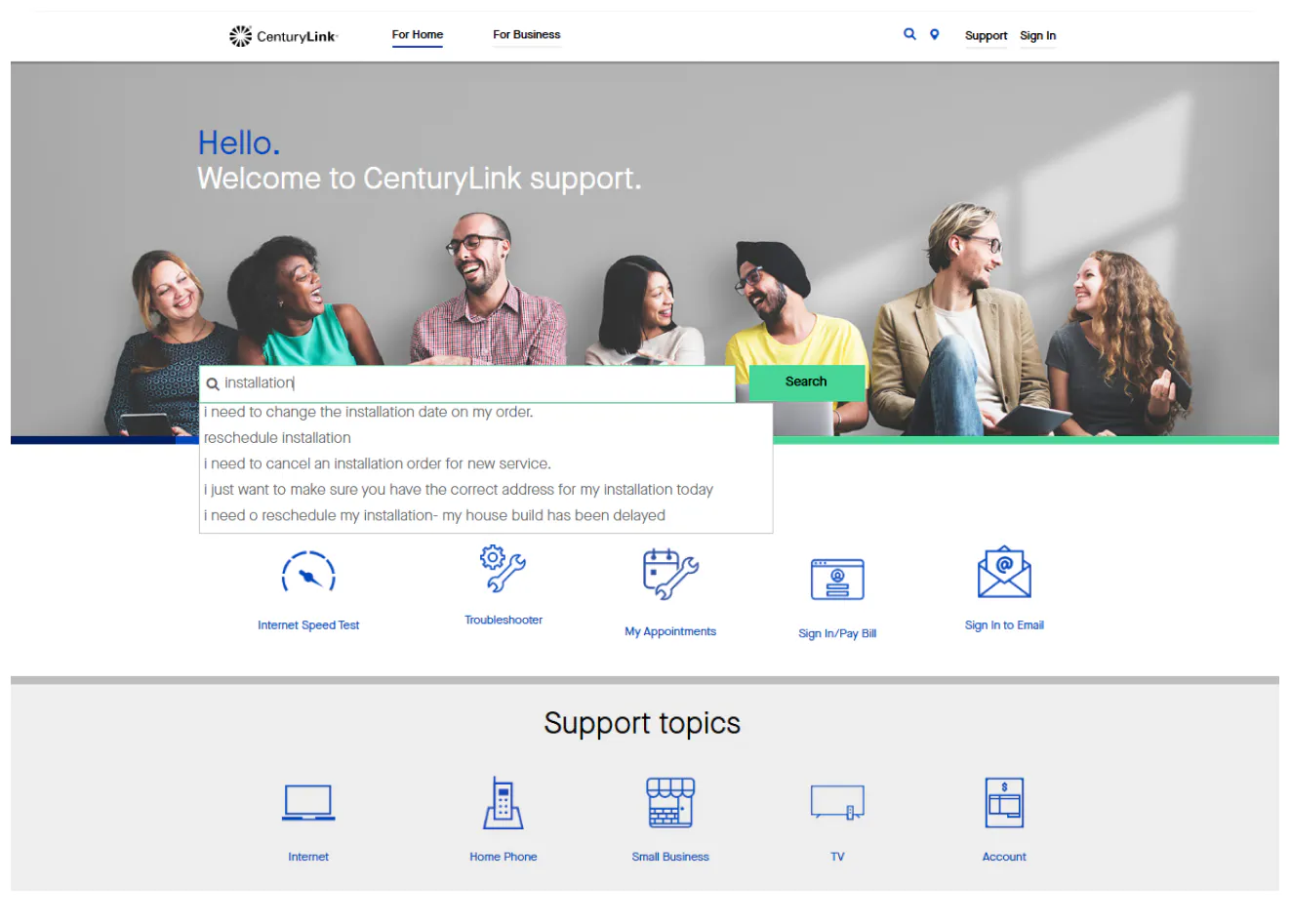
Search works well with common terms like “Wi-Fi not connecting” or “bill explanation,” and results return a mix of articles and video walkthroughs when available. The center also integrates tools that can diagnose connection issues or check service status without leaving the page. For users less familiar with tech lingo, the content leans toward conversational and practical language. Articles include visuals and step-by-step instructions that walk you through actions you might otherwise struggle to visualize.
Whether you’re a new customer or updating your home network, CenturyLink’s Help Center is a reliable first stop for answers and guidance.


