
 FEATURES
- AI assistant
- Compact design
- Integrated educational resources
Design that respects the builder
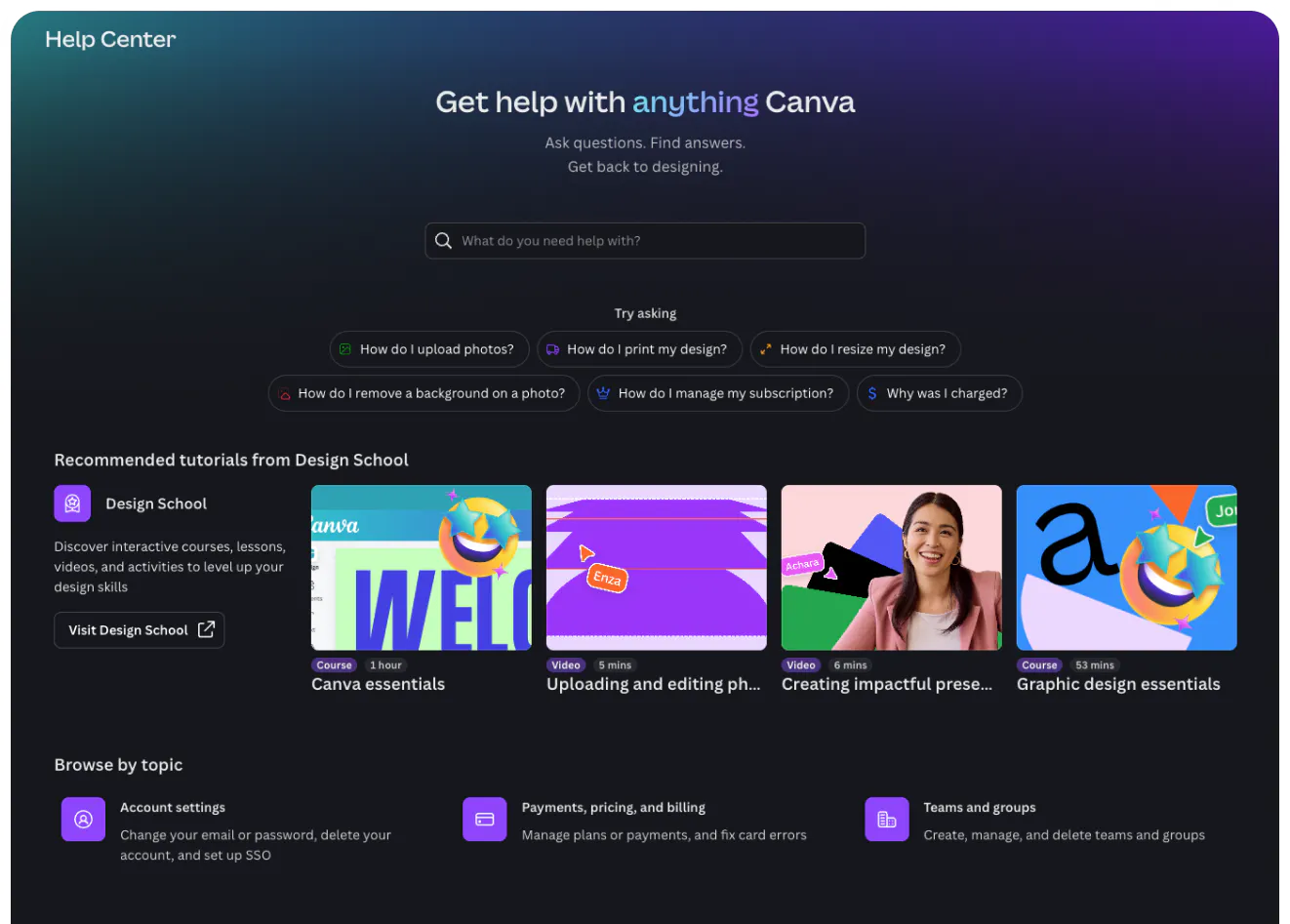
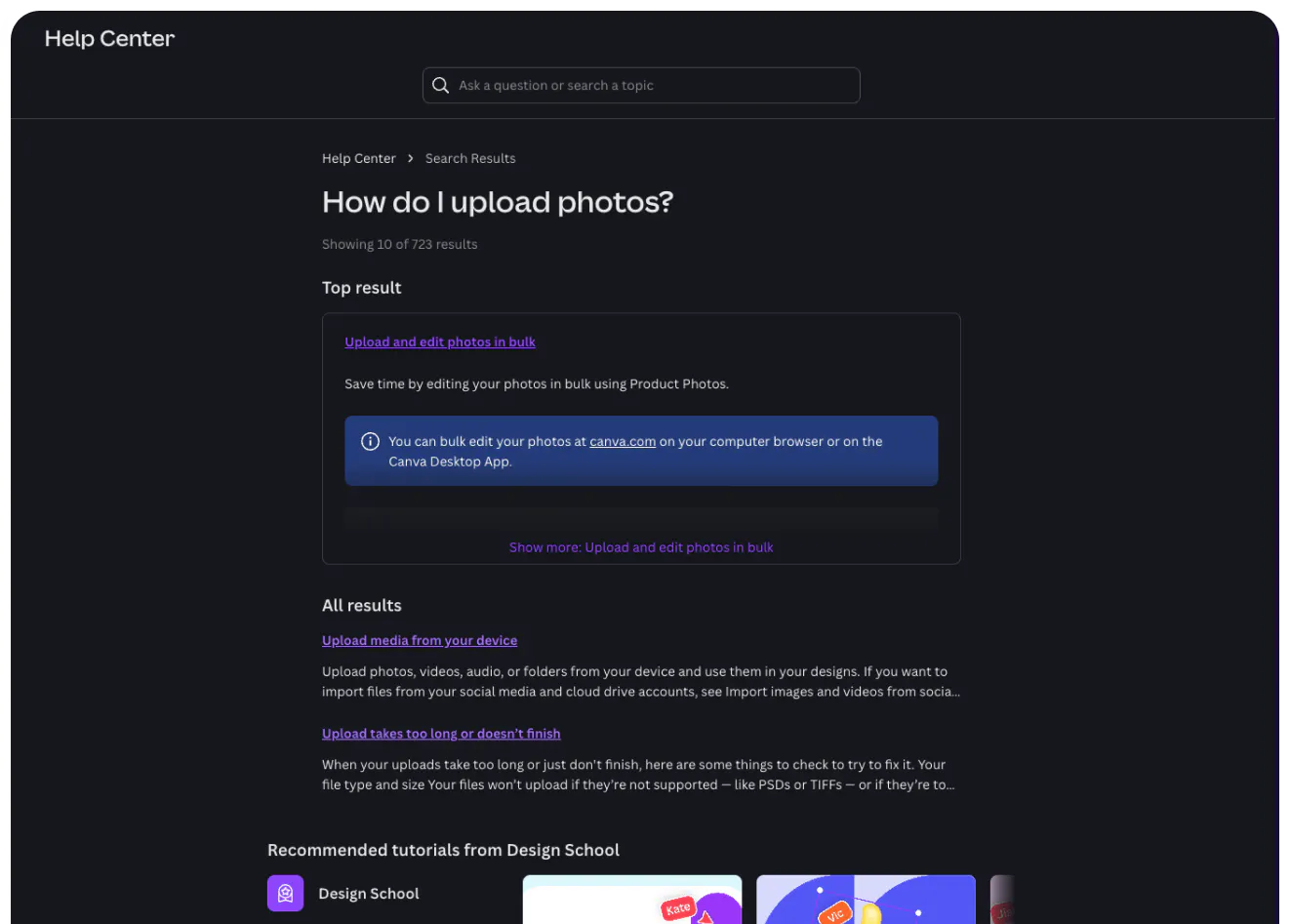
Canva helps people build beautiful products, so its help center cannot feel secondary. The homepage immediately reflects the brand’s clean visual identity. Search is prominent and combined with a powerful AI assistant. Design School resources are highly visible, too, making the help center a place for learning as much as troubleshooting.
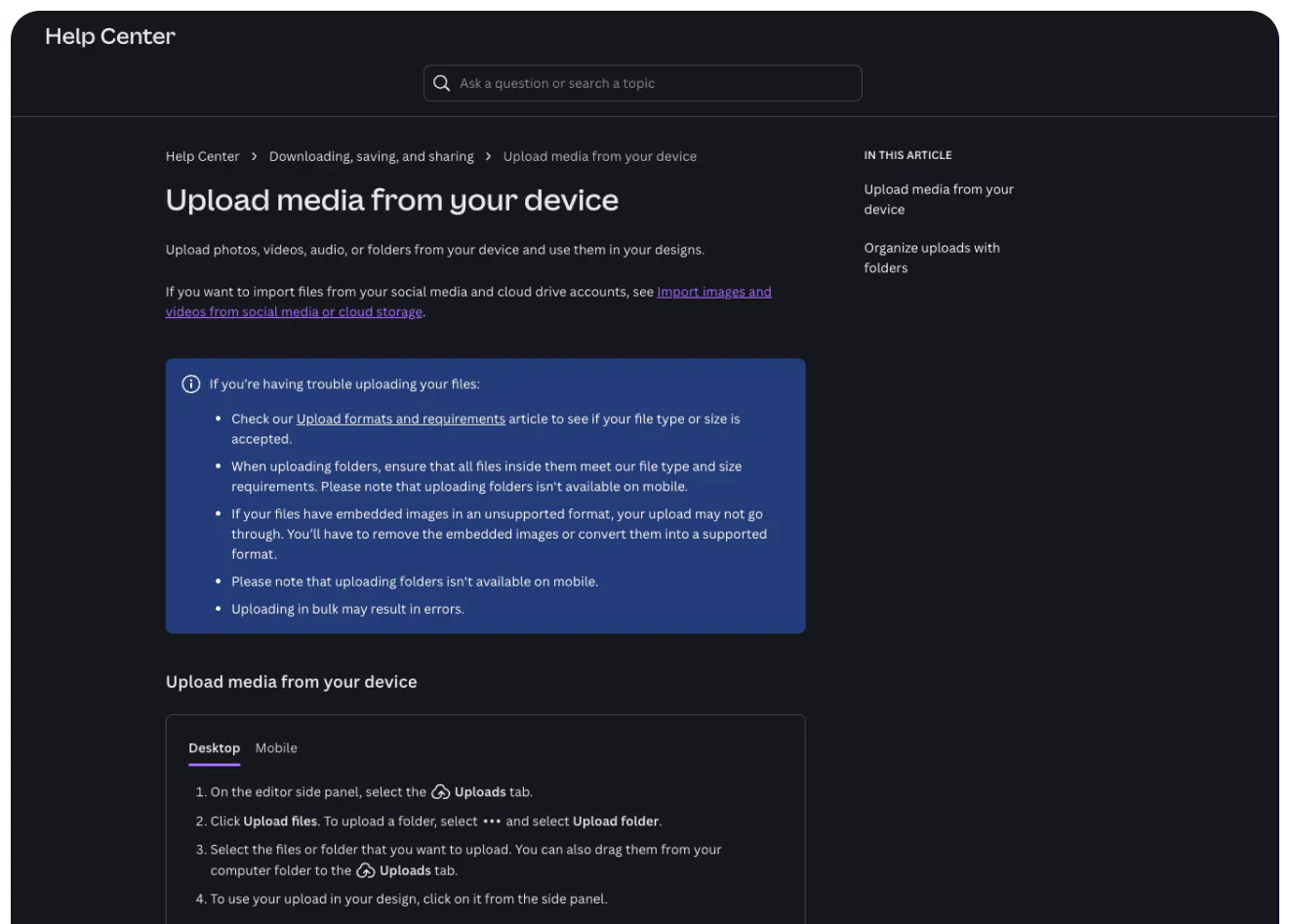
Categories are clearly segmented, and spacing is deliberate, giving structure to a large body of content. Despite the breadth of topics, the page never feels crowded. There’s plenty of space that lets the homepage breathe. Inside articles, clear iconography supports instructions to map them to Canva’s UI. The content is formatted with clarity using sections, tips and tabs to avoid dense walls of text.
Beyond the visual polish, the structure mirrors how builders think. Articles are organized around actions, not just features, and search performs reliably with both technical and plain-language queries. Canva’s help center demonstrates how thoughtful design can keep momentum intact.


