
 FEATURES
- Easy to navigate
- Easy to follow content
- Compact design
Scheduling without confusion
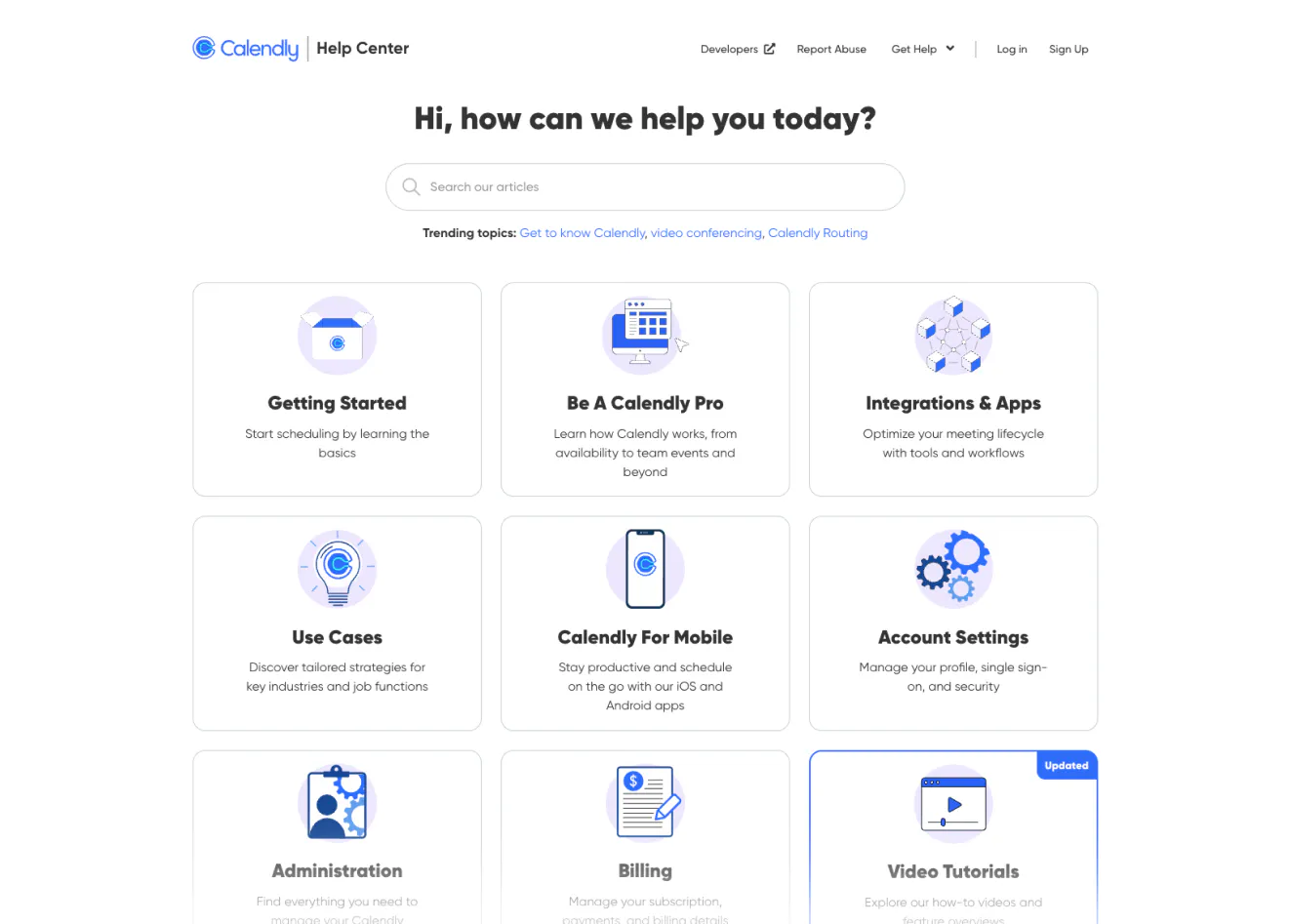
Calendly is known for making scheduling effortless. Its help center reflects that same philosophy, while supporting a product that becomes increasingly complex at the team and enterprise level. The structure balances ease of use with depth, organizing content around clear functional areas such as getting started, event types, availability, integrations, billing and team admin.
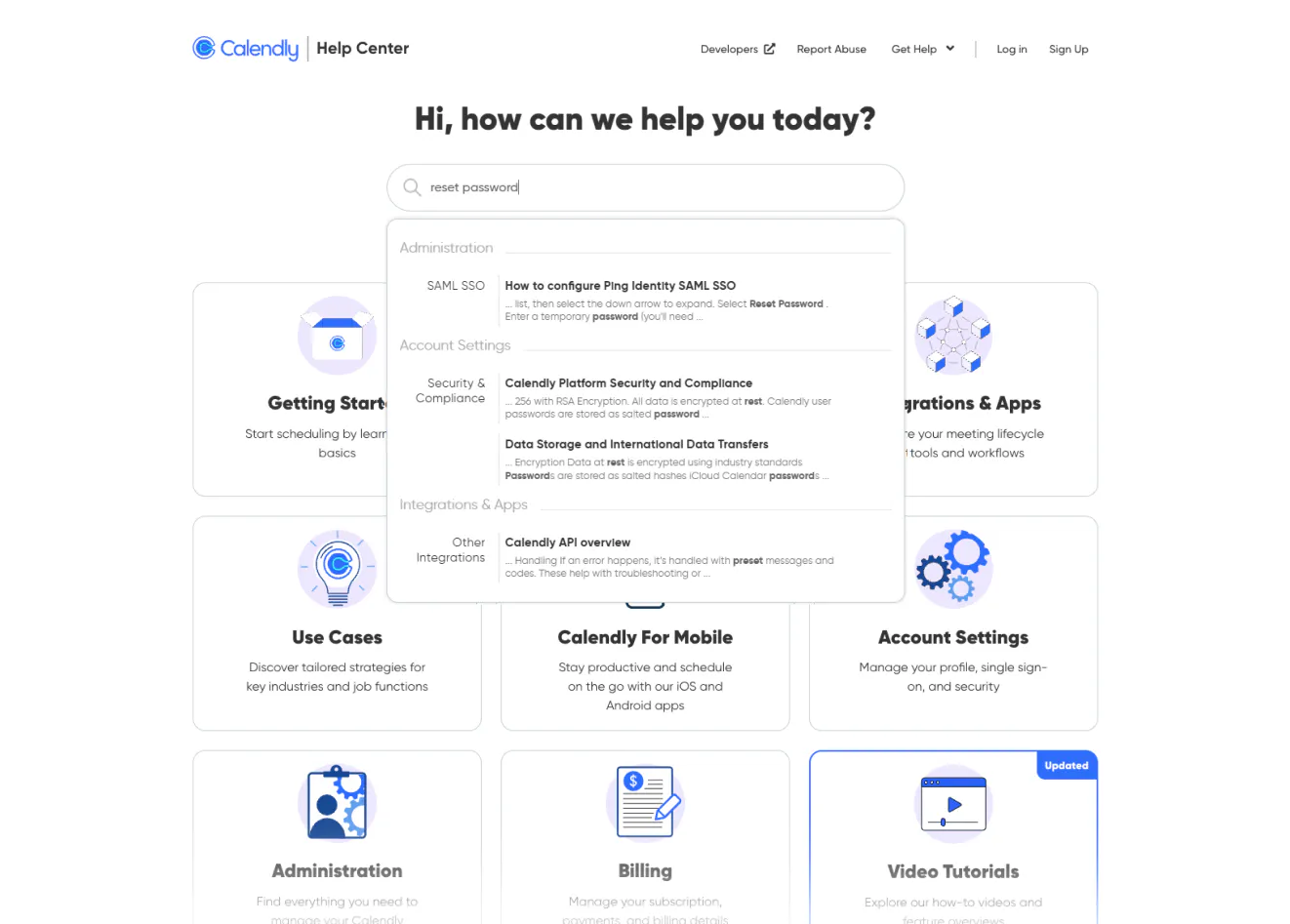
The homepage immediately signals where you are in your journey. Individual users can move quickly through setup and availability questions, while admins can dive into routing forms, permissions and advanced configuration. Search performs well with action-based queries like change availability, connect Google calendar, or round robin setup, which reduces friction for users trying to solve something specific.
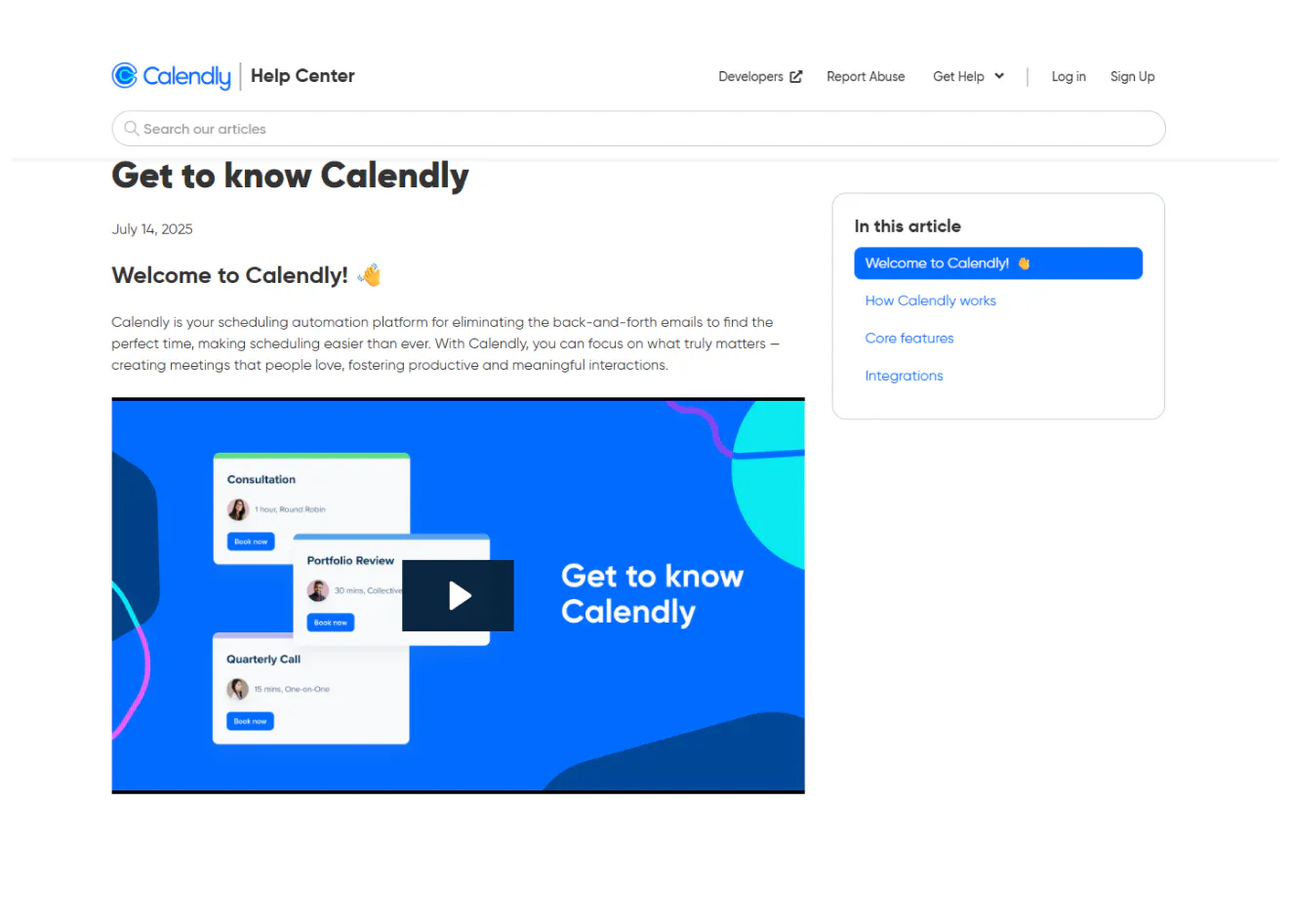
Articles lead with direct instructions before layering in explanation. Screenshots are placed at decision points, and steps are clearly separated to prevent confusion. Integration guides are especially thorough, reflecting the central role third-party tools play in scheduling workflows.
Visually, the design mirrors the product’s minimalism. Generous spacing, clean typography and strong section hierarchy keep dense configuration topics approachable. Even complex team features feel structured rather than overwhelming.
Calendly’s help center succeeds because it preserves the brand promise of simplicity, even when the underlying functionality is powerful.


