
Zendesk Knowledge is a widely used solution for customer support documentation. But like any tool, it has its limitations.
Some support teams have noted frustrations with its support for static articles only, the inability to embed help contextually within products, its surface-level analytics that don't show task completion and customizations that require extensive technical resources, and the challenge of vendor lock-in that makes switching ticketing systems difficult.
Many teams choose Zendesk Knowledge simply because they already use Zendesk for ticketing, making it feel like the convenient option. However, your knowledge base becomes tightly coupled with Zendesk's ticketing system, creating significant barriers if you ever want to switch platforms. This lock-in is particularly frustrating because knowledge management isn't a core focus for Zendesk, and the product's limitations reflect that lack of priority.
The knowledge base software market offers several strong alternatives, which we’ll be covering in this article. For each tool, we'll examine how its key features stack up against Zendesk’s knowledge base product, the pros and cons of each, pricing, and much more.
Shortcomings of Zendesk Knowledge
While Zendesk remains a popular choice, several limitations prompt current customers and companies considering buying the tool to explore alternatives:
- Limited to static, article-based content: Traditional articles struggle with complex processes that require different paths for different user scenarios. This forces customers to parse through lengthy documents to find relevant information.
- Knowledge remains siloed in the help center: Content primarily lives in a separate portal rather than appearing contextually where users actually need it (e.g. within your product, during onboarding flows, or at critical decision points).
- Vendor lock-in within the Zendesk ecosystem: Your knowledge base becomes deeply tied to Zendesk's ticketing system, making it difficult and costly to migrate if your support needs change or you want to switch platforms.
- Surface-level analytics: Metrics focus on page views and search terms rather than showing where users get stuck, abandon tasks, or successfully complete their goals.
- Customization requires technical resources: Making meaningful changes to appearance, functionality, or user experience often demands custom code and developer resources.
- Limited focus on knowledge management features: As part of a broader support suite, the knowledge base receives less product development attention compared to dedicated knowledge management platforms.
With this in mind, let’s take a look at the alternatives to Zendesk. We’ll break the list of alternatives into two categories: one list for those only looking to replace Zendesk Knowledge (their knowledge base product) with something that still integrates with other Zendesk products, and another list of solutions that can replace Zendesk entirely.
Knowledge Base Alternatives
First, we'll cover knowledge base platforms that integrate with Zendesk. These options allow you to switch off Zendesk Knowledge while continuing to use Zendesk’s other products, like their ticketing system.
1. Stonly
Stonly is a knowledge base software platform built for support agents and customers. Here’s how it compares to Zendesk Knowledge:
Interactive, Step-by-Step Guidance vs. Static Articles Only
Stonly lets you create both standard articles and interactive, step-by-step guides that adapt to what the user needs, rather than overwhelming them with long text. This format reduces confusion and helps users complete tasks successfully without extra support.
Zendesk Knowledge only lets you create traditional article-centric content. Articles struggle with complex processes and topics that require different answers for different situations. Customers and agents need to sift through pages to find the right information.
Why this matters: Interactive flows are more engaging and better at guiding users through complex problem-solving, especially useful for products with many variables.
Contextual & Embedded Help Anywhere
Stonly doesn't keep knowledge siloed in a help center. It can be embedded in-app, in workflows, or on key pages via widgets or contextual triggers. Content appears where and when users need it most (for example, inside a web app or CRM).
Zendesk Knowledge provides knowledge mainly through the help center or search portals, not designed for deep contextual embedding, though integrations exist.
Why this matters: Delivering answers in context reduces friction and support costs, and increases ticket deflection more effectively than forcing users to leave their workflow.
Platform Flexibility
Stonly lets you deploy knowledge in any system your support agents and employees operate, and sync your self-service with any ticketing system. It's ticketing system agnostic and integrates directly with Zendesk, Salesforce, Freshworks, and ServiceNow.
Zendesk Knowledge integrates deeply only with Zendesk products.
Why this matters: Things change. Knowledge is mission-critical to your support organization, no matter what ticketing platform you use. Keeping it in Zendesk makes it very difficult to switch systems as your other needs change.
Rich Analytics Focused on Guide Usage and Outcomes
Stonly provides built-in analytics that show how users interact with your content, not just page views. You can see where users get stuck or drop off, delivering actionable insights rather than just stats.
Zendesk Knowledge offers traditional blog-like metrics (views, search terms, engagement), but these are centered on content consumption rather than task completion.
Why this matters: Stonly analytics provide deeper insight into user success and friction, not just the popularity of content, so you can truly improve it.
Additional Reasons Support and Knowledge Teams Choose Stonly
- Better knowledge management capabilities: Stonly's product team focuses specifically on knowledge, which means features like content organization, versioning, and collaboration are often superior to Zendesk's broader support suite approach.
- Easier customization: With Zendesk, most meaningful updates require custom code. Stonly's platform lets you customize the look and feel in many more ways without developer resources.
- Partnership: Stonly's success team focuses on helping companies create and deploy high-quality knowledge for support. Zendesk's team is less focused on knowledge-specific support and typically less hands-on and helpful.
Stonly vs Zendesk Knowledge at a Glance
| Feature | Stonly | Zendesk Knowledge |
| Unified Internal + External Knowledge | Single system for both internal agents and external customers | Not optimized for multi-audience use |
| Content Formats | Standard articles and interactive guides that branch based on user responses | Traditional static articles without branching logic |
| Content Creation Experience | Visual editor with image editing, plus AI can import content | Standard visual editor |
| Search Functionality | Keyword search with filtering, can link to specific steps within guides, and AI can generate answers from content | Keyword search with filtering and AI (advanced AI requires paid add-on) |
| AI Capabilities | AI-powered summaries, content suggestions and replies, plus AI-driven content importing | GenAI for chatbot and search (advanced AI requires paid add-on) |
| Analytics and Reporting | Content performance and agent usage analytics, plus custom reports | Basic content and usage metrics (AI analytics require paid add-on) |
| Contextual Help | Tooltips, banners, and popups can display content based on user behavior and data | Widget, browser extension, and URL-based auto-suggestions |
What Real Customers Are Saying About Stonly
"We wouldn’t be able to live without Stonly. There are no other tools that have the same step-by-step guide capability combined with the ease of setup, AI features, and integrations available."
- Alex Arkhipov, Care Operations, Tonal
"We couldn’t imagine onboarding so many new agents without Stonly. We can seamlessly integrate step-by-step guidance into Zendesk to ensure every agent is confident from day one."
- Theresa Tacite, Customer Operations Lead, Fastned
Pricing
Custom pricing available upon request.
Speed up your support agents and help more customers self-serve with Stonly's interactive guides, embedded knowledge, and deep integrations with Zendesk. Get a Stonly demo today.
2. Document360

Document360 is a knowledge base software designed for teams that need accessible documentation without complexity.
Unlike Zendesk, it lets you write content using markdown or a visual editor, and it supports interactive decision-tree guides for troubleshooting. However, its contextual help options are limited, requiring users to access knowledge from a widget or a browser extension.
Document360 vs Zendesk Knowledge at a Glance
| Feature | Document360 | Zendesk Knowledge |
| Unified Internal + External Knowledge | Supports internal and external knowledge, but isn't optimized for multi-audience use | Not optimized for multi-audience use |
| Content Formats | Standard articles plus interactive guides for troubleshooting and step-by-step processes | Traditional static articles without branching logic |
| Content Creation Experience | Visual editor, markdown editor, and AI-powered content creation | Standard visual editor |
| Search Functionality | Keyword search with filtering and AI, plus standalone AI chatbot available | Keyword search with filtering and AI (advanced AI requires paid add-on) |
| AI Capabilities | AI generates search results, powers chatbot, and can help create content | GenAI for chatbot and search (advanced AI requires paid add-on) |
| Analytics and Reporting | Content performance, search pattern, and AI usage analytics | Basic content and usage metrics (AI analytics require paid add-on) |
| Contextual Help | Widget, browser extension, and basic personalization | Widget, browser extension, and URL-based auto-suggestions |
Pros
- Provides interactive decision-tree guides that adapt to user choices, making troubleshooting and step-by-step processes easier to follow
- Includes AI capabilities for search, chatbot, and content creation without requiring paid add-ons
Cons
- Has limited ability to push knowledge proactively to users through contextual triggers like tooltips, banners, or advanced personalization
- Lacks deep integration with ticketing systems for automating workflows or surfacing relevant content directly within agent tickets
Pricing
Custom pricing available on request.
3. Guru
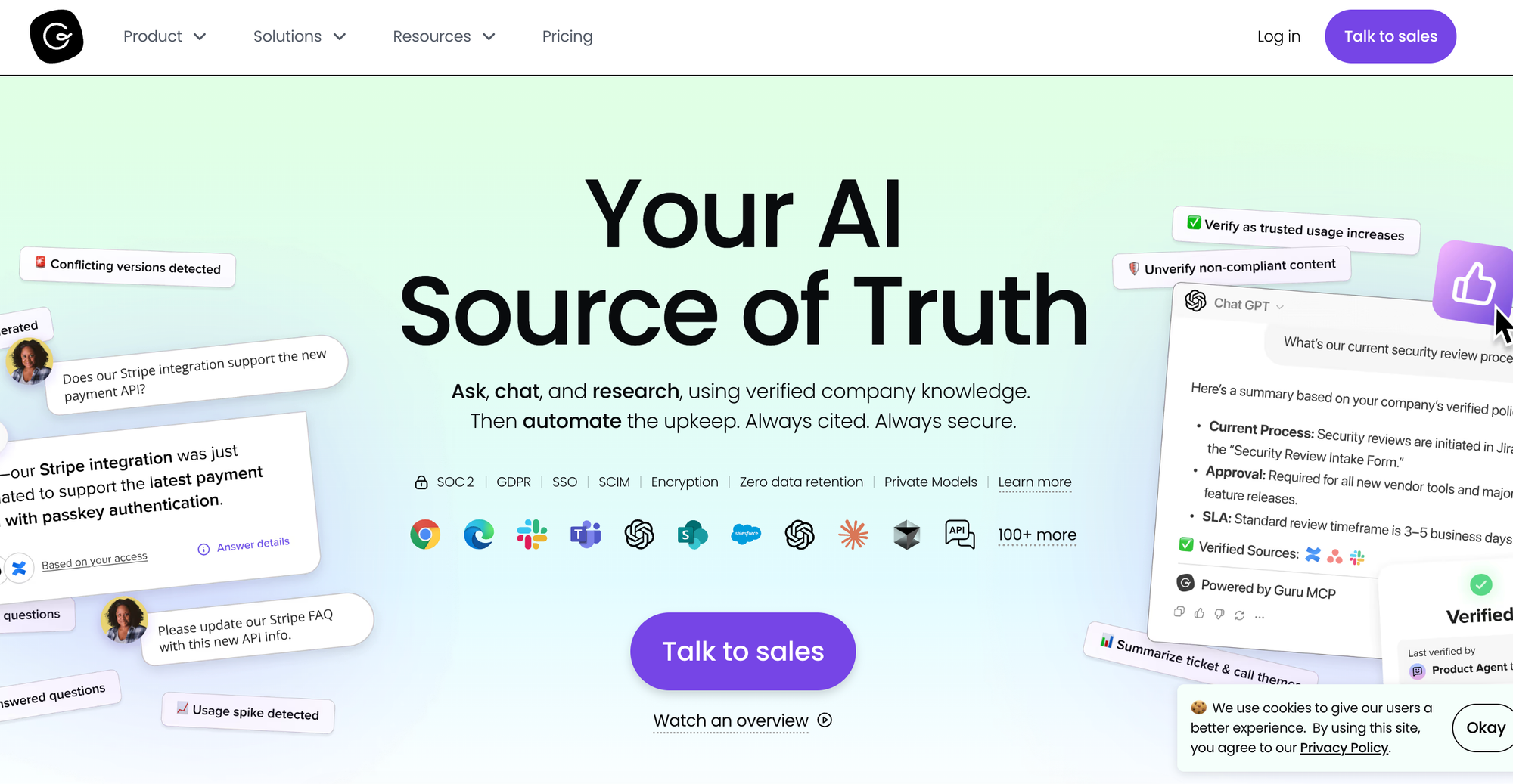
Guru is an internal knowledge management platform with a browser extension that surfaces information across any web app.
Unlike Zendesk Knowledge, it automatically verifies content on a set schedule, keeping knowledge accurate by using AI to detect duplicates. But Guru only works for internal teams, so you'll need a separate tool for customer self-service.
Guru vs Zendesk Knowledge at a Glance
| Feature | Guru | Zendesk Knowledge |
| Unified Internal + External Knowledge | Internal knowledge only | Not optimized for multi-audience use |
| Content Formats | Static cards and collections | Traditional static articles without branching logic |
| Content Creation Experience | Visual editor and AI-powered card generation | Standard visual editor |
| Search Functionality | AI-powered search | Keyword search with filtering and AI (advanced AI requires paid add-on) |
| AI Capabilities | AI-powered search, suggestions, and card generation | GenAI for chatbot and search (advanced AI requires paid add-on) |
| Analytics and Reporting | Content usage, verification status, and engagement analytics | Basic content and usage metrics (AI analytics require paid add-on) |
| Contextual Help | In-app knowledge for Zendesk and other apps | Widget, browser extension, and URL-based auto-suggestions |
Pros
- Keeps knowledge accurate with automatic verification reminders and AI that flags duplicate content, so teams spend less time doing manual checks
- Offers card-level permissions that manage access by group, team, or individual, giving more granular control over who sees what
Cons
- No customer-facing knowledge base option, so you'll need a separate tool for customer self-service
- Uses a card-based content format without interactive guides or branching workflows, which isn't the best choice for troubleshooting
Pricing
Starts at $25/user per month (billed annually).
4. Helpjuice
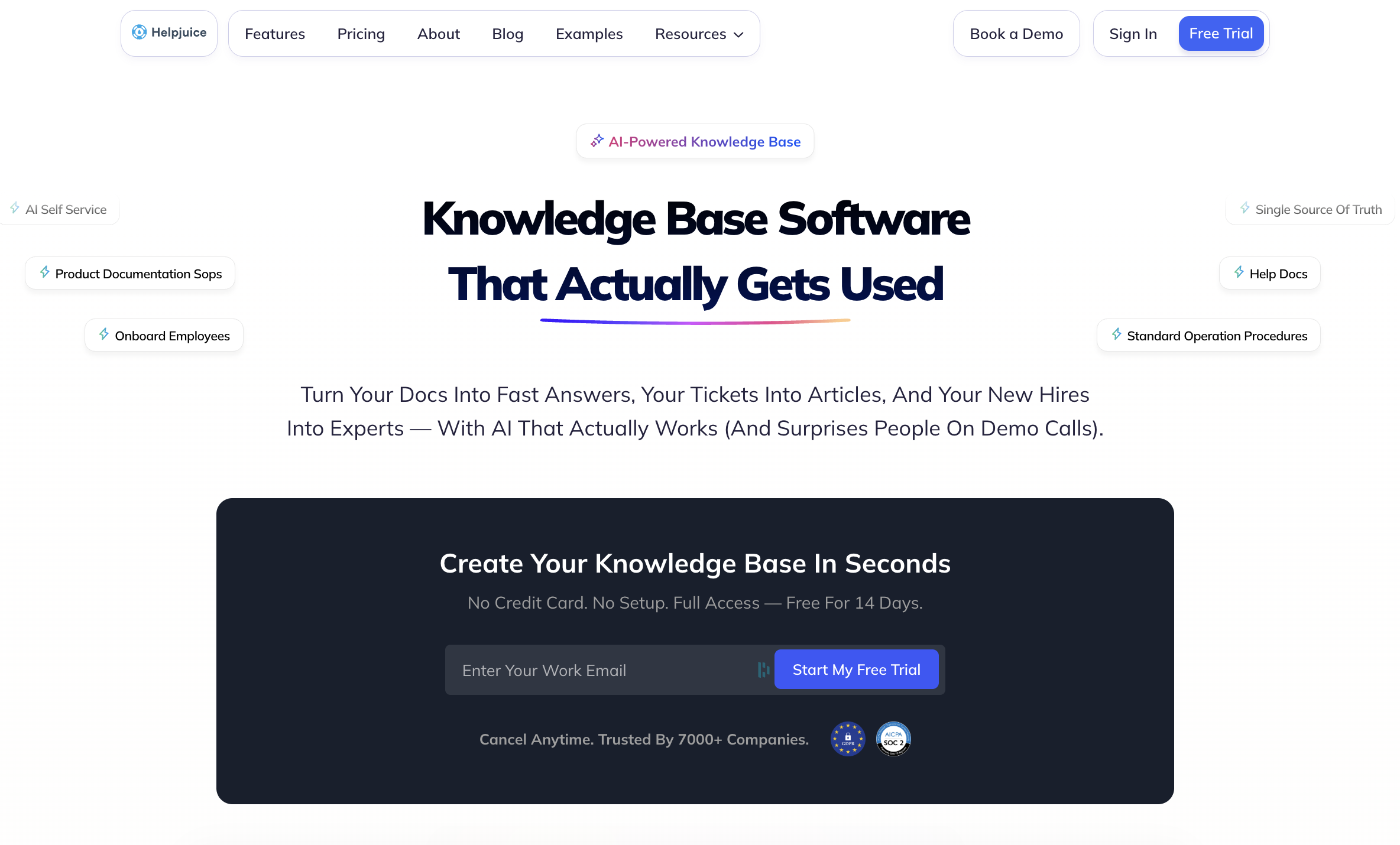
Helpjuice is a knowledge base platform that acts as a centralized tool for internal and external users.
Its AI capabilities are more advanced than Zendesk Knowledge, with built-in AI-powered content generation and translation. But it has limited contextual capabilities, offering only in-app widgets and a browser extension.
Helpjuice vs Zendesk Knowledge at a Glance
| Feature | Helpjuice | Zendesk Knowledge |
| Unified Internal + External Knowledge | Centralized tool for support agents and customer self-service | Not optimized for multi-audience use |
| Content Formats | Standard articles and interactive guides with decision trees | Traditional static articles without branching logic |
| Content Creation Experience | Visual editor with drag-and-drop capabilities, plus generative AI content | Standard visual editor |
| Search Functionality | Keyword and AI-powered search | Keyword search with filtering and AI (advanced AI requires paid add-on) |
| AI Capabilities | AI search, chatbot, translator, and article generator | GenAI for chatbot and search (advanced AI requires paid add-on) |
| Analytics and Reporting | Consumption, content impact, search, and productivity insights | Basic content and usage metrics (AI analytics require paid add-on) |
| Contextual Help | Widget and browser extension | Widget, browser extension, and URL-based auto-suggestions |
Pros
- Supports translation into 300+ languages, making knowledge more accessible for modern support teams
- Tracks content impact and productivity insights, helping leadership understand what business outcomes the software drives
Cons
- Some users mention a poor customer experience when seeking support, requiring multiple follow-ups to get answers
- Others mention limitations and a steep learning curve when it comes to branding and customization
Pricing
Pricing starts at $249/month (billed annually) for 30 users.
5. Shelf
Shelf is a knowledge management platform that connects to existing content in SharePoint, Google Drive, and other systems.
Unlike Zendesk Knowledge, it monitors content quality and flags contradictory information across documents. But while it has content creation tools, it's designed primarily as a tool for assessing, managing, and updating knowledge content.
Shelf vs Zendesk Knowledge at a Glance
| Feature | Shelf | Zendesk Knowledge |
| Unified Internal + External Knowledge | Supports internal and external knowledge bases | Not optimized for multi-audience use |
| Content Formats | Standard articles (gems) and decision trees | Traditional static articles without branching logic |
| Content Creation Experience | Rich text editor and drag-and-drop editor, and generative AI content creation | Standard visual editor |
| Search Functionality | Semantic search and AI-powered search | Keyword search with filtering and AI (advanced AI requires paid add-on) |
| AI Capabilities | AI search copilot and content creation | GenAI for chatbot and search (advanced AI requires paid add-on) |
| Analytics and Reporting | Content usage and quality assessment analytics, with the ability to export to data warehouse | Basic content and usage metrics (AI analytics require paid add-on) |
| Contextual Help | AI-powered widget | Widget, browser extension, and URL-based auto-suggestions |
Pros
- Offers semantic search, which understands meaning and context rather than relying solely on keyword matching
- Uses almost two dozen quality metrics to automatically flag contradictory information across documents
Cons
- Works best when aggregating content from existing systems like SharePoint and Google Drive, making it less ideal for teams building knowledge from scratch
- Some users report that the platform's search functionality doesn't always work as intended, making it difficult to locate knowledge content
Pricing
Custom pricing available on request.
6. Bloomfire

Bloomfire is an AI-powered knowledge management platform that serves customer support teams and external communities.
It outperforms Zendesk Knowledge in terms of AI search, content creation, and identification of outdated knowledge. But it lacks interactive step-by-step guides that adapt to individual users' needs and has a basic integration with Zendesk.
Bloomfire vs Zendesk Knowledge at a Glance
| Feature | Bloomfire | Zendesk Knowledge |
| Unified Internal + External Knowledge | Internal knowledge management and external communities | Not optimized for multi-audience use |
| Content Formats | Standard articles and decision trees | Traditional static articles without branching logic |
| Content Creation Experience | WYSIWYG editor and generative AI content creation | Standard visual editor |
| Search Functionality | Keyword, semantic, and AI-powered search | Keyword search with filtering and AI (advanced AI requires paid add-on) |
| AI Capabilities | AI-powered search, authoring, and outdated content identification | GenAI for chatbot and search (advanced AI requires paid add-on) |
| Analytics and Reporting | Content performance and engagement analytics | Basic content and usage metrics (AI analytics require paid add-on) |
| Contextual Help | Browser extension | Widget, browser extension, and URL-based auto-suggestions |
Pros
- Uses AI to automatically identify outdated content, helping teams keep knowledge current without manual audits
- Includes AI-powered content authoring tools that help teams create articles and generate knowledge faster
Cons
- Some users mention that it requires a technical team to implement, which can drive up the cost
- Others note that Bloomfire's analytics are basic, which may require investing in an external reporting tool
Pricing
Custom pricing available on request.
Knowledge Base + Ticketing Alternatives
If you’re looking to completely replace Zendesk with another knowledge base and customer support ticketing system, these tools could be good alternatives.
7. Salesforce Agentforce Service
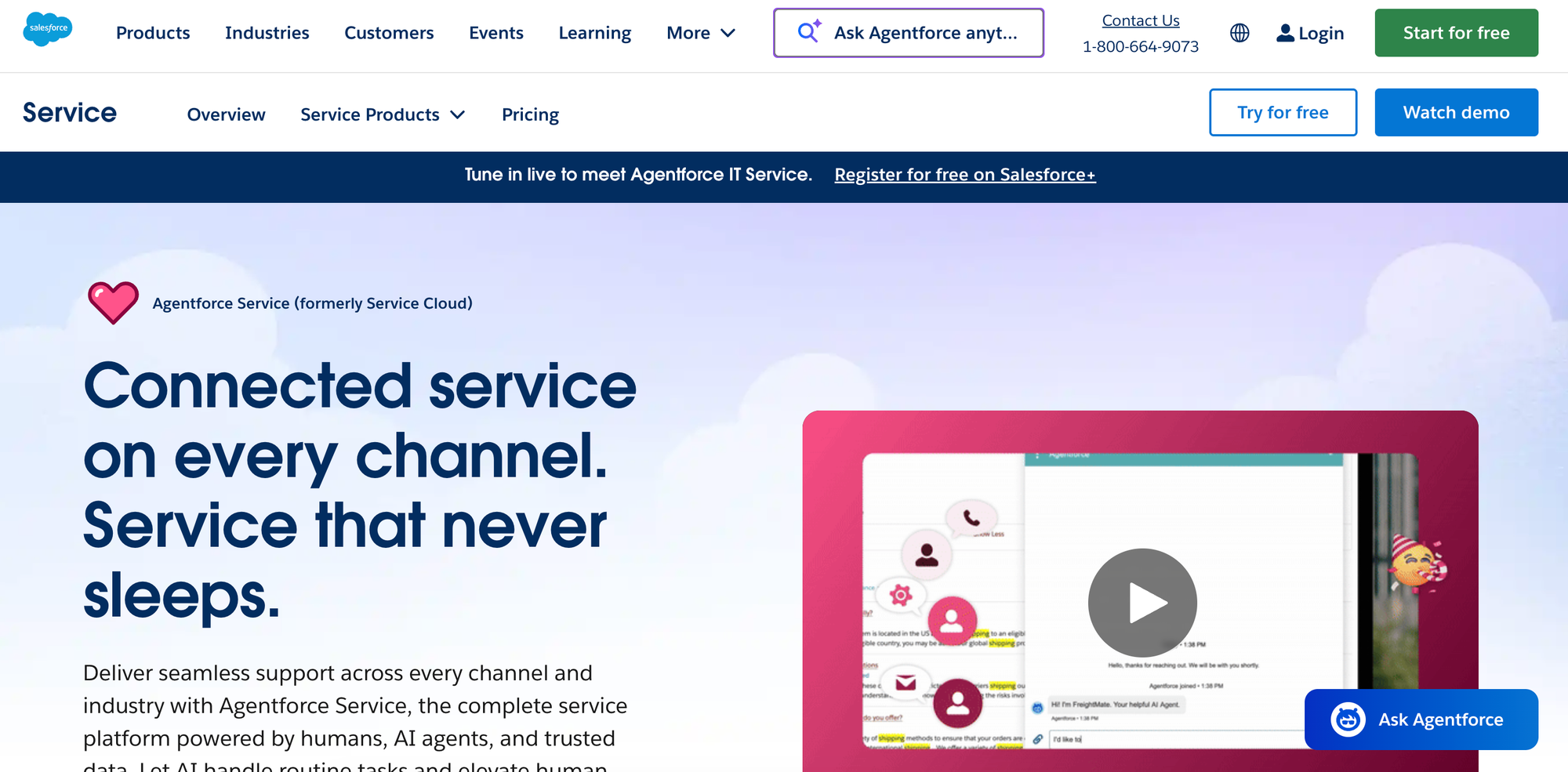
Salesforce Agentforce Service is a help center platform built into the Salesforce ecosystem.
It has robust integrations and automations across Salesforce products, but customizing the platform requires developer resources. And while Salesforce Agentforce Service has a range of AI capabilities, they're only available with a paid add-on.
Salesforce Agentforce Service vs Zendesk at a Glance
| Feature | Salesforce Agentforce Service | Zendesk Knowledge |
| Ticket Management & Automation | Built-in Service Cloud ticketing with case management, macros, workflows, and Einstein AI for routing | Multi-channel ticketing system with automation, triggers, macros, and SLA management |
| Knowledge Base Capabilities | Not optimized for internal and external use | Not optimized for internal and external use |
| Multi-Channel Support | Email, phone, chat, and social media through Service Cloud | Email, live chat, voice, social media, and messaging apps |
| AI Capabilities | Generative AI in search, AI agent, and AI content creation all require a paid add-on | GenAI for chatbot and search (advanced AI requires paid add-on) |
| Analytics & Reporting | Article views and helpfulness feedback analytics | Basic content and usage metrics (AI analytics require paid add-on) |
| Key Integrations | Salesforce ecosystem only | Zendesk Suite, Slack, Jira, and more |
Pros
- Integration with Salesforce CRM provides unified customer data across sales and service, giving support agents context from the entire customer journey
- May be a good option for enterprises already invested in the Salesforce ecosystem
Cons
- Has a higher cost structure since you're paying for the entire Agentforce Service platform, even if you only need knowledge base features
- Doesn't support interactive guides or personalized content, as knowledge base content is limited to static articles only
Pricing
Salesforce Knowledge (which you’ll need if you’re replacing Zendesk Knowledge) is available in the Unlimited tier of Salesforce Agentforce Service, which starts at $350/user per month (billed annually).
8. Zoho Desk
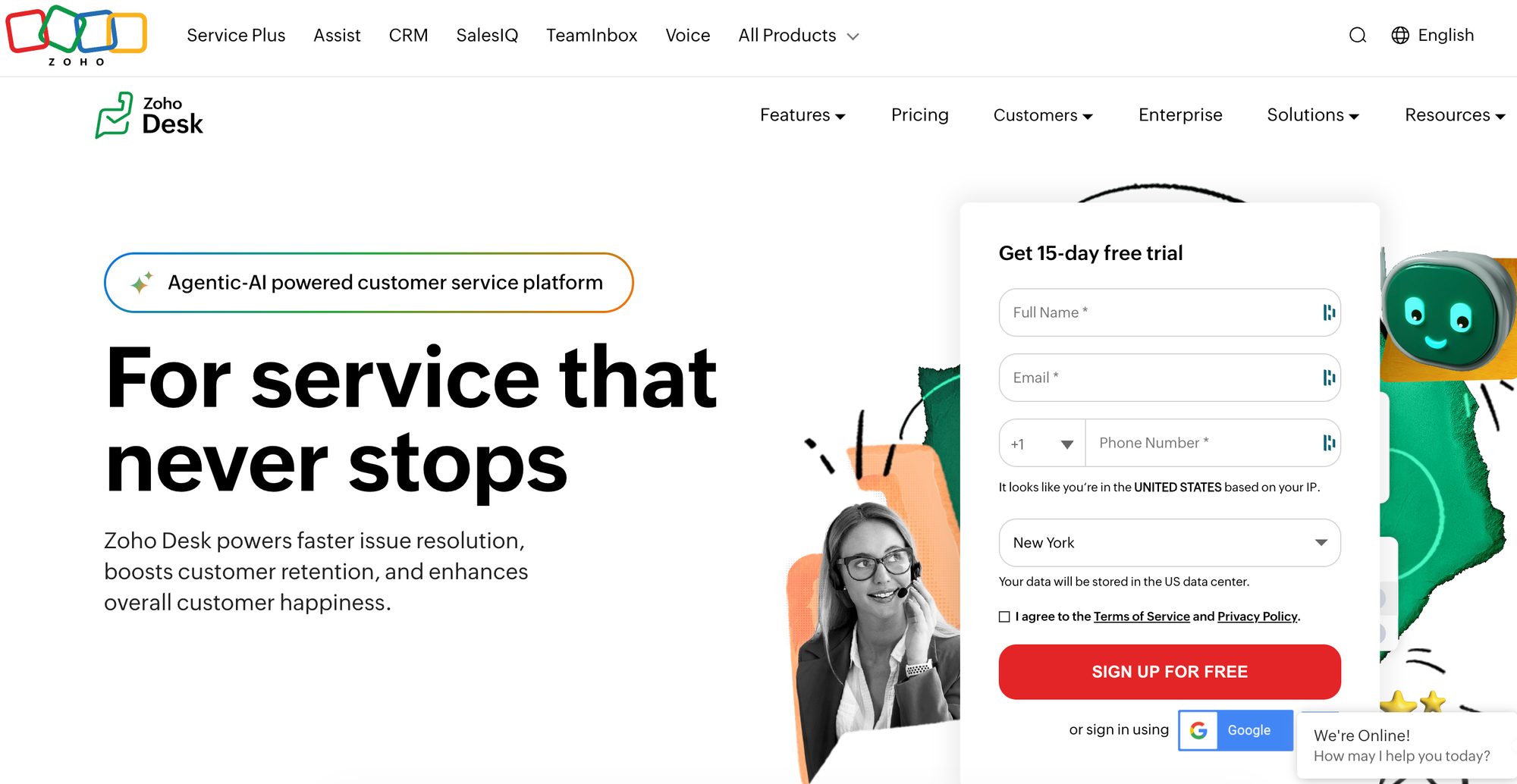
Zoho Desk is customer service software that provides conversational help, sentiment analysis, and predictive intelligence.
It includes dozens of built-in reports and dashboards that provide deep insight into support agent performance and customer satisfaction. But it doesn't integrate with Zendesk, so you'd have to migrate your help desk to the Zoho ecosystem.
Zoho Desk vs Zendesk at a Glance
| Feature | Zoho Desk | Zendesk Knowledge |
| Ticket Management & Automation | Ticket assignment based on workload and availability, SLAs, workflows, blueprint process flows, and macros | Multi-channel ticketing system with automation, triggers, macros, and SLA management |
| Knowledge Base Capabilities | Employee self-service portal and community forums | Not optimized for internal and external use |
| Multi-Channel Support | Email, phone, live chat, social media, instant messaging, and web forms | Email, live chat, voice, social media, and messaging apps |
| AI Capabilities | AI assistant answers questions, generates responses, and auto-tags help desk tickets, plus AI agents that can perform support tasks | GenAI for chatbot and search (advanced AI requires paid add-on) |
| Analytics & Reporting | 30+ built-in reports and 10+ built-in dashboards covering agent availability, response time, SLA metrics, and more | Basic content and usage metrics (AI analytics require paid add-on) |
| Key Integrations | Zoho Suite, Slack, Jira, and more | Zendesk Suite, Slack, Jira, and more |
Pros
- Has a highly customizable AI assistant and an AI agent that can handle human support agent tasks, all available in Zoho Desk's standard plans
- Offers extensive premade reports and built-in dashboards, plus custom reporting options to help teams make data-driven decisions
Cons
- Integrates mainly with the Zoho ecosystem, which limits your help desk and ticketing options
- Some users note the platform's complex user interface, lengthy setup times, and issues with setting up automations and customizations
Pricing
Starts at $7/month per user (billed annually) for basic features without AI tools.
9. Help Scout
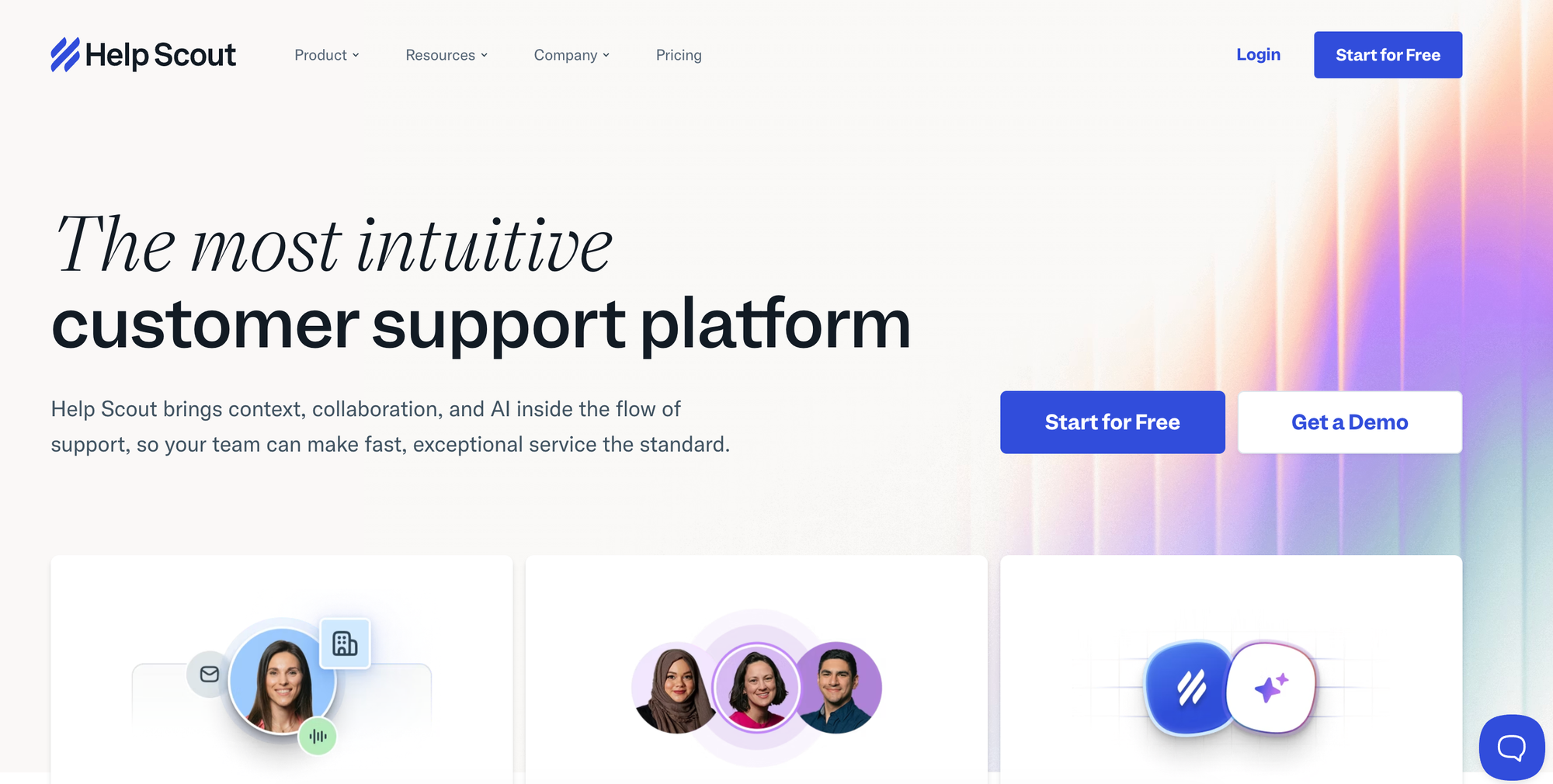
Help Scout is a help desk platform focused on email and chat support.
Its embeddable widget puts knowledge base articles and chat directly on your website or in your app, and its AI can polish content and translate articles into over a dozen languages. But it doesn't support interactive decision trees, so it can't guide customers through complex troubleshooting with branching logic or multi-step processes.
Help Scout vs Zendesk at a Glance
| Feature | Help Scout | Zendesk Knowledge |
| Ticket Management & Automation | Email-based shared inbox with collision detection, saved replies, and conversation management | Multi-channel ticketing system with automation, triggers, macros, and SLA management |
| Knowledge Base Capabilities | External knowledge base | Not optimized for internal and external use |
| Multi-Channel Support | Email, live chat, and in-app messaging through embeddable widget | Email, live chat, voice, social media, and messaging apps |
| AI Capabilities | AI summarization, suggested replies, translation, and instant answers | GenAI for chatbot and search (advanced AI requires paid add-on) |
| Analytics & Reporting | Visitor numbers, trending topics, failed searches, and article ratings | Basic content and usage metrics (AI analytics require paid add-on) |
| Key Integrations | Slack, Salesforce, HubSpot, and more | Zendesk Suite, Slack, Jira, and more |
Pros
- Includes comprehensive AI capabilities (drafts, summarization, tone adjustment, translation, and instant answers), all without requiring premium add-ons
- Known for its simplicity and ease of use, functioning less like Zendesk's complex ticket management system and more like a shared email inbox
Cons
- Has more limited options for omnichannel support, focusing primarily on email and chat without tools for voice or social media
- Focuses on external customer-facing knowledge and isn't designed for internal agent communication
Pricing
Starts at $25/month per user (billed annually) for core features.
10. Pylon
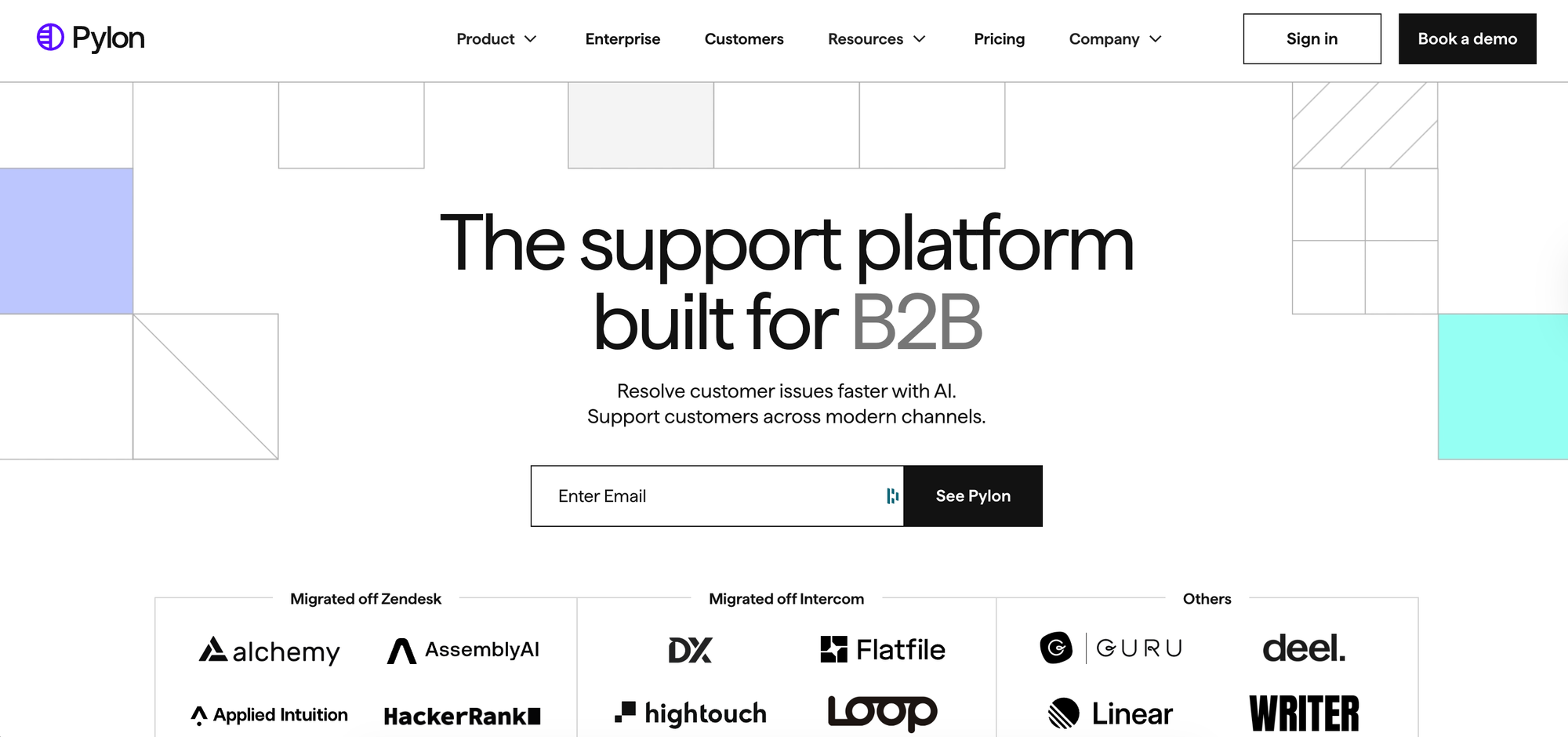
Pylon is AI-native support software built for B2B companies.
Its AI automatically spots knowledge gaps and generates articles to fill them, taking a proactive approach to keeping content up to date. However, it doesn't support structured interactive guides that adapt to each user's situation, which limits how well it handles complex troubleshooting scenarios that need personalized guidance.
Pylon vs Zendesk at a Glance
| Feature | Pylon | Zendesk Knowledge |
| Ticket Management & Automation | Tracks conversations as tickets across channels, SLAs, triggers, macros, and assignment rules | Multi-channel ticketing system with automation, triggers, macros, and SLA management |
| Knowledge Base Capabilities | Supports internal and external use | Not optimized for internal and external use |
| Multi-Channel Support | Email, chat, ticket forms, and messaging apps | Email, live chat, voice, social media, and messaging apps |
| AI Capabilities | AI-powered article detection, issue summaries, routing, and translation, as well as AI agents that handle support and escalation workflows | GenAI for chatbot and search (advanced AI requires paid add-on) |
| Analytics & Reporting | SLA, CSAT, and workforce reports with prebuilt and custom dashboards | Basic content and usage metrics (AI analytics require paid add-on) |
| Key Integrations | Slack, Microsoft Teams, Discord, Salesforce, and more | Zendesk Suite, Slack, Jira, and more |
Pros
- Has comprehensive AI capabilities, including knowledge gap identification, article generation from past answers, duplicate content detection, auto-translation to 50+ languages, and AI agents for workflows
- Offers account intelligence that unifies context across support, success, and sales data, giving agents a complete picture of each customer relationship
Cons
- It's designed for B2B companies managing customer inquiries across Slack, Teams, Discord, email, and other channels so it's not ideal for B2C companies
- All AI capabilities are packaged as a completely separate product, requiring a bigger investment
Pricing
Starts at $59/month per seat (billed annually) for the basic platform. Account intelligence and AI are available as paid add-ons.
Already Using Zendesk for Your Ticketing System? Check Out Stonly
When you use Zendesk for ticketing but you need a knowledge solution that goes beyond Zendesk Knowledge, Stonly is the ideal choice. Our deep integration with Zendesk gives your agents contextual knowledge and interactive decision trees right inside their ticket view, without switching tabs or leaving their workflow.
Stonly surfaces the right answers quickly with AI, fills ticket fields, and automates workflows across systems, all without leaving Zendesk. With Stonly's analytics, you can easily see how your agents navigate help desk knowledge, simplifying audits and improvements.
That means you can keep your Zendesk setup while gaining interactive guides, contextual delivery, and AI-powered search and chat. And because Stonly isn't locked into a single vendor ecosystem, you maintain flexibility if your needs change down the road.
Book a demo and we'll show you how to turn your knowledge into faster, more accurate resolutions right inside the tools your team already uses.