
Zingtree is well known as a decision tree and agent scripting platform. But depending on what your team needs, it may not be the best fit.
Support teams often run into challenges with a product that's built around decision trees but lacks the ability to manage other types of knowledge content. Its agent-facing scripting doesn't extend to customer-facing self-service. Its integrations can feel more like standalone tree experiences than embedded workflows inside the tools agents already use. The platform also leans more utilitarian in its authoring and end-user experience, which can slow adoption when teams need something people will actually want to use day to day.
If these limitations are a dealbreaker for your company, you have options. This article covers the top Zingtree alternatives designed to solve these exact problems. For each tool, we'll look at how its key features stack up against Zingtree, the pros and cons of each, and pricing.
Shortcomings of Zingtree
Zingtree does decision-tree scripting well, but several limitations lead teams to consider other options:
- Decision trees only, not a complete knowledge solution: Zingtree is purpose-built for branching logic and scripting, but it isn't designed to serve as a full knowledge base or help center. Teams that need standard articles, checklists, and walkthroughs alongside decision trees often end up managing a separate system for everything that doesn't fit neatly into a tree format.
- Primarily agent-facing rather than built for customer self-service: Zingtree's sweet spot is internal use cases like call center scripts and agent guidance. But teams looking to reduce inbound volume through customer-facing self-service, contextual in-product help, or interactive experiences that deflect tickets at scale often find that the platform wasn't designed with that end user in mind.
- Standalone tree experiences rather than embedded workflow execution: While Zingtree's trees can be linked or embedded in other tools, the core experience is still "run a tree" in a separate context. That often means manual handoffs between the helpdesk and the decision-tree tool rather than guided, contextual workflows that live inside the agent console and adapt based on ticket data.
- Utilitarian authoring and end-user experience: Zingtree is effective for building decision-tree logic, but the overall experience can feel more tool-like than intuitive, both for the teams creating content and the agents or customers following it. When adoption depends on people actually wanting to use the tool repeatedly, a less polished experience can become a real barrier to consistent usage and ROI.
With this in mind, let’s take a look at some popular alternatives to Zingtree and see what they offer.
Best Zingtree Alternatives
| Alternative | Best For |
| Stonly | Customer support teams that want one system that handles both structured workflows and broader knowledge for agents and customers. |
| Yonyx | Companies that really just want a 1:1 decision tree replacement to Zingtree. |
| Balto | Companies that want an AI to guide their agents instead of relying on static decision tree logic. |
| PixieBrix | Teams that want to remove decision trees altogether and instead build workflows directly inside support tools like Zendesk, Salesforce, or HubSpot. |
| ProcedureFlow | Contact centers that like Zingtree’s decision-tree scripting, but want those workflows to actively guide agents in real time during live calls/chats rather than serving as scripts agents follow manually. |
Stonly
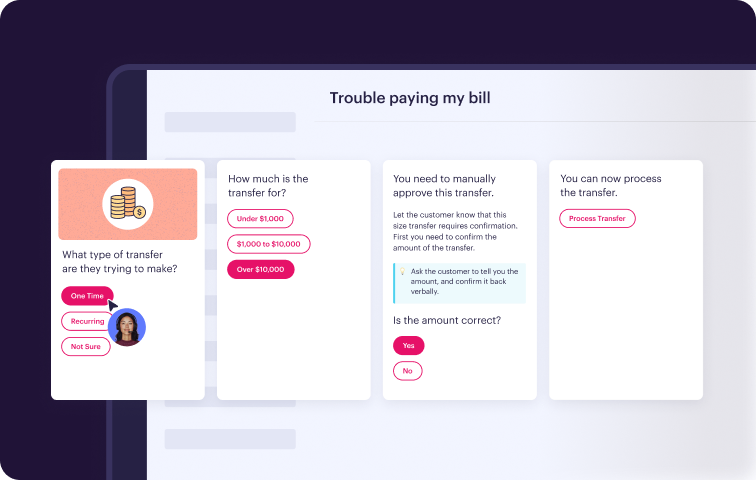
Stonly is knowledge base software built for customer service teams that need one system for both structured workflows and broader knowledge. It combines a full knowledge base with interactive, branching guides so you can handle everything from simple FAQs to complex troubleshooting in one place, for both agents and customers.
With Stonly, you can also publish knowledge to a self-serve help center, embed it in your product via widgets and triggers, or surface it directly inside tools like Zendesk, Salesforce, and Freshdesk. Here's what sets Stonly apart for teams looking to bring their knowledge and workflow tools together in a single platform.
1. A complete knowledge platform, not just decision trees
Stonly gives you standard articles, interactive step-by-step guides, checklists, and branching decision trees, all in one place. You can start with an article for straightforward topics and build interactive flows for anything that depends on the customer's situation. Content is reusable across self-service and agent workflows.
When everything lives in one system, you don't need to manage decision trees in one tool and knowledge articles in another. That means less duplication, less drift, and one source of truth for your entire support operation.
2. Built for customer self-service and agent support
Stonly is both an internal knowledge base and self-service software in a single platform. Customers get interactive help content embedded directly in your website or product, while agents get guided workflows inside their ticketing system. Both audiences pull from the same knowledge.
You can push the right content to customers through no-code widgets and triggers, offer AI-powered search and a generative AI chatbot trained on your content, and still give agents structured guidance for every ticket. The result is fewer inbound tickets and more consistent resolutions.
3. Guidance embedded in the workflow, not alongside it
Stonly's two-way integrations with ticketing platforms pull data from the ticket to skip to the right step automatically and push data back to fill in fields or trigger macros. Agents stay in their console the entire time. Stonly can also automate downstream actions, so instead of just telling agents what to do, it can execute steps for them.
Guided workflows become more useful when they're contextual to the ticket and embedded in the tools agents already use. No switching between systems, no manual handoffs, and fewer process errors.
4. A better experience for creators and end users
Stonly's editor is designed for subject matter experts to build and update content without technical skills. The published experience is clean and intuitive. Since adoption determines whether knowledge actually gets used, the tool needs to feel easy to follow day after day, so agents and customers keep relying on it.
When authoring is fast and the end-user experience is polished, more people create content, and more people use it. That cycle of creation and adoption turns a knowledge platform into an operational advantage.
Stonly vs Zingtree at a Glance
- Full knowledge platform vs. decision trees only: Stonly supports articles, interactive guides, checklists, and branching flows in one system. Zingtree focuses on decision trees, requiring a separate knowledge base for everything else.
- Customer self-service + agent support vs. primarily agent-facing: Stonly serves both audiences from one content base. Zingtree is built mainly for internal agent scripting.
- Embedded in the workflow vs. standalone tool: Stonly's two-way ticketing integrations pull and push data contextually. Zingtree trees run as a separate experience from the helpdesk.
- Process automation built in: Stonly can execute actions in downstream systems directly from a guide. Zingtree focuses on guiding agents through steps manually.
- AI-powered search and chat: Stonly includes generative AI search and an AI chatbot trained on your knowledge base. Zingtree doesn't offer a comparable self-service AI layer.
- Designed for fast authoring and high adoption: Stonly's editor and end-user experience are built to minimize friction for both creators and consumers of knowledge.
- One system to maintain: With Stonly, you manage one set of content for all audiences and channels, reducing duplication and drift.
- Full coverage of Zingtree's core use cases: Stonly handles branching decision trees, agent scripting, and troubleshooting flows just like Zingtree, plus everything else Zingtree doesn't cover.
What Real Customers Are Saying About Stonly
"We wouldn’t be able to live without Stonly. There are no other tools that have the same step-by-step guide capability combined with the ease of setup, AI features, and integrations available."
- Alex Arkhipov, Care Operations, Tonal
"We evaluated several options and chose Stonly because it’s amazingly efficient for our team and customers. In only a few days, we have seen our client requests drop by 30%."
- Matthieu Marquenet, Co-Founder & CEO, Kombo
Pricing
Custom pricing is available upon request.
Stonly brings together interactive guides, a full knowledge base, process automation, and AI-powered search in one platform built for both agents and customers. Learn more about Stonly's knowledge base product here.
Yonyx
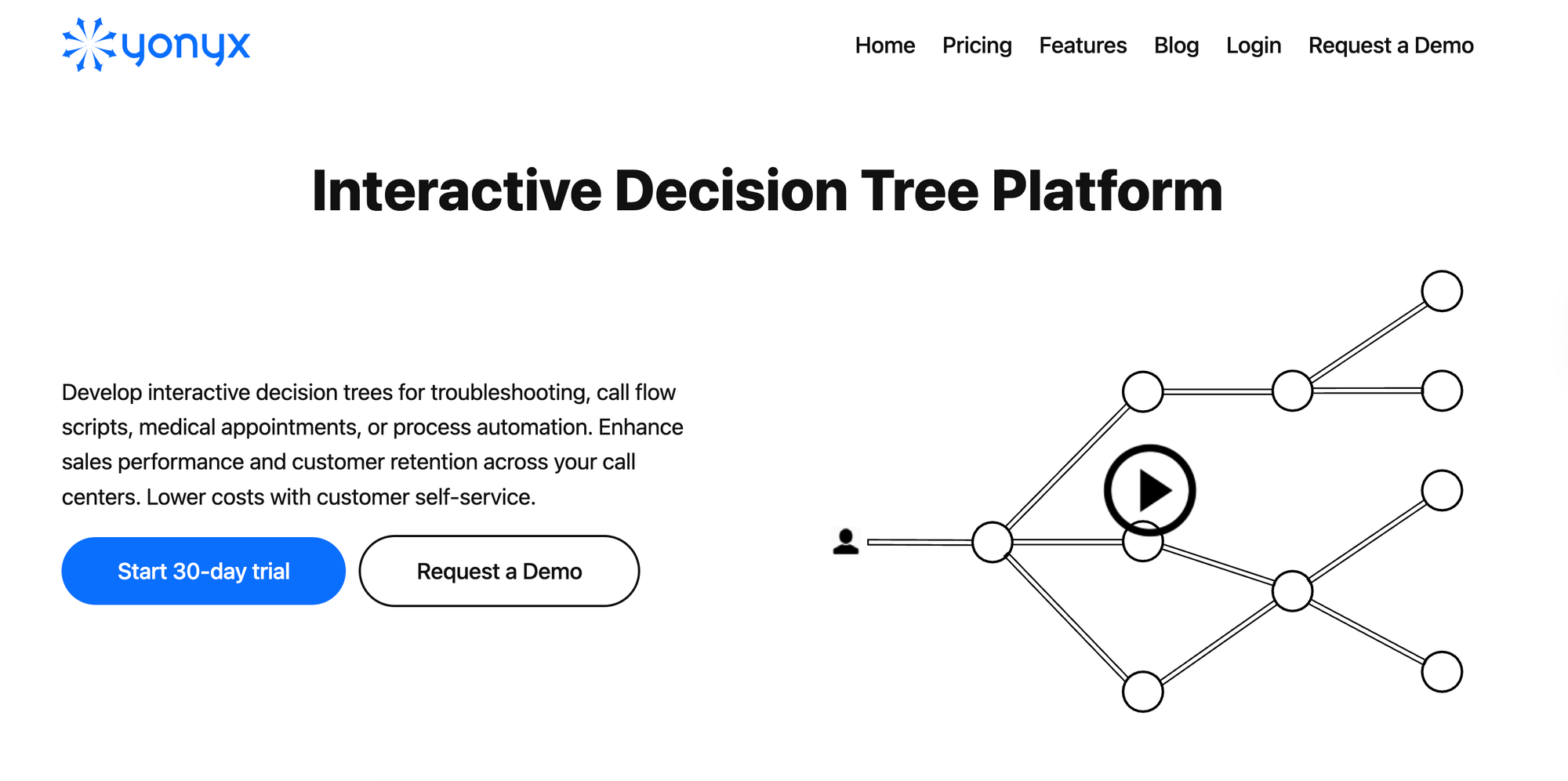
Yonyx is a decision tree platform for call centers and customer self-service. If you're looking for a straightforward replacement for Zingtree's core decision tree functionality, Yonyx is one of the closest alternatives. It handles the same use cases: branching logic, agent scripting, customer relationship management (CRM) integrations, and analytics on how users move through each tree.
The platform is narrower in scope than Zingtree, with less investment in AI and automation. Teams with simple decision tree needs will find it familiar, but those looking for more from their tooling may find it limiting.
Yonyx vs Zingtree at a Glance
- Similar core functionality: Both platforms are built around interactive decision trees with branching logic, data capture, and CRM integration.
- Simpler, narrower tool: Yonyx focuses purely on decision trees without layering on AI agents, compliance guardrails, or multi-system workflow orchestration. That makes it lighter to adopt but less capable for complex use cases.
- Less AI and automation: Zingtree has invested heavily in agentic AI, guardrail automation, and compliance features. Yonyx offers AI assist for authoring but not for autonomous resolution.
- Narrower integration depth: Yonyx connects to Salesforce, Zendesk, and Zoho, but doesn't offer the same depth of two-way ticketing integration or workflow automation across multiple systems.
Pros
- Supports both internal agent use and external customer self-service from the same trees, with options to embed them in knowledge base articles, websites, or chatbot interfaces.
- The authoring model and content structure will feel immediately familiar to teams already using decision tree tools, which reduces the ramp-up time.
Cons
- Teams that need articles, FAQs, or searchable documentation will end up managing a separate knowledge base alongside Yonyx, which adds maintenance overhead and creates potential for content drift.
- Without AI-powered search or chatbots, customers and agents have to navigate the tree manually every time, even for questions that could be answered instantly with a smarter search layer.
Pricing
Starts at $20/month per user. Enterprise plans with custom pricing are available.
Balto
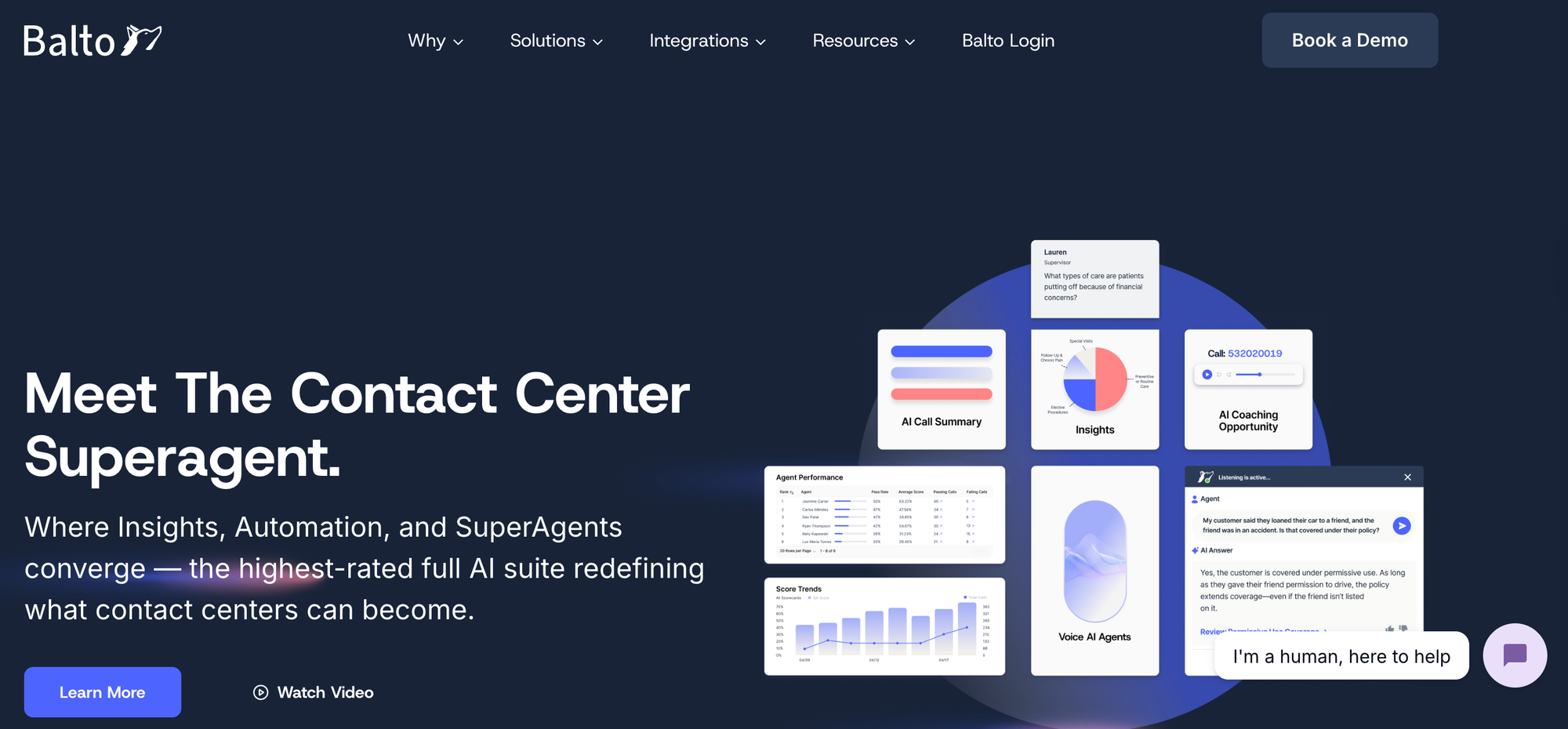
Balto is a contact center AI platform that guides agents through live conversations using real-time prompts, compliance checklists, and coaching alerts. Instead of relying on static decision tree logic, Balto listens to calls as they happen and surfaces guidance dynamically based on what's being said.
The platform is built for phone-heavy contact centers in industries like insurance, healthcare, and financial services. It's an agent-side tool focused on conversation performance, not a knowledge management or customer self-service platform.
Balto vs Zingtree at a Glance
- AI-driven guidance vs. rule-based workflows: As AI knowledge base software, Balto uses real-time speech analysis to surface prompts and answers dynamically. Zingtree relies on predefined decision tree logic that agents click through step by step.
- Voice-first platform: Balto is built around live phone conversations, with deep integrations into contact center as a service (CCaaS) platforms like Five9, Genesys, and RingCentral. Zingtree is channel-agnostic and workflow-first.
- Broader agent performance suite: Balto bundles quality assurance (QA) scoring, coaching, compliance monitoring, and call notes into one platform. Zingtree focuses on workflow execution and doesn't include QA or coaching tools.
- No customer self-service: Zingtree offers customer-facing decision trees for self-service. Balto is designed for agent-assisted interactions and doesn't serve the customer directly.
Pros
- Agents don't need to click through a tree while talking to a customer. Guidance appears automatically based on what's being said, which can reduce handle time on complex or unpredictable calls.
- Supervisors get coaching recommendations, compliance alerts, and QA scores without manually reviewing calls, which combines several workflows that would otherwise require separate tools.
Cons
- Teams that handle significant volume through chat, email, or ticketing systems won't get much value from Balto's voice-centric model.
- There's no way to reduce inbound volume through customer self-service, so Balto only helps once a customer has already contacted support.
Pricing
Custom pricing is available on request.
PixieBrix
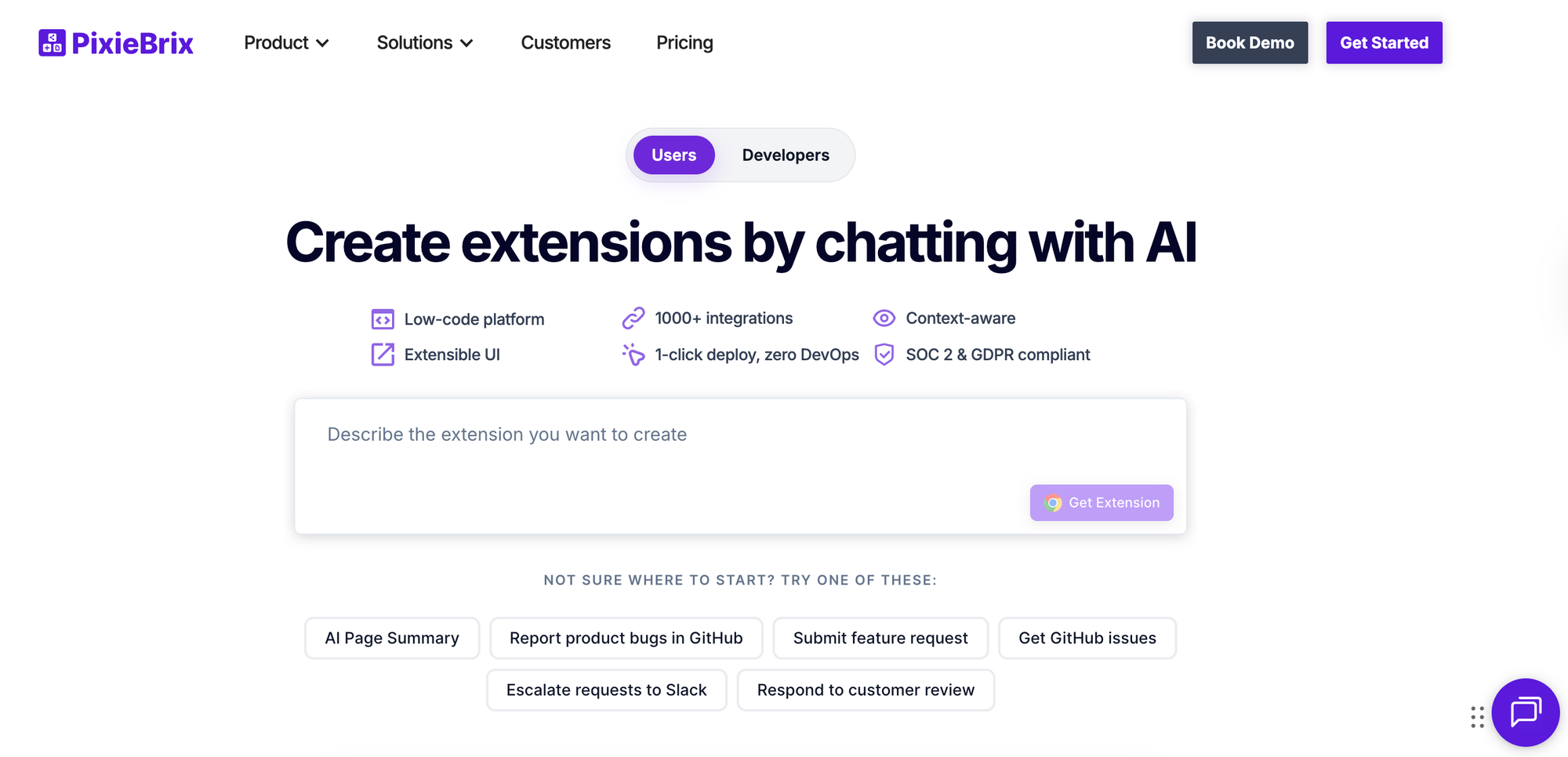
PixieBrix is a low-code builder for creating browser extensions that add custom workflows, checklists, and guided processes directly inside web applications like Zendesk, Salesforce, and HubSpot. For teams that want to skip standalone decision tree tools altogether and instead embed process guidance right where agents already work, PixieBrix offers a flexible alternative.
The platform is general-purpose rather than designed specifically for support knowledge or decision trees. It's used across contact centers, ecommerce, financial services, and healthcare, but the breadth of what it can do means it typically requires more technical resources to configure and maintain.
PixieBrix vs Zingtree at a Glance
- Workflow layer vs. standalone tool: PixieBrix embeds guidance directly into existing web apps as a browser extension. Zingtree runs decision trees as a separate experience that agents access alongside their tools.
- General-purpose platform: PixieBrix can handle decision trees, checklists, robotic process automation (RPA), AI copilots, announcements, and more. Zingtree is focused specifically on decision tree workflows and agent scripting.
- More technical to set up: Zingtree is built for operations teams to configure without developers. PixieBrix offers more flexibility but typically requires more technical resources to build and maintain.
- No knowledge base or help center: Neither platform includes a full knowledge base, but Zingtree offers customer-facing decision trees. PixieBrix is primarily an internal, agent-facing tool.
Pros
- Because it connects to 1,000+ apps and supports AI models, RPA, and custom automations, teams can build workflows that go well beyond what a dedicated decision tree tool can handle.
- Operations teams can automate multi-step processes across systems (like pulling order data from Shopify into a Zendesk ticket) without leaving the agent's workspace.
Cons
- Non-technical operations teams will likely need developer support to use this low-code workflow builder, which can create bottlenecks when processes need to change quickly.
- There's no customer-facing layer, so it only addresses the agent side of support. Teams that want to deflect tickets through self-service will need a separate tool for that.
Pricing
Free plan includes 5,000 database records and 100 premium API credits. Paid plans start at $30/month per user (billed annually) for 1,000 premium API credits. Enterprise plans with custom pricing are available.
ProcedureFlow
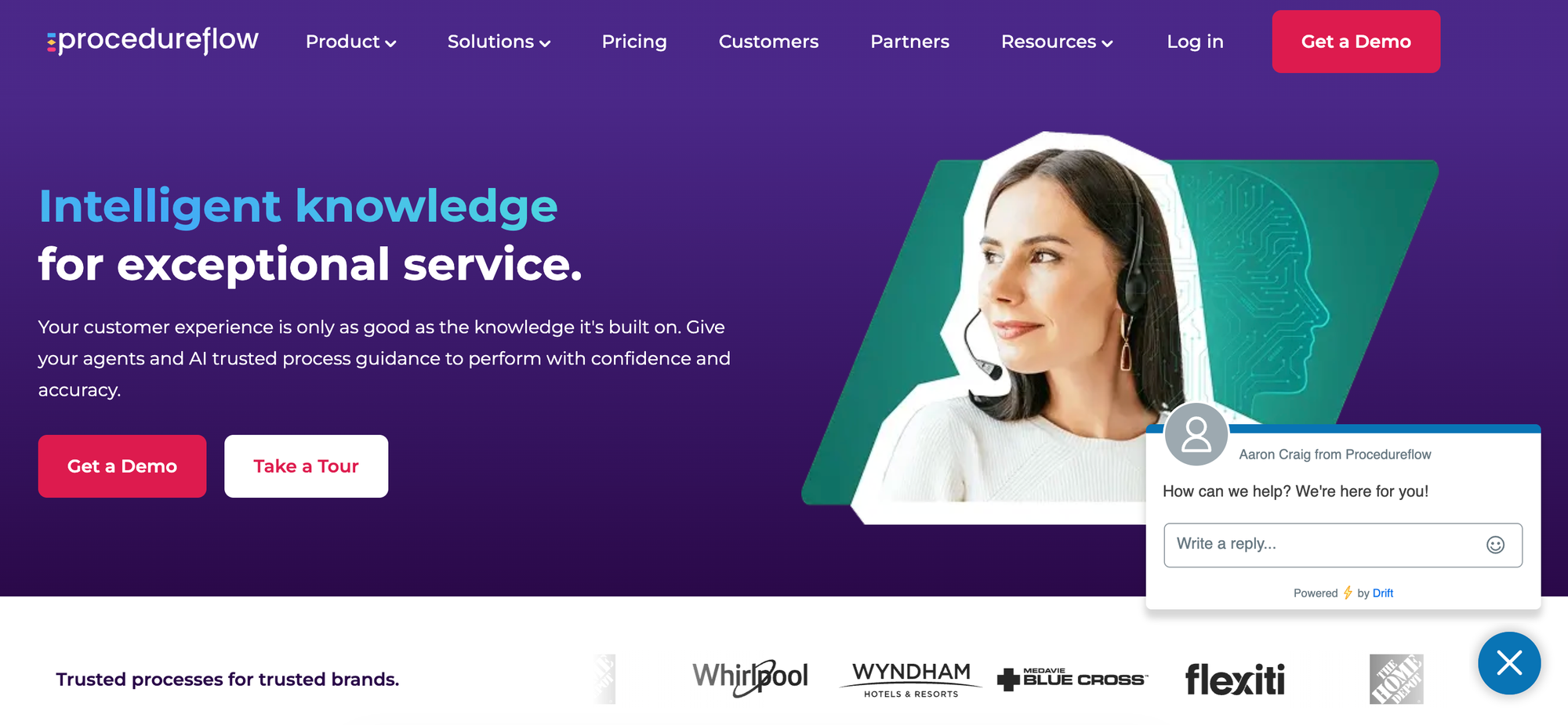
ProcedureFlow is a visual knowledge management platform that turns text-heavy standard operating procedures (SOPs) into guided, flowchart-style processes. It's aimed at contact centers and compliance-driven industries where agents need to follow structured procedures accurately on every interaction.
For teams that like the idea of decision tree scripting but want workflows that actively guide agents during live calls and chats, ProcedureFlow fills that need. It integrates with major CCaaS and CRM platforms and includes process automation to reduce manual steps. But it doesn't offer customer-facing self-service or a traditional knowledge base, so it only covers the agent side of the equation.
ProcedureFlow vs Zingtree at a Glance
- Visual flows vs. traditional decision trees: ProcedureFlow presents processes as visual guides and flowcharts with linked steps. Zingtree uses a more conventional branching tree format.
- Knowledge governance focus: ProcedureFlow includes version control, audit trails, role-based permissions, and a change management framework. Zingtree offers logic versioning but less emphasis on governance as a discipline.
- Process automation: Both platforms can automate tasks within workflows, but ProcedureFlow lets agents trigger actions like data entry and record updates directly from a process step.
- Less AI autonomy: Zingtree has invested in agentic AI and guardrail autonomous resolution. ProcedureFlow uses AI to assist with flow creation and content, but doesn't offer AI-driven self-service or autonomous agents.
Pros
- The visual flowchart format can make complex, multi-branch procedures easier for agents to scan and follow in real time compared to clicking through a linear decision tree.
- Built-in change management with crowdsourced updates, side-by-side comparisons, and approval workflows gives compliance teams more control over how processes evolve.
Cons
- There's no customer self-service layer, so it only helps once a customer is already talking to an agent. Teams looking to deflect tickets will need a separate tool.
- The platform is focused on internal process execution and doesn't include a searchable knowledge base, AI-powered search, or help center for agents or customers.
Pricing
Starts at $27.50/month for basic features. Enterprise plans with custom pricing are available.
Consider The Solution Purpose-Built for Better and Faster Customer Service
Most Zingtree alternatives solve one part of the problem. Some handle decision trees. Others focus on agent guidance or workflow automation. But few address the biggest opportunity in customer support: helping customers resolve issues on their own before they ever contact your team.
Stonly does both. It gives agents guided workflows inside the tools they already use, and it gives customers interactive, step-by-step help through embedded widgets, AI-powered search, and a generative AI chatbot trained on your knowledge. Everything runs from a single knowledge base, so what customers see stays aligned with what agents do.
The result is fewer tickets created, higher self-service completion rates, and agents who resolve the remaining issues faster and more consistently. Your analytics show you exactly which content is driving resolutions and where you have gaps, so you can keep refining your content over time.
Schedule a demo to see how Stonly can help your team deflect more tickets and deliver better service to more customers.