
![10 Best Knowledge Base Software for 2026 [Full Comparison]](/blog/content/images/2026/02/Blog-image-Best-knowledge-base-software.png)
Knowledge base software platforms look similar on the surface, but they're built for fundamentally different audiences and workflows.
While they all help you organize and share knowledge, the features you need vary dramatically depending on who's accessing that knowledge and why. Tools designed for customer self-service will fall short for internal team documentation. And while some platforms can handle both internal and external knowledge bases, many are limited to just one or the other.
Different knowledge workflows need distinct capabilities, so this guide breaks down the best tools by category:
- Customer Support Knowledge Bases: For support teams and SaaS companies creating self-service help centers, documentation sites, and customer-facing resources. Some platforms also support internal knowledge bases designed specifically for support agents, giving them quick access to answers directly within their workflows. This is different from general internal collaboration tools (covered later in this guide) that teams like HR or product use for company wikis and process documentation.
- Internal Knowledge Collaboration: For teams and organizations building internal wikis, process documentation, and shared knowledge repositories for employees
Within each category, we'll show you the key features to compare so you can find the right tool for your specific knowledge management needs.
Top Knowledge Base Platforms for Customer Support
Stonly
Stonly is a knowledge base software platform specifically designed for customer service teams. There are a few things that make Stonly different from some of the other knowledge bases you’ll find on this list.
1. You can create the absolute most effective knowledge for customer support
Stonly is the only full-featured knowledge base that supports both standard articles and interactive guides, a format that breaks down troubleshooting steps, processes, and how-to content into adaptive paths. Each guide adjusts based on the reader's situation to surface the specific information they need.
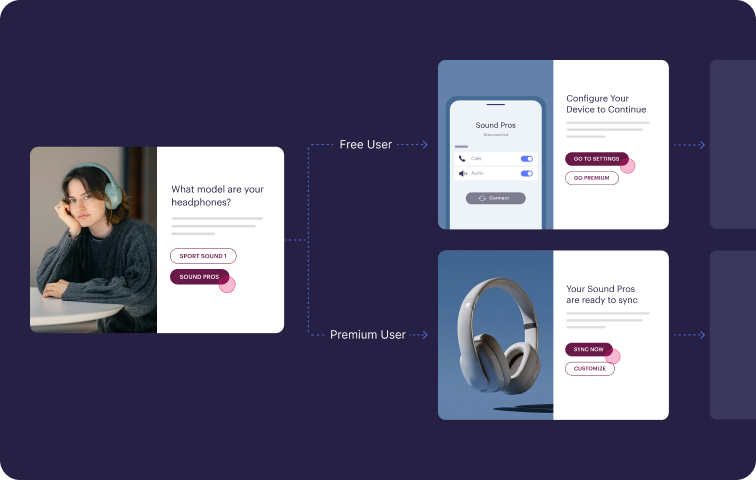
Interactive guides can actually automate actions on behalf of customers and agents, so your knowledge becomes a more active part of helping customers resolve their issues.
2. It makes it easy for people to find and use your knowledge
The platform focuses on reducing friction in how people access knowledge. Agents see relevant guidance directly in their ticketing system without having to search separately. Customers encounter help content through widgets, banners, and tooltips placed in the applications they're already using.
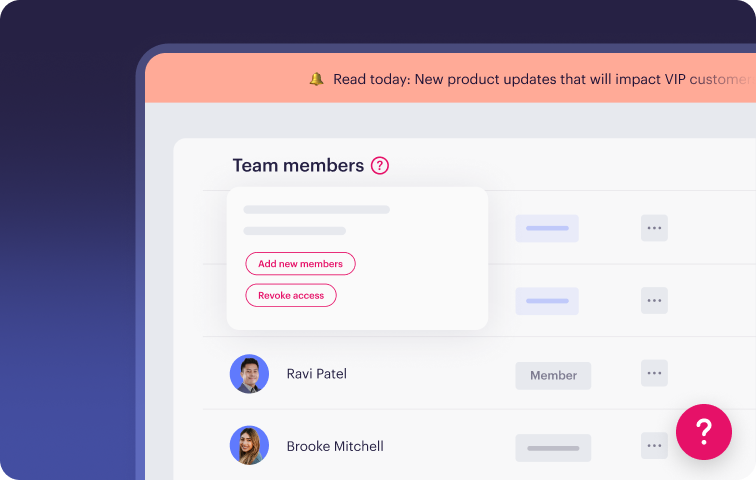
3. Our knowledge makes your AI work better (whether you use Stonly AI or have your own solution)
Stonly's AI works in two ways: as a customer-facing self-service tool and as an agent copilot inside ticketing systems. The chatbot combines keyword and semantic search, rewrites vague questions automatically, and asks follow-up questions.
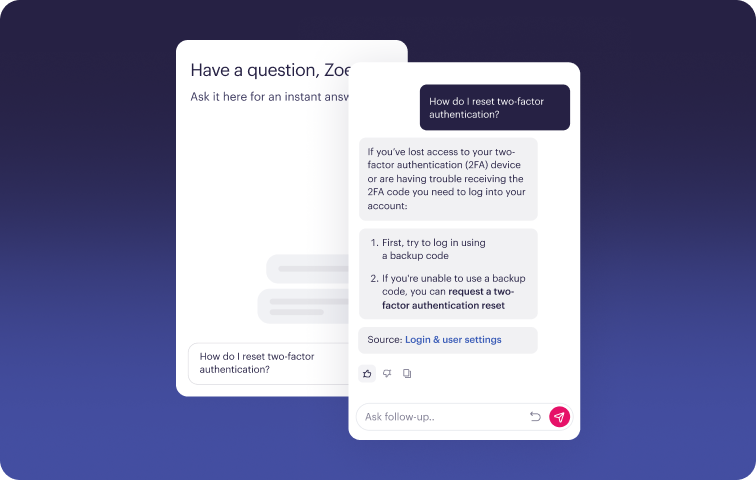
The agent copilot surfaces relevant articles during ticket handling and can trigger actions in connected systems. Together, they create a comprehensive AI-powered knowledge base.
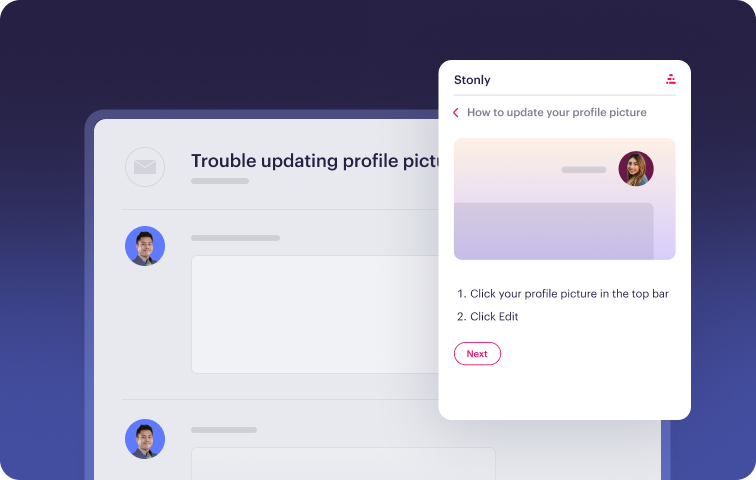
4. You get access to a level of service that is unmatched in the knowledge management space
Our platform is easy and intuitive, but you also get access to a team of CSMs who have helped 1000+ companies make a big impact with their knowledge. We’re a partner in making sure you achieve the success you need, not just a cheap self-serve tool.
Key Knowledge Base Features for Customer Support
| Unified Internal + External Knowledge | Single platform that serves both agent and customer knowledge needs |
| Content Formats | Standard articles and interactive decision-tree style guides |
| Content Creation Experience | Visual editor for standard articles and interactive guides |
| Search Functionality | Keyword search with granular linking to specific steps, tag-based filtering, and integrated generative AI |
| AI Capabilities | AI-powered search, standalone chatbot, and agent copilot |
| Analytics and Reporting | Tracks content usage, search patterns, AI effectiveness, individual agent metrics, and custom metrics |
| Contextual Help | Embeddable widget with browser extension and content delivery via tooltips and banners |
| Customization & Branding | Extensive no-code customization options and complete HTML/CSS flexibility |
| Native Integrations | Zendesk, Salesforce, Freshworks, ServiceNow, and more |
| Customer Success & Product Partnership | Full-service approach with dedicated onboarding specialists, customer success managers, account managers, and transparent product roadmap |
| Best For | Centralized knowledge base for internal and external users |
What Real Customers Are Saying About Stonly
“We wouldn’t be able to live without Stonly. There are no other tools that have the same step-by-step guide capability combined with the ease of setup, AI features, and integrations available.”
Alex Arkhipov, Care Operations, Tonal
"Stonly simplifies our complex processes with step-by-step knowledge right where agents and users need support, resulting in a faster and more consistent experience."
Andrea Eskanos, Customer Success Enablement, RemoteLock
"With Stonly as our always up-to-date source of truth, client-facing teams can respond twice as fast and more accurately."
Thomas Thieffry, Head of Product, Bpifrance
Pricing
Stonly offers custom pricing plans for small businesses and enterprise companies.
Speed up your support agents and help more customers self-serve with personalized knowledge, powerful AI, and process automation.

Document360

Document360 is a knowledge management solution designed to help support teams resolve tickets faster and reduce repetitive inquiries. The platform makes knowledge accessible to both customers and support agents through AI-powered search, content categories, and multi-language support.
With an emphasis on ease of setup and straightforward content management, Document360 aims to help smaller teams get knowledge bases operational quickly without extensive technical resources.
Key Knowledge Base Features for Customer Support
| Unified Internal + External Knowledge | Supports separate knowledge bases for agents and customers |
| Content Formats | Standard articles and interactive decision-tree style guides |
| Content Creation Experience | Visual editor and markdown support for standard articles only |
| Search Functionality | Keyword search capabilities with tag-based filtering and AI-enhanced results |
| AI Capabilities | AI-powered search, standalone chatbot, and AI-driven features for drafting content |
| Analytics and Reporting | Tracks content effectiveness, search performance, and AI usage patterns |
| Contextual Help | Embeddable widget and browser extension with basic content personalization |
| Customization & Branding | Customization through no-code interface, full HTML and CSS access available |
| Native Integrations | Intercom, Zendesk, Slack, and more |
| Customer Success & Product Partnership | Standard support included, dedicated account management available on premium plans |
| Best For | Small companies and startups with limited developer resources |
Advantages
- Direct connections with Zendesk, Freshdesk, and other platforms allow agents to access knowledge without leaving their ticketing system
- Content workflow controls ensure only approved updates get published, maintaining consistency and accuracy across the knowledge base
Shortcomings
- Some users mention that the search experience can be challenging because it doesn't fully embrace natural language queries, requiring more precise keyword matching
- Others note that the API documentation needs improvement, with some sections being outdated or lacking sufficient detail for implementation
Pricing
Three subscription tiers, with custom pricing available on request.
Salesforce Knowledge
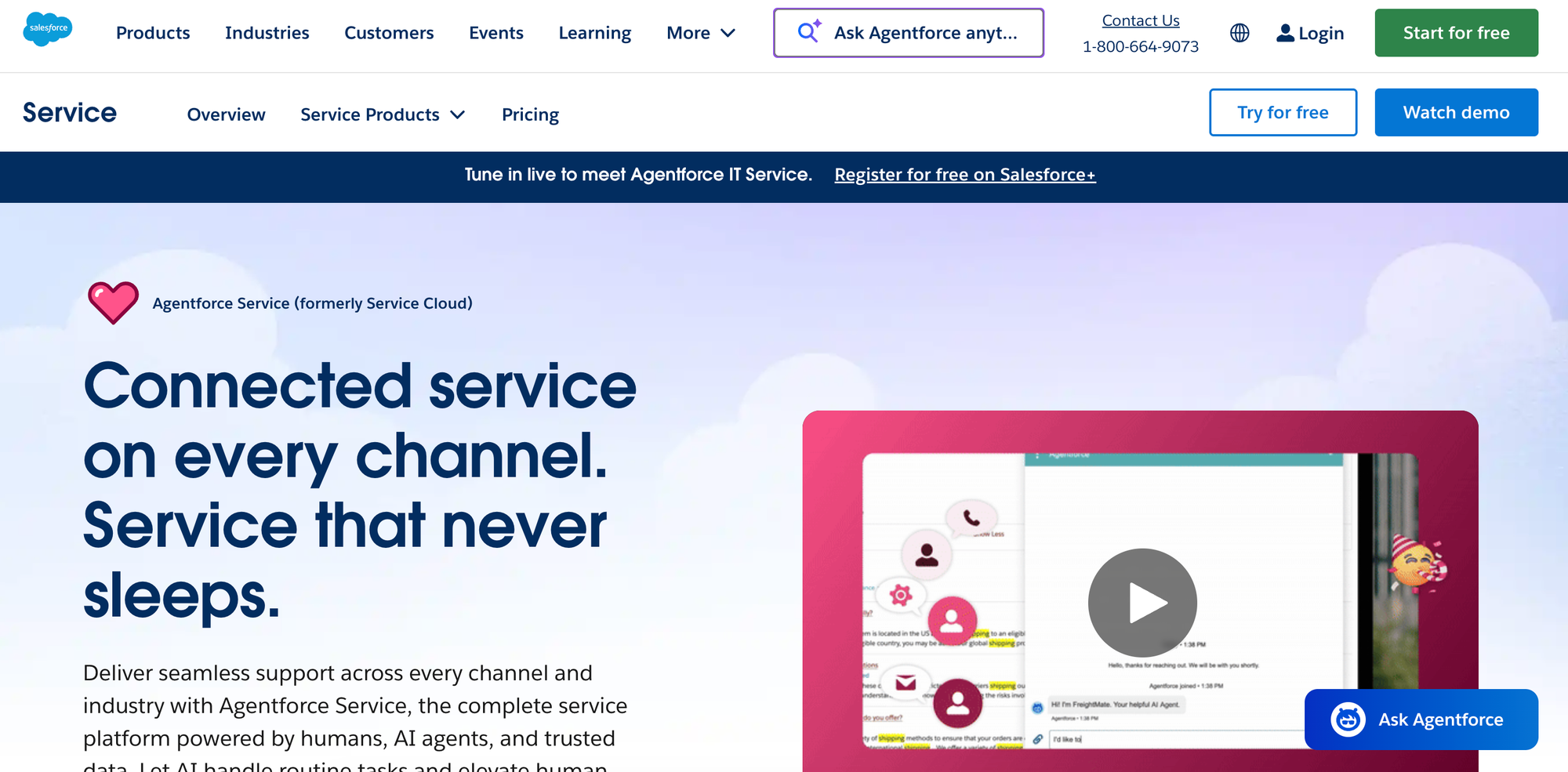
Salesforce Knowledge is a knowledge management solution embedded in Salesforce Service Cloud. Support agents can pull up articles directly in their workflow, maintaining focus on customer conversations rather than hunting for information across different systems.
It offers standard article creation and organization, with AI-powered features like intelligent search and content suggestions available through Einstein AI as an optional upgrade.
Key Knowledge Base Features for Customer Support
| Unified Internal + External Knowledge | Primarily for internal use by support agents |
| Content Formats | Standard articles only |
| Content Creation Experience | Visual editor for standard articles; interactive content requires custom development |
| Search Functionality | Basic keyword search included, AI enhancements available as a paid upgrade |
| AI Capabilities | AI-driven search enhancement, agent assistance, and content creation tools available as a paid upgrade |
| Analytics and Reporting | Tracks content views, usefulness, and ratings |
| Contextual Help | Not available |
| Customization & Branding | Customization requires development work |
| Native Integrations | Salesforce ecosystem |
| Customer Success & Product Partnership | Basic support included in all plans; enhanced support and implementation services available for an additional cost |
| Best For | Organizations that have already invested in the Salesforce ecosystems |
Advantages
- Knowledge articles appear directly within Service Cloud workflows, eliminating context switching and keeping agents focused on resolving customer issues
- Designed to handle the knowledge management needs of large enterprises with complex organizational structures and high ticket volumes
Shortcomings
- Making visual or structural changes to the knowledge base often needs developer involvement, slowing down content teams that want to iterate quickly
- Teams using support tools like Zendesk, Intercom, or standalone chat platforms can't connect their knowledge base, forcing them into an all-Salesforce stack
Pricing
Salesforce Knowledge is available in the Unlimited tier of Salesforce Service Cloud, which starts at $350/user per month (billed annually).
Zendesk Knowledge
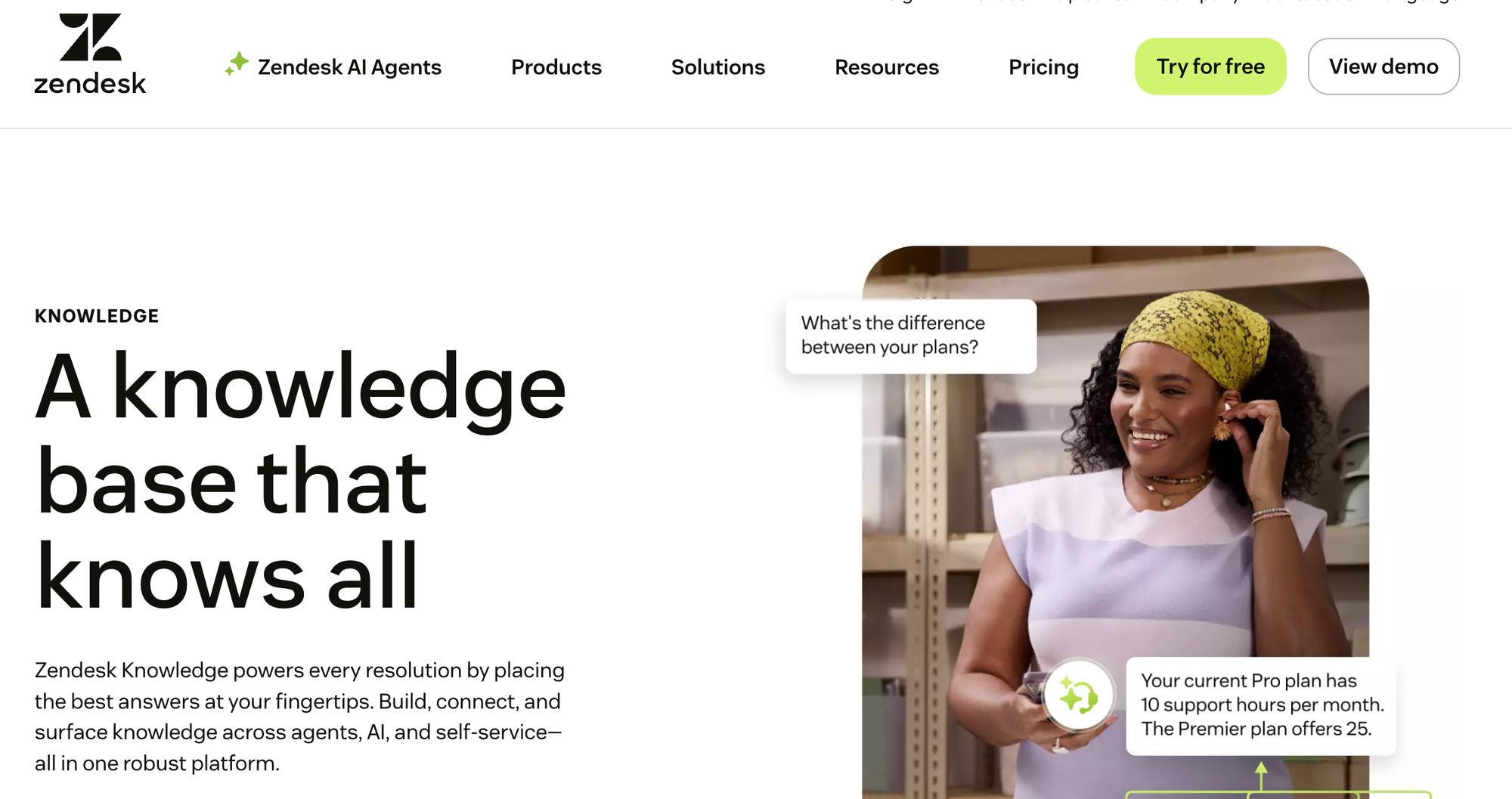
Zendesk Knowledge is a knowledge base tool that powers customer service resolutions across channels. It brings together help center content, community forums, and external resources, making information accessible to both AI agents and human support teams.
With its built-in AI capabilities, Zendesk helps teams build and scale their knowledge bases quickly while delivering answers in self-service portals, within agent workspaces, or through automated AI interactions.
Key Knowledge Base Features for Customer Support
| Unified Internal + External Knowledge | Not designed to serve both agent and customer needs efficiently |
| Content Formats | Standard articles only |
| Content Creation Experience | Visual editor for standard articles; interactive content requires custom development |
| Search Functionality | Keyword search with filtering options and integrated generative AI |
| AI Capabilities | AI-powered search and support chatbot included; advanced features like AI agents available as a paid add-on |
| Analytics and Reporting | Prebuilt analytics dashboards are included; customizable live dashboards and AI insights require an upgrade or an add-on |
| Contextual Help | Widget and browser extension |
| Customization & Branding | Custom themes are included; advanced customization requires developer resources |
| Native Integrations | Zendesk Suite, Slack, Jira, and more |
| Customer Success & Product Partnership | Standard support included; premium success programs and professional services available at extra cost |
| Best For | Zendesk users seeking a basic built-in knowledge base |
Advantages
- Help center articles, community forums, and external sources combine into a single searchable system, ensuring both agents and AI have access to complete information
- Knowledge surfaces automatically within the Zendesk agent workspace and across all Zendesk channels, eliminating the need for agents to search separately
Shortcomings
- Teams using other helpdesk platforms or wanting to maintain platform flexibility will find limited integration options beyond the Zendesk Suite
- Detailed reporting on AI performance and search analytics aren't included in base plans, leaving teams with less visibility into how their knowledge is performing
Pricing
Zendesk Knowledge is available in all Zendesk Suite plans, which start at $55/user per month (billed annually).
Comparison of the best knowledge base software for customer service
Top Internal Knowledge Collaboration Platforms
Confluence
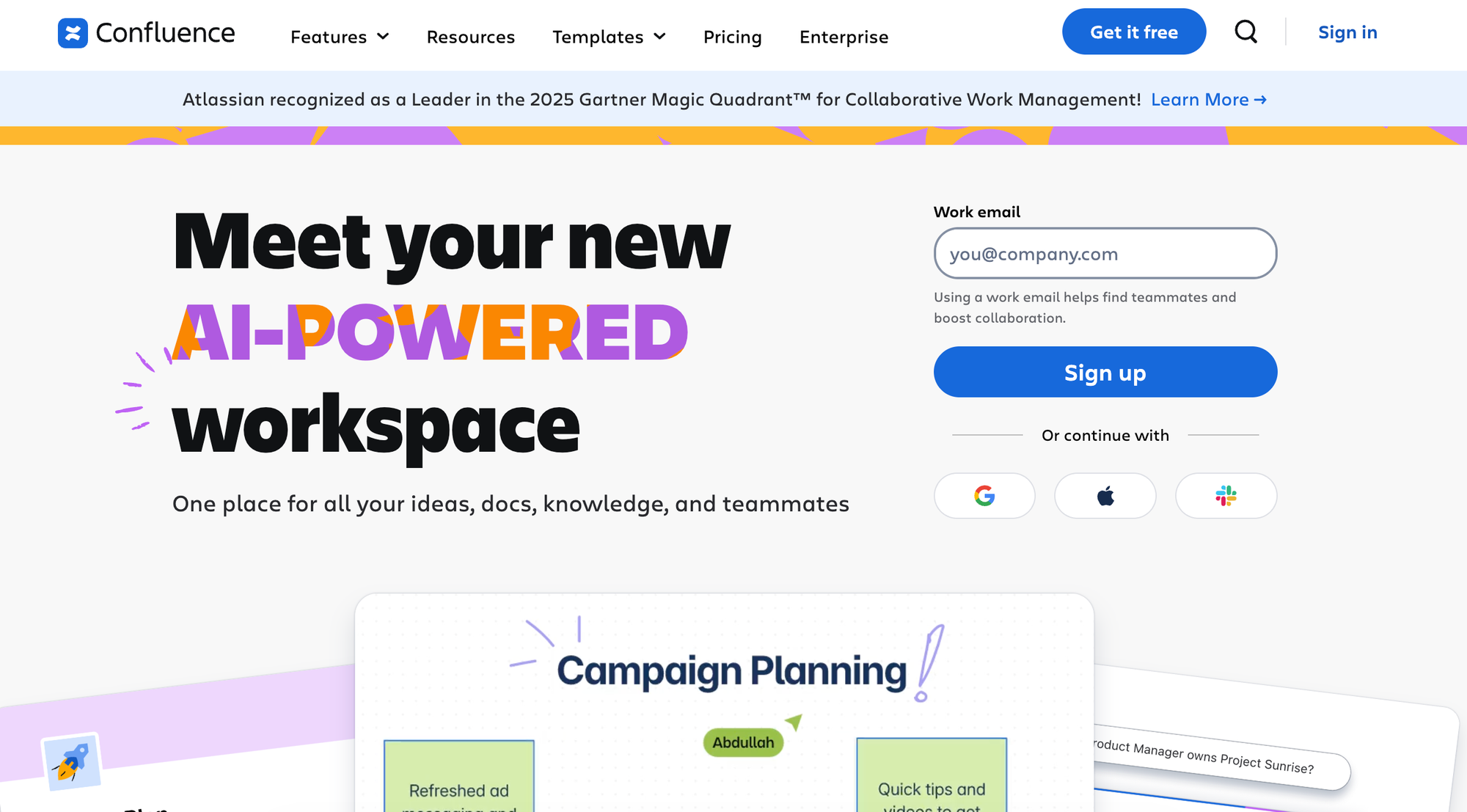
Confluence is an internal wiki for team collaboration and real-time knowledge sharing. Part of the Atlassian ecosystem, the platform provides a flexible workspace where teams can co-create content, stay aligned on projects, and keep organizational knowledge accessible.
Key Internal Knowledge Base Features
| Real-Time Collaboration | Multi-user editing with inline comments, @mentions, and real-time updates across documents |
| Search & Discovery | Full-text search with page hierarchy navigation |
| Knowledge Maintenance | Version control with page history, content archives, and structured review workflows |
| Permissions & Access Control | Role-based permissions at the space and page level with flexible access controls |
| Integrations | Jira, Trello, Microsoft Teams, Google Drive, Figma, Miro, GitHub, and more |
| Analytics & Insights | Tracks basic view and engagement metrics; advanced analytics require a third-party tool or the Enterprise plan |
Advantages
- As part of the Atlassian ecosystem, Confluence integrates with Jira and Trello, making it particularly valuable for product and engineering teams that need documentation tied to development work
- Pre-built templates for project plans, retrospectives, and how-to guides help teams document consistently
Shortcomings
- Some users report difficulty finding relevant answers or accessing essential information due to search engine limitations
- Others note that the platform can experience slowdowns when working with large amounts of data, large pages, or many concurrent users
Pricing
Free plan includes most features but limits usage. Paid plans start at $16,500 per year and include more automations, AI features, and users.
Guru
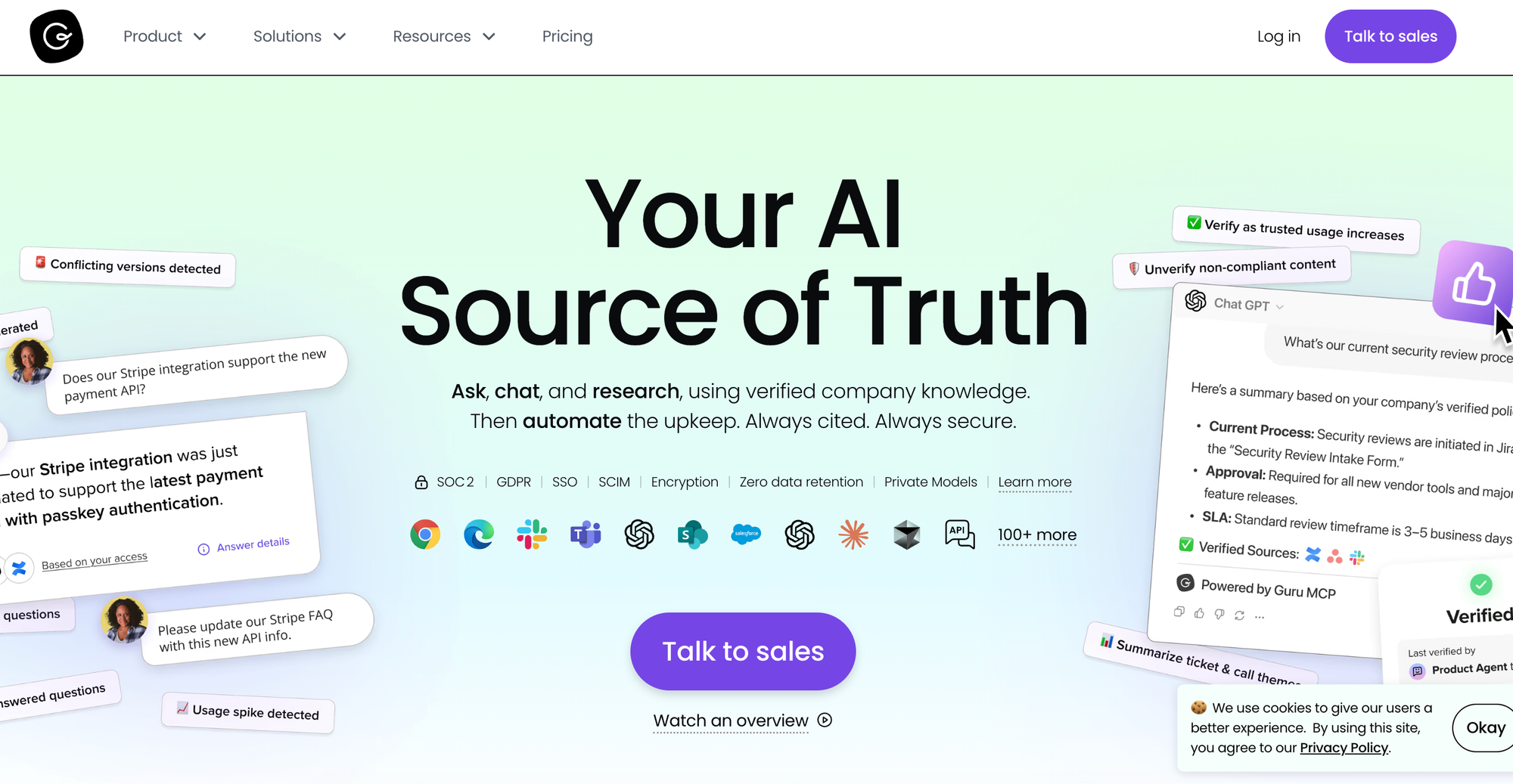
Guru is a knowledge platform that delivers information directly within employee workflows: through browser extensions and many native integrations with collaboration tools and help desk platforms.
The platform's card format breaks knowledge into reusable pieces that can be organized into collections and surfaced contextually. Guru also automatically maintains current knowledge via verification workflows that keep content fresh.
Key Internal Knowledge Base Features
| Real-Time Collaboration | Collaborative editing on cards with verification workflows, expert identification, and shared drafts |
| Search & Discovery | AI-powered search across connected apps with permission-aware results and hybrid search indexing |
| Knowledge Maintenance | Automated verification reminders, duplicate detection, stale content auto-archiving, and SME assignment |
| Permissions & Access Control | Card-level permissions by group, team, or individual with reader or editor access control |
| Integrations | Slack, Teams, Chrome, Zendesk, Salesforce, Confluence, MCP Server for Claude and Cursor, and more |
| Analytics & Insights | Tracks usage, verification status, engagement metrics by team and content type, and knowledge gap identification |
Advantages
- Browser extensions and app integrations surface relevant cards where people work, reducing tool and context switching
- Cards allow reuse across collections and automatically update everywhere when source content changes
Shortcomings
- Despite verification features, content requires constant manual updates and SME oversight, creating trust issues when updates fall behind
- Some users say rich text and formatting options are more restricted compared to other platforms, making Guru less suitable for managing complex information
Pricing
Pricing starts at $25/user per month (billed annually).
Slite
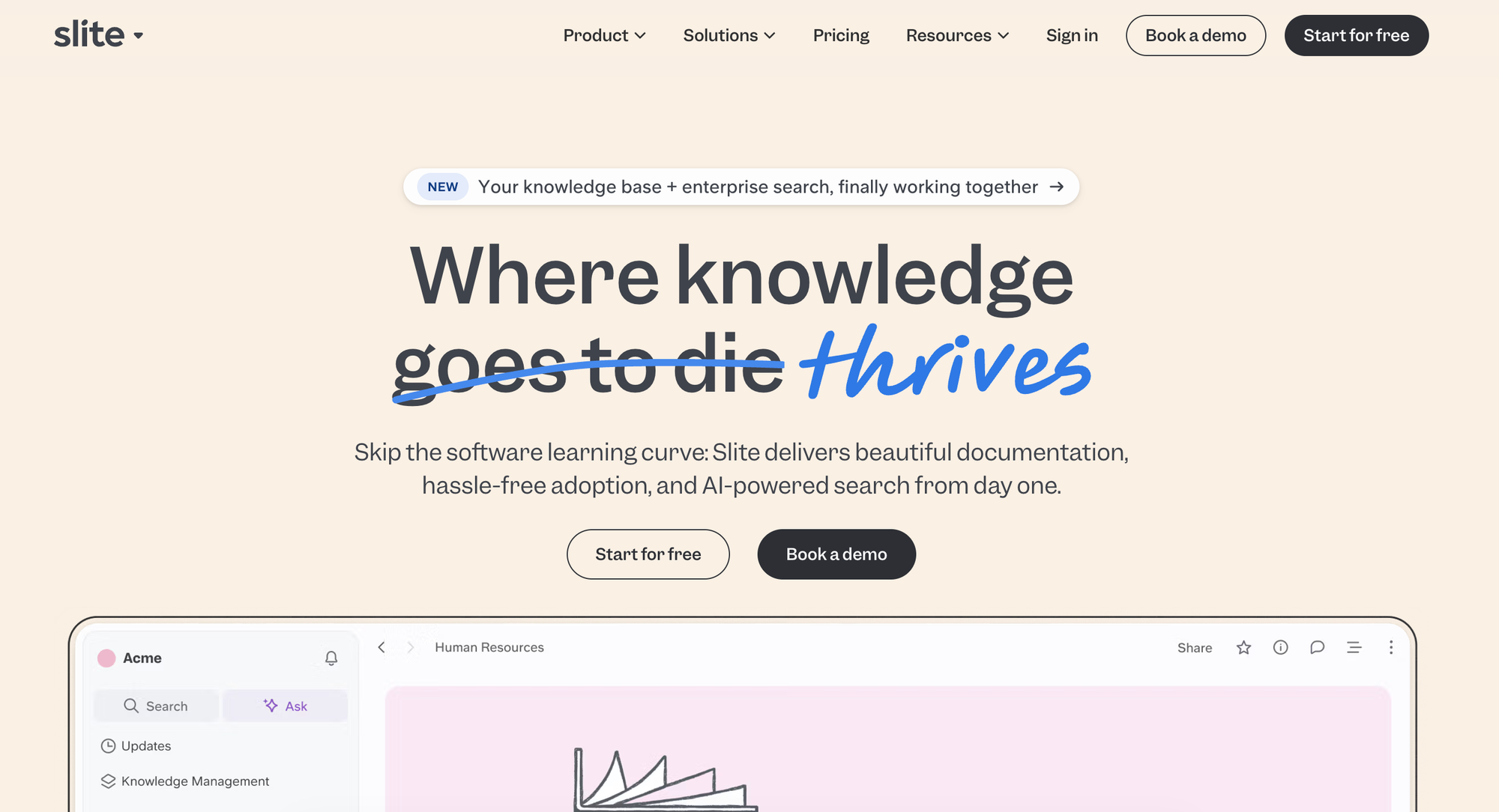
Slite is a knowledge base built for simplicity. It focuses on making documentation straightforward, with AI-powered features built directly into the writing experience. The platform's verification system and AI assistant help teams keep knowledge fresh and accessible.
Key Internal Knowledge Base Features
| Real-Time Collaboration | Co-editing with inline comments and collaborative document creation |
| Search & Discovery | AI-powered answers in natural language in multiple languages |
| Knowledge Maintenance | Document verification system with automated reminders, AI-suggested maintenance actions, and bulk operations for document management |
| Permissions & Access Control | Cascading permissions and user roles to define access for viewers and editors |
| Integrations | Slack, Confluence, Jira, Trello, Notion, and more |
| Analytics & Insights | Tracks usage, adoption, content creation, search success, and contributor activity |
Advantages
- User-friendly interface requires minimal training, making adoption easy across technical and non-technical teams
- Automated suggestions show which docs need attention and enable bulk actions from a central dashboard
Shortcomings
- Not ideal for enterprise users, as it doesn't support complex workflows or offer granular version control
- Some users mention that Slite's formatting options are minimal, which may limit how teams can display information
Pricing
Pricing starts at $8/user per month (billed annually).
Glean
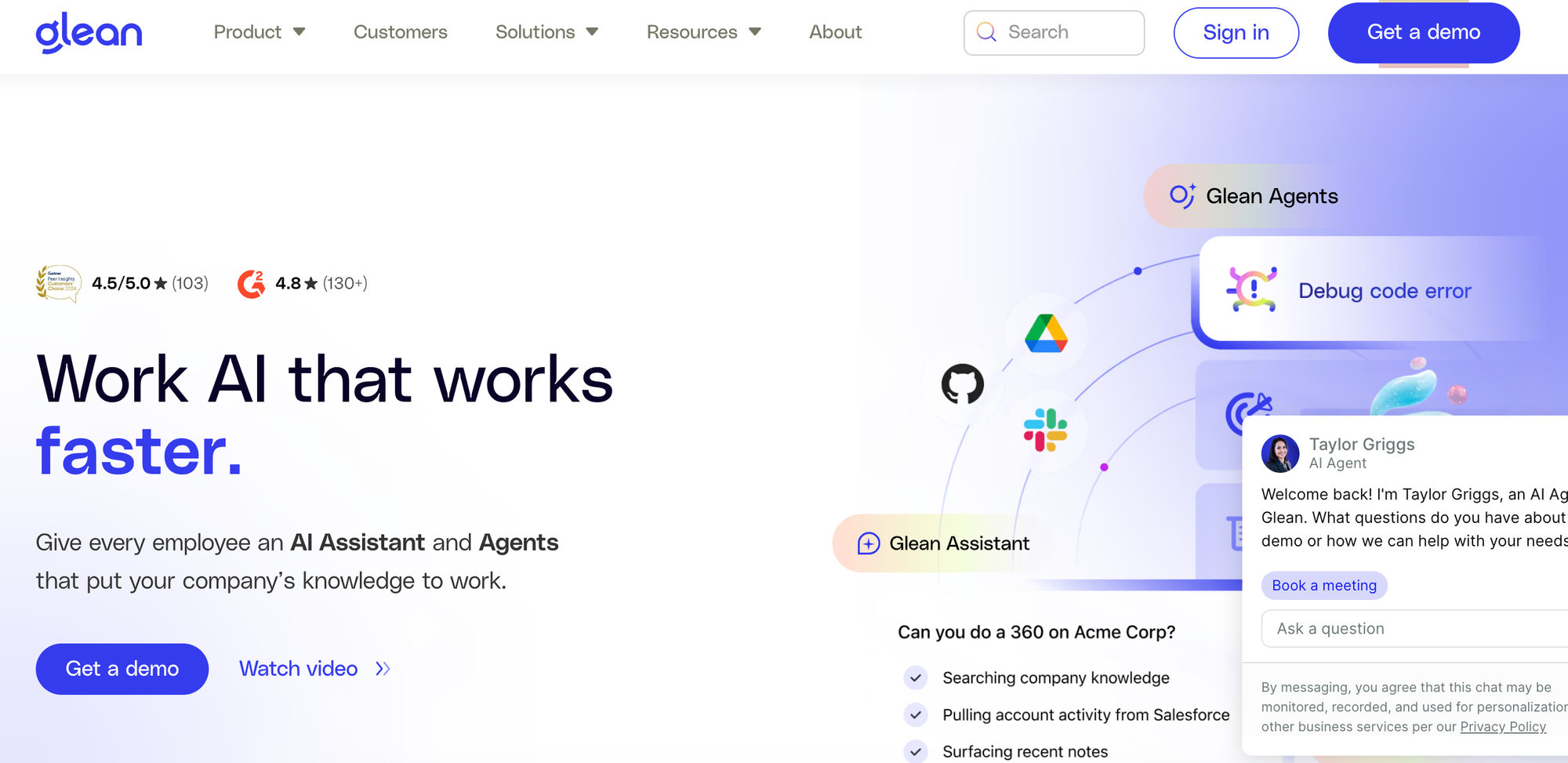
Glean is an enterprise AI platform that unifies search and knowledge access across company data. Unlike traditional knowledge bases, Glean indexes content from connected apps to provide AI-powered answers and automate workflows. The platform adds an intelligent layer to existing knowledge systems, making scattered information accessible through natural language queries.
Key Internal Knowledge Base Features
| Real-Time Collaboration | Not a collaboration platform, as it focuses on AI-powered search and information access |
| Search & Discovery | Semantic and lexical hybrid search with Enterprise Graph understanding company acronyms, projects, and domain-specific terms; personalized results tailored to role and work; permission-aware search |
| Knowledge Maintenance | Not a content creation platform, as it indexes and surfaces content from connected apps rather than updating knowledge |
| Permissions & Access Control | Applies permissions and access control from connected sources |
| Integrations | Google Workspace, Microsoft 365, Slack, Salesforce, Zendesk, GitHub, Jira, Confluence, Dropbox, Notion, and more |
| Analytics & Insights | Usage tracking, adoption metrics, time savings measurements, and organizational insights |
Advantages
- AI answers automatically use the same access controls users have in the system containing the original content, preventing unauthorized information exposure
- AI-powered agents can access information, think and reflect, and perform relevant actions, reducing the need for manual work
Shortcomings
- Can't create knowledge content, making it less ideal for organizations seeking an all-in-one knowledge management tool
- Some users report incorrect answers and AI hallucinations, which can perpetuate errors and compromise trust
Pricing
Custom pricing available on request.
Notion
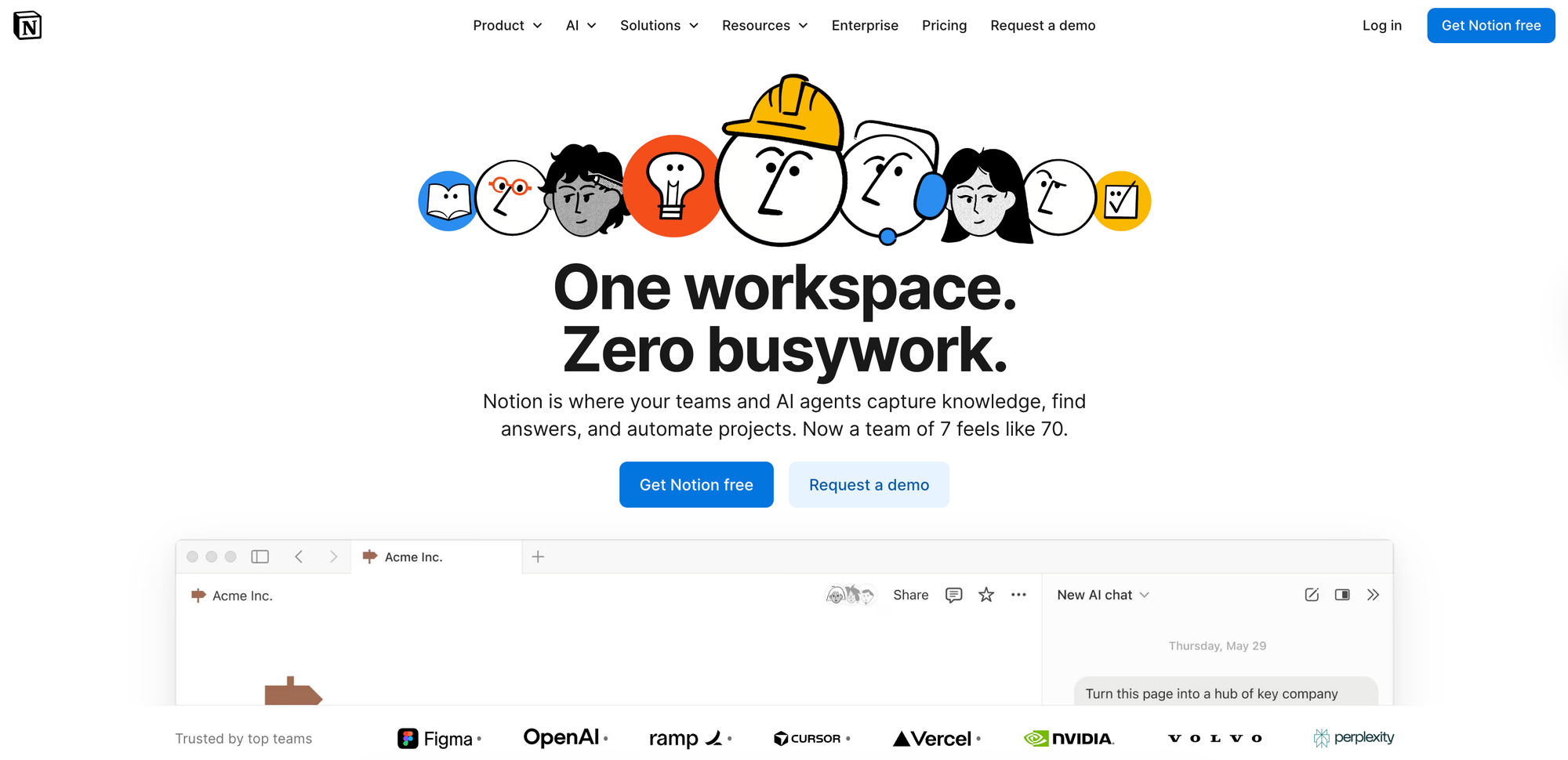
Notion is an all-in-one workspace designed for personal and team knowledge management, combining notes, documents, databases, and projects into a single platform. Its flexibility makes it adaptable to different workflows.
Teams use Notion to centralize company wikis, project documentation, meeting notes, and standard operating procedures.
Key Internal Knowledge Base Features
| Real-Time Collaboration | Co-editing with inline comments, @mentions, and real-time updates |
| Search & Discovery | Full-text and natural language search across pages and databases with filtering capabilities |
| Knowledge Maintenance | Version history tracking, page templates for consistency, and synced blocks automatically update content everywhere |
| Permissions & Access Control | Flexible page-level permissions and workspace, team, and role-based access |
| Integrations | Figma, GitHub, Slack, Jira, Amplitude, and more |
| Analytics & Insights | Workspace usage analytics available with the Enterprise plan |
Advantages
- Teams can consolidate notes, wikis, project management, and databases into one platform rather than juggling separate systems
- Pre-built templates for wikis, OKRs, onboarding checklists, and workflows help teams start quickly, although Notion also offers extensive customization options for various knowledge base examples
Shortcomings
- Has fewer automated maintenance features than most other knowledge management tools, which can cause information to become outdated
- Despite its many customization options, some users say visual customization is limited, which can restrict how teams share information and build knowledge bases
Pricing
Free plan includes basic forms and databases. Paid plans start at $10/user per month (billed annually) and include unlimited collaborative blocks, custom forms, and unlimited file uploads.
Microsoft Sharepoint
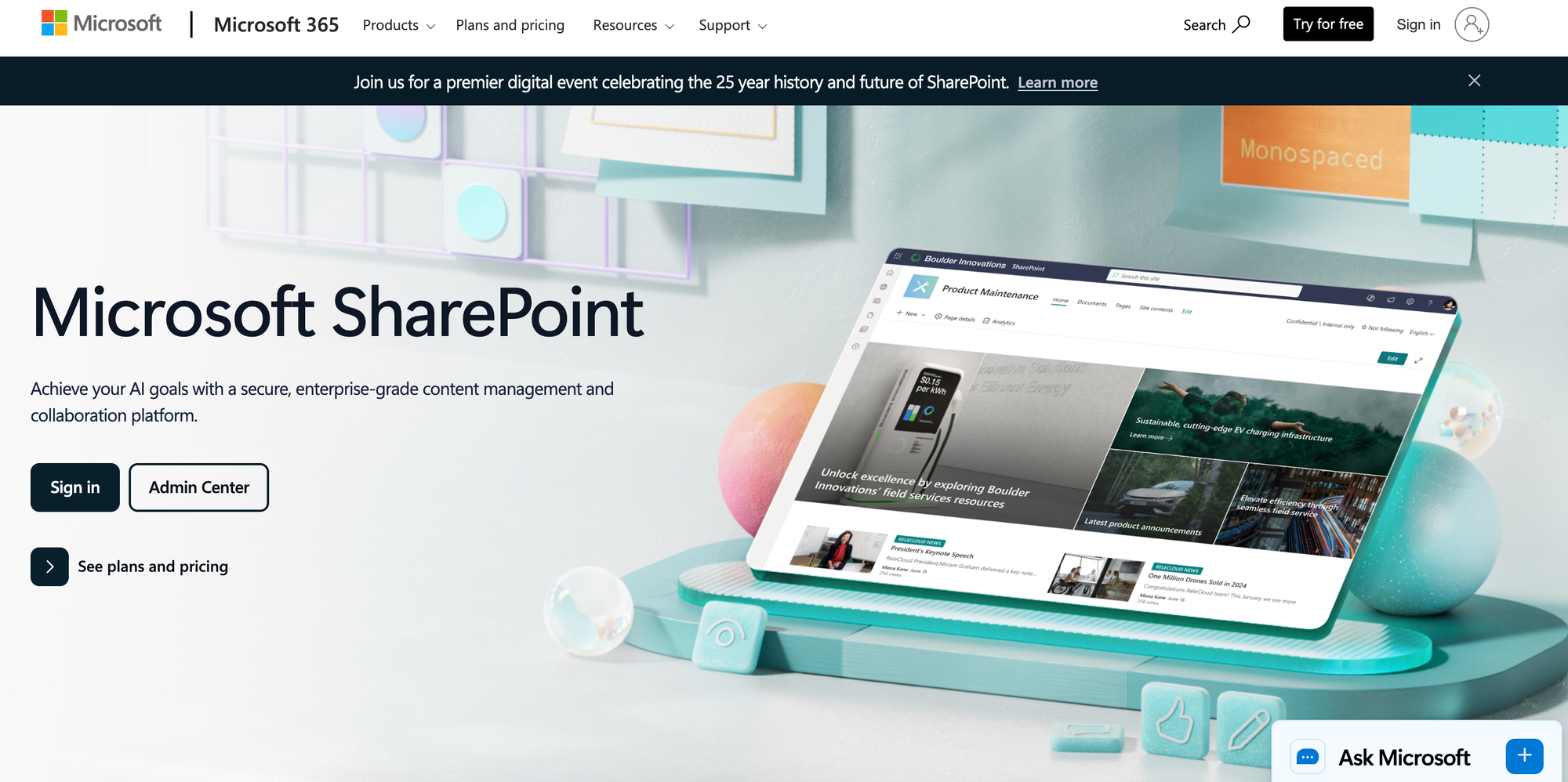
Microsoft SharePoint is an enterprise content management and intranet platform. Part of the Microsoft 365 ecosystem, the platform supports document libraries, team sites, and intranet portals.
As an enterprise tool, SharePoint emphasizes document management with version control, approval workflows, and comprehensive security features.
Key Internal Knowledge Base Features
| Real-Time Collaboration | Co-editing in Office documents with version control and SharePoint agents for Q&A and content assistance |
| Search & Discovery | Enterprise search across SharePoint sites and document libraries; Microsoft 365 Copilot integration for natural language site creation and content authoring |
| Knowledge Maintenance | Document approval workflows, version history, content type management, and retention policies |
| Permissions & Access Control | Granular permissions at the site, library, folder, and item level with Active Directory integration |
| Integrations | Microsoft 365 apps including Teams, Outlook, OneDrive, and more |
| Analytics & Insights | Tracks user activity, engagement, and content effectiveness |
Advantages
- Microsoft Copilot enables users to create AI-powered sites and pages using natural language prompts
- Ready-made and custom agents trained on-site content can answer basic questions and provide advanced insights
Shortcomings
- Some users mention a steep learning curve, lack of an intuitive interface, and lengthy setup times
- Since it's designed for enterprise users in the Microsoft ecosystem, it's not ideal for small businesses seeking a standalone knowledge base
Pricing
Pricing starts at $5/user per month (billed annually) for basic features and integrations with OneDrive and Microsoft Lists. The app is also included in the Microsoft 365 Business Standard plan, which starts at $12.50/user per month (billed annually).
How Stonly Helps You Create a Knowledge Platform for Better, Faster Customer Service
Stonly is built for customer service teams that need quick access to knowledge to deliver measurable results. It combines interactive guides, intelligent delivery, and powerful AI to help more customers self-serve and enable agents to resolve issues faster.
With Stonly, support teams get:
- Interactive guides and personalized knowledge bases: Create adaptive step-by-step guides that break complex troubleshooting into easy-to-follow flows alongside standard articles. Stonly's personalization ensures customers and agents see only what's relevant to them.
- Contextual delivery where your team works: Agents get guidance directly inside ticketing systems without leaving their workflow. Customers receive the right content through no-code widgets and triggers that push knowledge exactly when and where they need it in any mobile or web app.
- AI-powered answers and agent assistance: Stonly has conversational AI for customer self-service and an AI copilot that helps agents during ticket resolution. The AI asks clarifying questions when multiple answers apply, hands off smoothly to live support when needed, and provides analytics on question patterns and resolution rates.
- Unmatched service and partnership: Get support from product managers and customer success managers who have helped over 1,000 companies succeed. This makes Stonly a true partner, not just another basic knowledge base tool.
Schedule a demo to learn how leading companies use the platform to reduce support volume and speed up resolution times.